

AI Texture Generator
Ludo makes 2D seamless game textures and animated textures from a text prompt: stone, grass, water, lava, clouds. You get the tileable colour map your level repeats, not a full PBR material set, and the same surface can be animated into a loop-ready sprite sheet.
What is an AI texture generator?
An AI texture generator creates seamless, tileable surfaces from a text prompt, so they repeat across walls, floors, and terrain without visible seams. Ludo also animates them: rippling water, bubbling lava, drifting clouds, each returned as a loop-ready sprite sheet of up to 64 frames you drop straight into your engine.
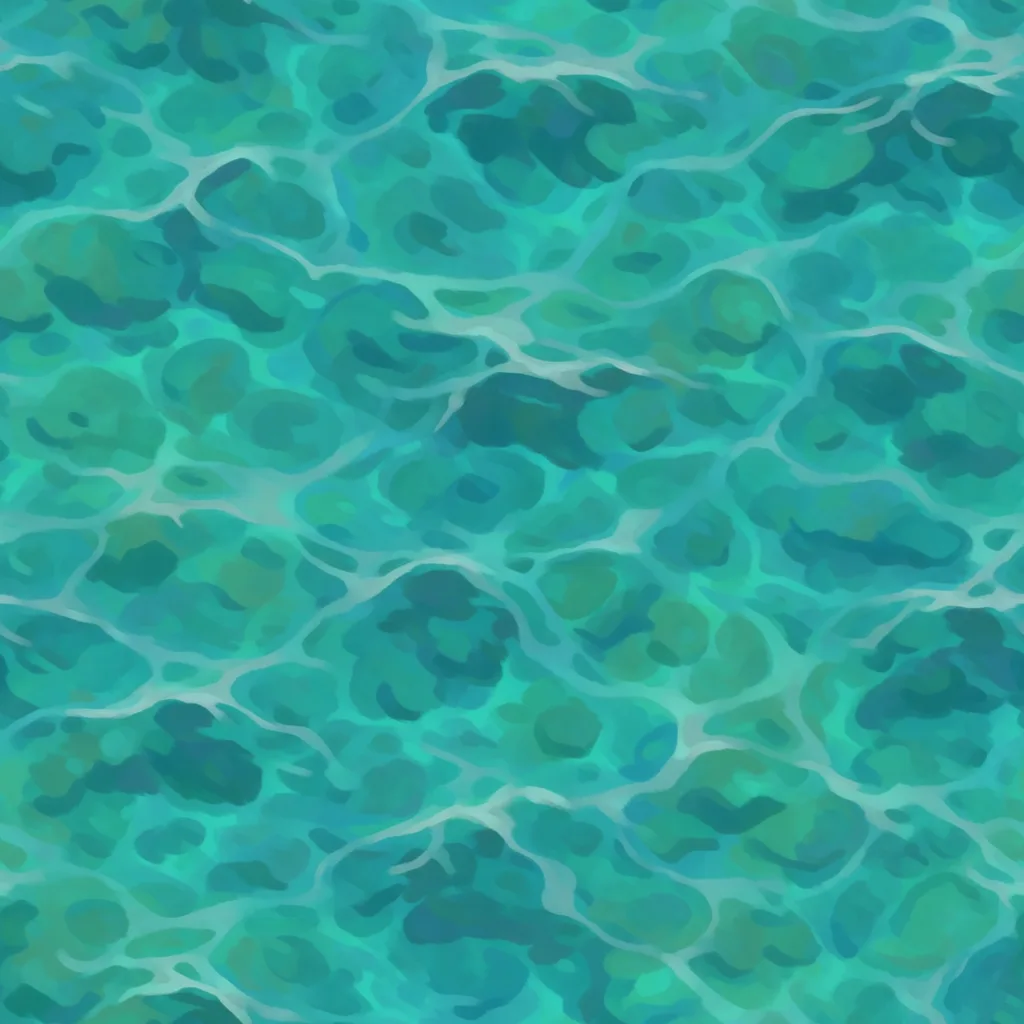
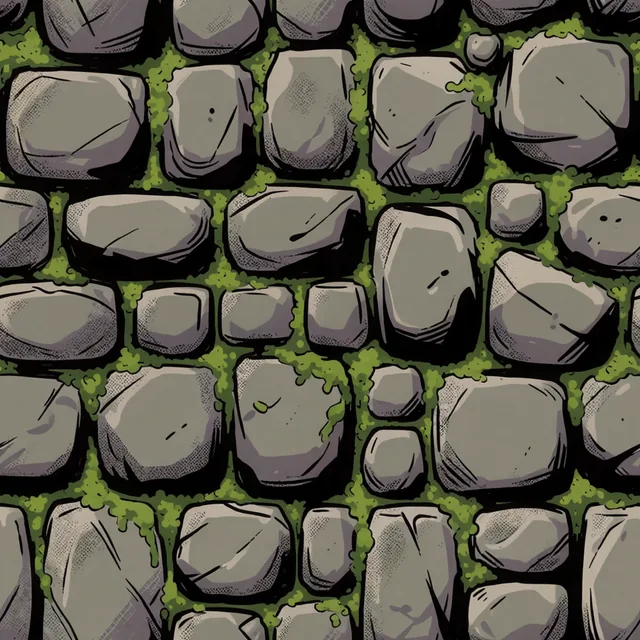
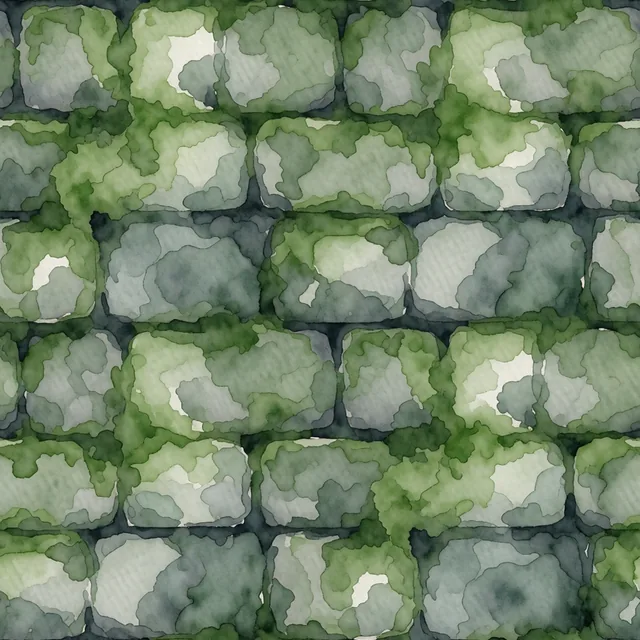
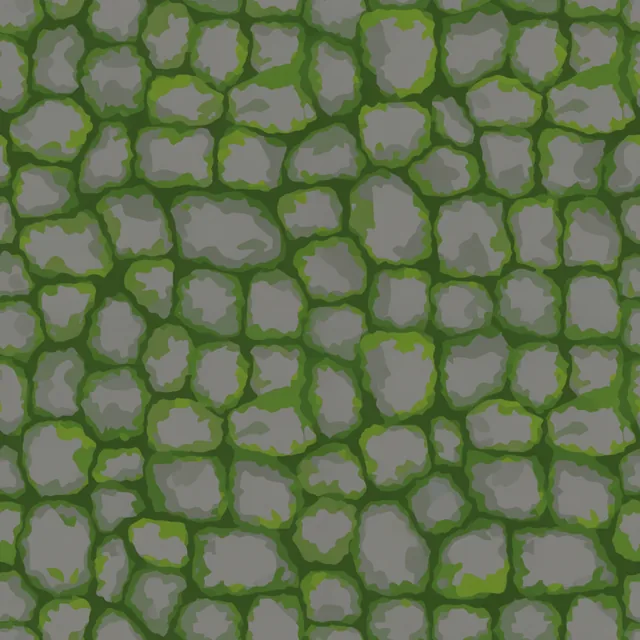
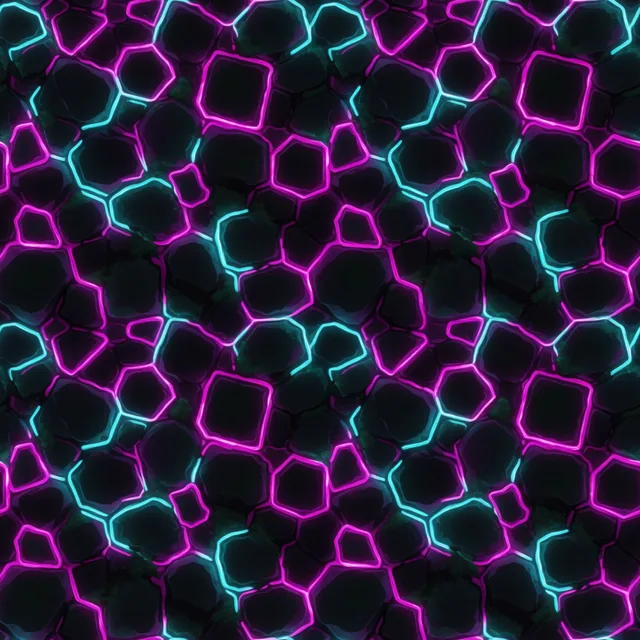
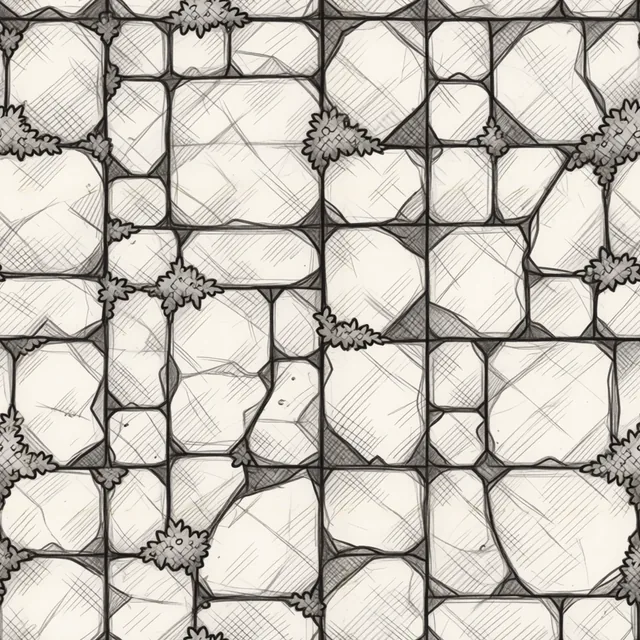
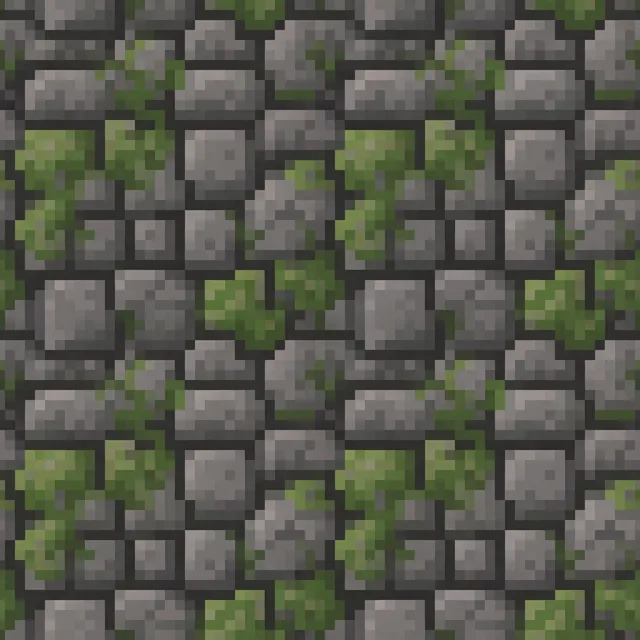
The same stone wall in eight art styles
One prompt, "mossy dungeon stonework", generated eight times. The art style is the only thing that changed. Ludo covers 32 of them, so a texture matches the rest of your game instead of fighting it.
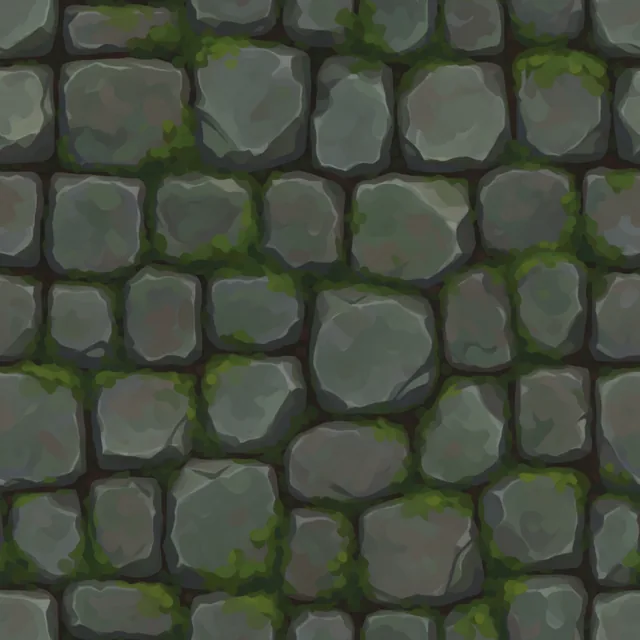
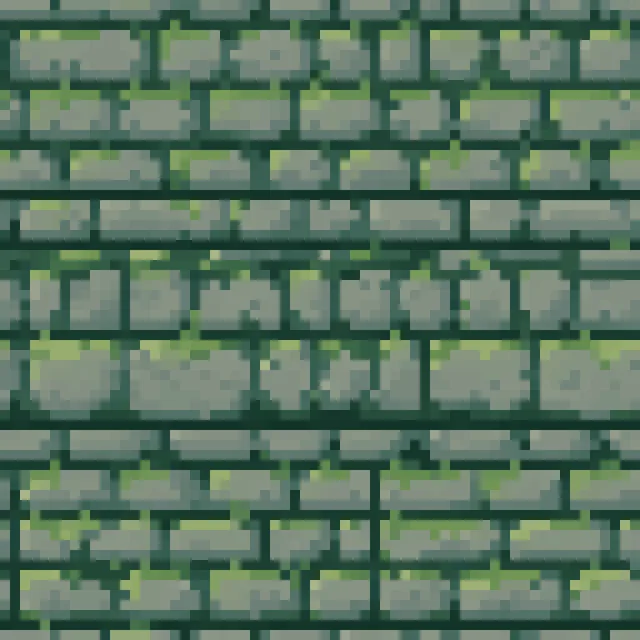
See it tile seamlessly, still or animated
Pick a texture and watch it repeat with no visible seams. Every one of them also animates: the switch flips between the moving surface and the still, and the +/- changes the tile size.
Ludo lives where you build
Every generator in your terminal, your AI agent, your own code and the Unity editor. One account, one set of credits.
Explore developer toolsnpm install -g @ludoai/cliMCP serverAny MCP client, including assistants that can't run commands.https://mcp.ludo.ai/mcpREST APIYour own app, game server or pipeline.https://api.ludo.ai/api/Unity pluginGenerate and import assets inside the Unity editor.How it works
Describe the surface
"Mossy dungeon stone", "turquoise ocean water", "cracked volcanic rock", in any of 32 art styles.
Generate it seamless
Ludo returns a tileable texture that repeats without visible seams, in the style you picked.
Check the tiling
Preview it repeating in every direction in the app before you build a material out of it.
Animate it
Add a motion prompt and the same texture comes back as a sprite sheet of up to 64 frames, built for looping. Use the Forge model (Forge Pixel for pixel art): the other models do not preserve the tile. Forge runs 1 to 5 seconds at 1.5 credits per second.
Take it to your engine
Export the sheet, an animated GIF, or the individual frames, at 32 to 384 px, at max resolution, or with an AI 1.5x upscale.
Watch seamless textures made in Ludo
A top-down level where every surface is one AI texture repeated with no seam: the tutorial picks the Texture type, writes surface-only prompts, checks the repeat in the app, then tiles the textures in Godot 4.
How to Make Seamless Textures for Games with AI (Godot 4 Setup)
- Seamless textures for games, the result
- The Texture image type
- Art style, perspective and aspect ratio
- How to write a seamless texture prompt
- Check the repeat: tile preview and seam test
- More seamless textures: planks, lava rock, sand and grass
- Make a texture repeat in Godot 4
- The top-down level from five seamless textures
Transcript: How to Make Seamless Textures for Games with AI (Godot 4 Setup)
Every surface in this level is an AI texture, repeated with no seam, and here is how to make seamless textures for games, from the first prompt to the engine.
This is Ludo's Image Generator on ludo.ai, an AI tool that generates seamless textures for games, and everything starts at the type chip in the prompt box.
Ludo has 21 image types, and for a surface that repeats we pick Texture, the type that tiles left to right and top to bottom.
Under Filters, the Art Style menu has 32 styles plus Any style, and we pick Photorealistic 3D.
Perspective stays on Any perspective, and for Aspect Ratio we pick Square, the shape Auto would give a texture anyway.
Describe only the surface, here mossy dungeon flagstone floor with large worn stones, and leave out single objects, borders and horizons, because one big crack would repeat across the whole floor.
Generate, and two variations come back to compare.
Open one fullscreen, and the switch shows it three ways, Single, Scroll endlessly and Repeat in every direction, so all four seams are on screen.
Here is that flagstone tiled three by three, and at the corner where four copies meet there is nothing to find, because the Texture type makes every edge line up.
A level needs more surfaces, so we describe planks, lava rock, sand and grass the same way.
Tiled the same way, the corners are clean, and the plank gaps and lava cracks run straight through.
Download the textures as PNG files and drop them into a Godot 4 project, where the repeat is a setting on the node.
For a 2D floor, add a Sprite2D with the texture, turn on Region, make the Region Rect bigger than the picture, and under Texture set Repeat to Enabled, so the stone repeats to fill the rectangle.
Scale the sprite to set the tile size, give every surface its own sprite, and rotate the planks a quarter turn so the boards run along the bridge.
Unity has the same switch, Wrap Mode set to Repeat in the texture import settings.
Here is the level we laid out with them, grass, a flagstone path, a lava river, a sandy beach, and a bridge of planks with the boards running the way you walk.
Each region is one texture repeating, the same tile again and again, and not a seam anywhere.
Pick Texture, describe your first surface, and start free at ludo.ai, with every prompt and setting in the pinned comment.
What devs build with it
Terrain and environments
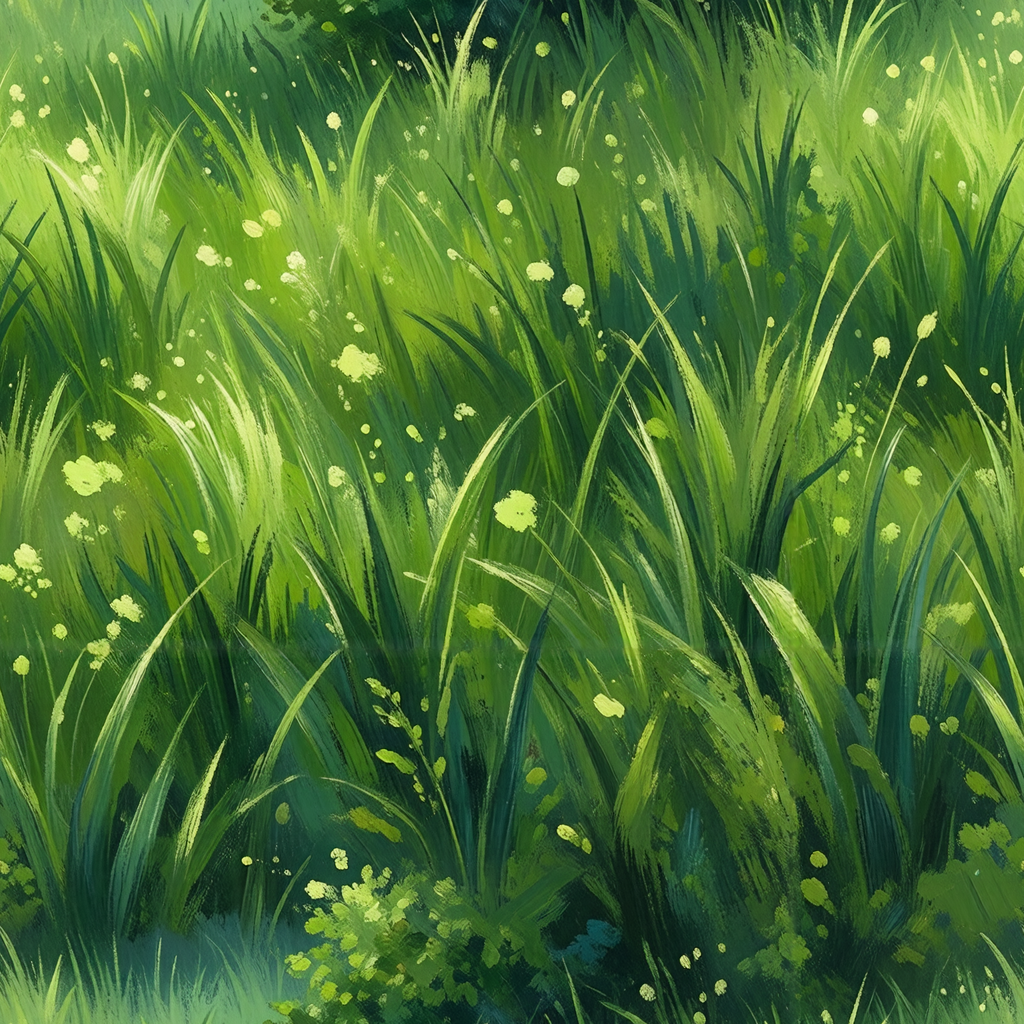
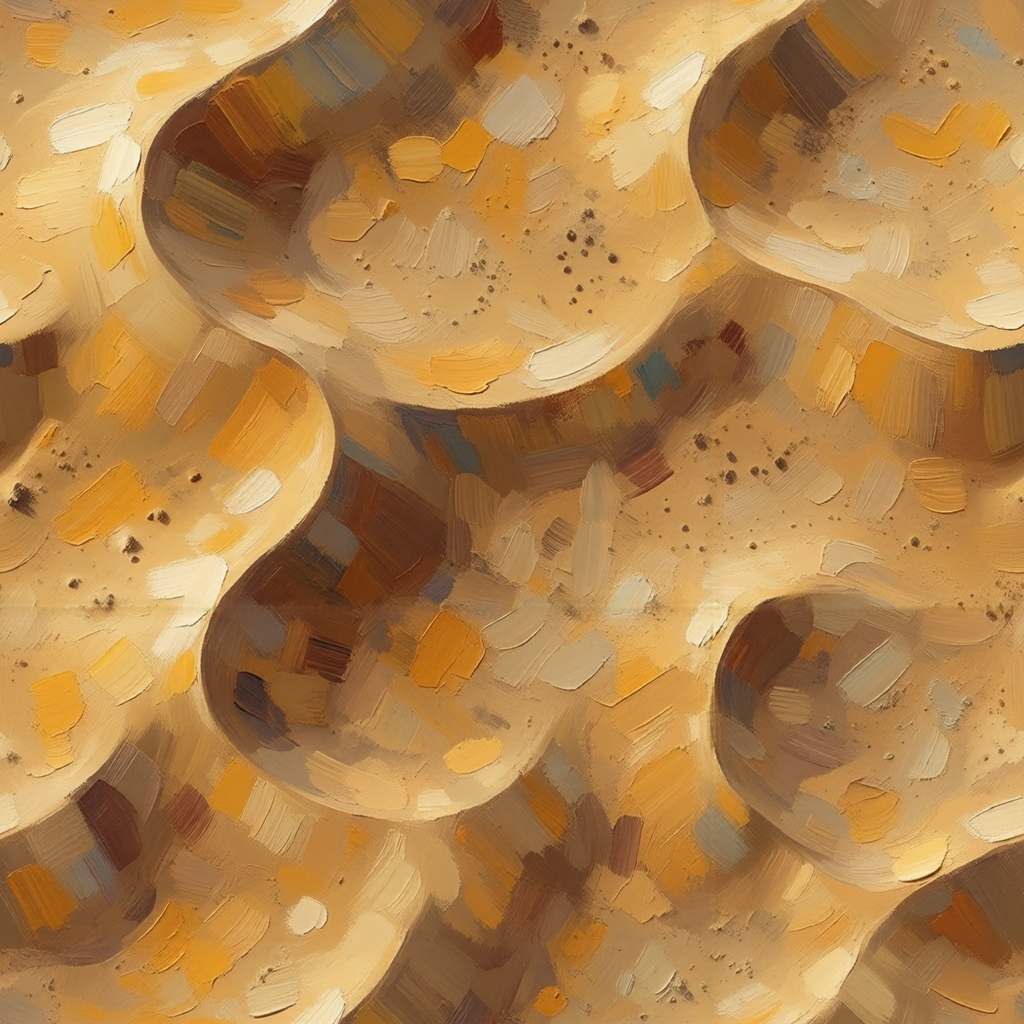
Tile grass, sand, stone, and snow across large levels without repetition artifacts.
Walls, floors, and props
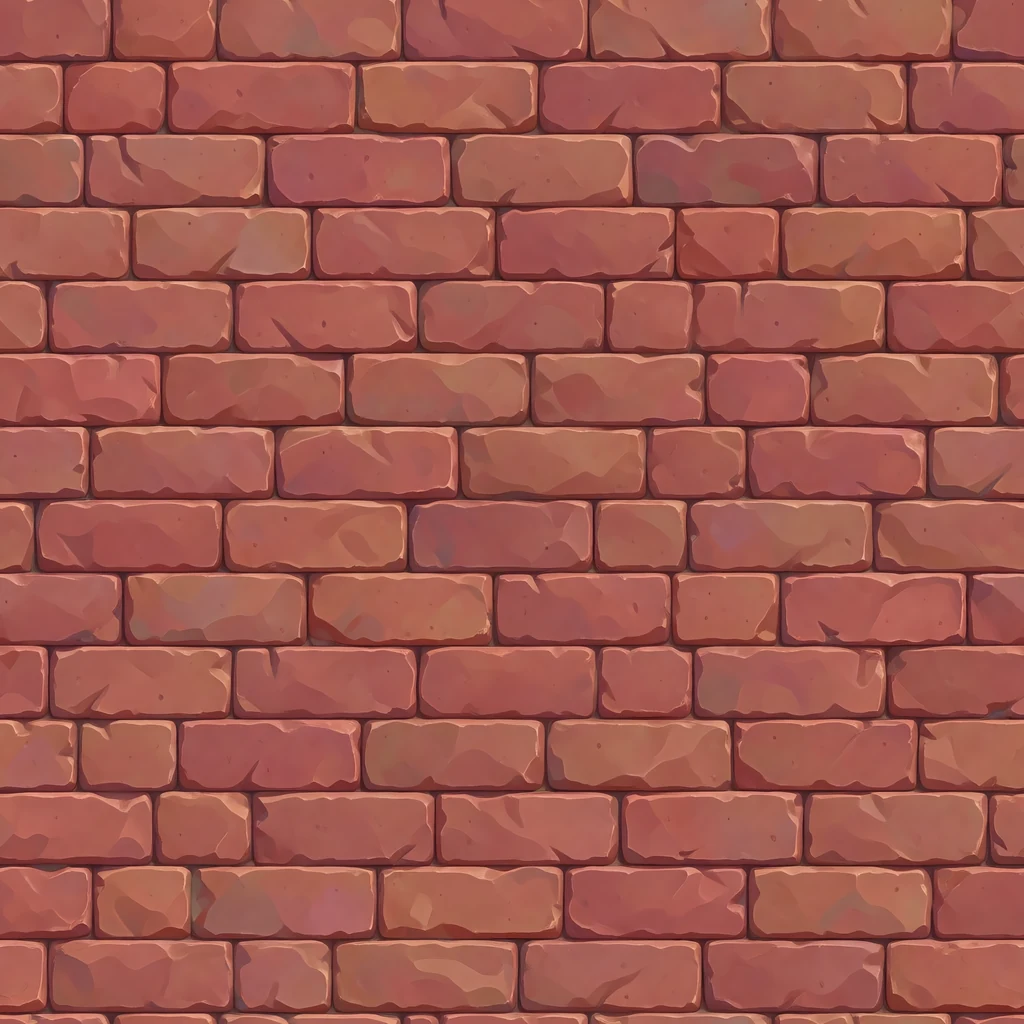
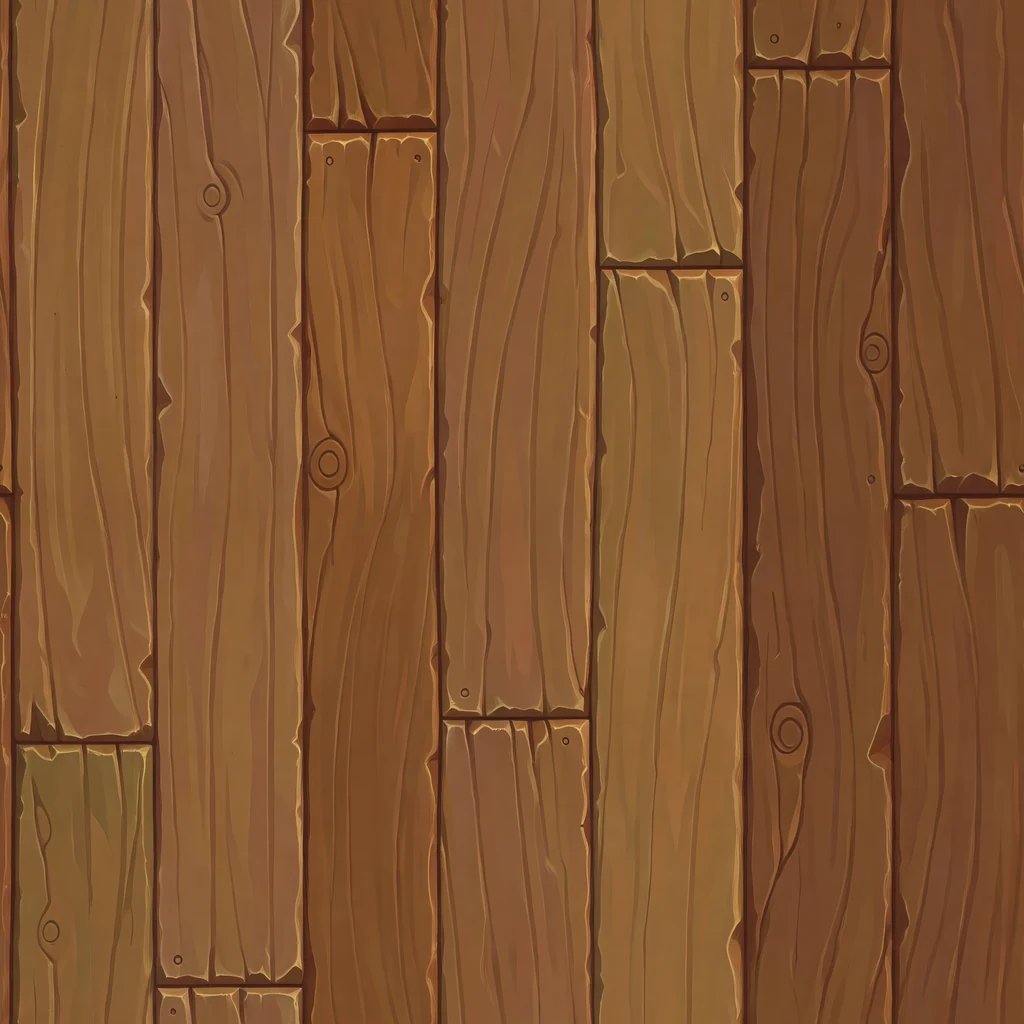
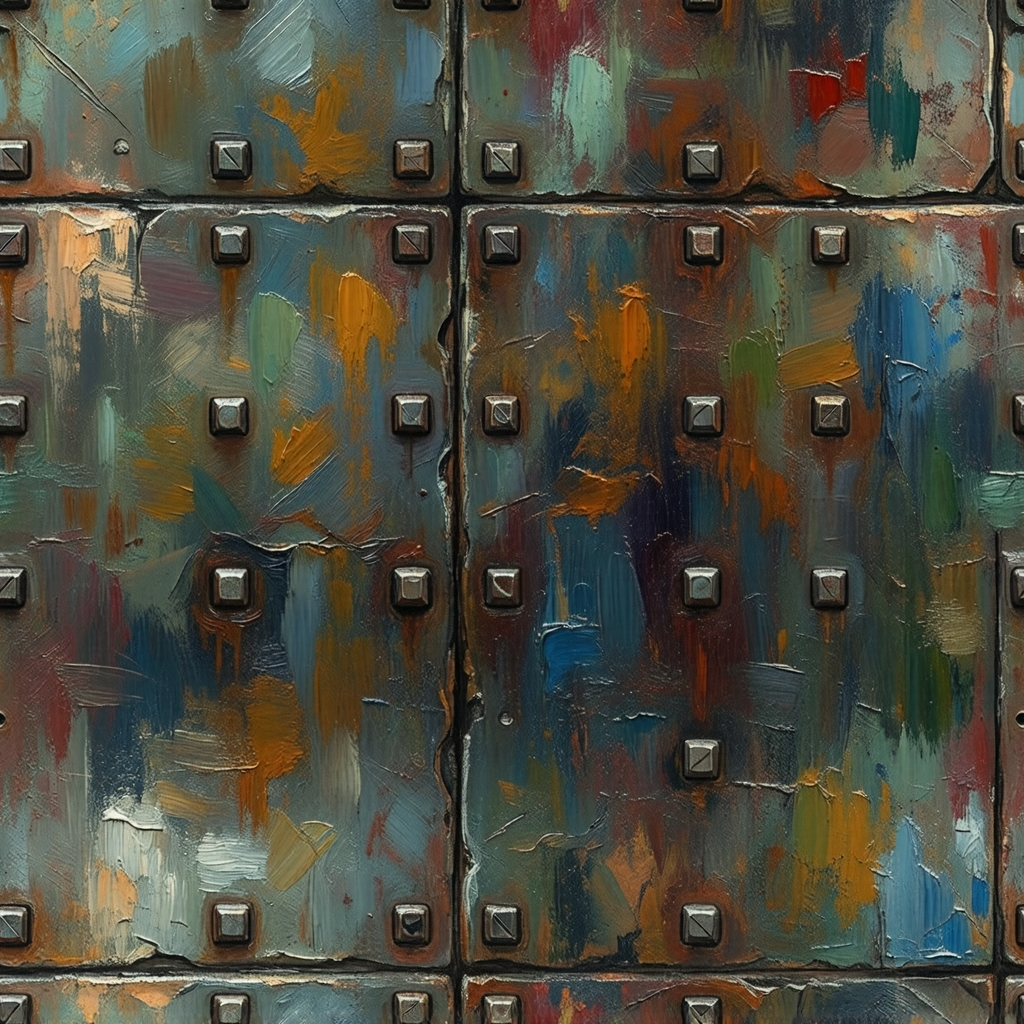
Surface your meshes with brick, wood, and metal that match your art direction.
Surfaces that move
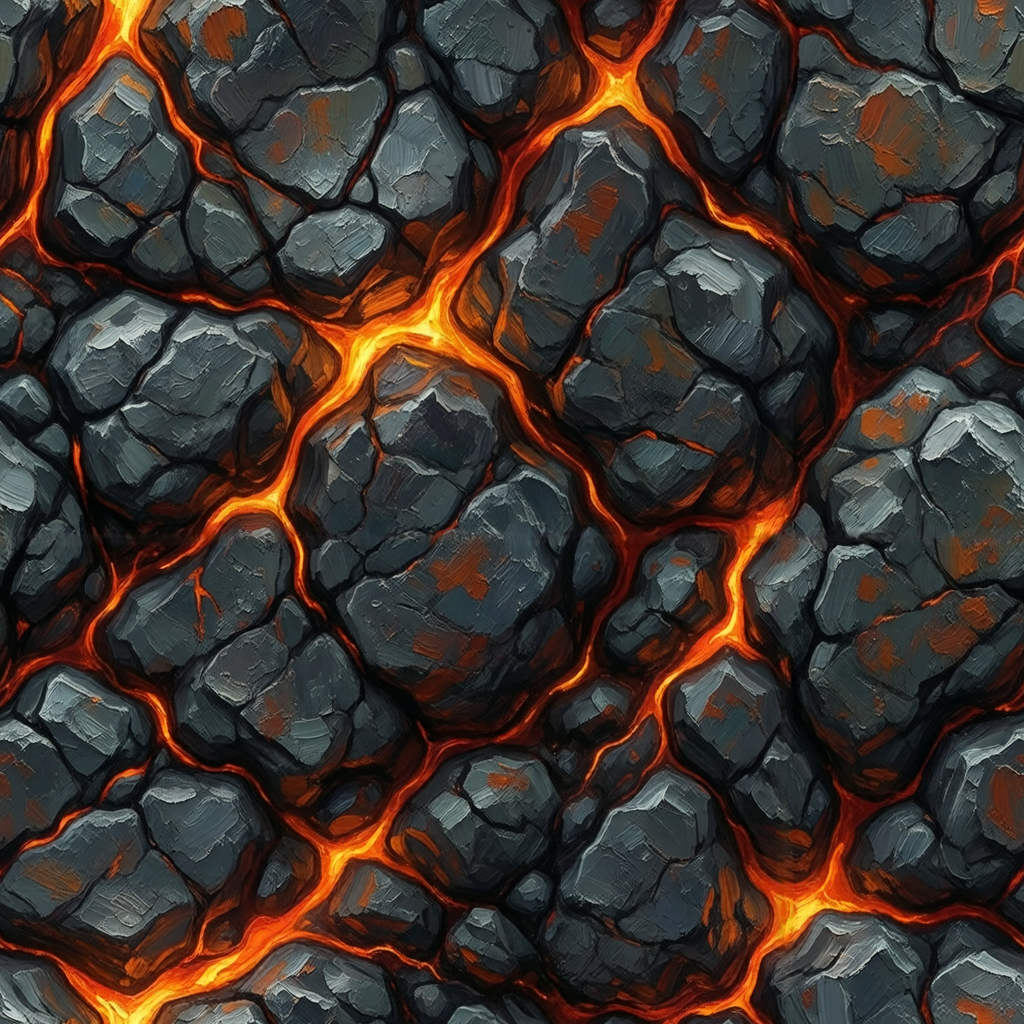
Animate water, lava, and skies into looping sheets and play them on a quad, a scrolling plane, or a parallax layer.
A whole material set
Generate a full set of textures in one style, so they read as one world.
FAQ
Can AI generate animated textures?
Yes. Ludo generates a seamless, tileable texture from a text prompt, then animates that same texture from a second prompt describing the motion: rippling water, bubbling lava, drifting clouds, a glow travelling through carved runes. The animation comes back as a sprite sheet laid out as a grid with a maximum of 4, 9, 16, 25, 36, 49, or 64 frames, with a loop mode that trims the sequence to loop, ready for a quad, a scrolling plane, or a material in any 2D or 3D engine.
Does the texture still tile once it is animated?
Animate it with the Forge model, or Forge Pixel for pixel art; the app warns that the other models do not preserve the tile. The still tiles, and the animation is built on it, but Ludo does not promise that every animated frame tiles as cleanly as the still, so preview the frames on the surfaces that matter. Loop mode trims the sequence so the last frame leads back into the first. Motion that changes light rather than geometry, a glow pulsing or a shimmer travelling across the surface, holds the tiling best. The tiling preview on this page repeats the animated versions, so you can judge for yourself.
What formats do I get?
Animated textures export as a sprite sheet of up to 64 frames laid out as a grid, as an animated GIF, or as the individual frames saved separately. Frame sizes run from 32 to 384 px, with a max-resolution mode and an AI 1.5x upscale when you need more detail. Static textures export as standard image files you can drop straight into Unity, Godot, or any 2D or 3D material.
Are the textures actually seamless?
The texture type is generated to repeat in both directions, in any of 32 art styles, and the app previews each result tiled so you can check the edges before you download it and generate another variation if a seam shows. The tiling preview on this page shows a dozen of them repeating at different tile sizes.
What styles can I generate textures in?
32 art styles, from photorealistic and hand-painted to pixel art (Micro Pixel, 8-Bit, 16-Bit, 32-Bit and Free Pixel), low poly, and stylized, so textures match the rest of your game's art. The gallery on this page runs one stone wall prompt through eight of them, including 16-Bit, Comic Book, Watercolor, Neon, Sketch and Voxel Art.
Can I use these as PBR or 3D textures?
In 3D, yes, with one thing to know: Ludo returns the colour map, not a full PBR set. There is no separate normal, roughness or height map, so a generated texture goes in as the base colour of your material and you author or bake the rest. That is enough for stylized and hand-painted work, which is most of what this generates. For textured models rather than surfaces, Ludo's 3D generator textures the mesh directly.
How do I fix a texture with one bad patch?
Use Edit with Mask: paint over the patch, describe what should be there, and only that area is regenerated, with the rest of the texture left as it was. Edit Image takes a plain-language instruction for a change across the whole surface, such as more moss or darker mortar. After any edit, check the result in the tiling preview again, because an edit can move pixels near the border that the repeat depends on.
What does it cost, and can I generate textures from code?
A texture is an image, so it costs 0.5 credits per image; image generation is unlimited in the web app on Pro. On Pro and Studio, the Ludo API, MCP server and CLI can generate textures with the texture type (also 0.5 credits per image, up to 8 variations per request), which suits generating a whole material set in one script. Anything through the API, MCP or CLI uses credits, and API results are kept for 7 days.
Can I use them commercially?
Yes. You own the textures you generate with Ludo and can use them however you like, including in commercial games.
Experience the future of game creation
Free to try. No credit card required.