

AI Game Background Generator
Generate the backdrops your game plays against: static scenes, side-scrolling and vertical-scrolling backgrounds that loop seamlessly, and parallax layers on transparency, for forests, cities, dungeons and space, in any art style.
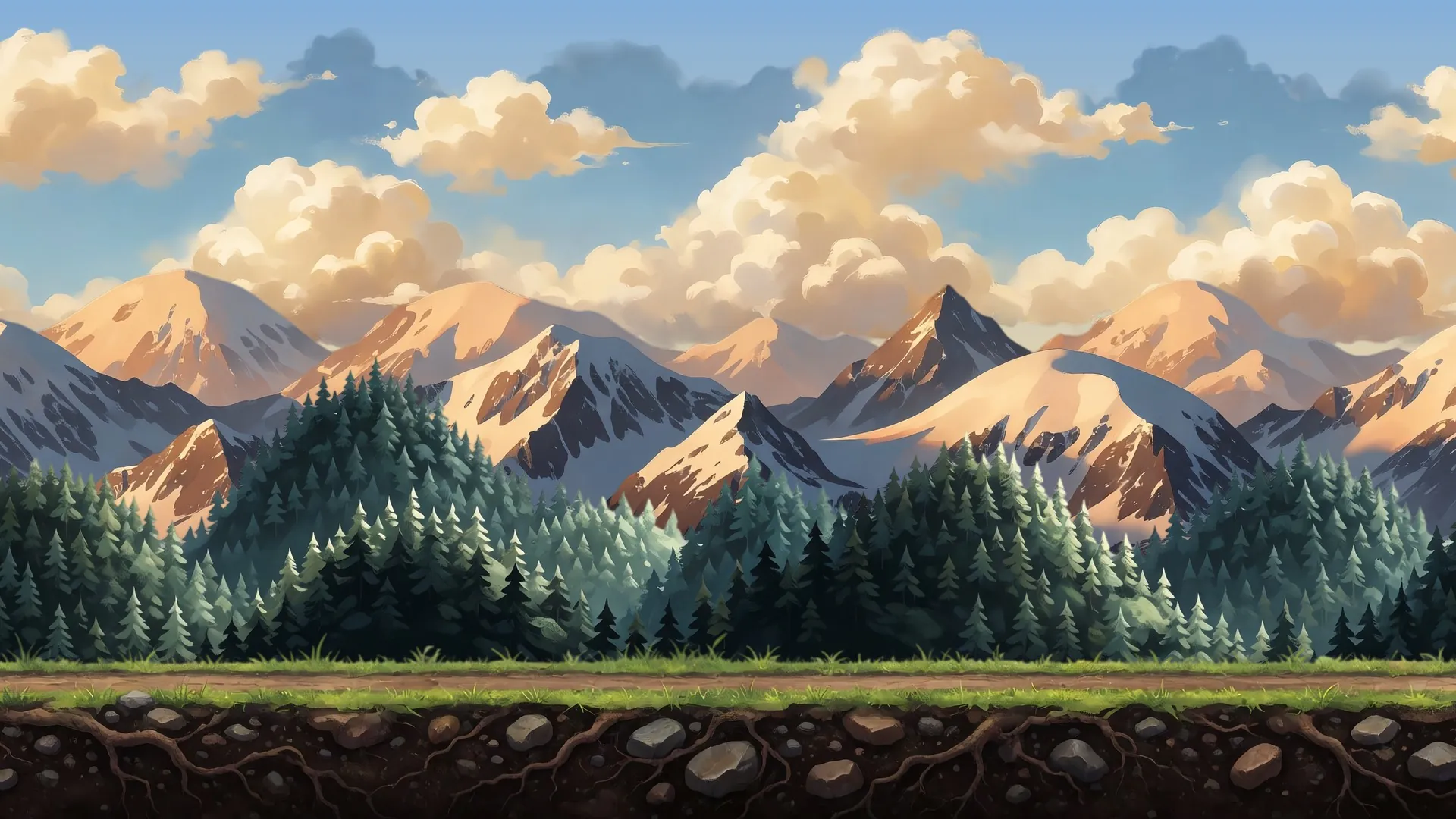
What is an AI game background generator?
An AI game background generator produces the backdrops a game plays against from a text description. Ludo makes four kinds: a Static Background for a fixed camera, a Horizontal Background that loops left to right for side-scrollers, a Vertical Background that loops top to bottom for climbers and vertical shooters, and Parallax Layers on transparency that you stack and scroll at different speeds. All of them come out in one consistent style, ready for Unity, Godot or any 2D pipeline.
Backgrounds generated with Ludo
Static scenes, scrolling backgrounds and parallax layers, in whatever style your game uses.
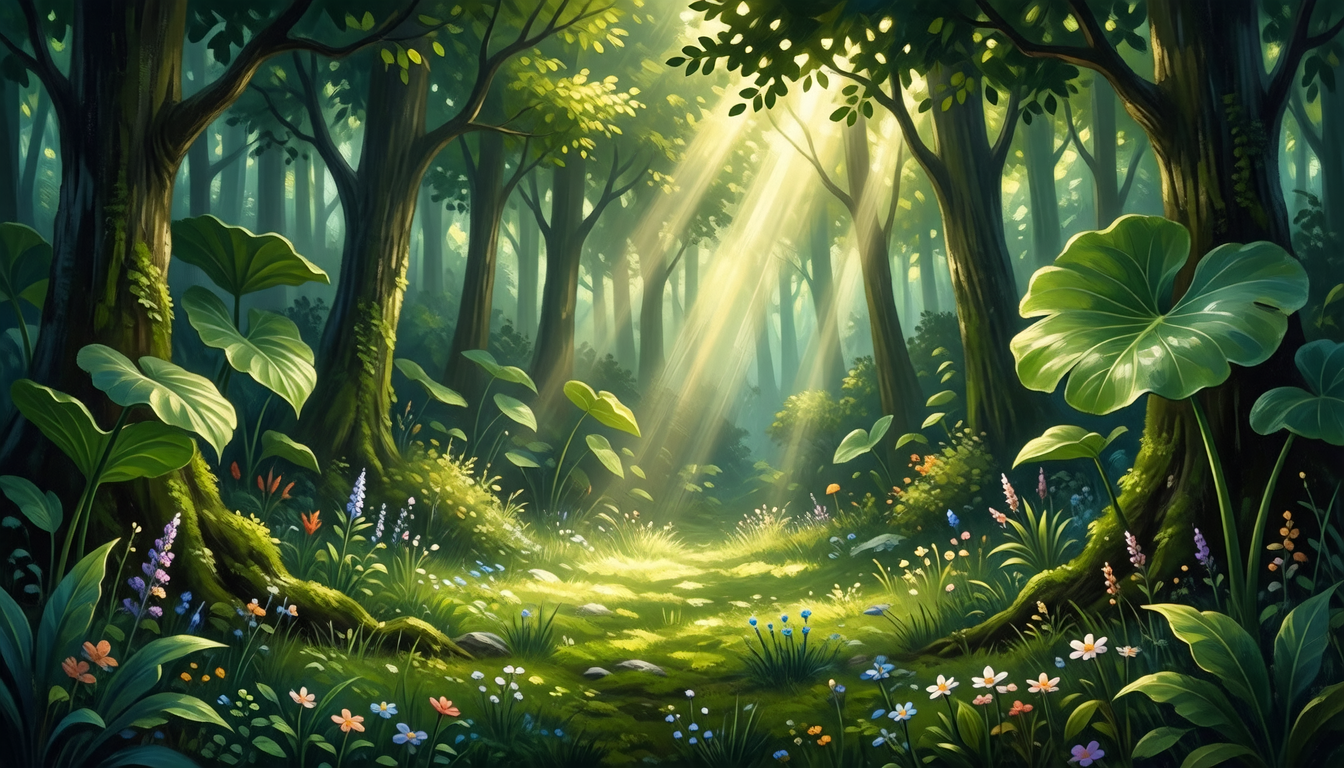
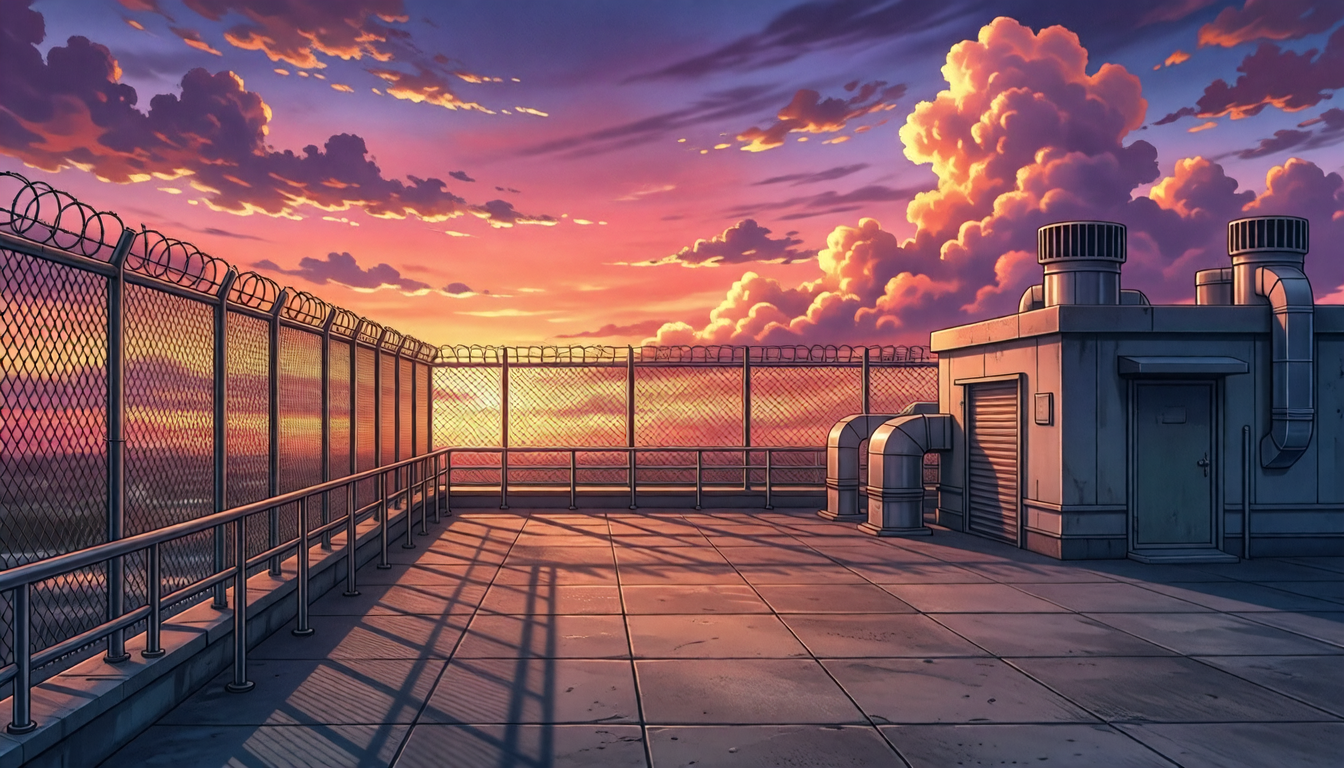
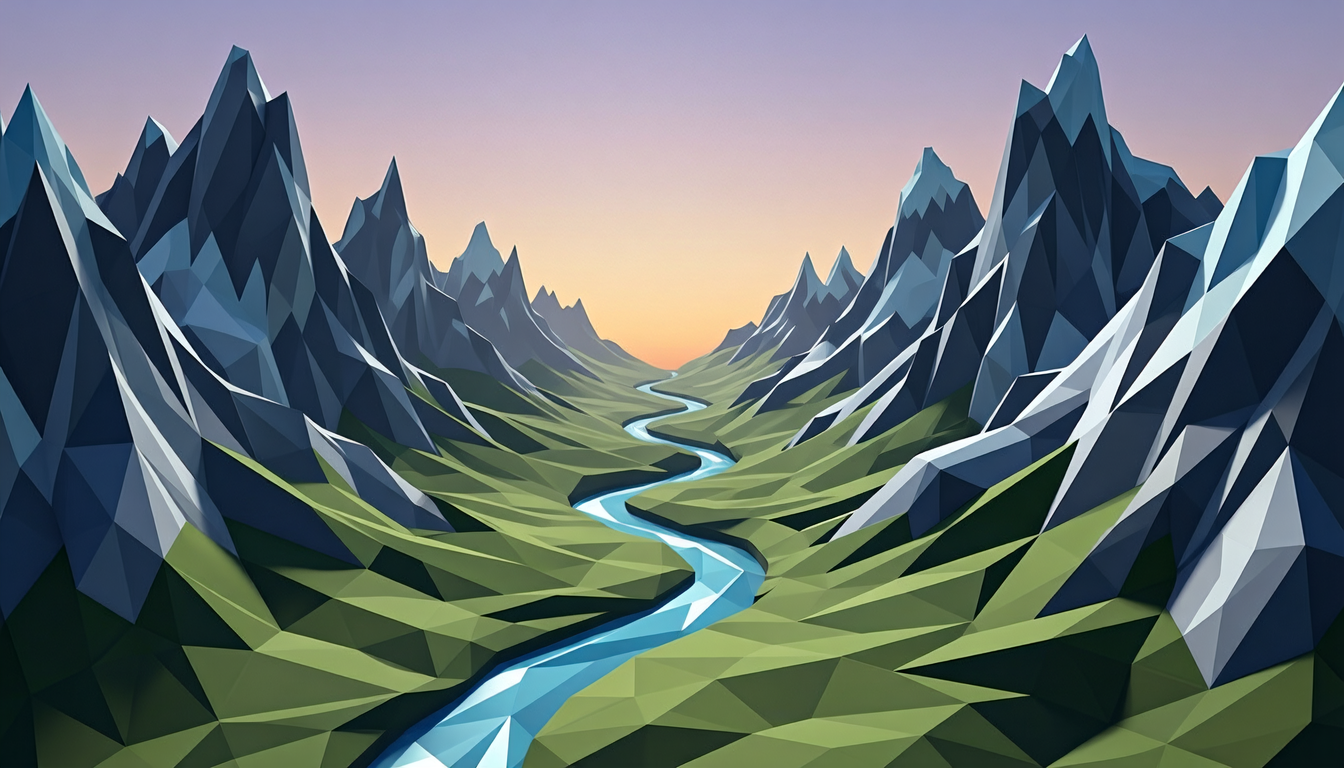
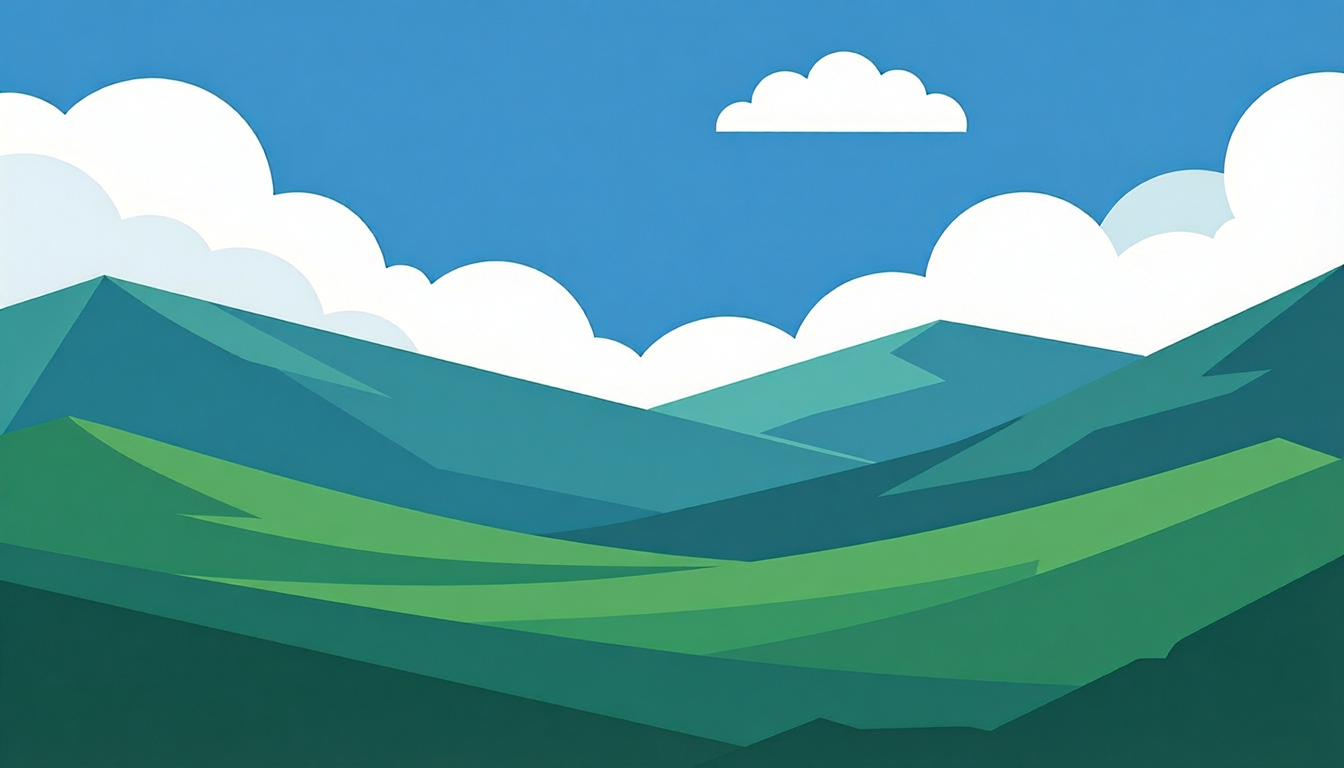
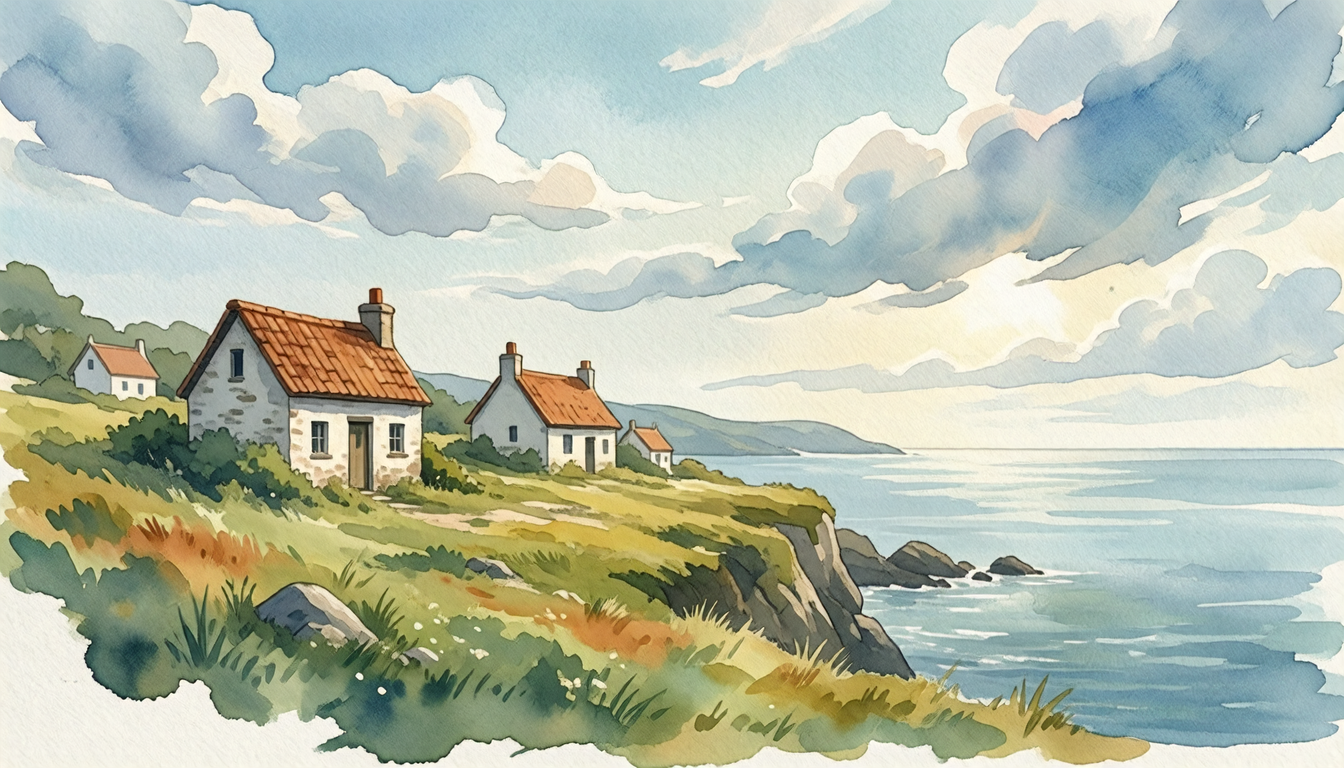
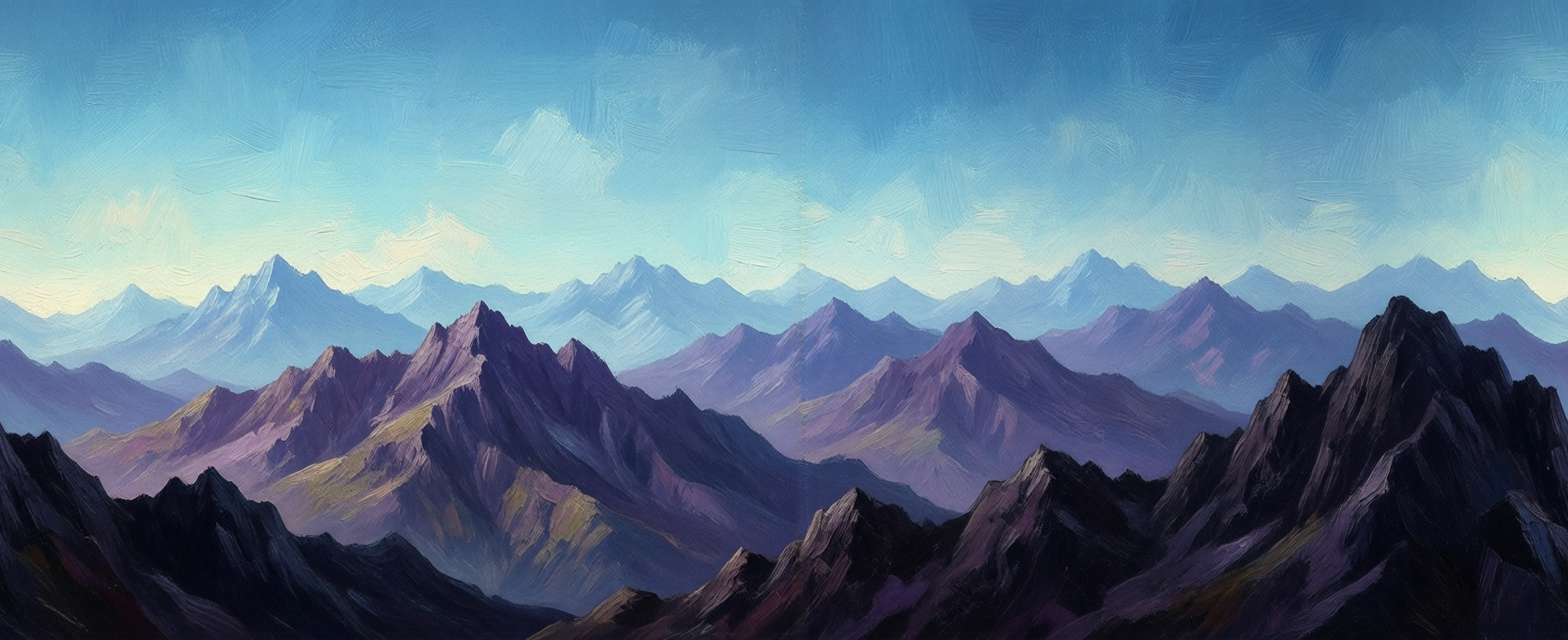
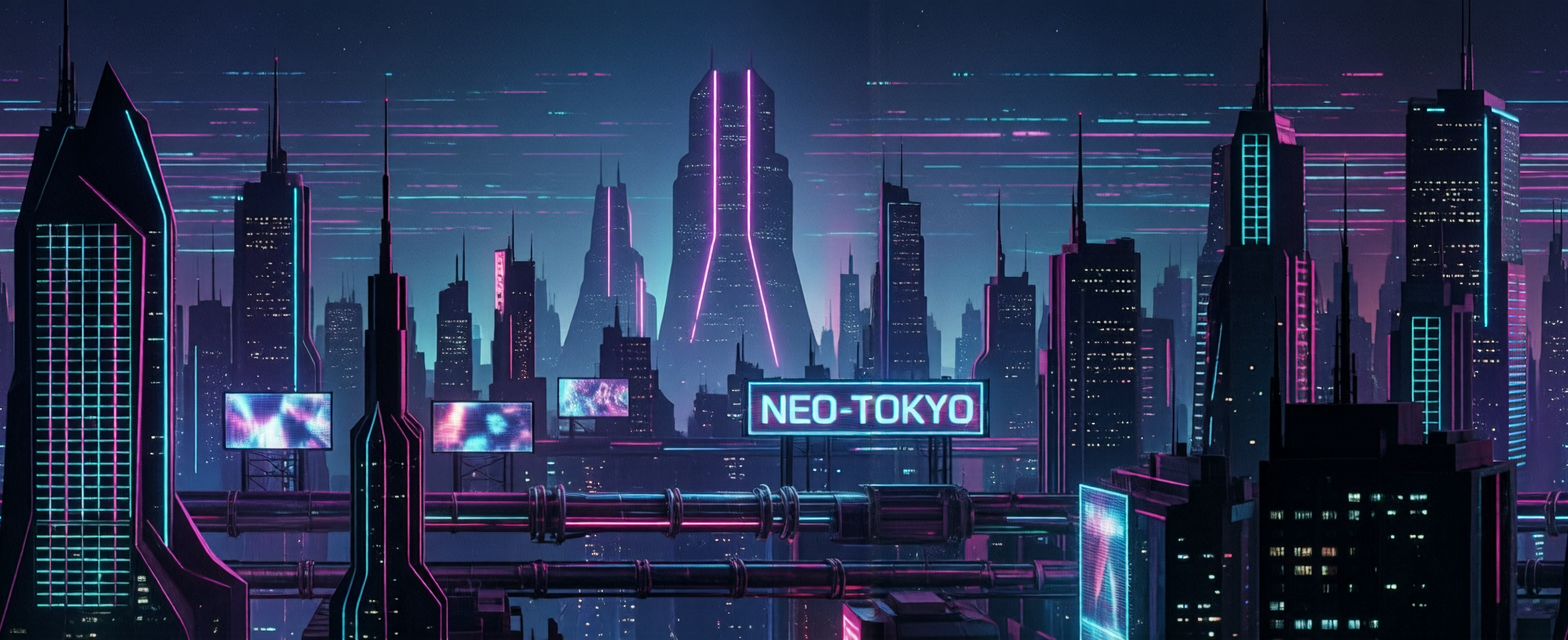
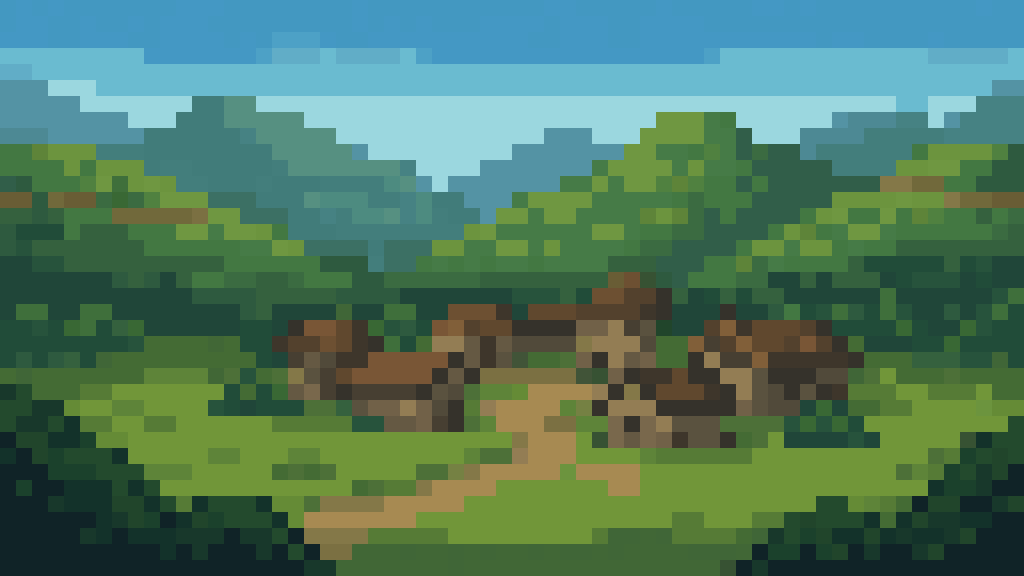
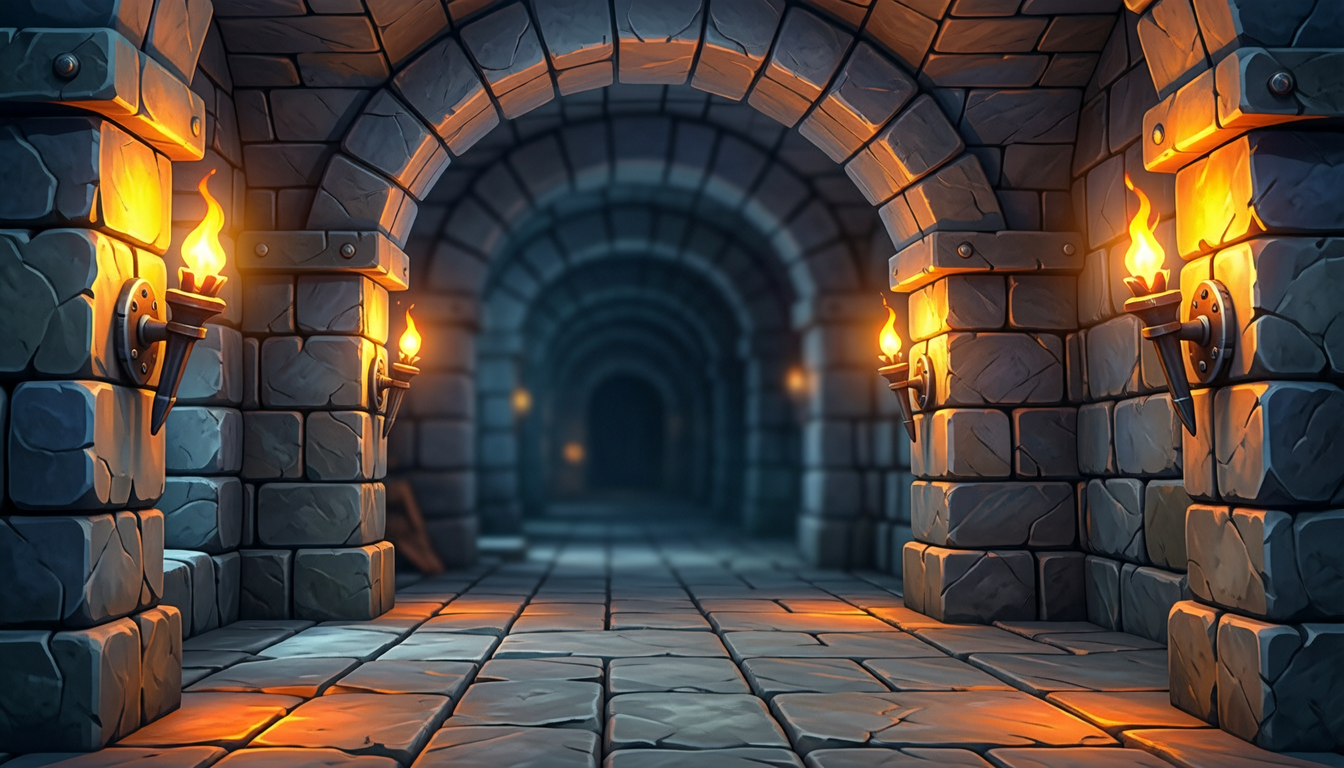
Side-scrolling backgrounds that loop forever
Pick Horizontal Background and the right edge of the painting continues into its left, so one picture repeats for as long as your level runs. This one is scrolling on a loop; switch on the loop point to see where each copy ends and the next begins.
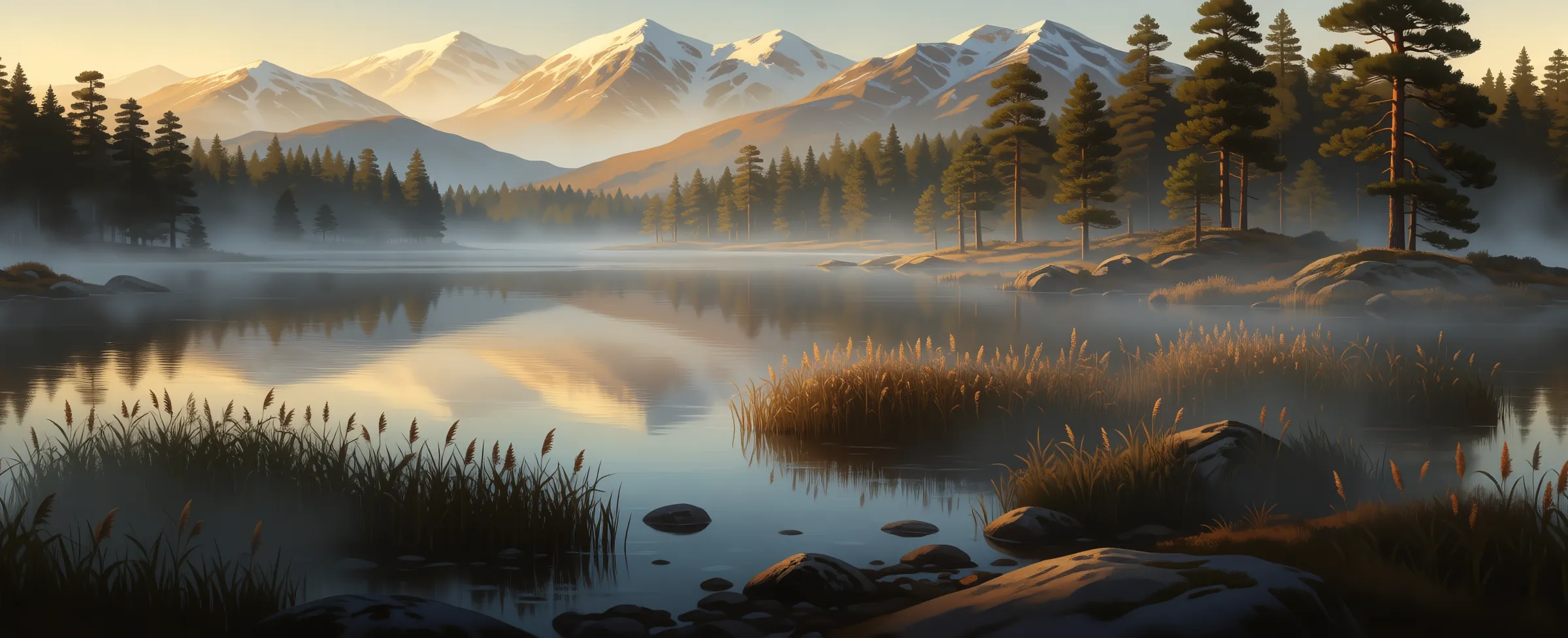
"a misty highland lake at golden hour, calm water reflecting distant snowy mountains, pine forest along the far shore, reeds and rocks at the water's edge"
- Repeats left to right with no visible join
- On Auto it comes back as an ultra-wide 21:9 strip, so one generation covers a long stretch of level
- Check the join before you download: the app's fullscreen viewer can scroll it endlessly or repeat it side by side
Vertical scrolling backgrounds for climbers and shooters
Vertical Background repeats top to bottom, for levels the camera climbs, dives or flies through. Ludo leaves out the ground, horizon and ceiling that would break the loop, and keeps the brightness even from top to bottom so the join never shows.
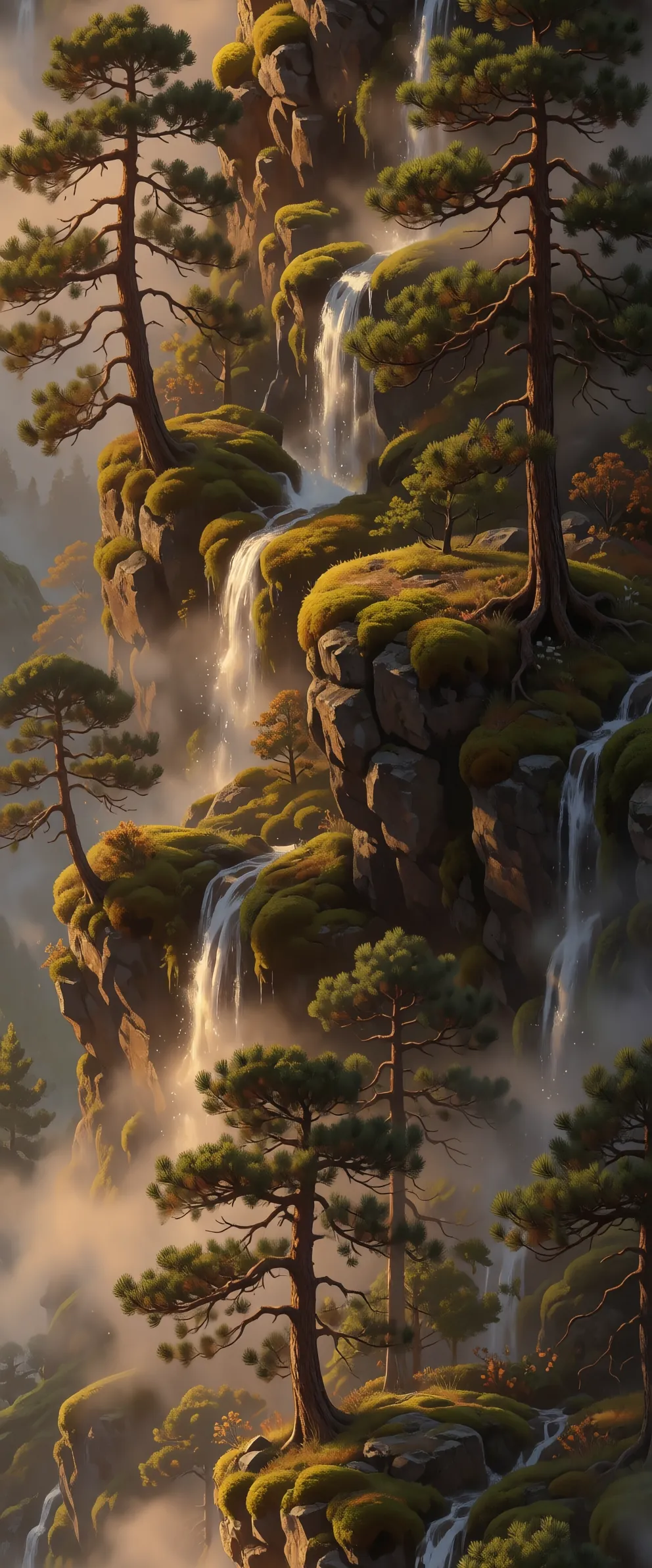
"misty highland valley, a sheer mossy cliff face climbing upward, pine trees clinging to rocky ledges, thin waterfalls and drifting mist, warm golden hour light"
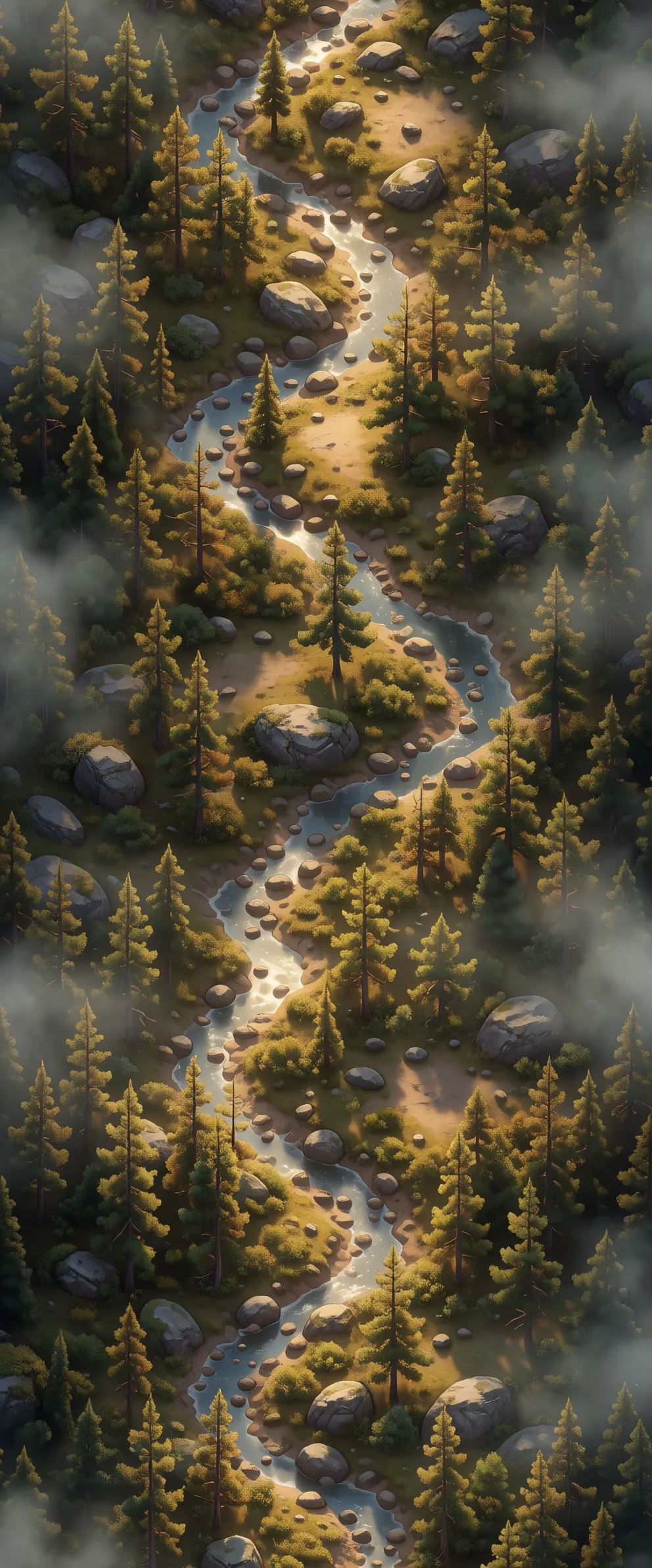
"misty highland valley seen from above, a winding river through dense pine forest with rocks and small clearings, golden hour light, for a top-down vertical shooter"
- Repeats top to bottom with no visible join
- On Auto it comes back as a tall 9:21 strip
- For a phone game, pair it with a portrait aspect ratio such as 9:16
A parallax background made of four AI layers
Pick Parallax Layer and write one prompt per depth. Each layer comes back on a transparent background and loops sideways, so you stack them far to near and scroll each one at its own speed. These are the four layers from the walkthrough below, at the scroll scales we used in Godot 4. Switch a layer off to see what it adds.
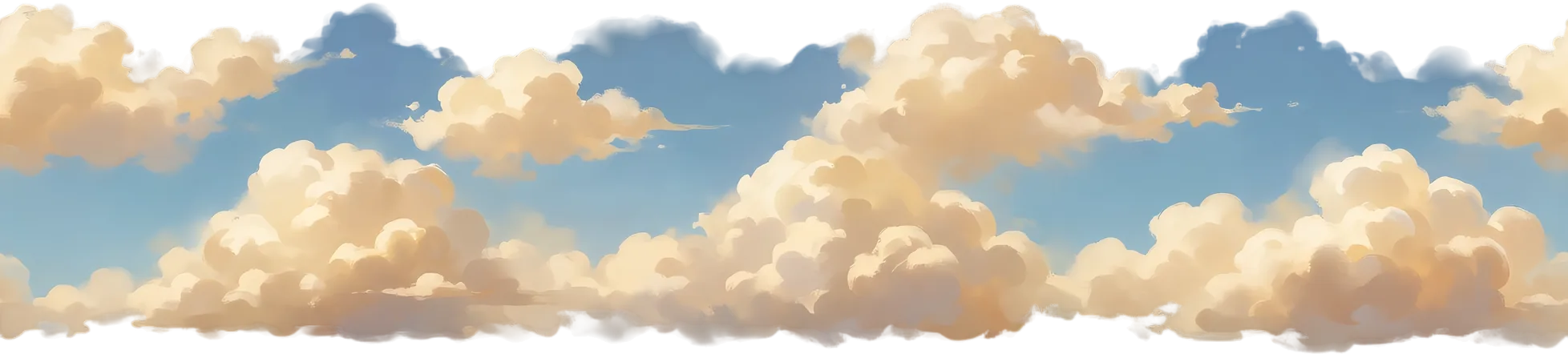 1Skyscroll scale 0.034
"misty highland valley, farthest layer: golden hour sky filling the whole frame, soft warm clouds, gradient from pale gold at the horizon to soft blue at the top"
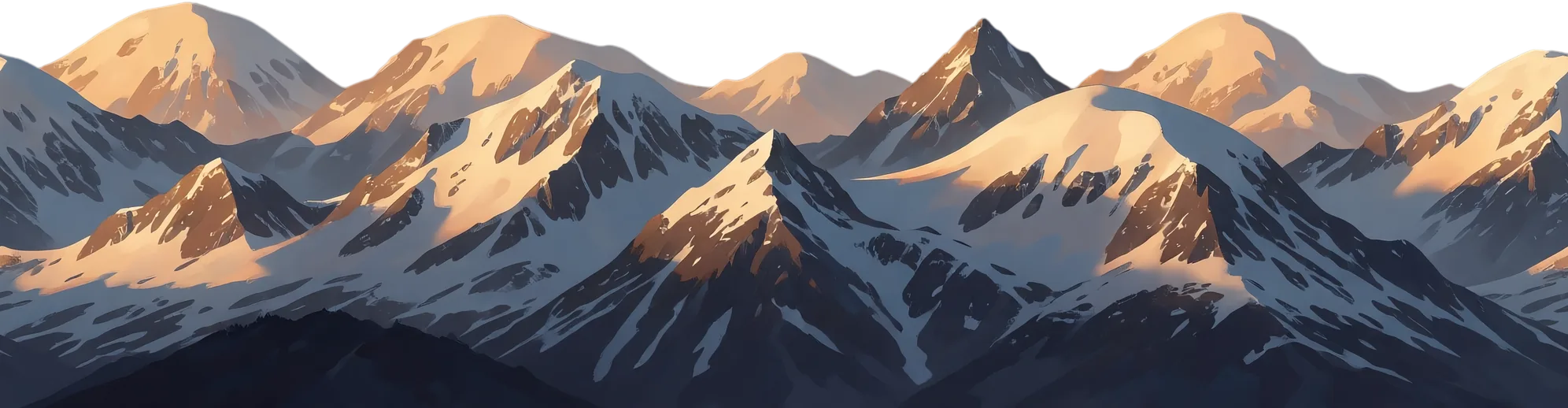 2Mountainsscroll scale 0.113
"misty highland valley, far layer: sky at golden hour with distant snowy mountains"
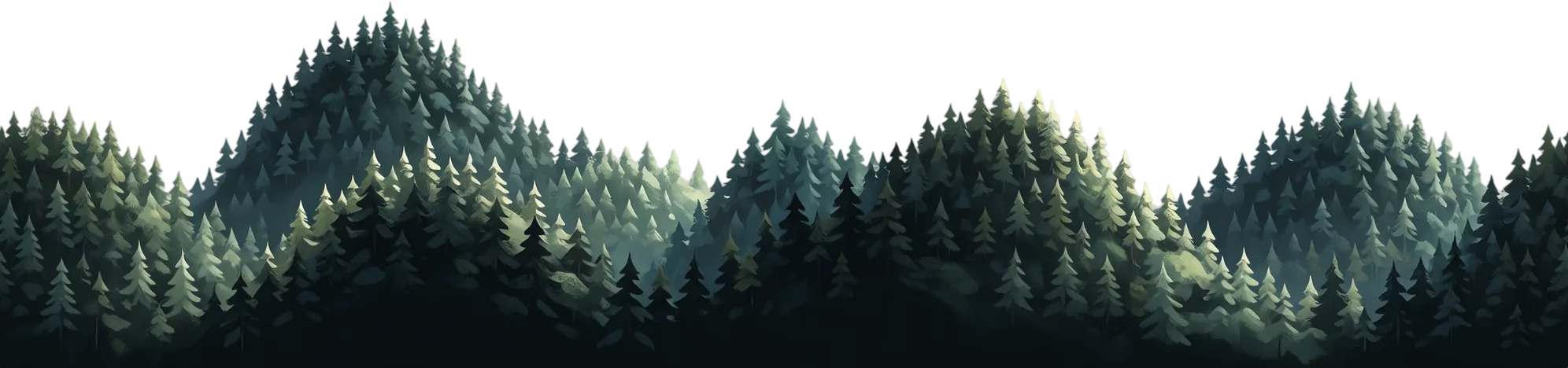 3Forestscroll scale 0.311
"misty highland valley, middle layer: rolling hills of pine forest"
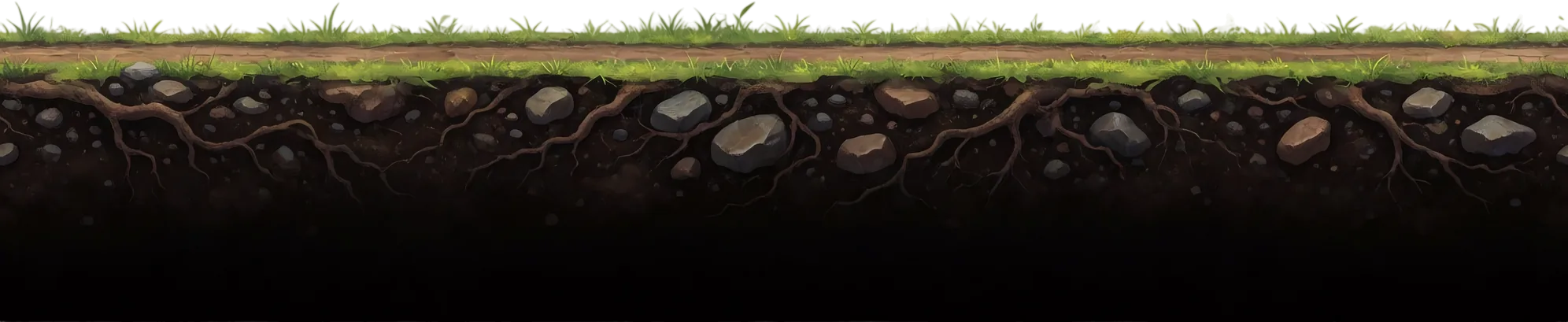 4Groundscroll scale 1
"misty highland valley, nearest layer: side view game ground, a thin strip of grass and a dirt road on top, solid dark earth with roots and stones filling everything below down to the bottom edge"
Ludo made the four layers and the runner: Wren is a Sprite from the same generator, animated into a 36-frame run cycle in the Sprite Generator, and the ground scrolls at the speed her boots travel so her feet stay planted. The gradient behind the sky, the stacking and the scroll speeds are set in the engine.
Ludo lives where you build
Every generator in your terminal, your AI agent, your own code and the Unity editor. One account, one set of credits.
Explore developer toolsnpm install -g @ludoai/cliMCP serverAny MCP client, including assistants that can't run commands.https://mcp.ludo.ai/mcpREST APIYour own app, game server or pipeline.https://api.ludo.ai/api/Unity pluginGenerate and import assets inside the Unity editor.How it works
Pick the background type
Static Background for a fixed camera, Horizontal or Vertical Background for a level that scrolls, or Parallax Layer for each depth of a layered scene.
Describe the place
"sunlit forest", "neon city at night", "ancient temple", in any of 32 art styles.
Check the loop, then drop it in
Preview a scrolling background or layer repeating in the fullscreen viewer, then use it as a level background, menu backdrop or cutscene scene.
Watch a parallax background made in Ludo
Four AI pictures become a scrolling level: the walkthrough makes a static background, a looping horizontal one and four parallax layers in the Image Generator, then stacks them in Godot 4 with a scroll scale per layer, every prompt on screen.
How to Make a Parallax Background for a 2D Game with AI (Godot 4 Setup)
- A parallax background for a 2D game: four AI pictures in Godot 4
- The background types in the Image Generator (Static, Horizontal, Vertical, Parallax Layer)
- A static 2D game background from one sentence
- The same sentence as a looping Horizontal Background
- Parallax Layers, one prompt per depth
- The runner and the ground speed (Sprite Generator, Animate)
- Stack them in Godot 4 (Parallax2D, scroll scale per layer)
Transcript: How to Make a Parallax Background for a 2D Game with AI (Godot 4 Setup)
This parallax background is four AI pictures, each scrolling at its own speed in Godot, and here is how to make it, from the first prompt to the engine.
This is Ludo's Image Generator on ludo.ai, the AI generator we use for 2D game backgrounds, and everything here starts at the type chip in the prompt box.
Four of its tiles are backgrounds, Static Background, Horizontal Background, Vertical Background for levels that scroll up or down, and Parallax Layer, and since our game scrolls sideways, we use the other three.
We start with Static Background, and under Filters sit the settings every background in this video shares: the Art Style, where we picked Digital Painting, the Perspective, Side-Scroll for a camera that looks from the side, and the Aspect Ratio, Landscape 16:9 for a wide screen, or Portrait 9:16 for a phone game.
One sentence describes only the place, no characters, no UI: a misty highland valley at golden hour, pine forests, distant snowy mountains, a dirt road running along the bottom, and that last clause asks for ground to run on, so Generate.
The one we kept is a full painted 2D game background, one picture, for a camera that stays put.
For a side-scroller the place has to go on forever, so switch the type to Horizontal Background, keep the sentence as it is, and Generate.
It looks like one more painting, until you open it and switch the preview to scroll, the app slides it sideways the way a game would, so the right edge meets the left, check that join before you download. In our run fog, treeline and road all continue through it.
Depth comes from parallax. Switch the type to Parallax Layer, and instead of one sentence for the scene, write one prompt per depth, each one naming its layer.
The farthest is a golden hour sky with soft clouds, the far one distant snowy mountains, the middle one rolling hills of pine forest, and the nearest is the game ground, grass and a dirt road on top, solid earth down to the bottom edge, the layer the character stands on.
Each one comes back on a transparent background, so the layer behind shows through, and each loops sideways as well. Every prompt opens with the same three words, misty highland valley, and shares the Filters, and these four came back in one palette.
The runner, Wren, is Ludo too, made with the Sprite type of this same generator from one sentence, then animated in the Sprite Generator from that picture, motion description running forward, a steady jogging run cycle, and ours came back as a 6x6 sheet, 36 frames.
One measurement before the engine. Her planted boot travels about 35 pixels a frame at about 15 frames a second, so the ground must pass under her at 35, times her scale, times 15 pixels a second, 265 here. Match it and her feet stay planted.
In Godot 4, from 4.3 on, each picture is a Parallax2D node with a Sprite2D inside, repeat size set to the picture's width as placed, so it tiles forever, and a scroll scale, how much of the camera's motion it follows.
The ground gets a scroll scale of 1, the forest 0.311, the mountains 0.113, and the sky 0.034, behind them a plain gradient fixed to the screen, then Wren is an AnimatedSprite2D from her sheet, with a Camera2D following her at that ground speed.
Run it, and the flat pictures turn into depth: the ground races, the forest drifts, the mountains barely move, the clouds hang. Four AI pictures and four numbers, and every prompt and setting is in the pinned comment.
Wren: Four pictures and a road that never ends, and I'm still late! Start free at ludo.ai.
What devs build with it
Level and scene backdrops
Set every level against art that matches its mood, in any style.
Parallax side-scrollers
Layered backgrounds that scroll at depth for platformers.
Menus and cutscenes
Establishing art for title screens and story beats.
FAQ
Can it make parallax backgrounds?
Yes. Pick Parallax Layer and generate one layer per depth, such as sky, mountains, forest and ground. Each layer comes back on a transparent background and loops sideways, so you stack them far to near in your engine and give the farther layers slower scroll speeds.
Can it make vertical scrolling backgrounds?
Yes. Vertical Background repeats top to bottom, for endless climbers, divers and vertical shooters. It leaves out the ground, horizon and ceiling that would break the loop. On Auto it comes back as a tall 9:21 strip.
Do the scrolling backgrounds loop seamlessly?
Horizontal Background, Vertical Background and Parallax Layer are generated to repeat along their scroll axis. Open the result in the fullscreen viewer and scroll it endlessly or repeat it to check the join before you download; if one shows, generate another variation.
What styles are available?
32 art styles, from hand-painted and digital painting to pixel art and neon, so backgrounds match your game's look.
What's the difference between a Static, Horizontal and Vertical Background?
A Static Background is one full painting for a camera that stays put, such as a menu, a single-screen level or a cutscene. A Horizontal Background loops left to right for side-scrollers and platformers. A Vertical Background loops top to bottom for endless climbers, divers and vertical shooters. All three keep a full scene behind them; only Parallax Layers come back on transparency.
How do I make a parallax background with AI?
Pick Parallax Layer in the Image Generator and write one prompt per depth, each naming its layer, for example a farthest sky layer, a far mountain layer, a middle forest layer and a nearest ground layer. Start every prompt with the same scene words and keep the same art style so the layers match. Each layer comes back on a transparent background and loops sideways; stack them far to near in your engine and scroll the farther ones slower.
What scroll speeds should parallax layers use?
Farther layers move slower. In the four-layer scene on this page the ground follows the camera 1:1 (scroll scale 1), the forest at 0.311, the mountains at 0.113 and the sky at 0.034, with a fixed gradient behind. Match the ground speed to your character's stride so the feet stay planted.
How do I set up AI parallax layers in Godot 4?
From Godot 4.3, give each layer its own Parallax2D node with a Sprite2D inside. Set the node's repeat size to the layer's width as placed so it tiles forever, and set its scroll scale to how much of the camera's motion it follows: 1 for the ground, lower for each layer behind it. The walkthrough video on this page builds the full scene step by step.
What resolution and aspect ratios?
Leave the aspect ratio on Auto and each type picks its own shape: Horizontal Background and Parallax Layer come back as an ultra-wide 21:9 strip and Vertical Background as a tall 9:21 strip, so one generation covers a long stretch of level. You can also choose 1:1, 4:3, 16:9, 19:9, 3:4, 9:16 or 9:19 to fit your screen.
Can the background match my game's art style?
Yes. Pick one of 32 art styles, or switch to Generate with Style and use your own art, such as a character sprite or an existing layer, as the style reference. Keep the same reference for every layer of a scene so colors and lighting match.
Can backgrounds be animated?
Parallax Layers can: open one in the Sprite Generator's Animate tab to add motion such as drifting clouds or swaying grass, and play it as a looping sprite sheet. Static, Horizontal and Vertical Backgrounds are not animatable as sprites.
Can I generate backgrounds through the API, MCP or CLI?
Yes. Pass fixed_background, side_scrolling_background, vertical_scrolling_background or parallax_layer as the image_type when you generate an image, or use them with a style reference to match existing art. The same types work from the Ludo API, the MCP server and the CLI.
Can I use them commercially?
Yes. You own the backgrounds you generate with Ludo and can use them however you like, including in commercial games.
Experience the future of game creation
Free to try. No credit card required.