

AI Game Splash Screen Generator
Generate the cinematic art players see on launch and between levels: one dramatic moment from your game's world, landscape or portrait, in any art style.
What is a game splash screen generator?
A game splash screen generator makes the full-screen cinematic image a player sees while a game launches or a level loads, from a text description. Ludo's Image Generator has a dedicated Splash Screen type for it, composed as one dramatic moment from your game's world, in landscape for PC and console or portrait for phones. Put a transparent Game Logo on top and you have a title screen.
Splash screens generated with Ludo
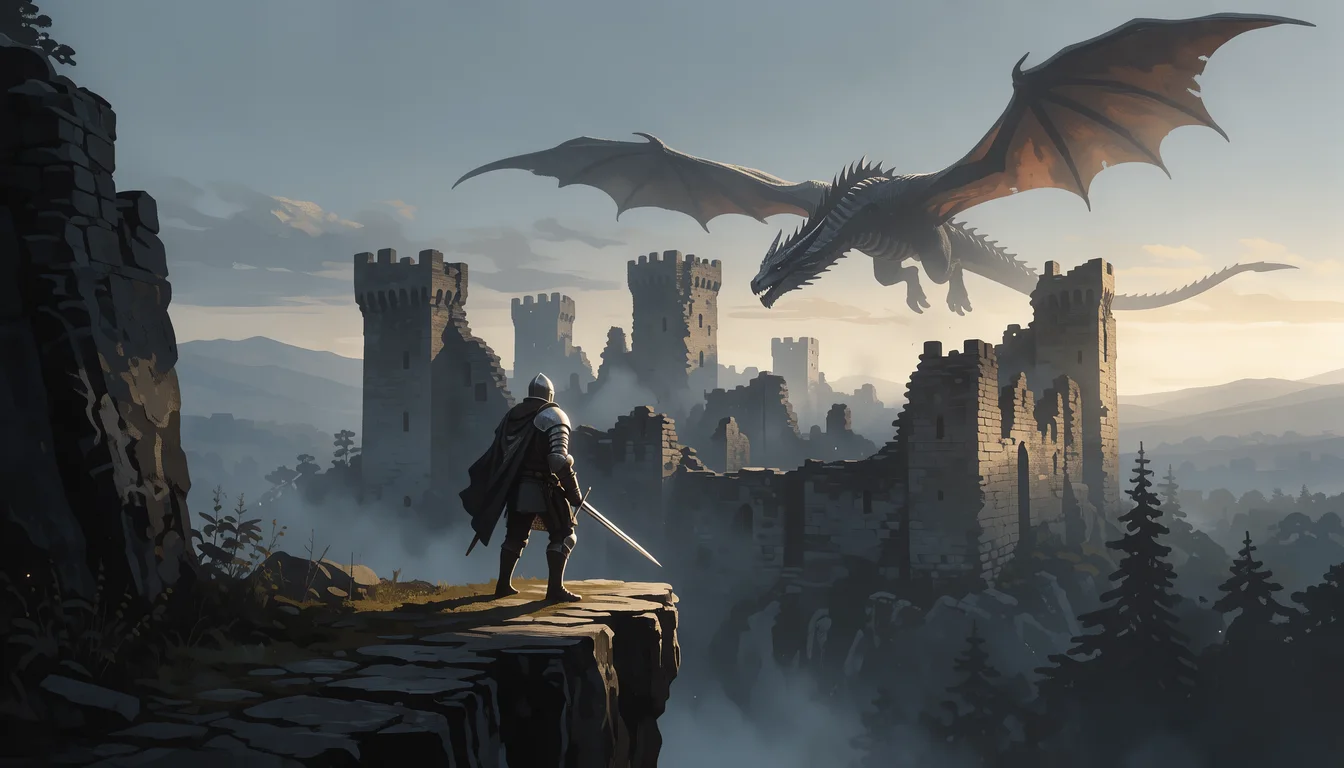
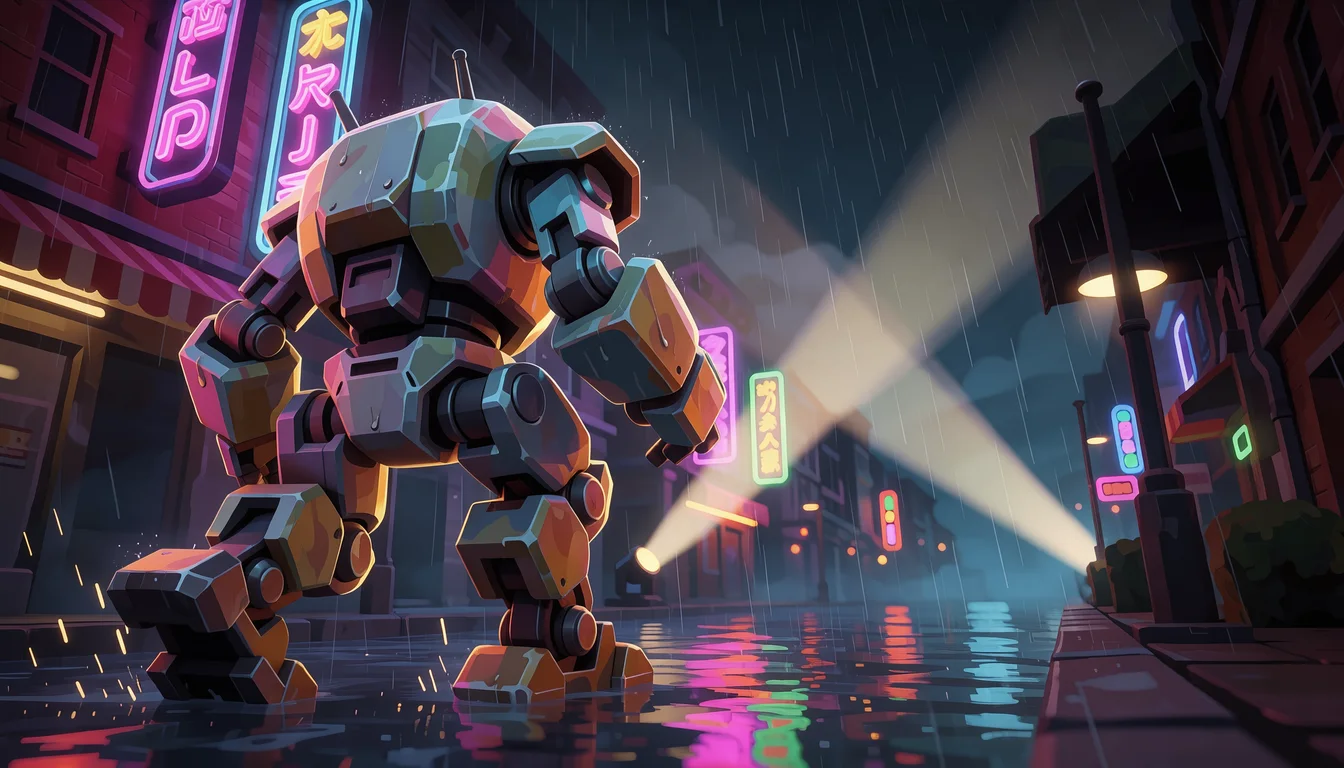
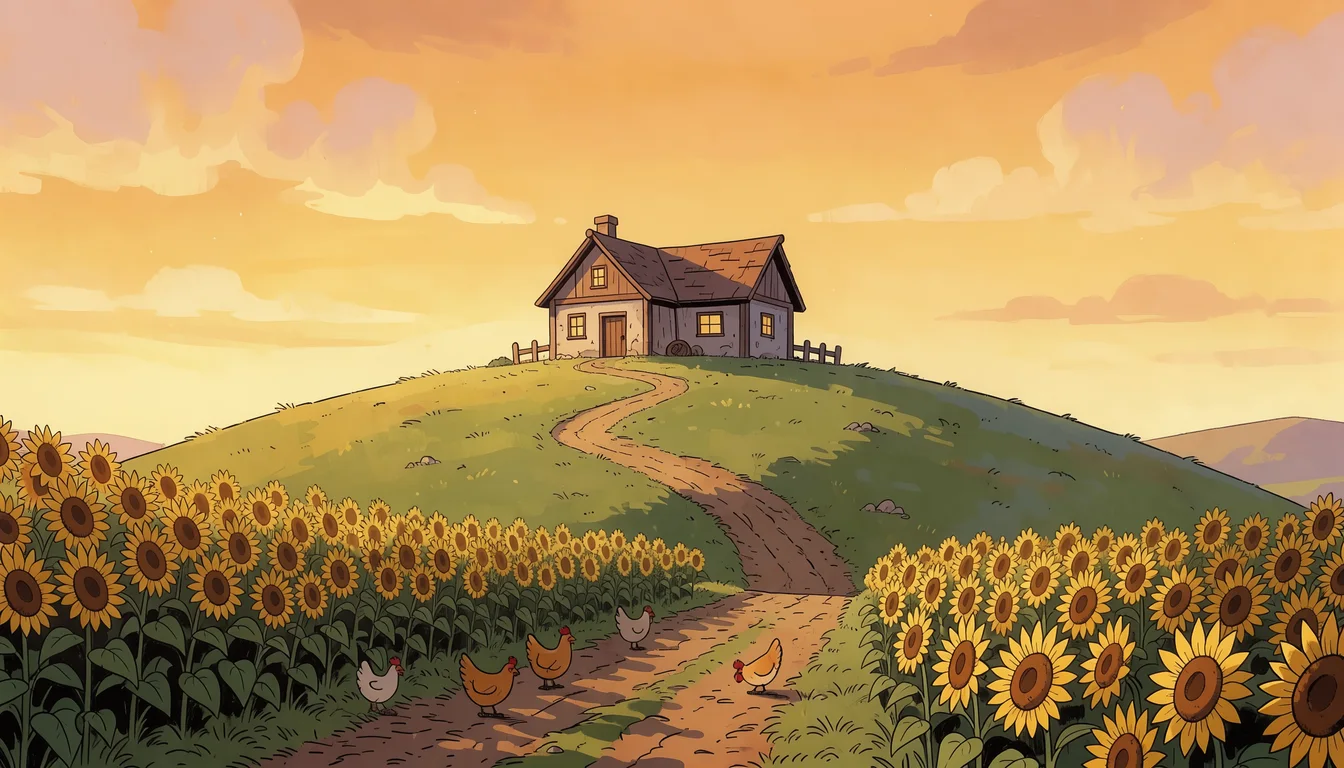
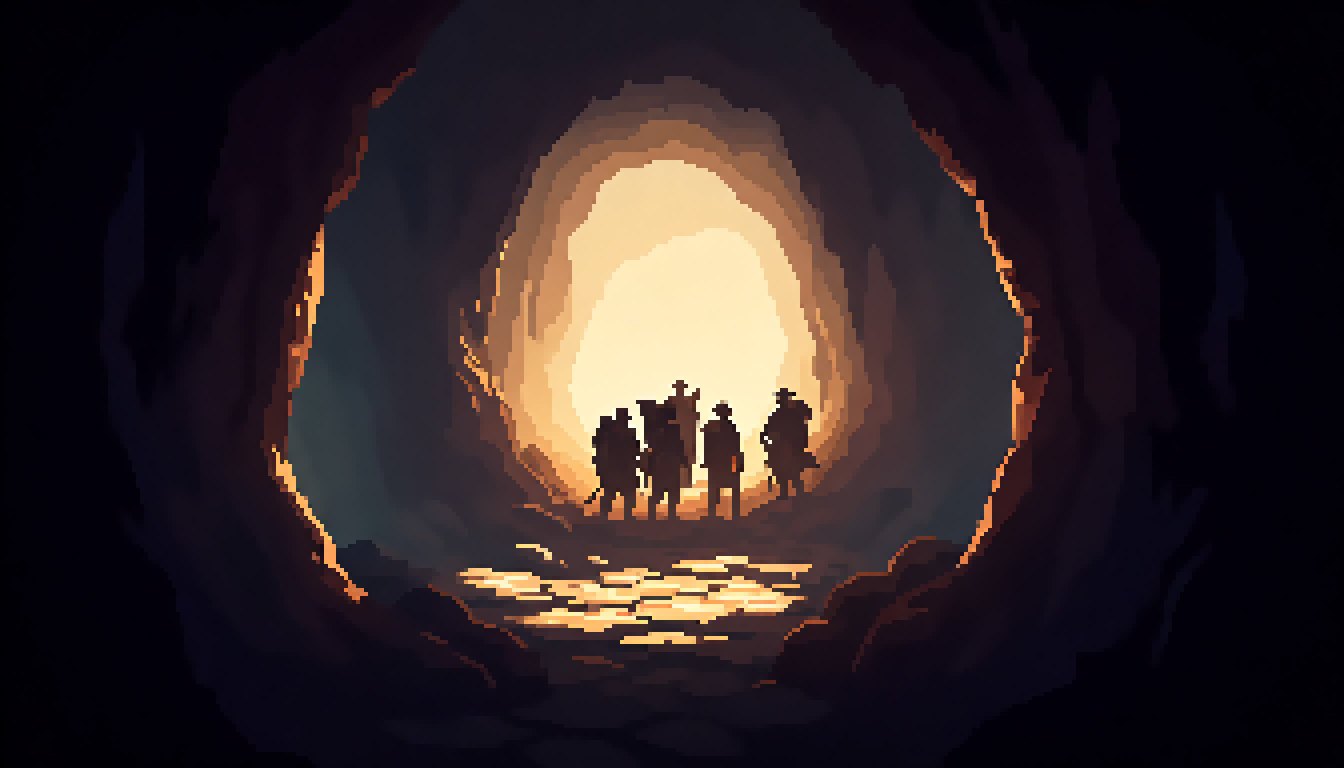
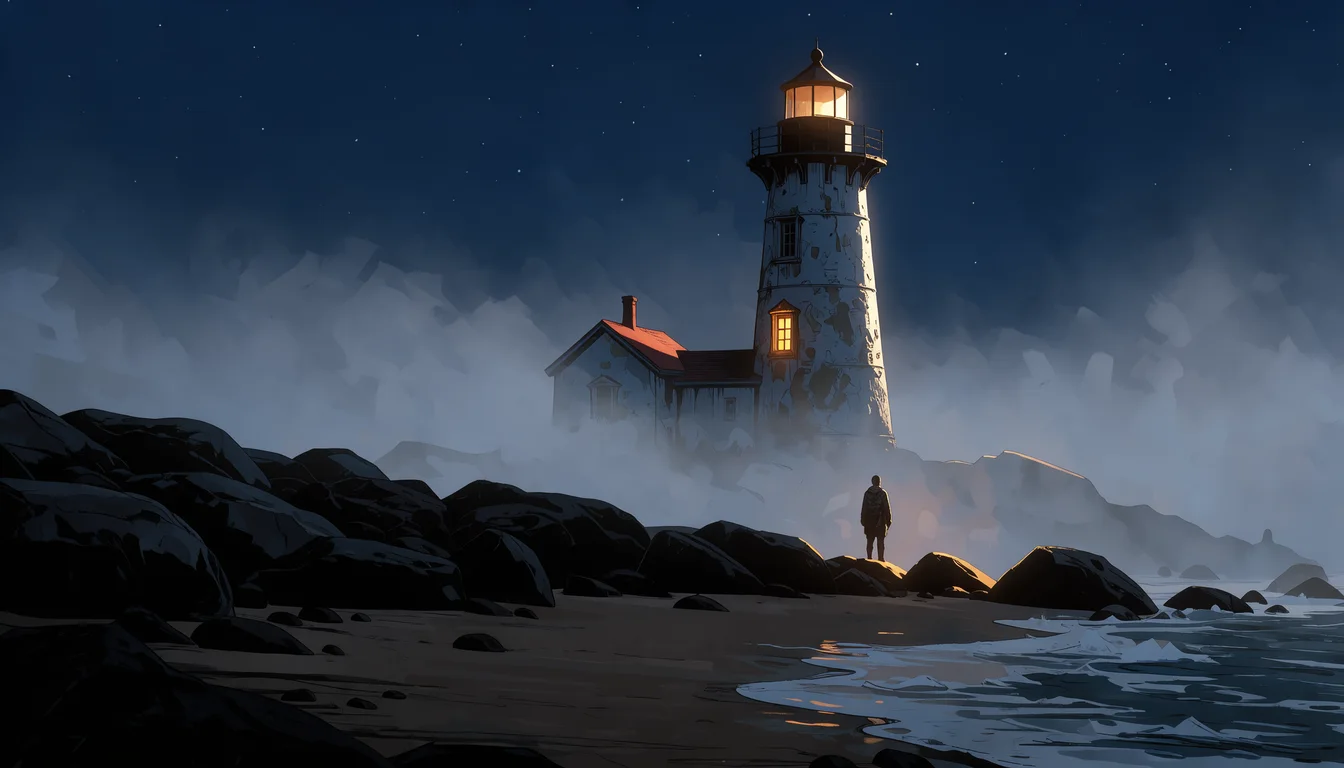
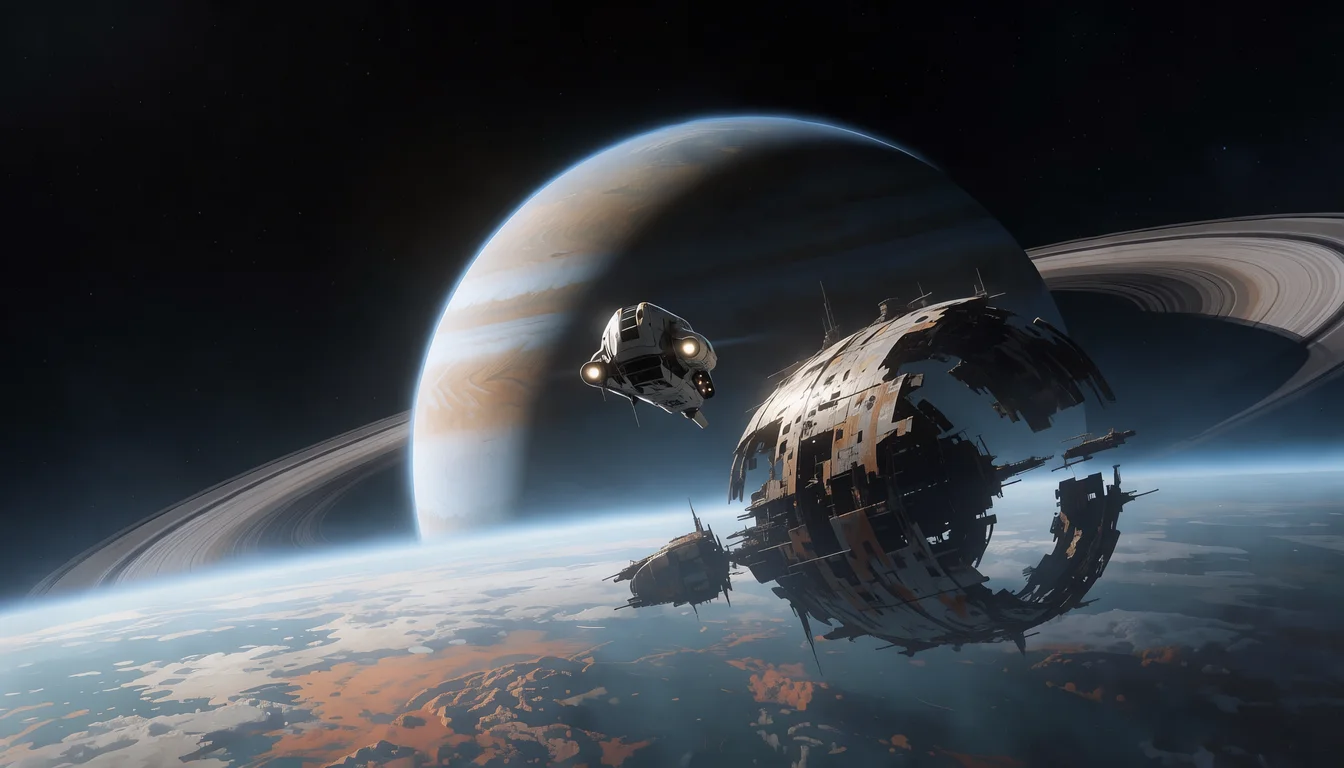
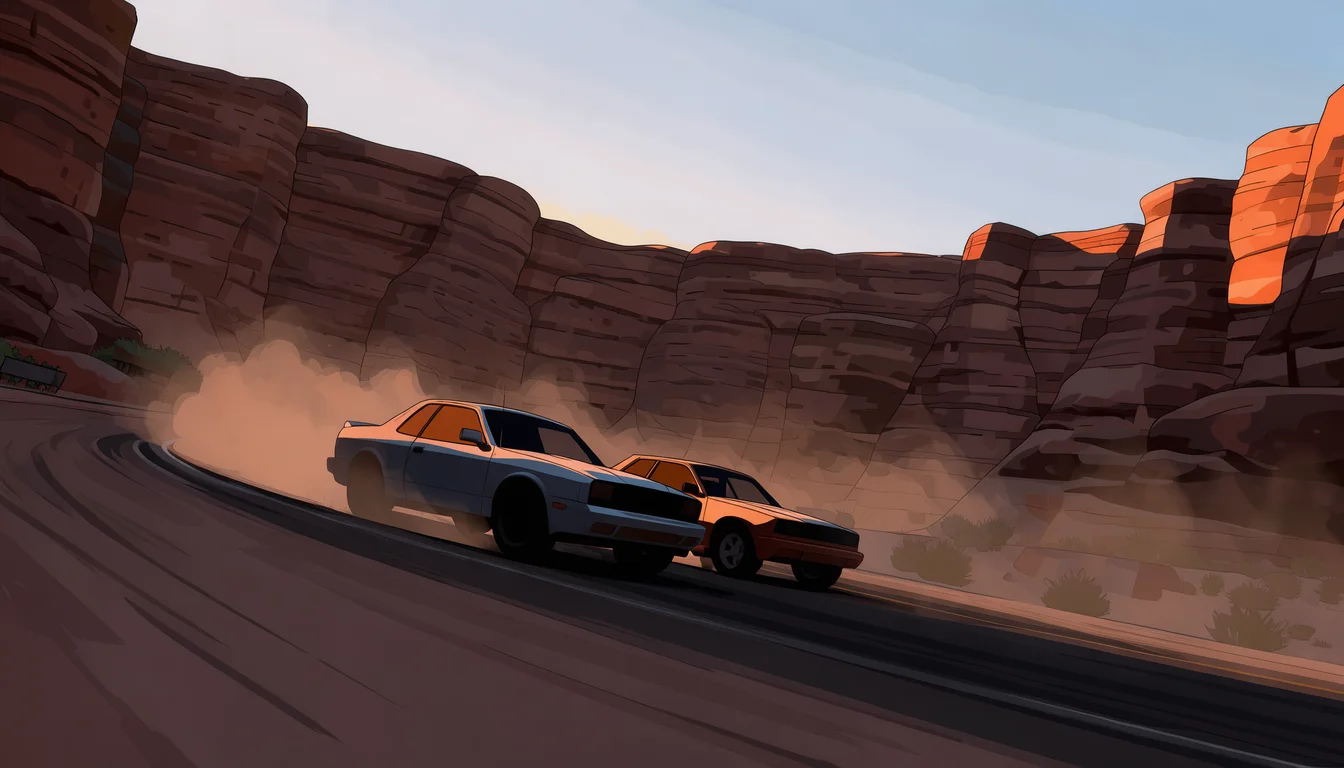
One per genre, each from a single sentence with the Splash Screen type.
Put your logo on it
A splash screen usually carries the game's title. Pick any splash screen and any transparent logo Ludo made for these pages to see them together, full screen and in a wide store crop.
Ludo lives where you build
Every generator in your terminal, your AI agent, your own code and the Unity editor. One account, one set of credits.
Explore developer toolsnpm install -g @ludoai/cliMCP serverAny MCP client, including assistants that can't run commands.https://mcp.ludo.ai/mcpREST APIYour own app, game server or pipeline.https://api.ludo.ai/api/Unity pluginGenerate and import assets inside the Unity editor.How it works
Pick Splash Screen
The Splash Screen type composes one cinematic moment that fills the frame, the way loading art does.
Describe the moment
Name the scene and what is happening in it: "a lone knight on a cliff edge facing a dragon circling a ruined castle at dawn".
Pick the screen shape
16:9 or 19:9 for PC, console and widescreen phones held sideways; 9:16 or 9:19 for portrait mobile games.
What devs build with it
Launch and title screens
The first full-screen image players see, with your logo on top.

Loading screens between levels
A different moment from the world for each chapter, biome or season, in one style.
Trailer shots and store art
A cinematic still to open a trailer on, animate in the Video Generator, or carry the logo on a store page.
FAQ
What sizes do splash screens come in?
You pick the aspect ratio: 16:9 or 19:9 landscape for PC, console and phones held sideways, 9:16 or 9:19 portrait for mobile games played upright, plus 4:3, 3:4 and 1:1.
What is the difference between a splash screen and a game background?
A splash screen is a standalone cinematic image, built around one dramatic moment, for the launch, loading and title screens. A game background sits behind gameplay, with room for the player to move, and can loop for scrolling levels or come as parallax layers. Ludo has a type for each; see the Game Background Generator for playfield art.
Can I put my game's logo on the splash screen?
Yes. Generate the logo with the Game Logo type, which comes out on a transparent background, and place it over the splash art in your engine or image editor. The preview on this page shows the logos and splash screens Ludo made together.
Can the splash screen match my game's art?
Yes. Pick one of over 30 art styles, or use Generate with Style with a screenshot, sprite or piece of key art as the style reference, so the loading art looks like the game it is loading.
Can I animate a splash screen?
Yes. Open it in the Video Generator, describe what should move, such as drifting clouds, a dragon's wingbeat or flickering torches, and get back a 5 to 15 second clip with a soundtrack for an animated title screen or a trailer shot.
Can I use it commercially?
Yes. You own the splash screens you generate with Ludo and can use them however you like, including in a commercial game and its marketing.
Can I generate splash screens through the API, MCP or CLI?
Yes. On Pro and Studio, pass splash as the image_type when you generate an image from the Ludo API, the MCP server or the CLI (0.5 credits per image, up to 8 variations per request). Image generation is unlimited in the web app on Pro; anything through the API, MCP or CLI uses credits.
Experience the future of game creation
Free to try. No credit card required.