

AI Concept Art Generator
Explore your game's look before you commit: environments, key art and creature designs generated in seconds, so you can iterate on direction instead of waiting on it.
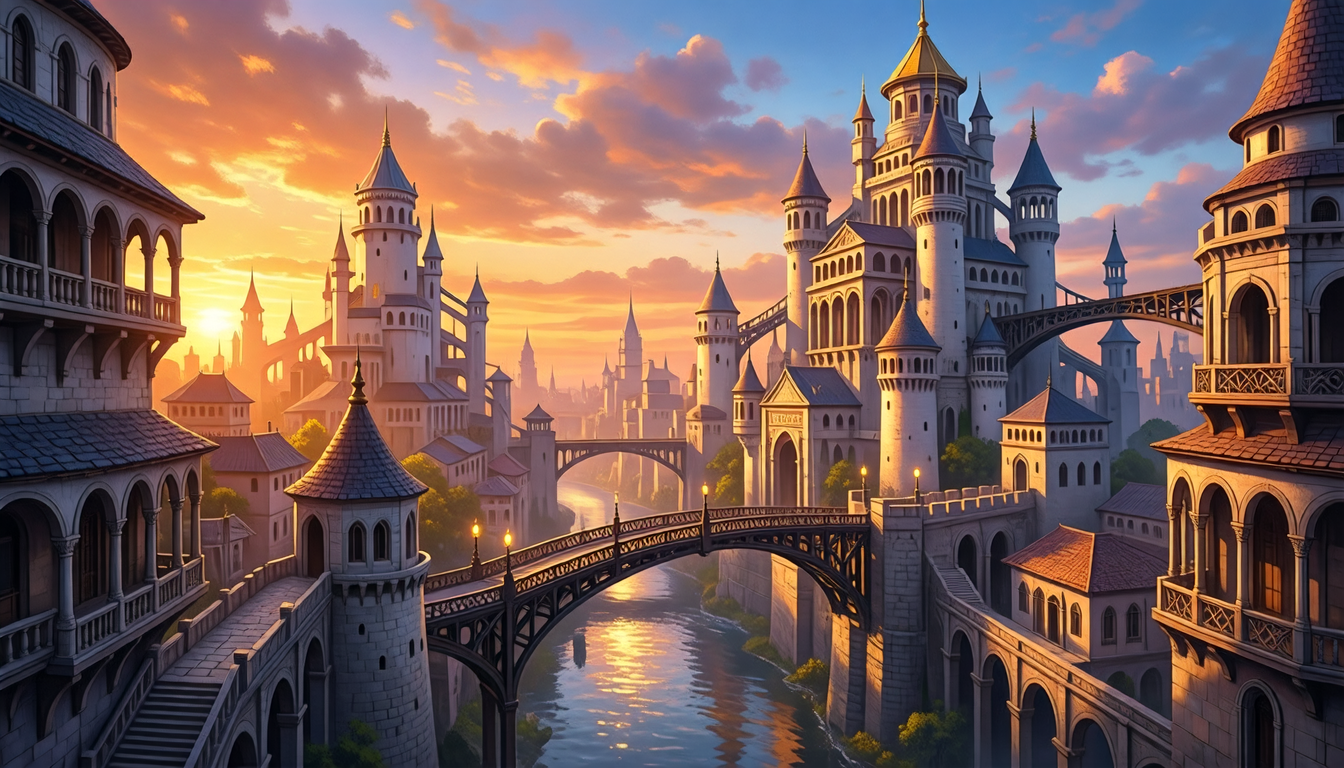
What is an AI concept art generator?
An AI concept art generator helps you explore a game's look before committing to it, from environments and key art to creature designs, all from text prompts. Ludo generates cohesive concept art in one consistent style so you can iterate on direction fast and carry the look through to production assets.
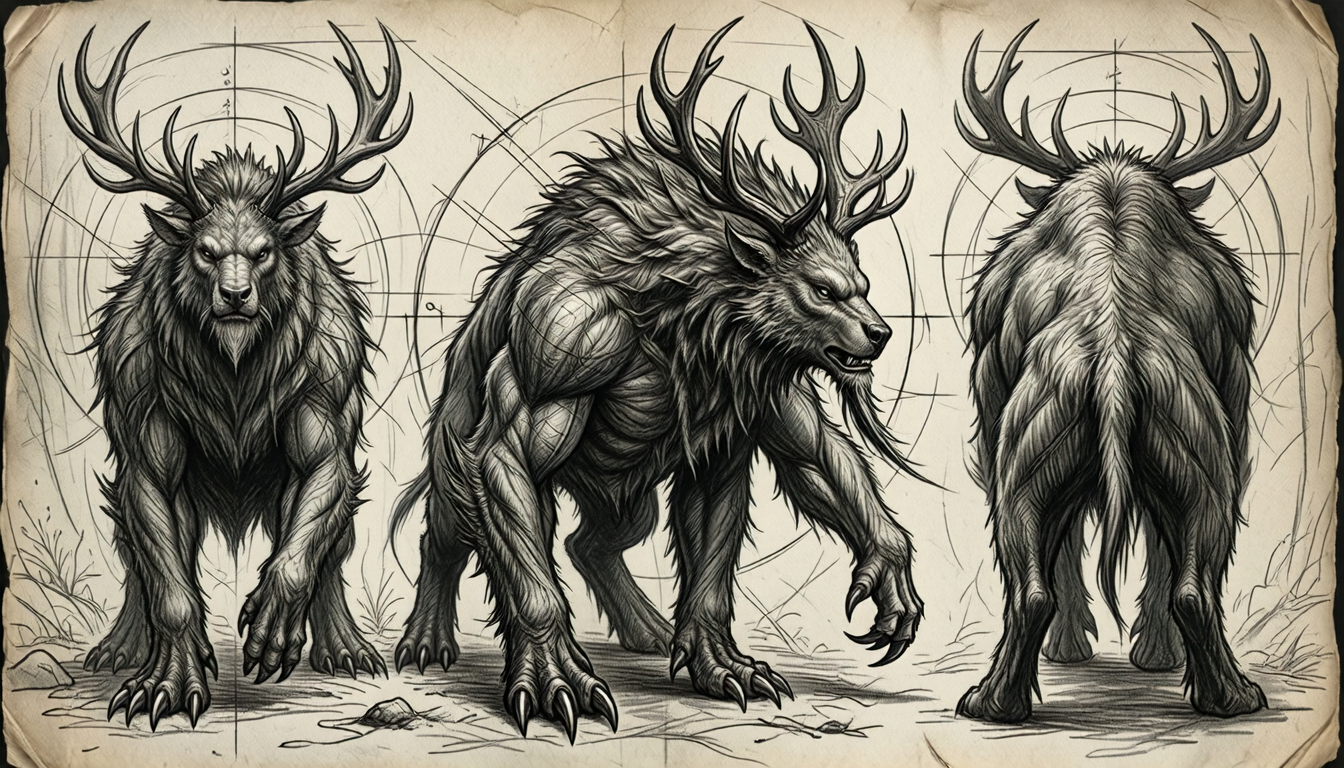
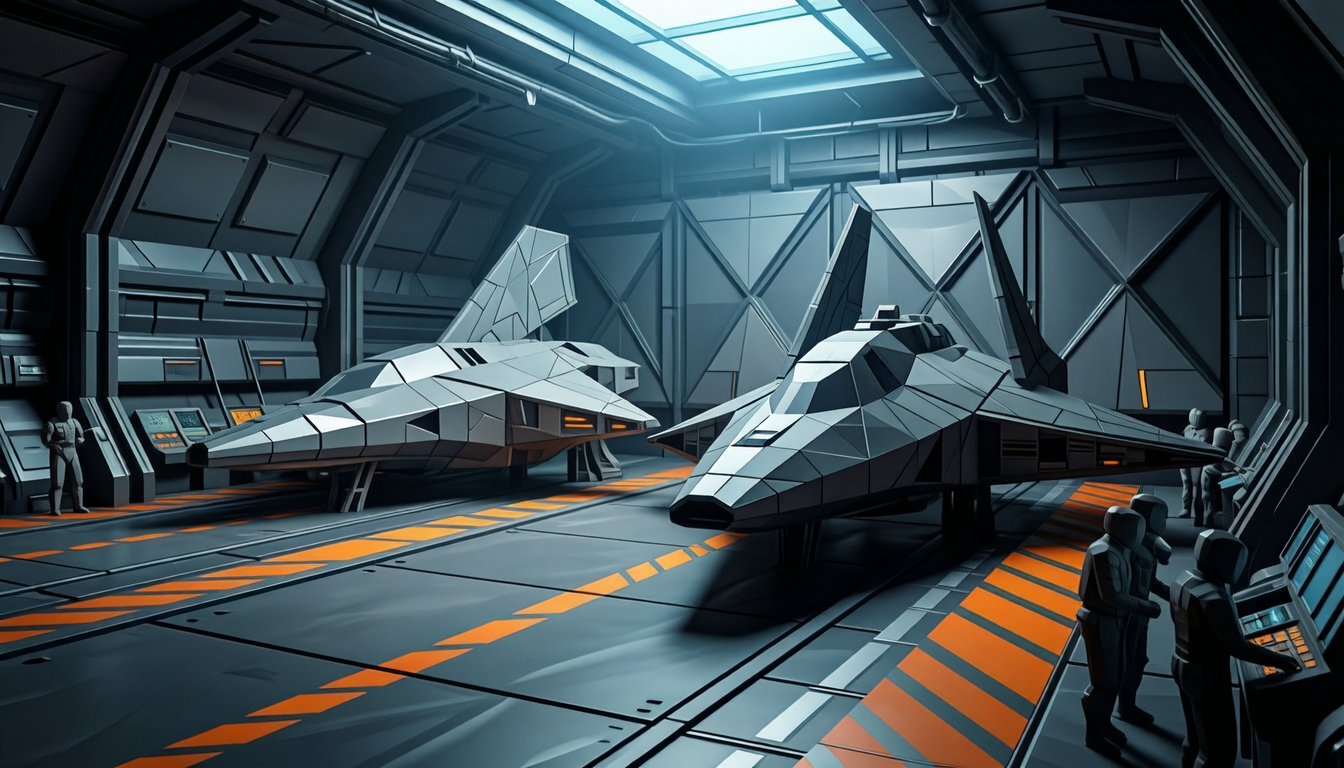
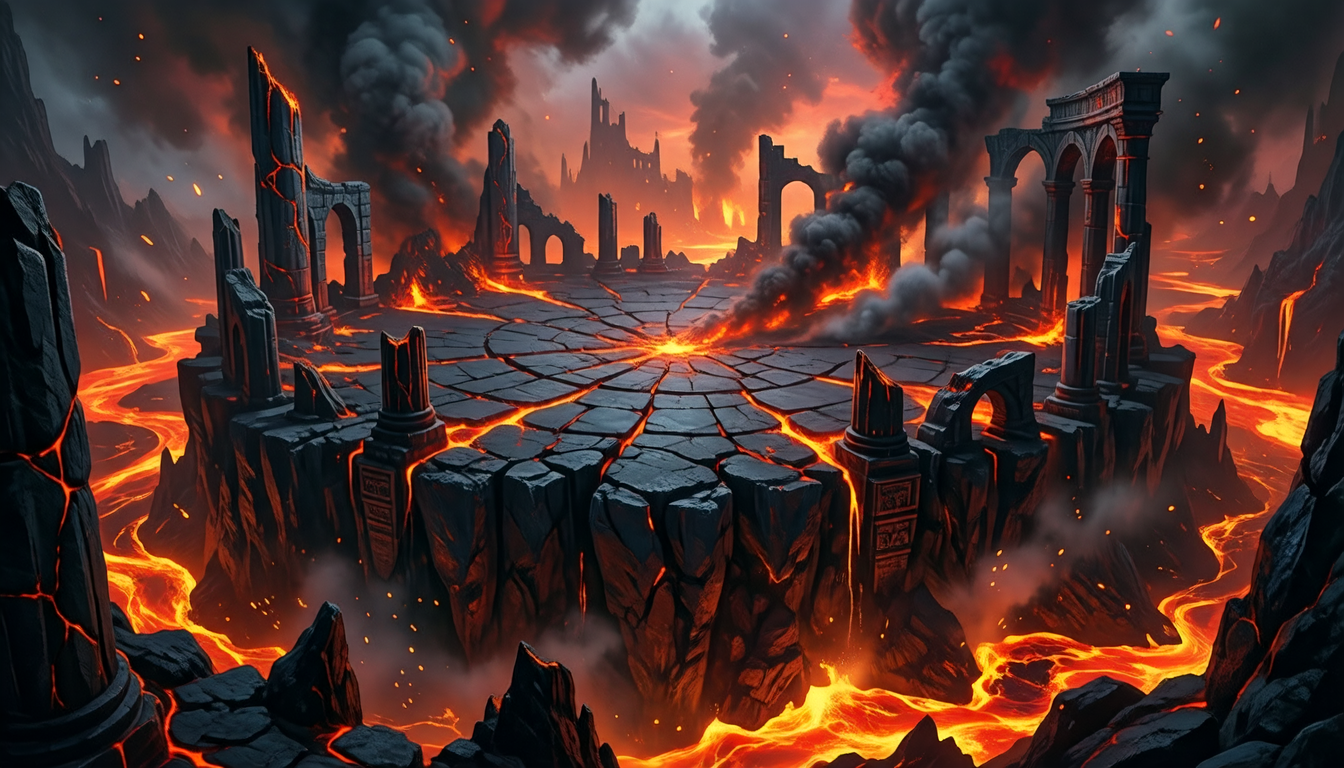
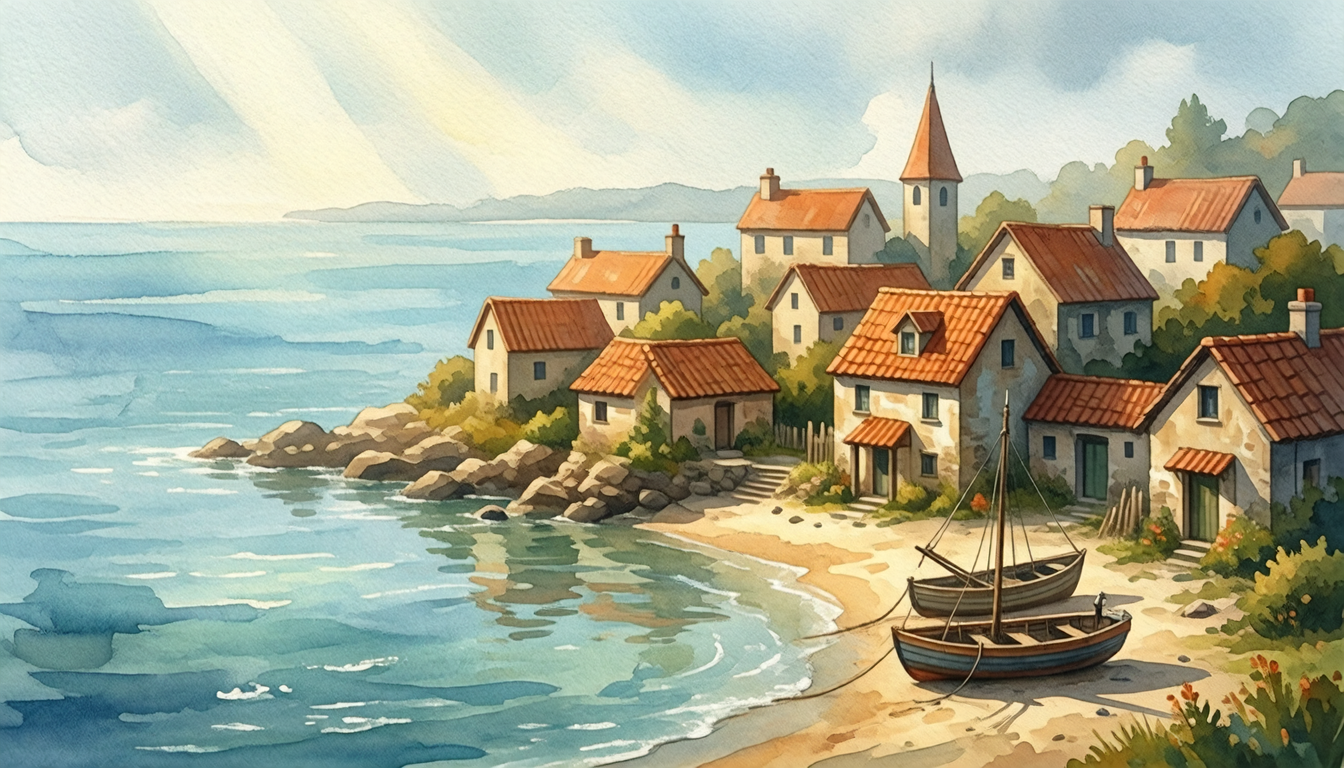
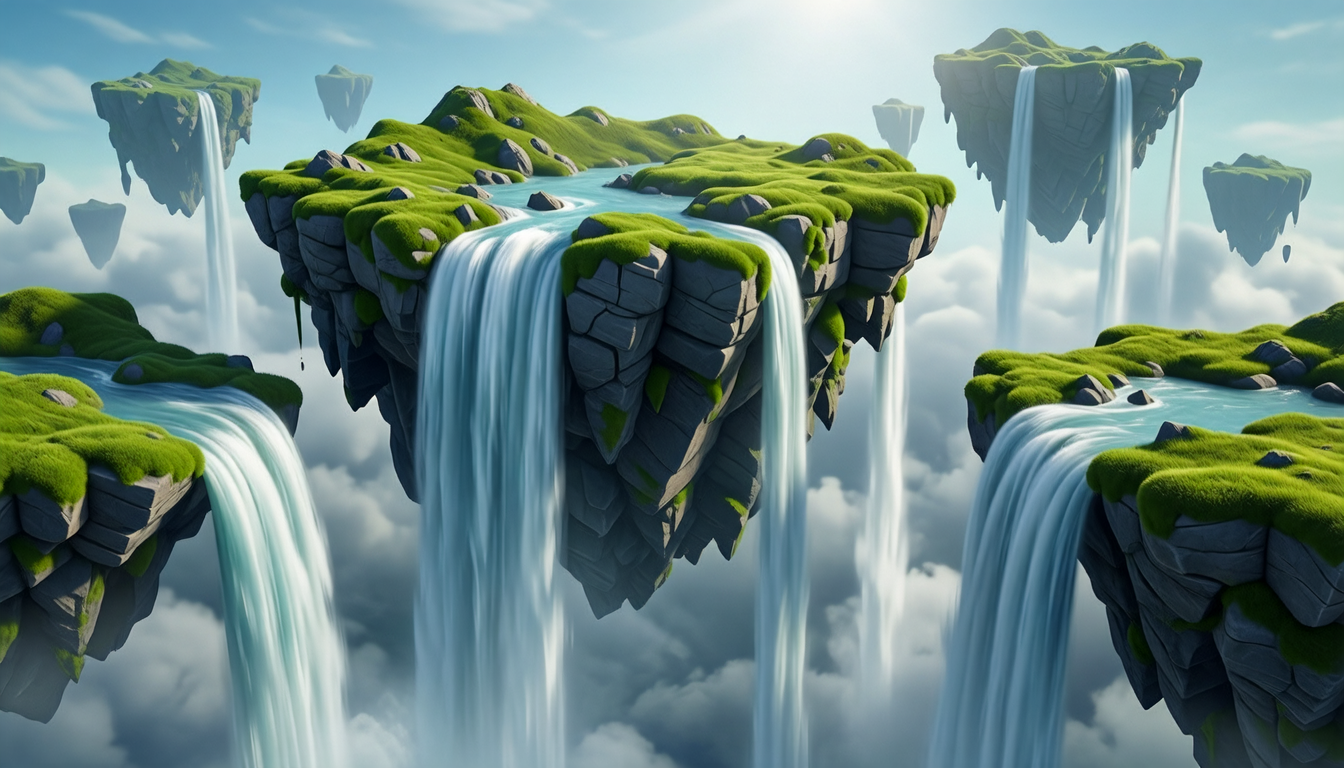
Concept art generated with Ludo
Environments, key art, and design sheets to pin down your game's direction.
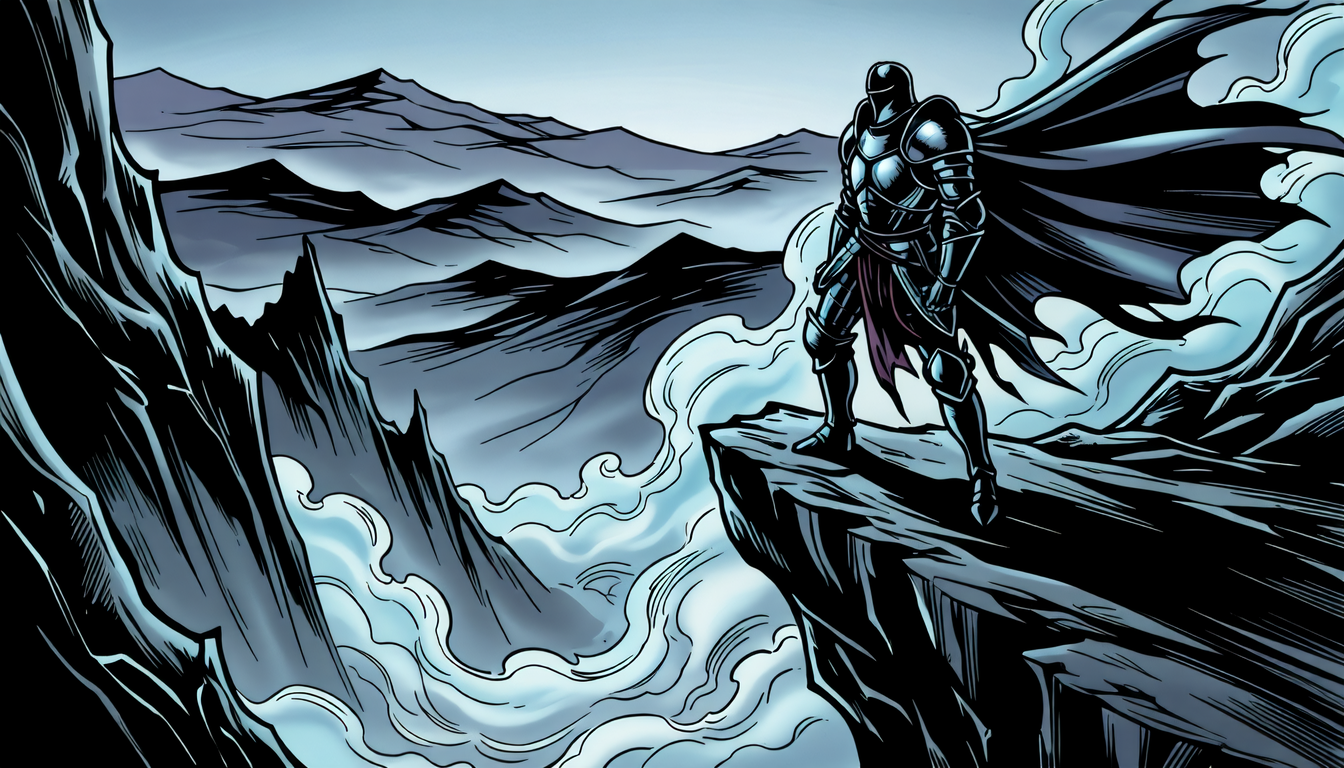
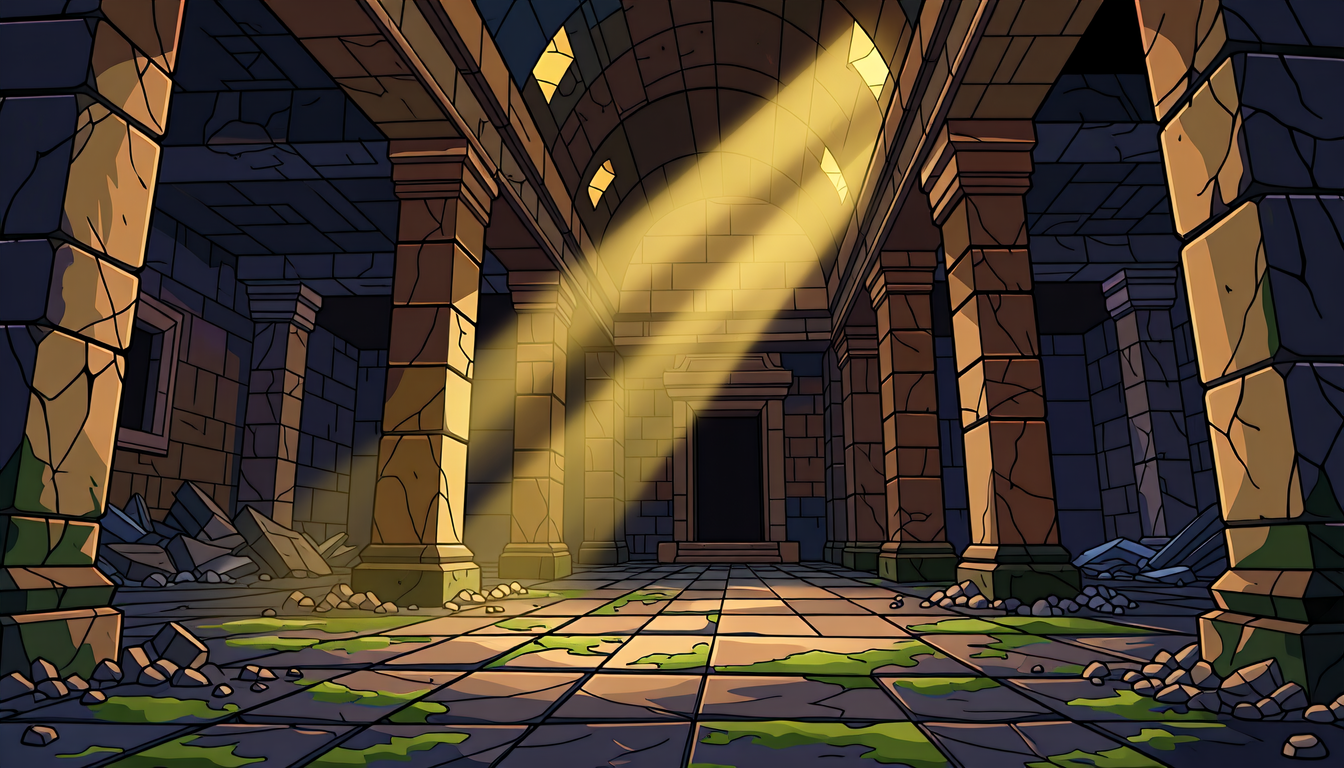
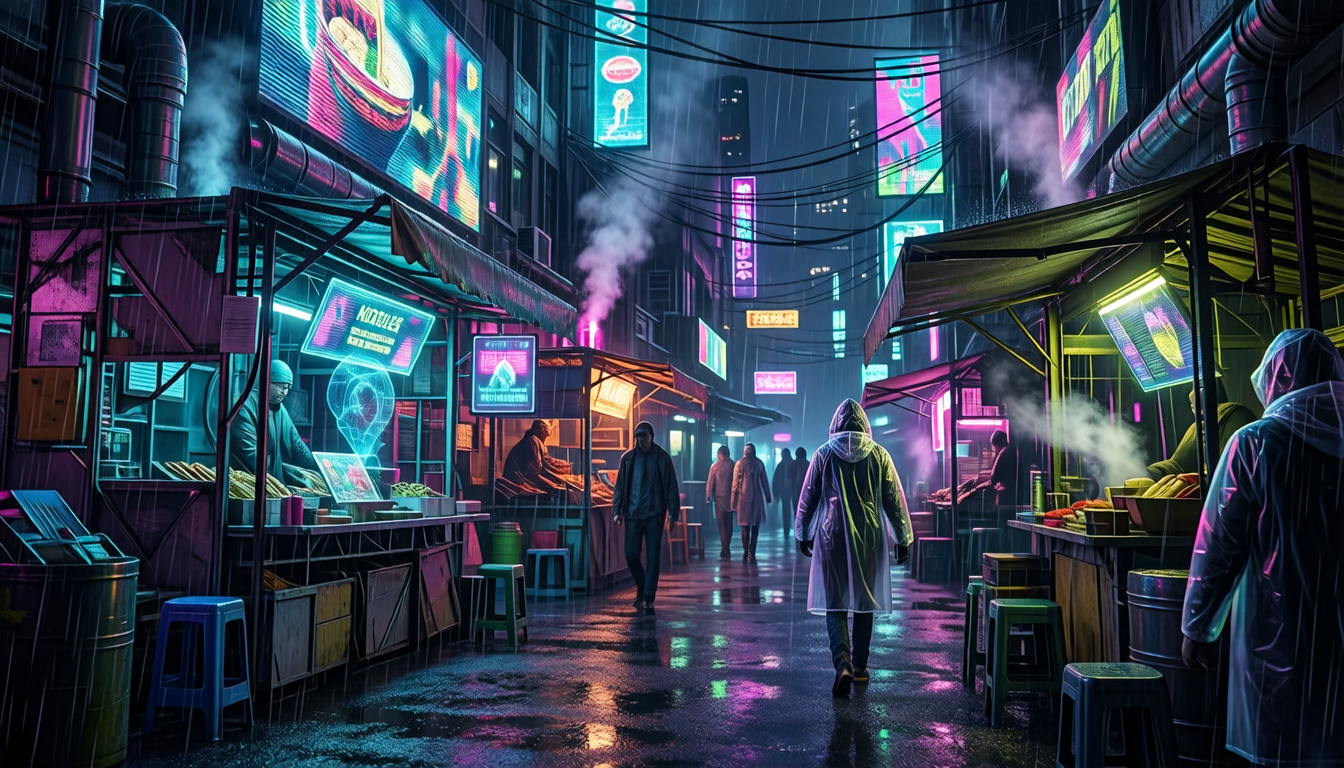
Give your concept art life
Take a finished concept into Ludo's Video Generator and describe what happens in it. The still becomes the first frame of a 5 to 15 second clip with a generated soundtrack: the rain falls, the signs flicker, the crowd moves through the street. Your pitch, store page, or team review then shows the world in motion instead of as a painting.
- Weather and atmosphere: rain, fog, falling snow, smoke and steam
- Neon signs, torches, and spells that flicker and glow
- Crowds, creatures, and vehicles moving through the scene
- A slow camera push-in or pan across a vista
- The still as both first and final frame for a seamless loop
Ludo lives where you build
Every generator in your terminal, your AI agent, your own code and the Unity editor. One account, one set of credits.
Explore developer toolsnpm install -g @ludoai/cliMCP serverAny MCP client, including assistants that can't run commands.https://mcp.ludo.ai/mcpREST APIYour own app, game server or pipeline.https://api.ludo.ai/api/Unity pluginGenerate and import assets inside the Unity editor.How it works
Describe the idea
An environment, key moment or creature, like "ruined temple with shafts of light", in any style.
Iterate fast
Generate variations in seconds to explore direction before committing.
Hand off or build
Use the art as direction for your team, or as final key art.
What devs build with it
Environment exploration
Try locations and moods before building them.
Key art and marketing
Hero shots for store pages and pitches.
Creature and prop design
Design sheets to lock down looks.
FAQ
Is this for direction or final art?
Both. Use it to explore your game's look fast, or as finished key art and environment pieces.
What styles can I explore?
32 art styles, from digital painting and watercolor to pixel art and stylized 3D, ideal for comparing directions.
Can I iterate on a piece I like?
Yes. Re-imagine or edit a concept to push it further, or use it as a style reference for the rest of your art.
Can I animate my concept art?
Yes. Open the piece in the Video Generator, describe what should move, and get back a 5 to 15 second clip with sound. Set the same image as the final frame and the clip loops seamlessly.
Can I use it commercially?
Yes. You own the concept art you generate with Ludo and can use it however you like, including in commercial games and marketing.
Experience the future of game creation
Free to try. No credit card required.