

AI Card Art Generator
Generate the illustrations a card game lives on (dragons, heroes, spells, and units) in a consistent style across the whole set, ready to drop into your card frames.
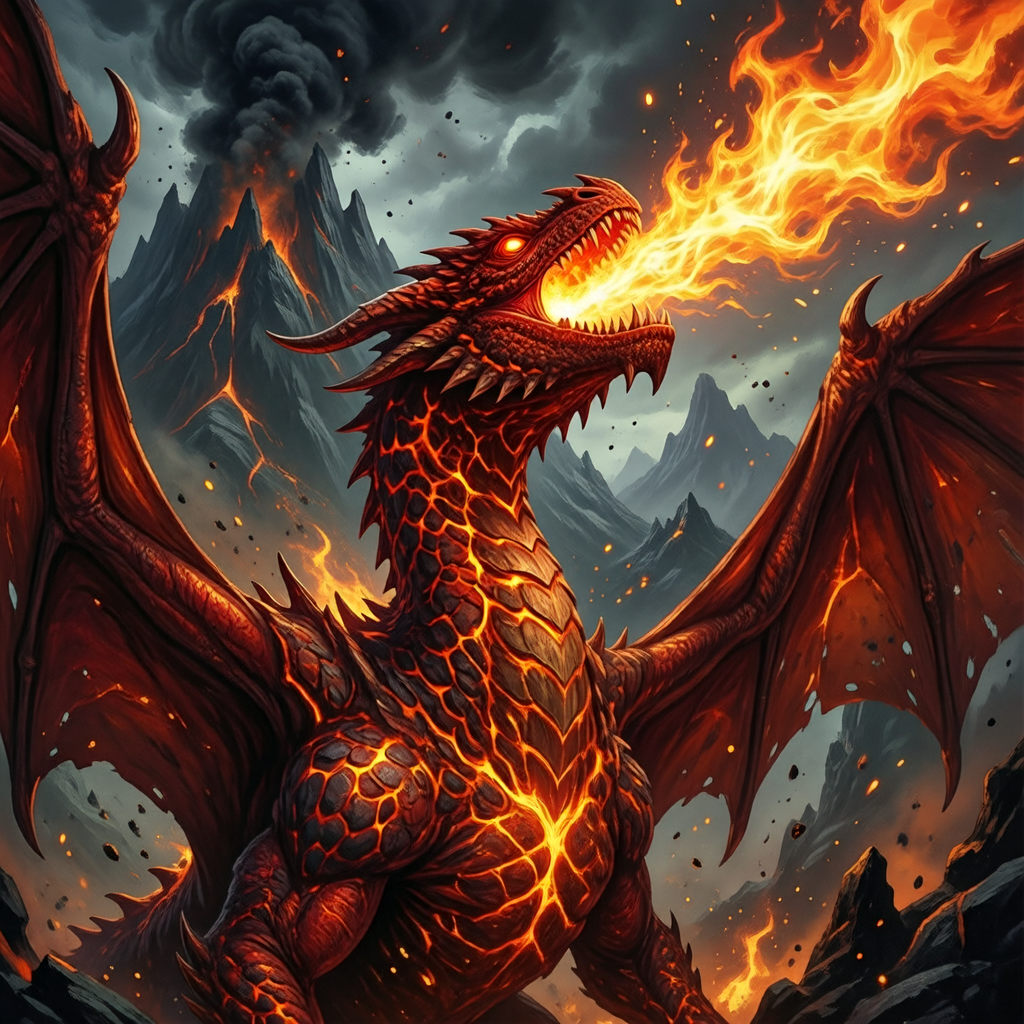
What is an AI card art generator?
An AI card art generator produces the illustrations a card game lives on (dragons, heroes, spells, and units) from a text prompt, in one consistent art style. Ludo generates card art in one style across a whole set, ready to drop into your card templates and frames. It can also animate the same illustration, so the art on a digital card moves the way players expect a premium card to move.
Card art generated with Ludo
Creatures, heroes, and spells in any style, or lock one style across your whole set with a reference.
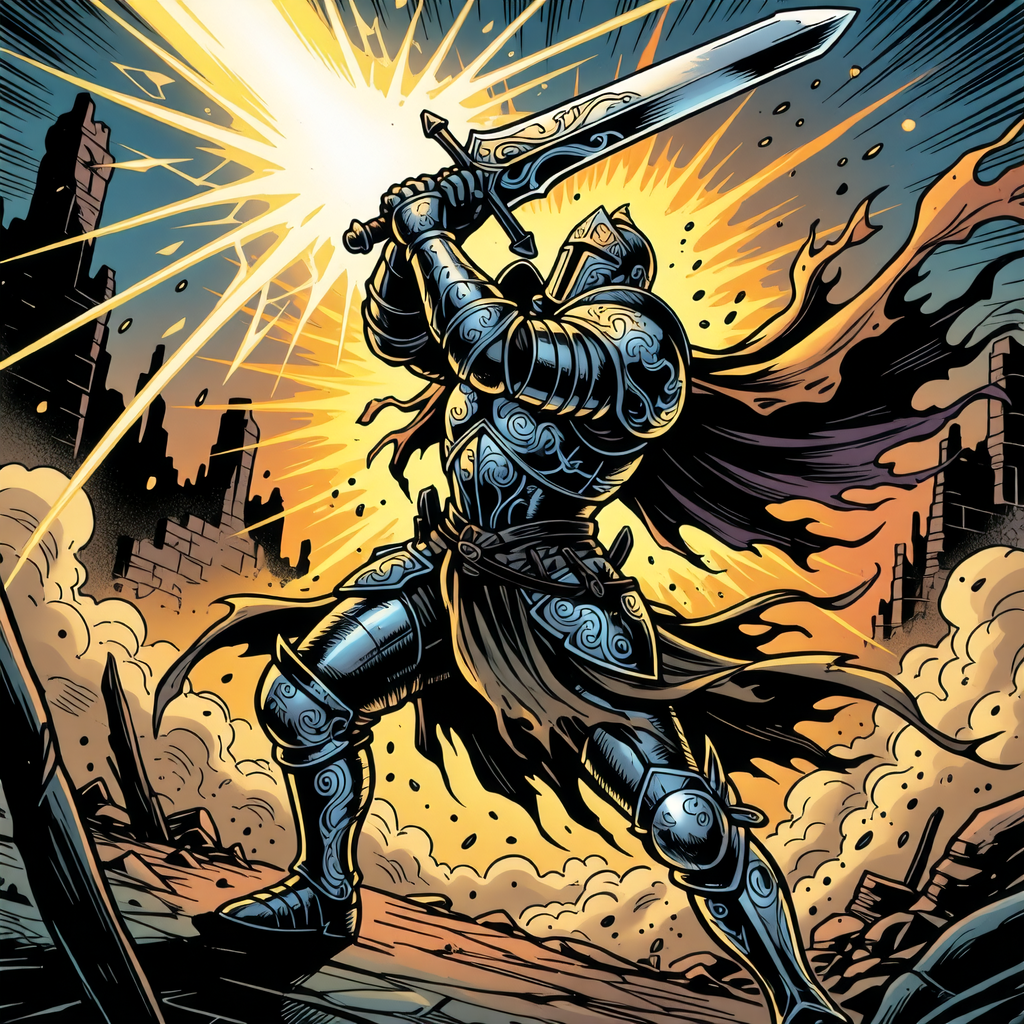
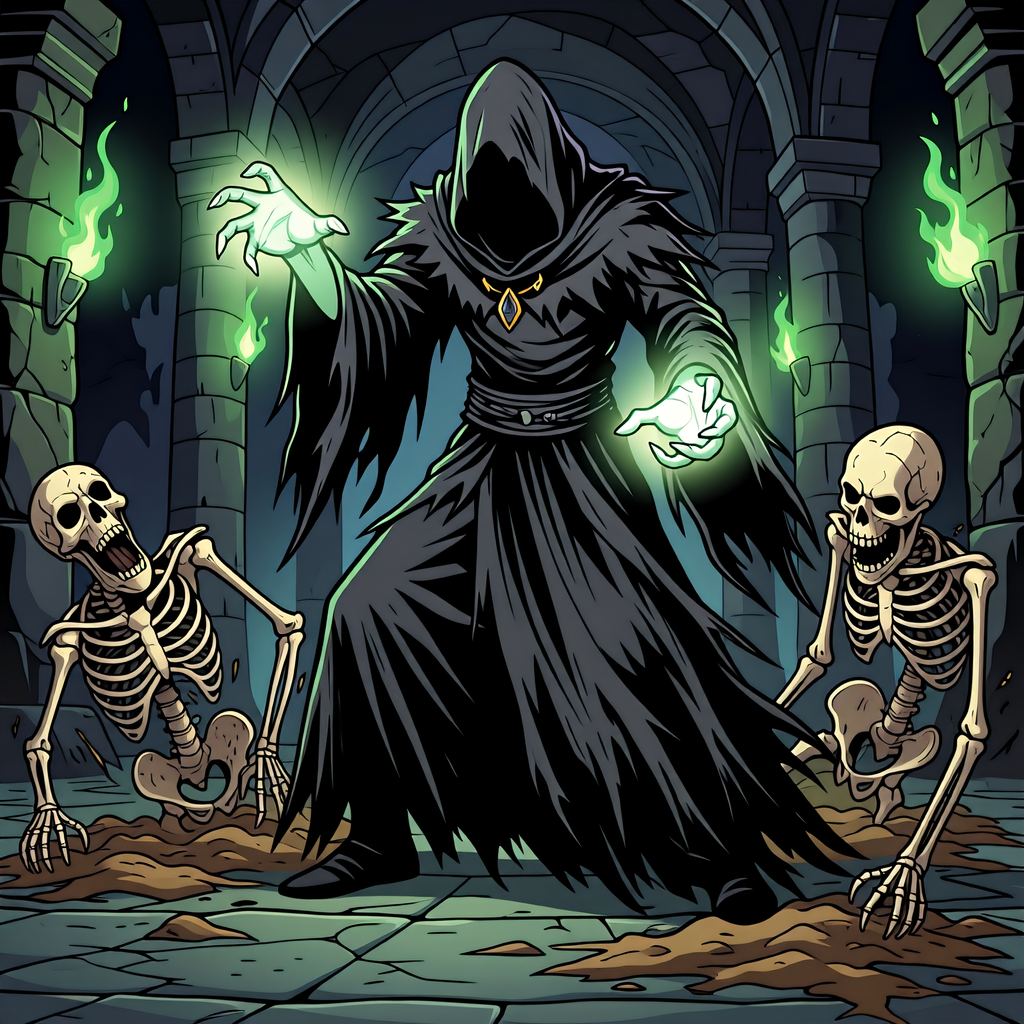
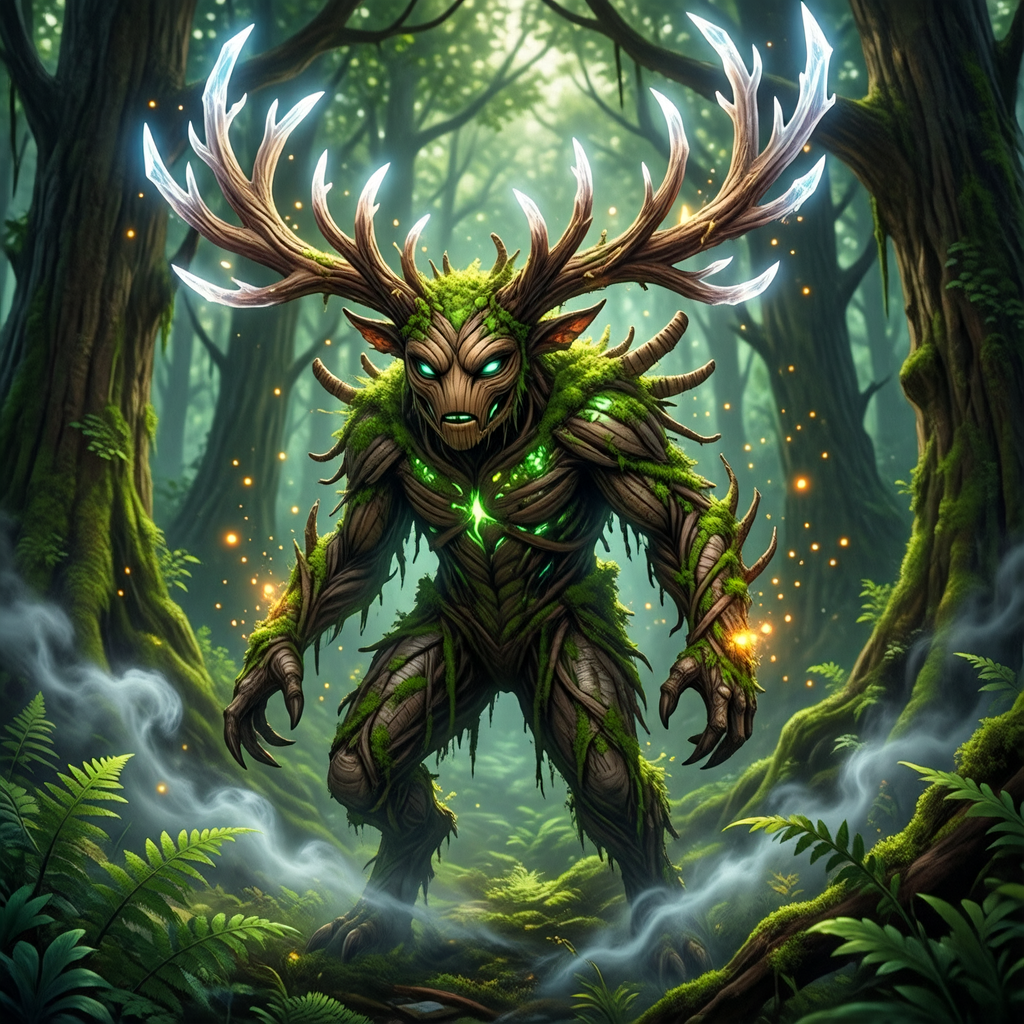
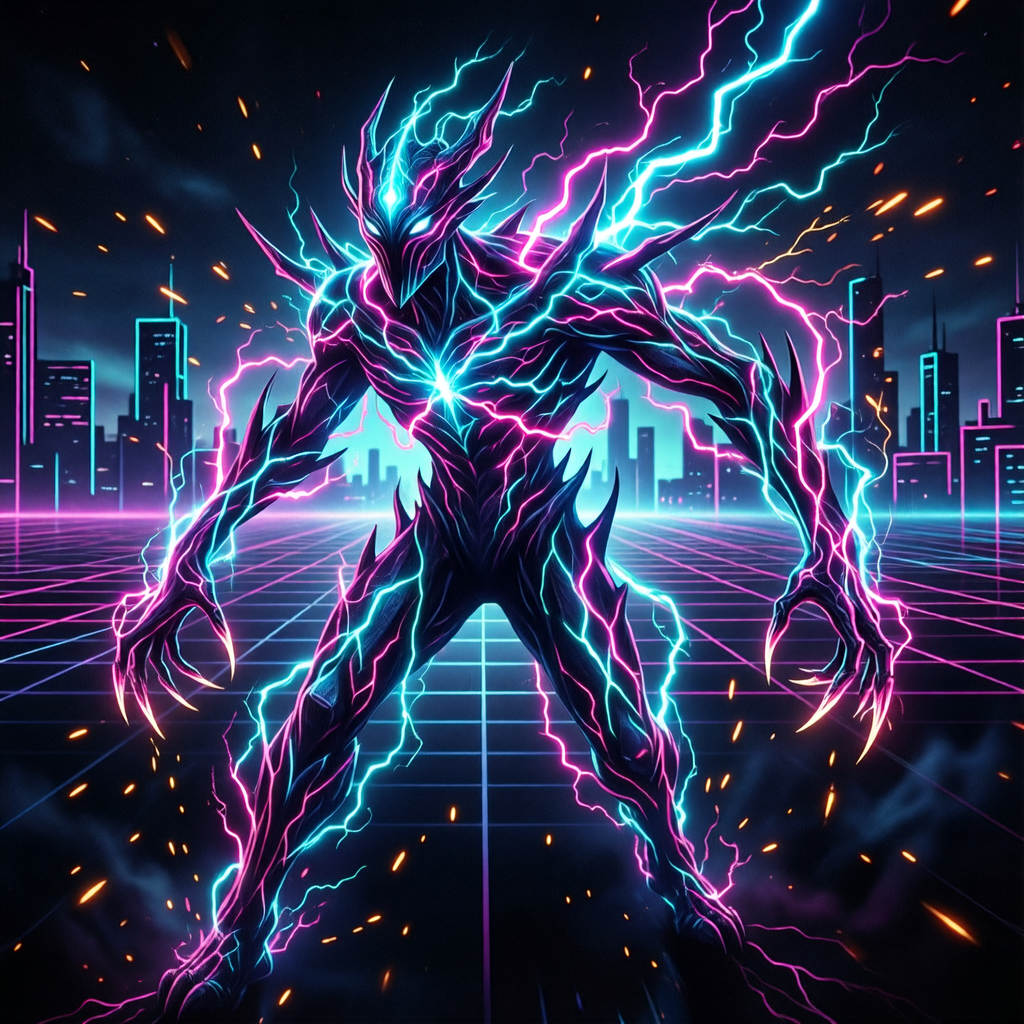
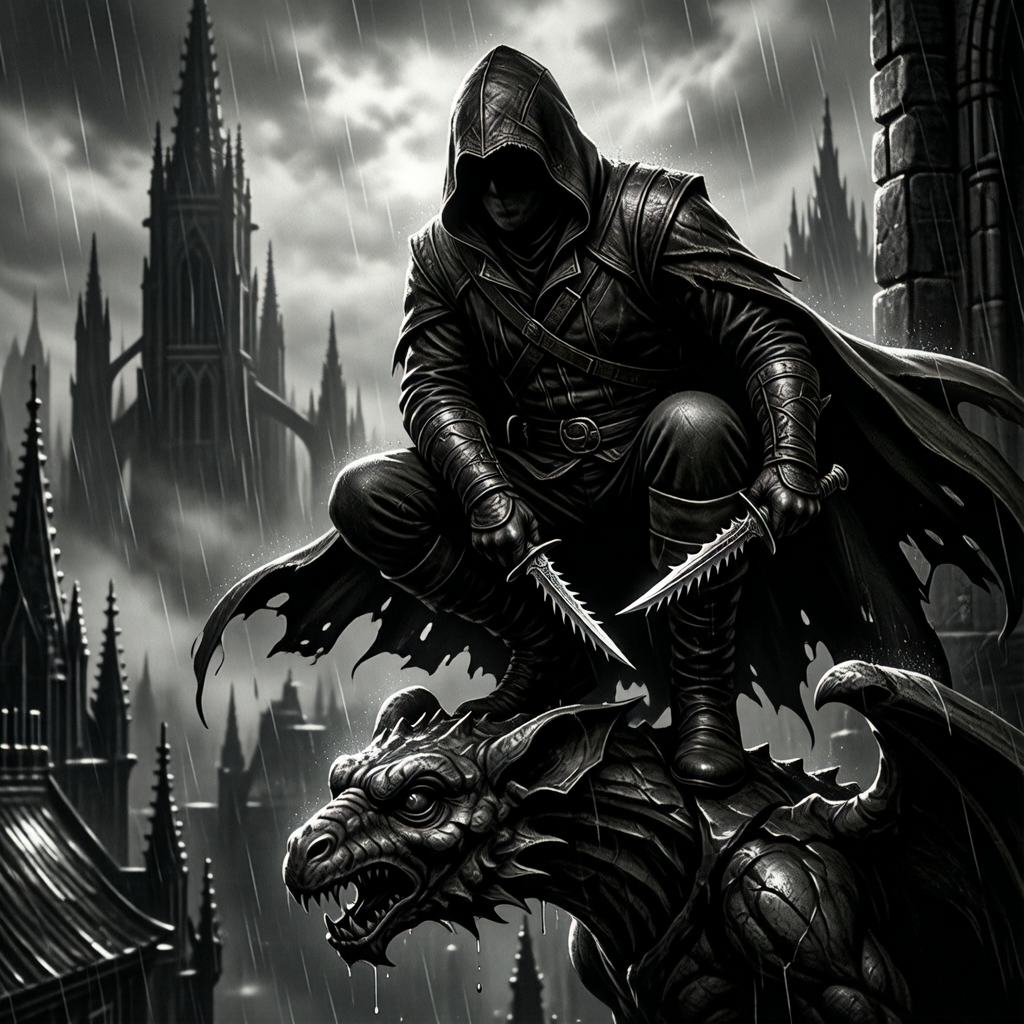
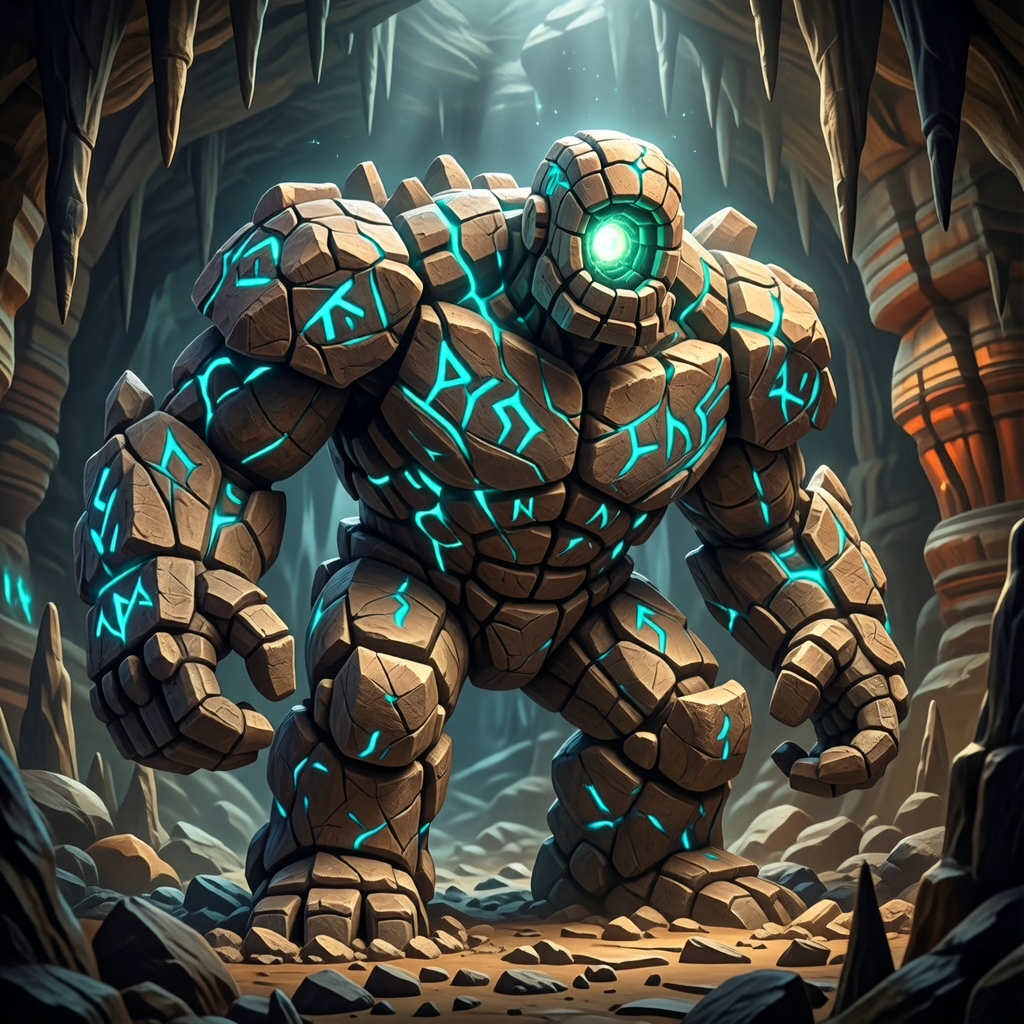
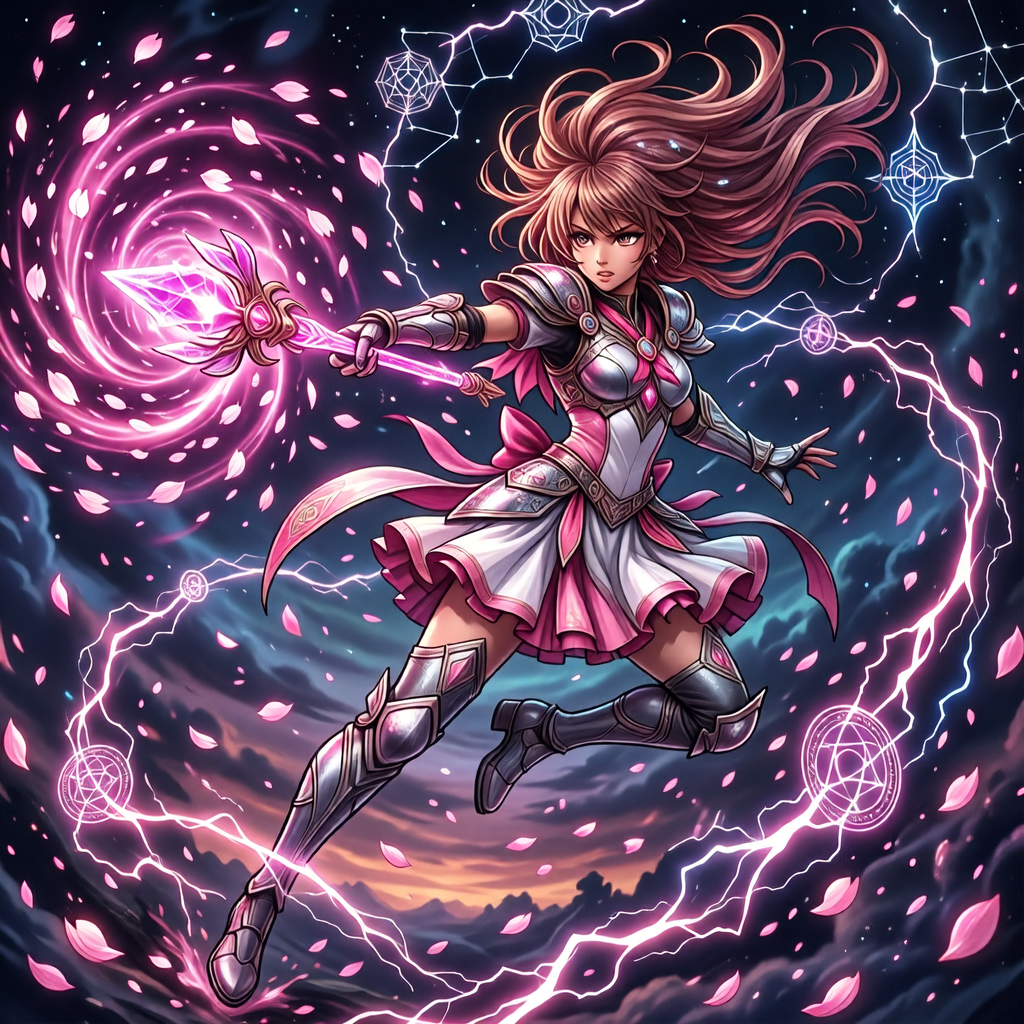
Animated card art for digital TCGs
Ludo can animate the card illustrations it generates, giving a digital trading card the kind of motion players read as a premium card: lightning crackling behind the subject, runes flaring, a creature breathing. Describe the motion in a sentence and the animation comes back as a sprite sheet, an animated GIF, or individual frames. Card art is a full illustration rather than a character sprite, so the motion is written rather than posed: the named motion presets are built for humanoid characters.
- Storm and spell effects crackling behind the subject
- Runes, gems, and enchantments flaring and pulsing
- Drifting clouds, smoke, and falling embers
- A creature breathing, shifting its wings, or opening its mouth
Ludo lives where you build
Every generator in your terminal, your AI agent, your own code and the Unity editor. One account, one set of credits.
Explore developer toolsnpm install -g @ludoai/cliMCP serverAny MCP client, including assistants that can't run commands.https://mcp.ludo.ai/mcpREST APIYour own app, game server or pipeline.https://api.ludo.ai/api/Unity pluginGenerate and import assets inside the Unity editor.How it works
Describe the card
The creature, hero, or spell, such as "fire dragon breathing flames" or "shadow assassin", in your set's style.
Keep the set consistent
Use a style reference so every card illustration matches.
Drop into your frames
Composite the art into your card templates and layouts.
What devs build with it
Trading card games
Creatures, units, and heroes for a full TCG set.
Spells and abilities
Dynamic art for spell and ability cards.
Any set style
Painterly fantasy, anime, and more.
FAQ
Can I keep a whole card set in one style?
Yes. Generate with a style reference (Generate with Style mode) so every illustration in the set shares the same look. If one card drifts, Edit Image repaints it toward the set style from a plain-language instruction, and Edit with Mask limits the change to one area.
What kinds of cards can it illustrate?
Creatures, heroes, units, spells, items, any subject, described in plain language, in any of 32 art styles.
Does it produce the card frame too?
It generates the illustration; you composite it into your own card template and layout.
Can AI card art be animated?
Yes. Ludo animates the card illustrations it generates, so the art on a digital trading card moves: lightning flickering across the sky, runes pulsing, clouds drifting, a creature breathing or opening its mouth. You drive the motion with a text prompt describing what should move, and the animation comes back as a sprite sheet, a video, an animated GIF, or individual frames. The named motion presets are built for humanoid characters, so a full card illustration is animated from a written description.
How many frames should an animated card idle use?
Animated card art comes back as a sprite sheet laid out as a grid, with a maximum of 4, 9, 16, 25, 36, 49, or 64 frames (the result can have fewer). A subtle idle, embers drifting or runes pulsing behind the subject, reads smoothest at the higher counts, while a quick flourish fits in 9 or 16 frames. Loop mode trims the sequence toward a loop so the card can sit on screen, though a perfectly smooth loop is not guaranteed. Frame sizes from 32 to 384 px, max resolution, an AI 1.5x upscale, and True Size, which keeps the frame at the size of your card image, cover full-art cards.
Which animation model should I use for card art, and how long can it run?
Hydra is the default: it plays the whole motion, runs 3 to 5 seconds at 3 credits per second, and comes back with a matching sound effect you can download, such as a crackle of lightning under a storm spell. Hydra+ is Hydra with finer detail, slower, at 4 credits per second, also with sound. Forge (1.5 credits per second, 1 to 5 seconds) is the cheaper option when you only need a quiet idle. A card does not need the full length, so a 3 second loop is usually enough for a premium-card shimmer.
Can I generate card art from code or an AI agent?
Yes. On Pro and Studio, the Ludo API, MCP server and CLI can generate card art with the card-art type (0.5 credits per image, up to 8 variations per request), generate a whole set from one style reference, and animate the results. Image generation is unlimited in the web app on Pro; anything through the API, MCP or CLI uses credits, and API results are kept for 7 days, so download what you want to keep.
Can I use it commercially?
Yes. You own the card art you generate with Ludo and can use it however you like, including in commercial games.
Experience the future of game creation
Free to try. No credit card required.