

AI Character Portrait Generator
Generate dialogue and party portraits for your whole cast (heroes, mages, rogues, NPCs) in a consistent style, ready for conversation UIs, character sheets, and menus.
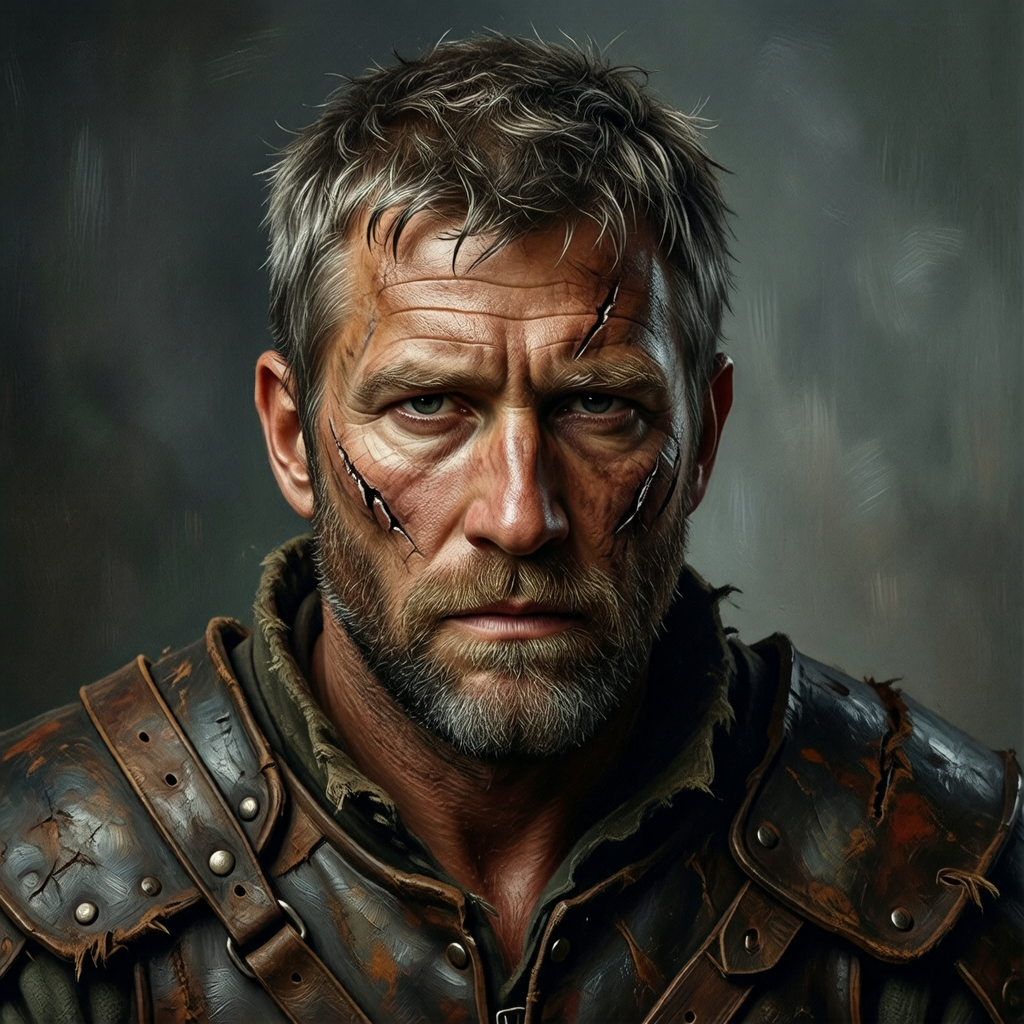
What is an AI character portrait generator?
An AI character portrait generator creates dialogue and party portraits for a whole cast (heroes, mages, rogues, NPCs) from text descriptions, in one consistent style. Ludo generates portraits in one style across a cast, with expressions made as edits of the same portrait, ready to drop into dialogue systems, menus, and character screens. A finished portrait can then be animated so it blinks, breathes, and shifts expression while a line of dialogue is on screen.
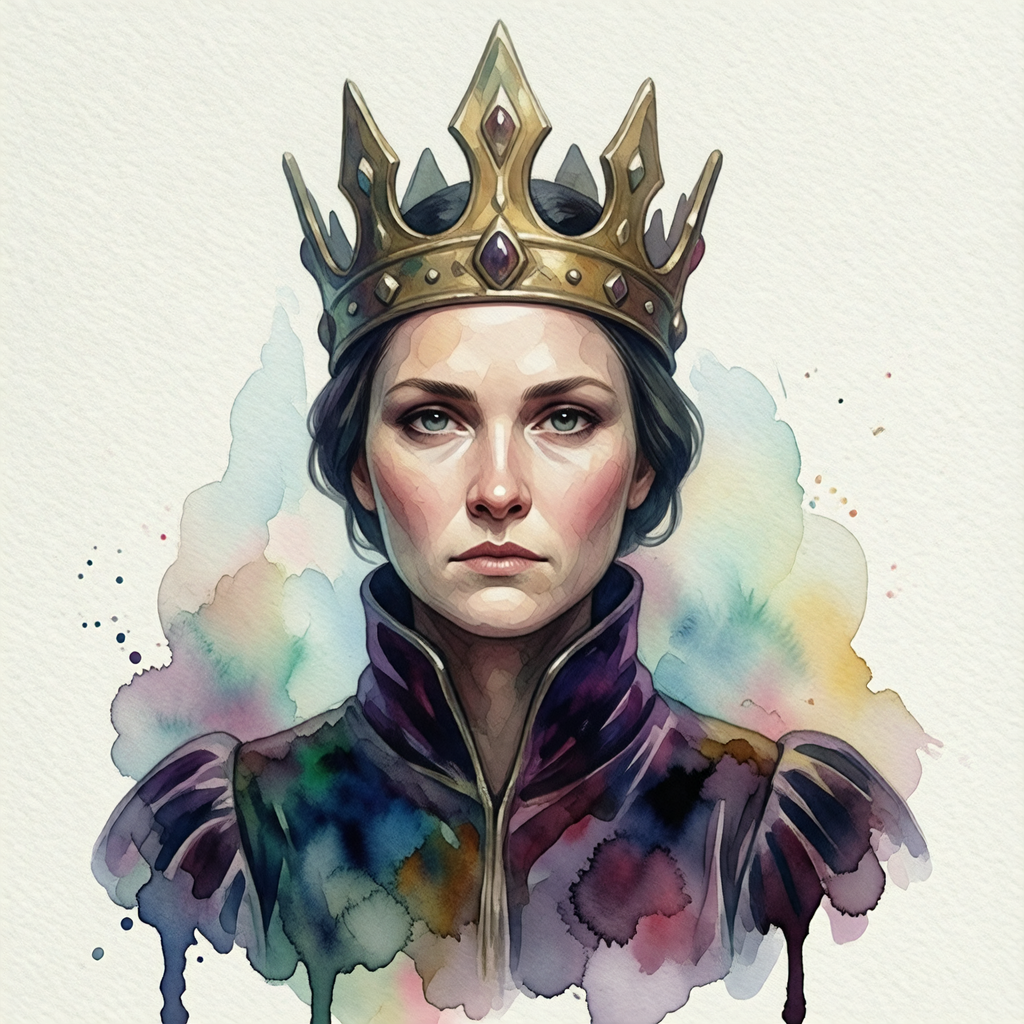
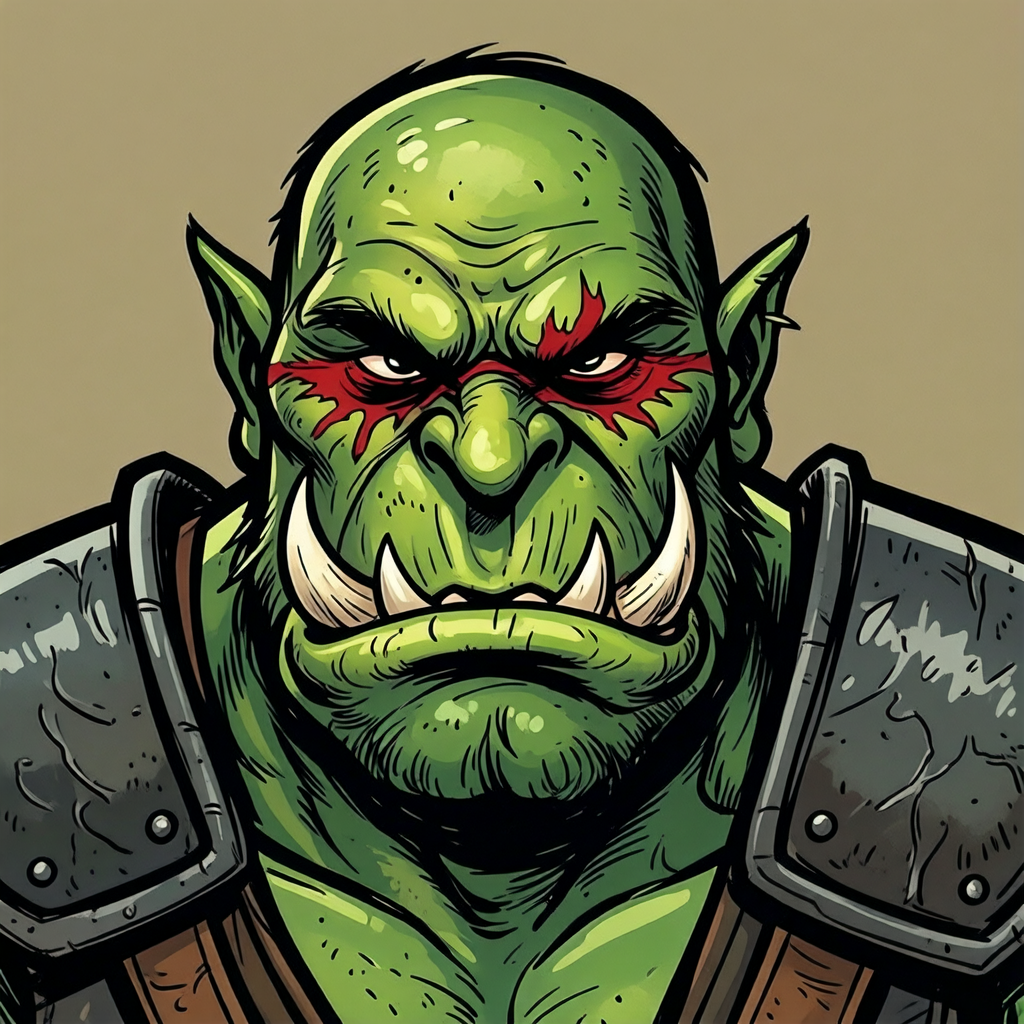
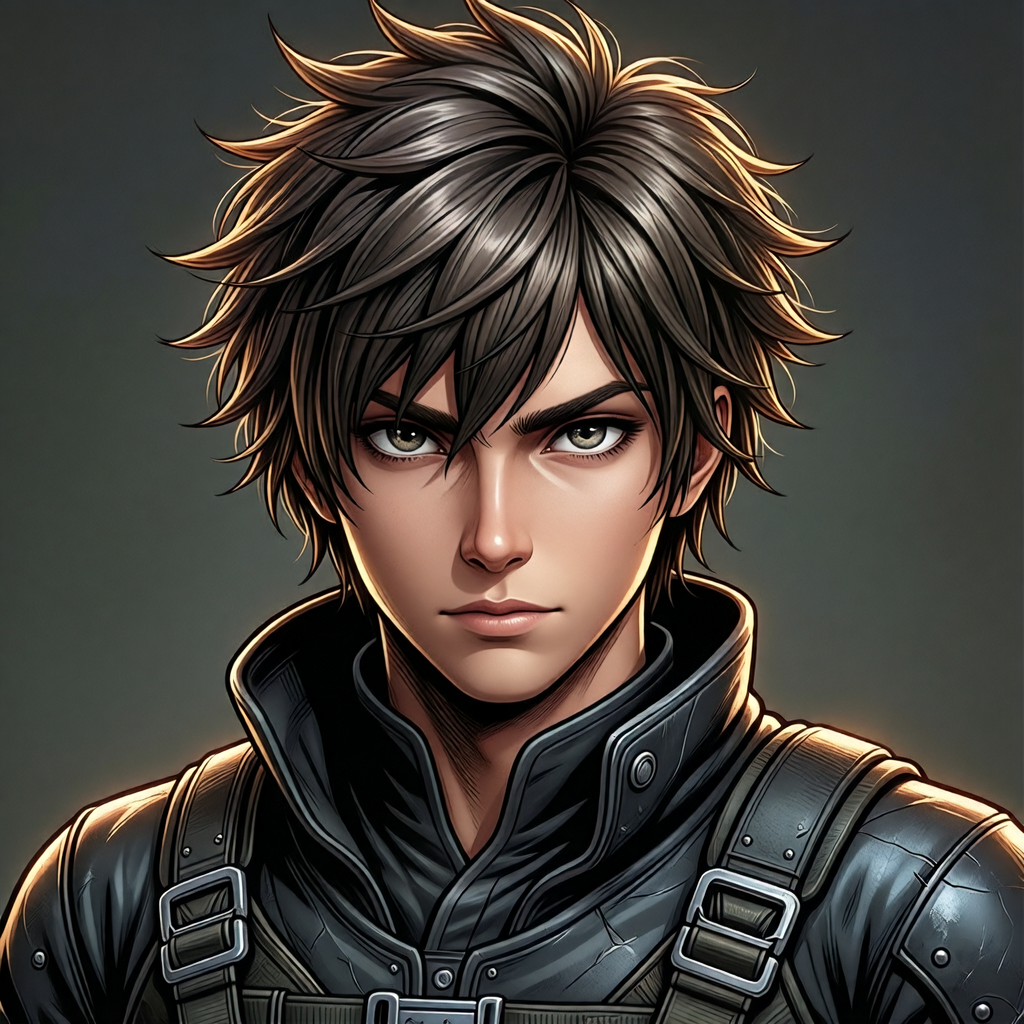
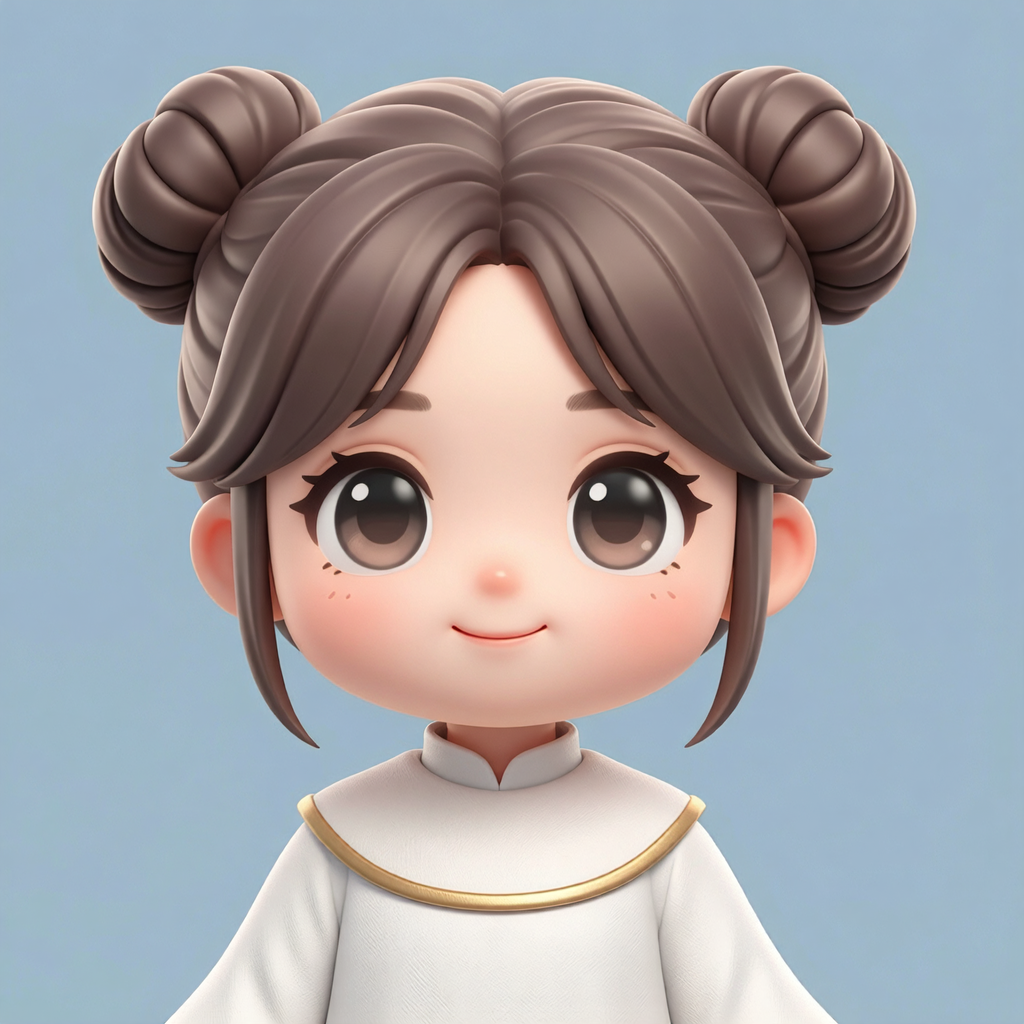
Portraits generated with Ludo
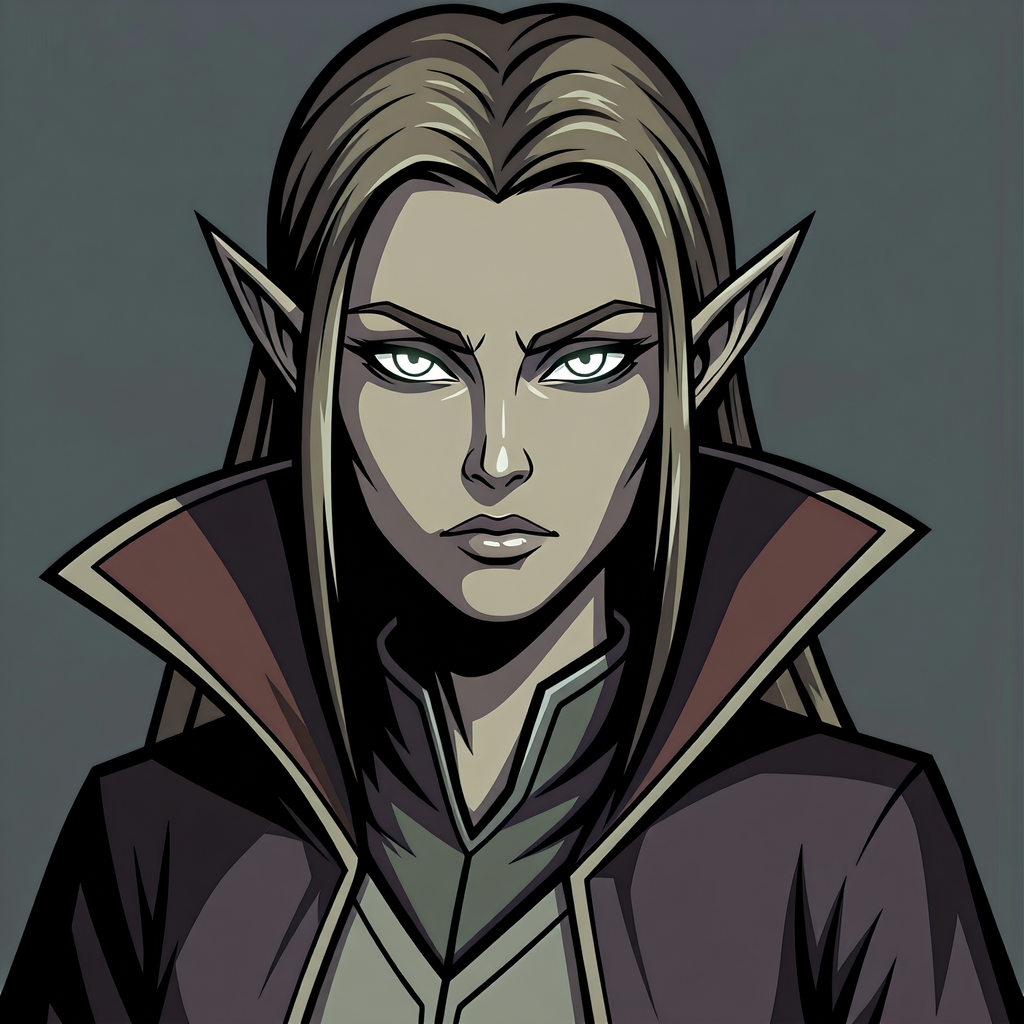
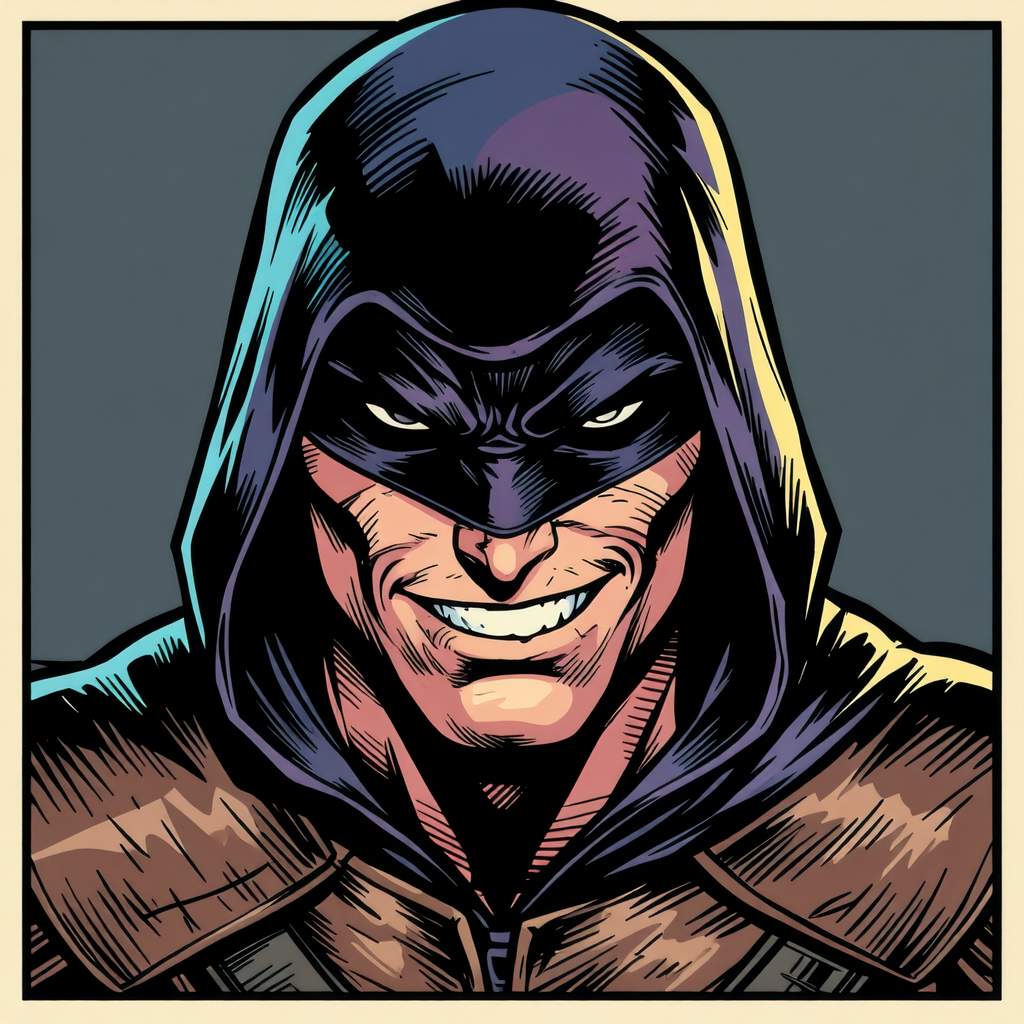
Dialogue portraits across classes and styles. Generate a whole cast that belongs together.
Portraits that blink, breathe, and react
Ludo can animate a finished character portrait: describe the motion and get back a sprite sheet built for looping, so the face in your dialogue box blinks, breathes, and shifts expression instead of sitting still. It is the same portrait you generated, driven by one short motion prompt, and it exports as a sheet, an animated GIF, or individual frames for your dialogue and menu systems.
- A slow blink and gentle breathing for an idle speaker
- An expression change from neutral into a faint smile
- Shoulders rising and falling while a character talks
- Up to 64 frames per sheet, laid out as a grid
- Loop mode trims the sequence for looping
Ludo lives where you build
Every generator in your terminal, your AI agent, your own code and the Unity editor. One account, one set of credits.
Explore developer toolsnpm install -g @ludoai/cliMCP serverAny MCP client, including assistants that can't run commands.https://mcp.ludo.ai/mcpREST APIYour own app, game server or pipeline.https://api.ludo.ai/api/Unity pluginGenerate and import assets inside the Unity editor.How it works
Describe the character
Class, race, mood, and gear, such as "elven mage with glowing eyes", in your game's style.
Match your whole cast
Use a style reference so every portrait shares one look.
Drop into your dialogue UI
Use portraits in conversation boxes, party screens, and character sheets.
Watch RPG dialogue portraits made in Ludo
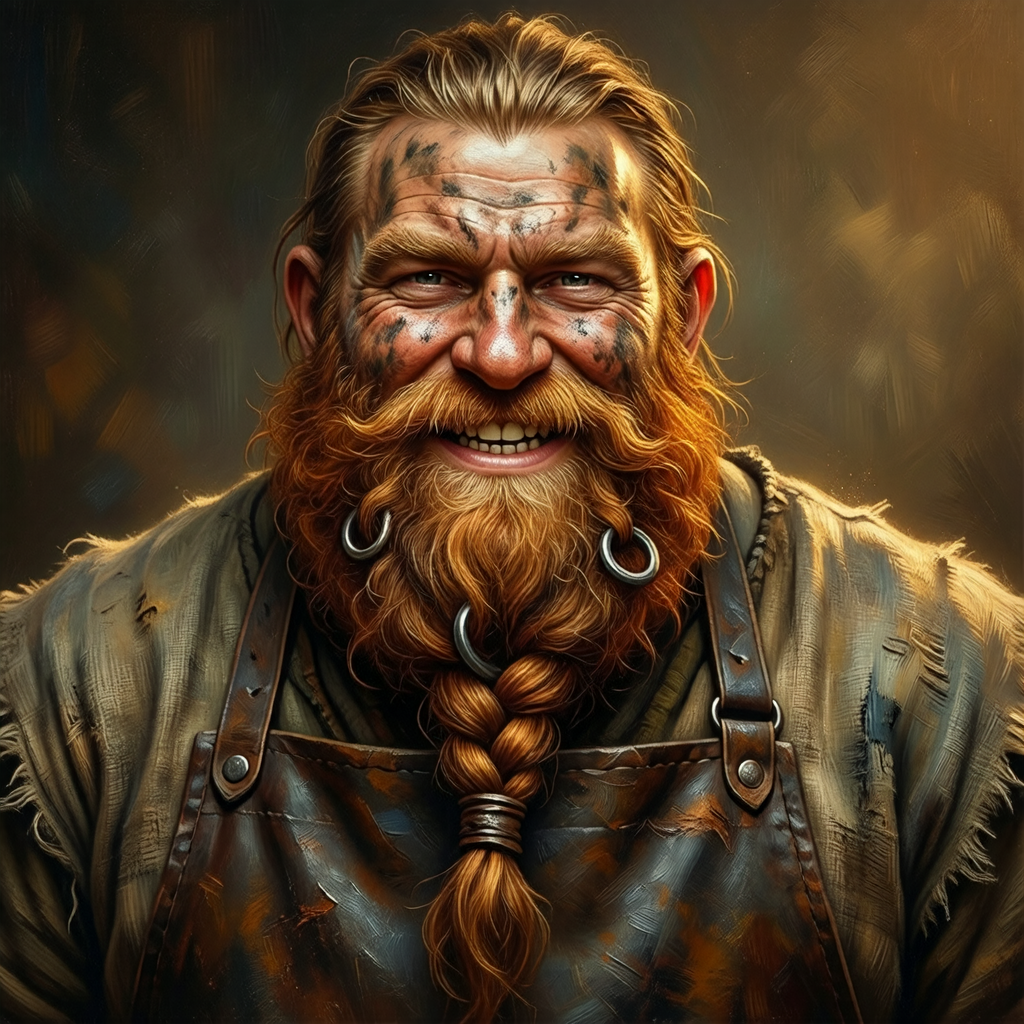
Borrin the dwarf blacksmith, from one prompt to five expressions and a voice of his own. The walkthrough shows how each part was made, with the prompt and the instruction on screen.
Transcript: How to Make RPG Dialogue Portraits with AI: Every Expression + Voice | Ludo AI
Borrin: A SWORD?! Steel doesn't grow on trees!
Here's how we made Borrin's RPG dialogue portraits, every face and his voice, in Ludo.
Borrin: Wait... dragon scale?
In the Image Generator, pick Character Portrait from the type menu. In Filters, set Art Style to Hand-Painted and Aspect Ratio to Square, and since the type, style and ratio are already part of the request, the prompt only describes the character.
It has four parts, first who he is, a grizzled dwarf blacksmith, then what makes him recognisable, a braided copper-red beard with iron rings, a soot-smudged face and a leather apron, named up front because every expression has to keep them. Then warm forge light from below, to match his scene, and a neutral expression as the base for every edit.
Pick the option whose details still read at dialogue size, ours was this one.
Borrin: FOUR of me?! One's plenty. The rest can sweep.
Then switch Generation Mode to Edit Image and upload the kept portrait with Choose Image.
The instruction starts with change only the facial expression, then describes the emotion as a face, brows slammed down, teeth bared, shouting. The second half repeats the prompt's details, beard, braids, rings, apron, framing and background, as the things to keep exactly the same.
In our run only the face changed, so we repeated it for laughing, shocked, teary and sly. That's ten results of one character, so zoom in on the braids and rings before you commit.
Borrin: HA! Look at me braids! Five moods, and not a hair out of place.
They come back on a transparent background, ready for your game's dialogue box. Ours is a square window and a name plate, and since every face shares its framing, only the picture swaps.
A talking portrait needs a voice, and in the Audio Generator, Human Voice designs one from a description like ours, a booming dwarf who laughs easily. Then click Use as Reference on the result, and Speech (Clone) reads new lines in that voice.
Borrin: Hold on. Ye can make me say ANYTHING?
Whatever you type, and since Speech (Clone) has no emotion setting, the words carry it, capitals for the shout, a quiet full stop for the sad line.
Borrin: Me father died forging dragon scale.
Borrin: HA! Light the fire! For him!
Borrin: Now. What did ye want?
So that's one prompt, one instruction per emotion and one cloned voice, both texts are in the pinned comment, and Ludo is at ludo.ai.
Borrin: Now ye know the recipe, so start free at ludo.ai and forge yer own.
Borrin: Ye'll not get a better beard, mind.
What devs build with it
Dialogue and conversations
Give every speaker a face in your dialogue UI.
A consistent cast
Use one style reference and your whole party looks drawn by the same artist.
Any art style
Painted, cel-shaded, comic, watercolor, anime, chibi, whatever your game uses.
FAQ
Can I keep portraits consistent across my cast?
Yes. Generate with a style reference (Generate with Style mode) and every portrait shares the same rendering and palette. Keep the framing in your prompt the same, such as head and shoulders, so the cast lines up in one dialogue box.
What styles can I use?
32 art styles, including painted, anime/manga, chibi, comic, and pixel art (Micro Pixel, 8-Bit, 16-Bit, 32-Bit and Free Pixel).
Are these framed for dialogue UIs?
Yes. The portrait type is generated as a cutout of the character with no background, and you set the framing in the prompt, so it drops into conversation boxes, party screens, and character sheets.
Can the portraits be animated?
Yes. Ludo can animate a character portrait you generated with it: give the portrait a short motion prompt and it returns a sprite sheet built for looping, with the face blinking, the shoulders breathing, or the expression changing from neutral into a smile. You pick the maximum sheet size (4, 9, 16, 25, 36, 49, or 64 frames) and can export the sheet, an animated GIF, or the individual frames.
How do I put an animated portrait into a dialogue box?
An animated Ludo portrait arrives as a sprite sheet laid out as a grid, with an animated GIF and the individual frames available as optional outputs. Load the sheet into whatever your engine uses for frame animation, set it to loop, and play it while the character is speaking. Loop mode trims the sequence for looping, so an idle blink or breath can run for as long as the line of dialogue does.
How do I make different expressions of the same character?
Switch Generation Mode to Edit Image, upload the portrait you kept, and write an instruction that starts with "change only the facial expression", describes the new emotion as a face (brows slammed down, teeth bared), and names what to keep: beard, hair, gear, framing and background. To change a single area, such as the eyes or a scar, use Edit with Mask and paint over just that part. The results come back on a transparent background, so the new face swaps into the same dialogue box.
Which animation model do portraits use, and does it make sound?
Hydra is the default: it runs 3 to 5 seconds at 3 credits per second and comes back with a matching sound effect, which you can use or leave out. Hydra+ (4 credits per second) adds finer detail for a close-up face. Both play the whole motion from your short prompt. For a talking portrait, pair the sheet with a voice from the Audio Generator.
Can I use them commercially?
Yes. You own the portraits you generate with Ludo and can use them however you like, including in commercial games.
Experience the future of game creation
Free to try. No credit card required.