

AI Sprite Animation Generator
A sprite animator that brings a static sprite to life in one step: write a motion prompt or pick from 641 motion presets across 34 categories, then export a packed, engine-ready sprite sheet or GIF.
What is an AI sprite animation generator?
An AI sprite animation generator brings a static sprite to life: describe a motion in plain English, draw keyframes, hand it a reference video, or pick a named preset, and it produces the animation frames automatically. Ludo animates any sprite this way and exports a packed, engine-ready sprite sheet with atlas data for Unity, Godot, and GameMaker.
Animations generated with Ludo
Each of these started as one static image. The motion is generated.
Four ways to drive a sprite animation
Every sprite animation starts from one static frame, and there are four ways to say how it should move: a written motion prompt, drawn keyframes, a reference video, or a named motion preset from a library of 641 across 34 categories. Each lane below is a real generation, input on the left and the animated sprite sheet that came back on the right.
Text motion prompt
Describe the movement in plain language. The fastest lane, and the one that also takes an optional final frame on its own for two-keyframe interpolation.
phoenix in full flight, wings beating powerfully, trailing ribbons of radiant flame
What you type 36 frames, hand-painted phoenix Drawn keyframes
Supply up to three poses, initial, middle and final, and every in-between frame is generated between them. A motion prompt is optional here.
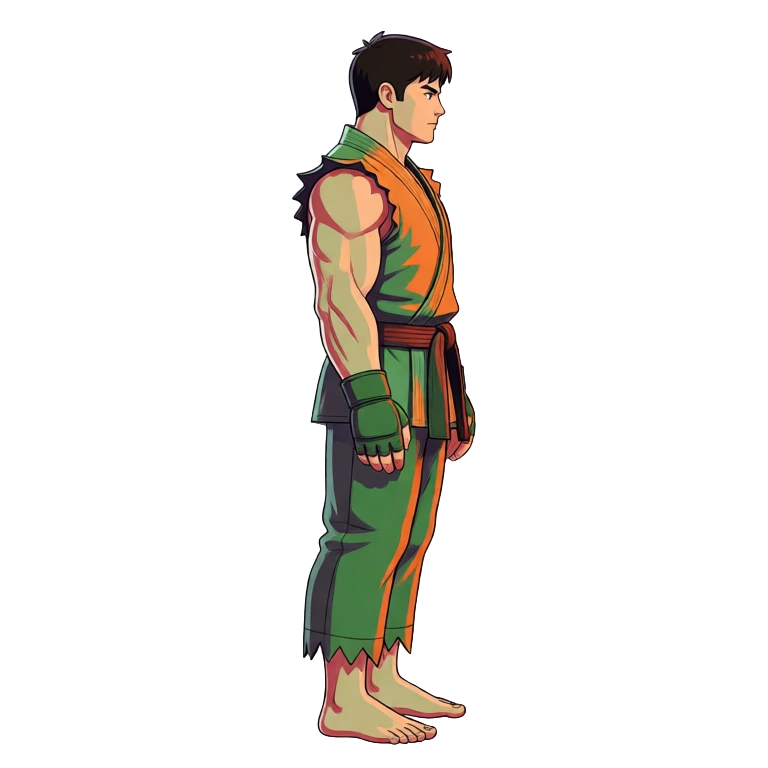
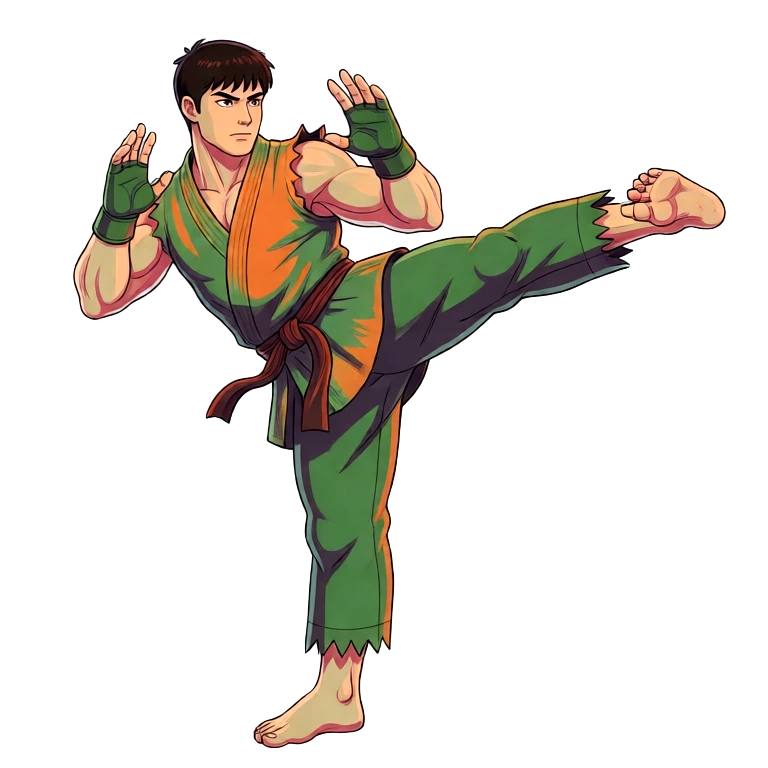
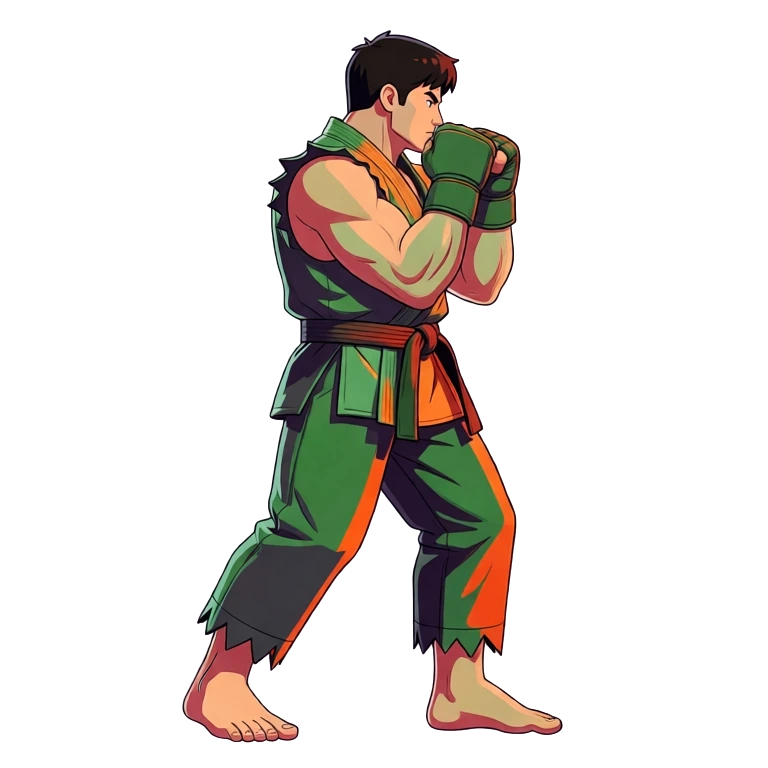
Idle, kick, fighting stance 
36 frames from 3 key poses Reference video
Point at a clip of the motion you want and it is transferred onto your sprite. Videos up to about four seconds give the best results.
The clip you supply: a mech walking 
The same walk, on a knight sprite Motion preset
Pick a named motion instead of writing one: 641 presets across 34 categories, each with a video preview, in 5 camera perspectives and 8 compass directions.
Browse the preset libraryPreset preview: run, side, east 36 frames, transparent background
Ludo lives where you build
Every generator in your terminal, your AI agent, your own code and the Unity editor. One account, one set of credits.
Explore developer toolsnpm install -g @ludoai/cliMCP serverAny MCP client, including assistants that can't run commands.https://mcp.ludo.ai/mcpREST APIYour own app, game server or pipeline.https://api.ludo.ai/api/Unity pluginGenerate and import assets inside the Unity editor.How it works
Upload any sprite
Generated in Ludo, drawn, or commissioned, any static character image.
Choose how it moves
Write a motion prompt, pick from 641 motion presets across 34 categories, draw keyframes, or hand it a reference video.
Export the packed sheet
Set the frame count (up to 64), grid layout, and cell size, or grab a GIF. Hydra and Hydra+ sheets also come with a matching sound effect.
Walk cycles from a named preset
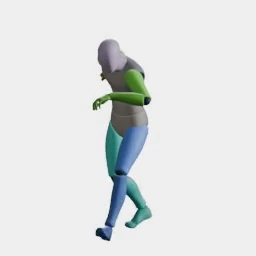
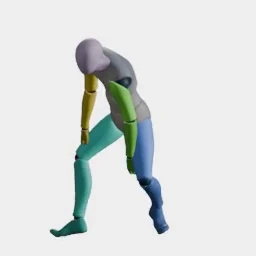
A walk cycle is the loop a character plays every time it moves, and the preset library has a whole category of walks, from standard and stealth walks to limps, strafes and a march, with crouched, stair, weapon and zombie walks elsewhere in the library. Pick one, choose a camera perspective and a compass direction, and the walk comes back on your own sprite as a loop-ready sprite sheet. For the full steps, see how to make a walk cycle.
Open the Walk Cycle Generator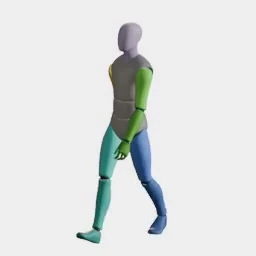
What devs build with it
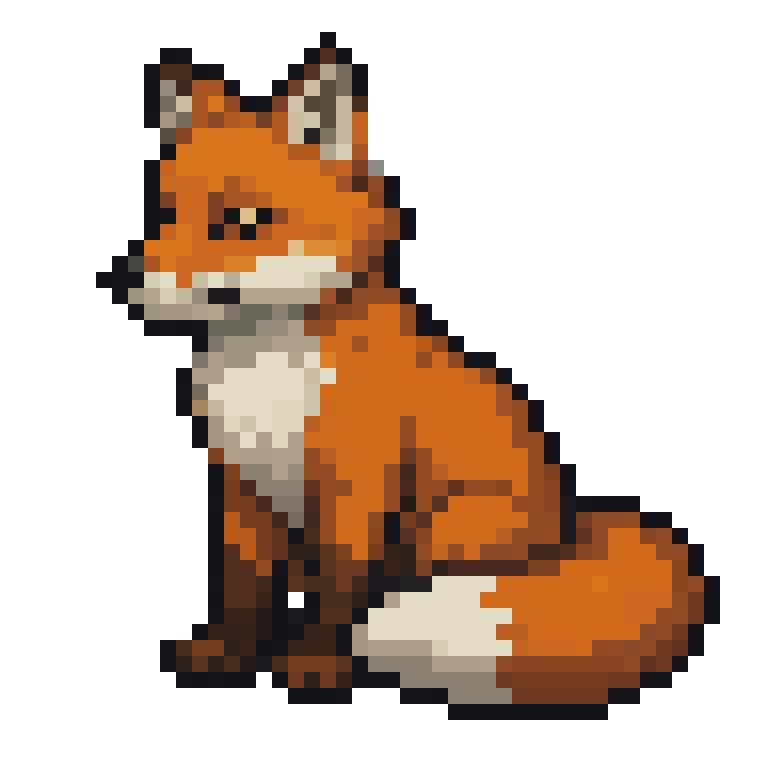
Animate commissioned art
One character image becomes every movement cycle. The static pixel art fox on the left is the only input.
Consistent enemies and NPCs
Motion transfer: pick a preset once, apply it to anyone. The adventurer and guard are both driven by the exact same wave preset, with no rigging and no per-character animation work.
VFX and impact frames
Explosions, slashes, and hit flashes as frame sequences.
FAQ
Does it work with sprites I didn't make in Ludo?
Yes. Upload any static character image, whether it was generated in Ludo, drawn, or commissioned, and every motion input works on it: a text prompt, drawn keyframes, a reference video, or a named preset. The generated frames keep the style and proportions of the image you supply.
What animations are available?
641 motion presets across 34 categories, each with a video preview, covering walk and run cycles, idles, attacks, reactions and more. Every preset can be applied in 5 camera perspectives (Side, Isometric, Top-Down, Tactical, Hero) and 8 compass directions, and you can always describe a custom motion in plain English instead. The full library is listed at ludo.ai/tools/animation-presets.
Can I control the animation with my own frames?
Yes. You can draw up to three keyframes (initial, middle, and final) and Ludo generates the frames in between them. No motion prompt is needed in that mode, because the motion is derived from the frames you supply, which keeps proportions and style under your control. A text-prompt animation also accepts an optional final frame on its own, giving you two-keyframe interpolation without the full keyframe workflow. The drawn-keyframe workflow has its own page at ludo.ai/tools/keyframe-sprite-animation.
What formats can I export?
Transparent PNG sprite sheets with configurable rows, columns, and cell sizes, a sheet plus JSON frame data in TexturePacker format (read by Phaser, PixiJS and Cocos2d), individual frames as a ZIP, an animated GIF, or an MP4. Hydra and Hydra+ animations also export their sound effect. Sheets import into the slicing tools in Unity, Godot and GameMaker.
How many frames per sheet?
You choose a maximum of 4, 9, 16, 25, 36, 49, or 64 frames per sheet. It is a maximum, not a promise: the result can come back with fewer, and about 16 frames per second of animation is a good rule (64 frames needs at least 4 seconds). Frame sizes run from 32 to 384 px, with max-resolution and AI 1.5x upscale modes on top, so short cycles suit hypercasual games and longer ones suit smooth hero animations. Loop mode trims the sequence so a cycle is built for looping.
How long can a sprite animation be?
Up to 5 seconds. The available range depends on the model: Hydra and Hydra+ run 3 to 5 seconds in half-second steps, and Forge and Forge Pixel run 1 to 5 seconds in half-second steps. The frame count is set separately, so 36 frames can play over 2 seconds or over 5. Credits scale with duration: Hydra is 3 credits per second, Hydra+ is 4, and Forge and Forge Pixel are 1.5 for a plain animation.
Does it work with pixel art sprites?
Yes. Ludo has a dedicated model for low-res pixel art, Forge Pixel, which is tuned to keep the pixel grid through the generated frames so the exported sheet stays crisp. Hydra, the default, and Hydra+ handle other styles, and Forge is the lighter option for simple shapes and short actions. For pixel sheets, the Pixel Art export mode scales with nearest-neighbor so edges stay hard.
Which animation model should I pick?
Hydra is the default: it plays the whole action, works in every mode (prompt, keyframes, transfer motion, edit) and returns a matching sound effect with the sheet. Hydra+ is Hydra with finer detail and slower generation, available for prompt and keyframe animation and for New Direction. Forge costs less and suits simple body shapes and short actions, and Forge Pixel is the one for low-res pixel art. Blitz, Eagle, Tango and Chaos are older models that Hydra replaced.
Does a sprite animation come with sound?
Hydra and Hydra+ sheets come back with a generated sound effect for the motion, and you can download it next to the sheet. For a sheet made with another model, Generate Audio adds a sound effect for 3 credits.
Can I fix or turn an animation I already made?
Yes. Edit a sprite sheet lets you describe a change, outpaint the frame, or fix a loop that does not close. Improve Details re-renders a Hydra sheet with finer detail in one click, at 1 credit per second of animation. New Direction re-renders a finished animation facing a new way, keeping the motion and timing, and Adjust Sprite Sheet re-exports a sheet at another size, frame count or loop trim for free.
How is this different from skeletal animation tools?
There's no rigging step. You go from a flat image to animation frames directly, which is faster for small characters and pixel art where bone rigs are overkill.
Is there a free plan?
Yes. The free trial comes with 30 credits and needs no credit card. A 3-second Hydra animation costs 9 credits and a 1-second Forge animation costs 1.5, so you can try animating sprites before paying.
Experience the future of game creation
Free to try. No credit card required.