

AI Image to Sprite Generator
Already have the art? Import or upload an illustration, concept piece, or reference image and Ludo generates a clean, game-ready sprite from it: same character, transparent background, ready to drop into your engine.
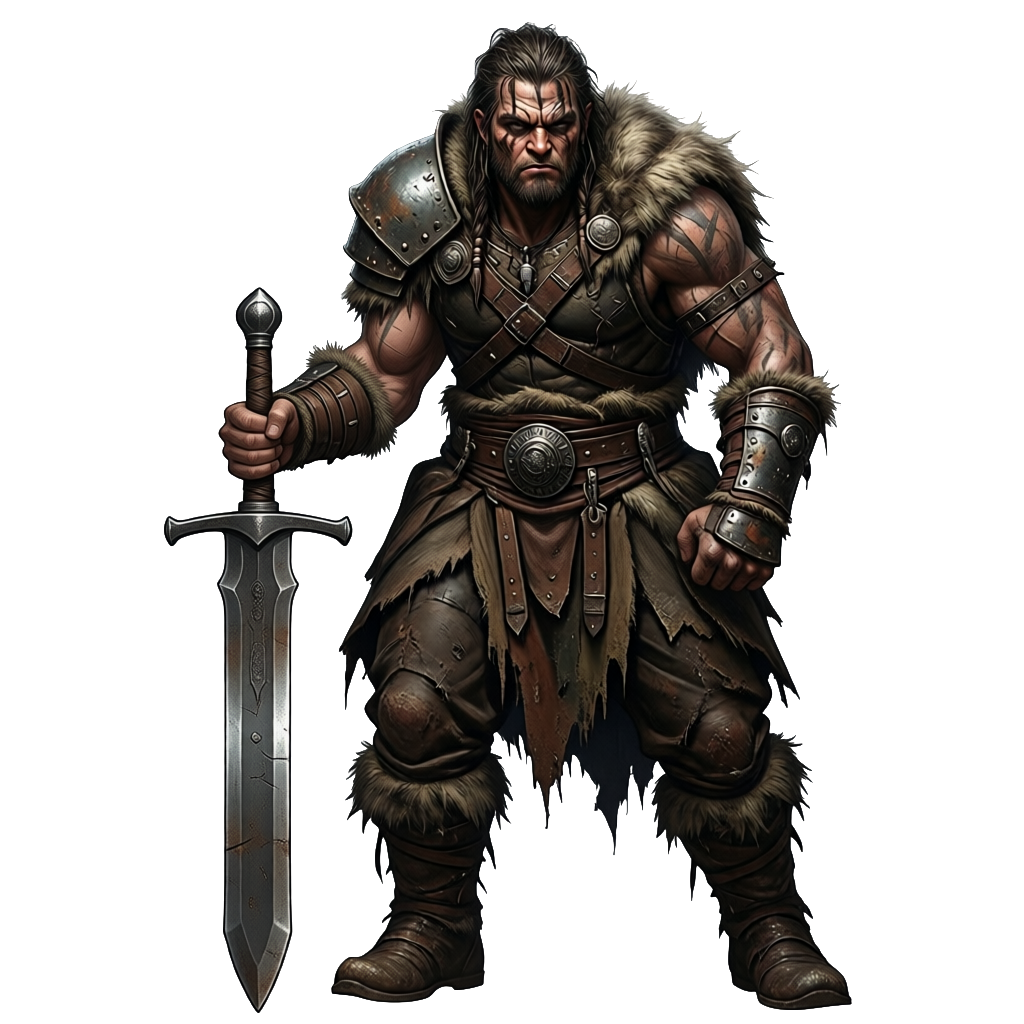
What is an AI image-to-sprite generator?
An AI image-to-sprite generator turns an illustration, concept piece, or reference image you already have into a clean, game-ready sprite or animated sprite sheet. Ludo lets you upload your art, remove the background, and generate walk, run, and attack animations from it, exported as sprite sheets and frames that import into Unity, Godot, and GameMaker.
Ludo lives where you build
Every generator in your terminal, your AI agent, your own code and the Unity editor. One account, one set of credits.
Explore developer toolsnpm install -g @ludoai/cliMCP serverAny MCP client, including assistants that can't run commands.https://mcp.ludo.ai/mcpREST APIYour own app, game server or pipeline.https://api.ludo.ai/api/Unity pluginGenerate and import assets inside the Unity editor.How it works
Upload your image
Concept art, an illustration, or any reference with a clear character.
Generate the sprite
Ludo produces a clean, transparent sprite that keeps the character's look.
Animate or export
Use the sprite as-is, or send it on to sprite animation for a full sheet.
From any image to a game-ready sprite
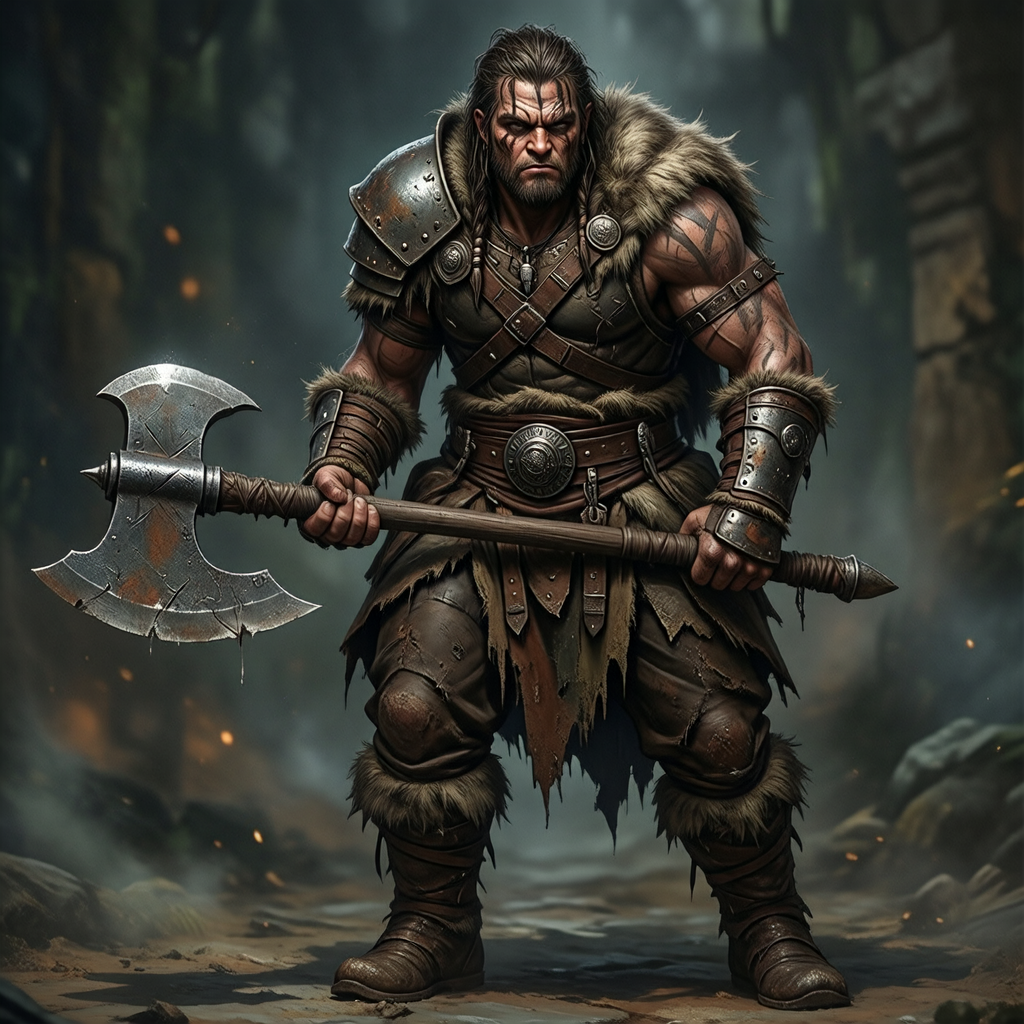
Concept art to sprite
A painted barbarian illustration becomes a clean, transparent game sprite of the same character, engine-ready.
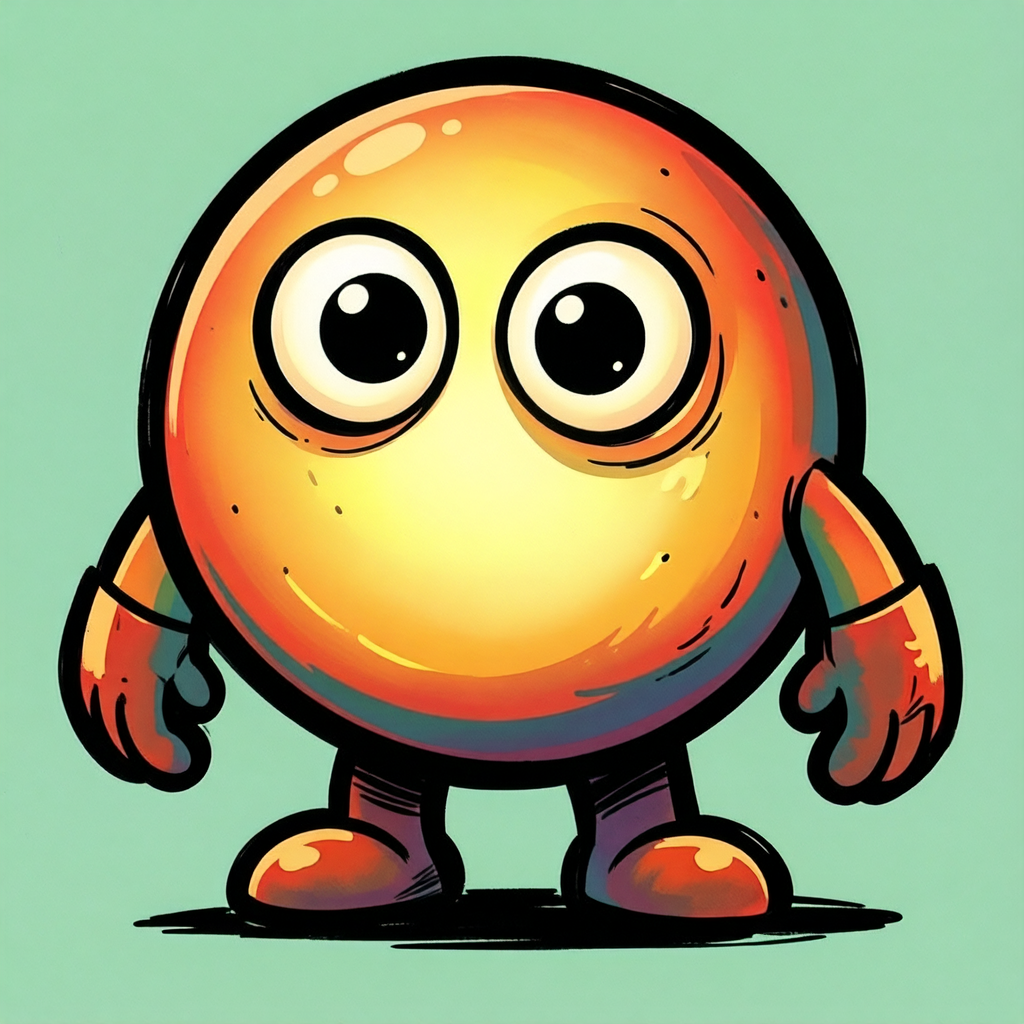

Mascots and creatures
Turn a character illustration into a usable sprite without redrawing it.
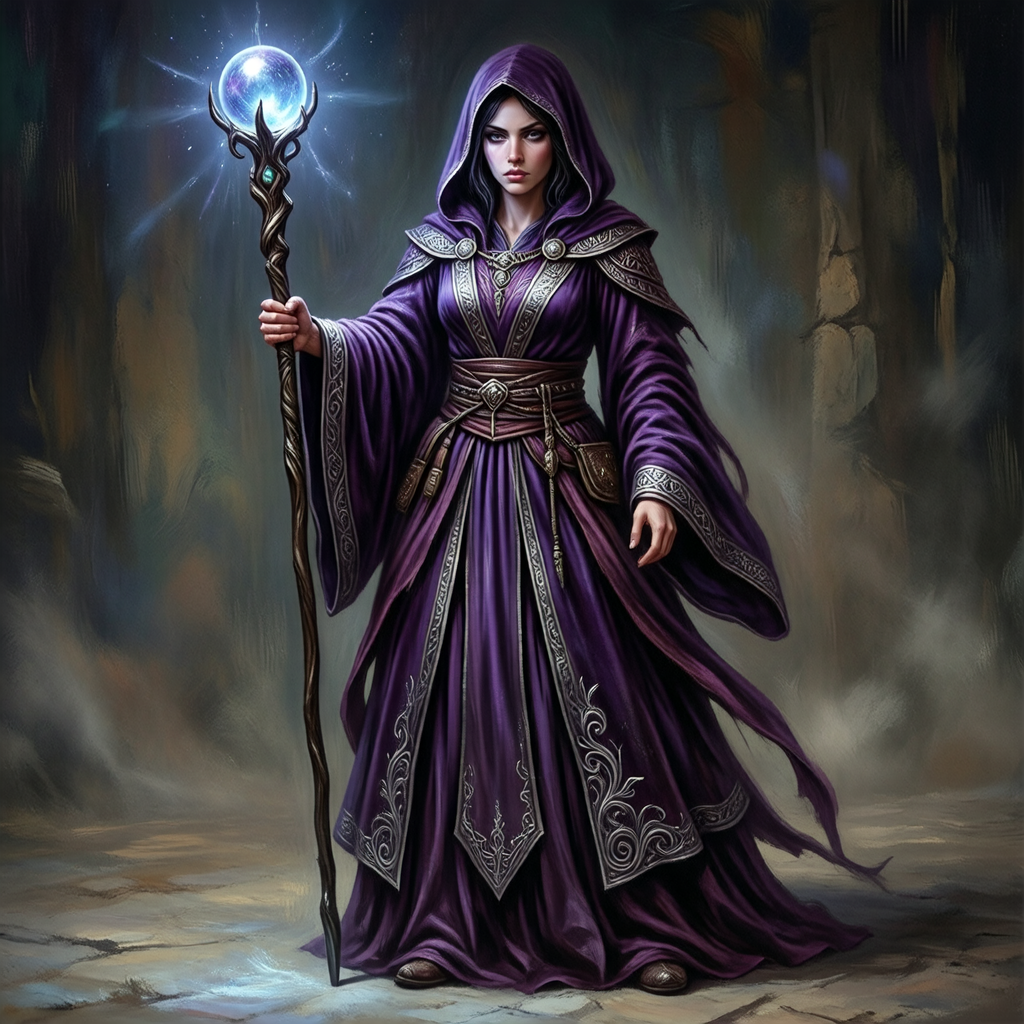
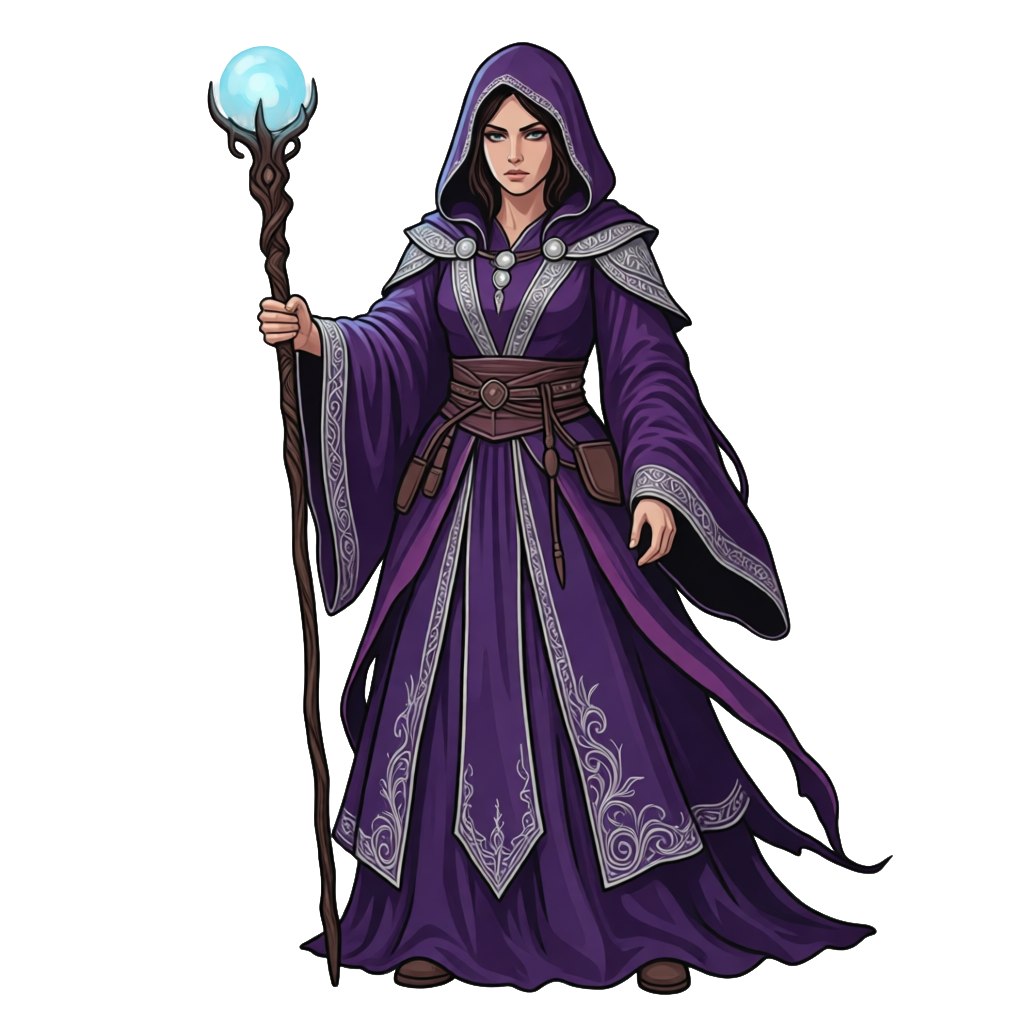
Any reference image
Feed in a reference and get a sprite that keeps the look, on a transparent background.
FAQ
Can I import my own image?
Yes. Import or upload any image with a clear character (concept art, an illustration, a screenshot, or a reference) and Ludo turns it into a clean, transparent, game-ready sprite.
What images work best?
Any image with a clear, single character: concept art, illustrations, or references. The clearer the subject, the cleaner the resulting sprite.
Does it keep my character?
Yes. The sprite is generated from your image, so it keeps the character's design, colors, and look, rendered as a clean game-ready sprite.
Can I then animate the sprite?
Yes. The generated sprite is a good input for Ludo's sprite animation, which turns it into a sprite sheet. You can describe the motion in a prompt, give up to three keyframes, copy the motion from a reference video, or pick one of 641 motion presets across 34 categories. Animations run up to 5 seconds, and Hydra sheets come with a matching sound effect.
Does it remove the background?
Yes. The sprite comes back on a transparent background, and Remove Background is free in the web app. Through the API, MCP or CLI each result uses credits, and results are kept for 7 days, so download what you want to keep.
What can I do with the sprite besides animate it?
Pose it with the Character Pose Generator, turn it to any of 8 camera angles with Change View, or edit it by prompt. Once it is animated, New Direction re-renders the finished animation facing a new way, and Improve Details re-renders a Hydra sheet with finer detail.
What do I get out?
A transparent PNG sprite of your character that you can use in Unity, Godot, GameMaker, or any engine. Animated, it exports as a sprite sheet PNG, a sheet plus JSON frame data, a GIF, individual frames, or an MP4.
Can I use it commercially?
Yes. You own the sprites you generate with Ludo and can use them however you like, including in commercial games.
Experience the future of game creation
Free to try. No credit card required.