

AI Character Pose Generator
Take one character and pose it any way your game needs (fighting stance, punch, kick, jump, block, crouch) from a pose preset, a reference image, or a camera angle. Every pose is the same character, generated as a clean static sprite.

What is an AI character pose generator?
An AI character pose generator takes one character and renders it in any pose a game needs (fighting stance, punch, kick, jump, idle) while keeping the design consistent. Ludo generates posed variations of your character from a prompt or reference, ready to use as frames, sprites, or key art.
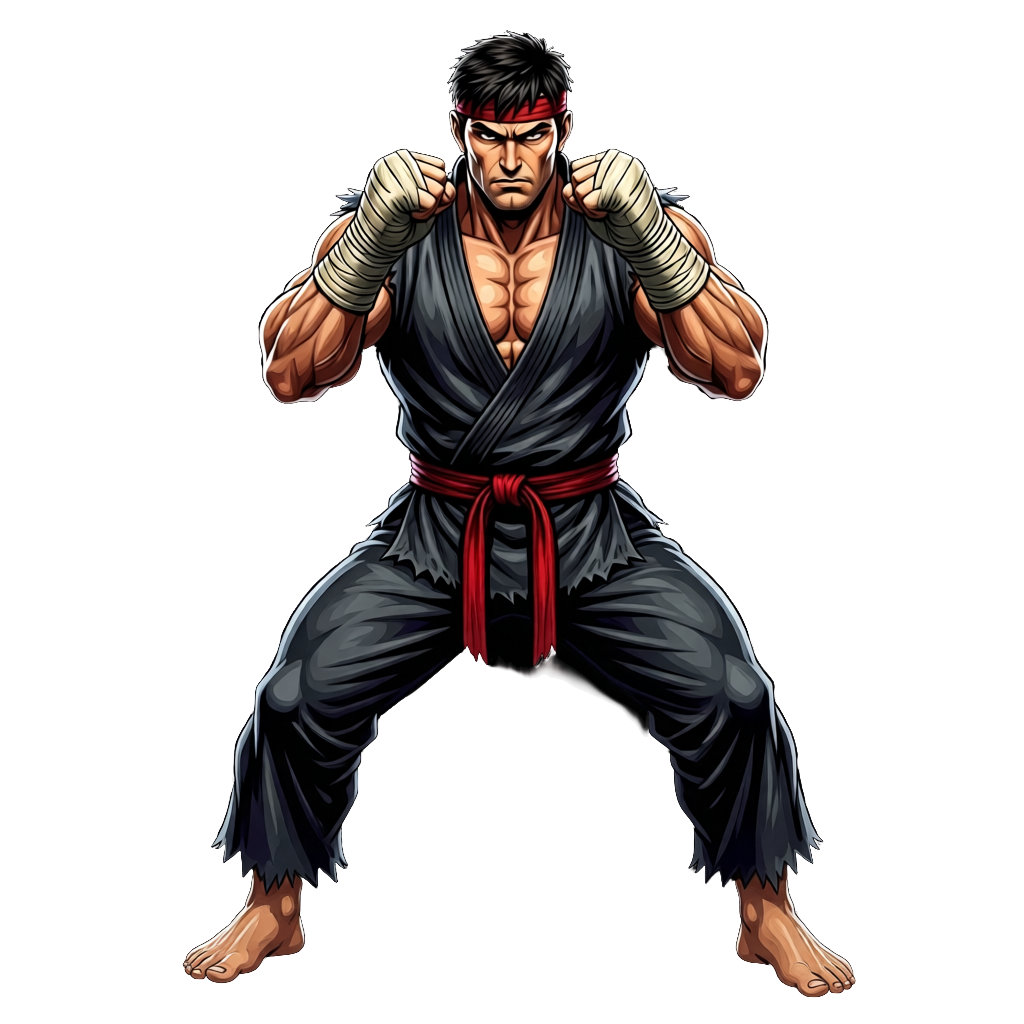
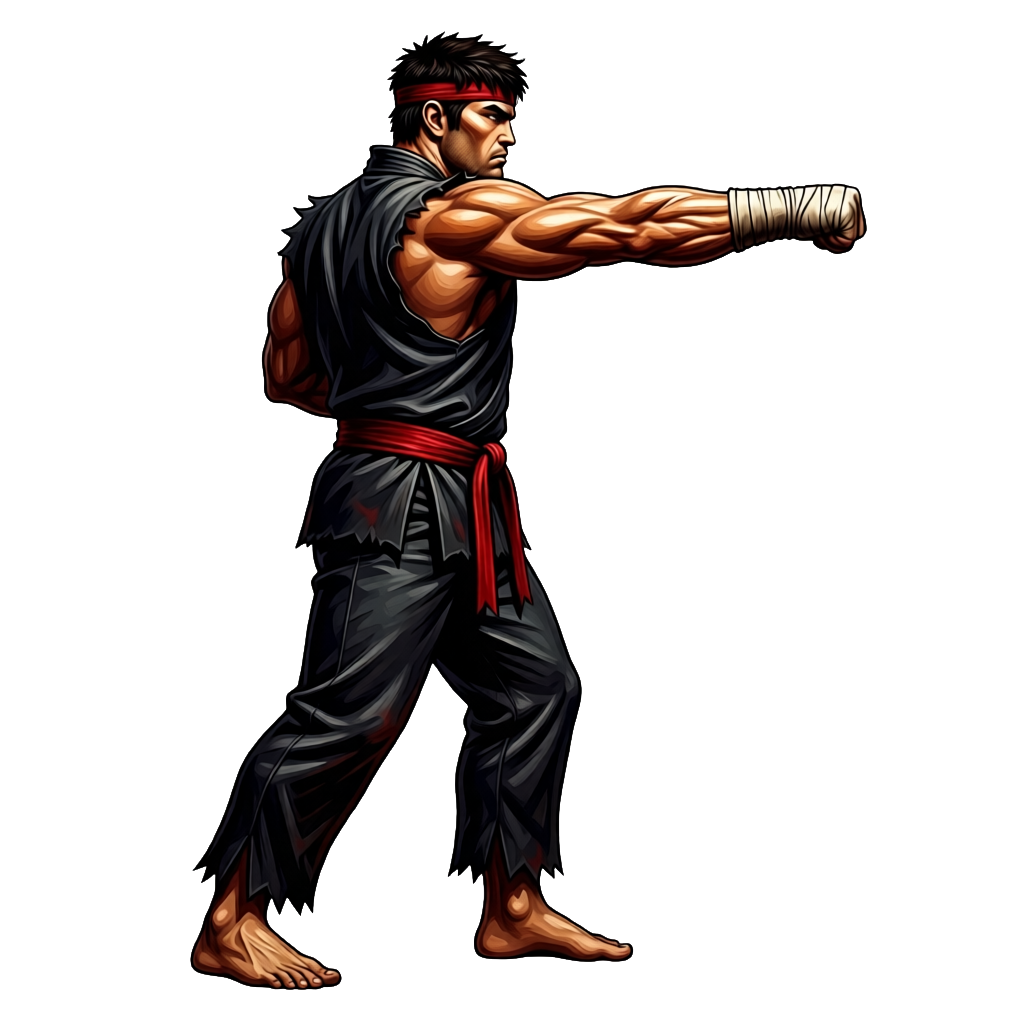
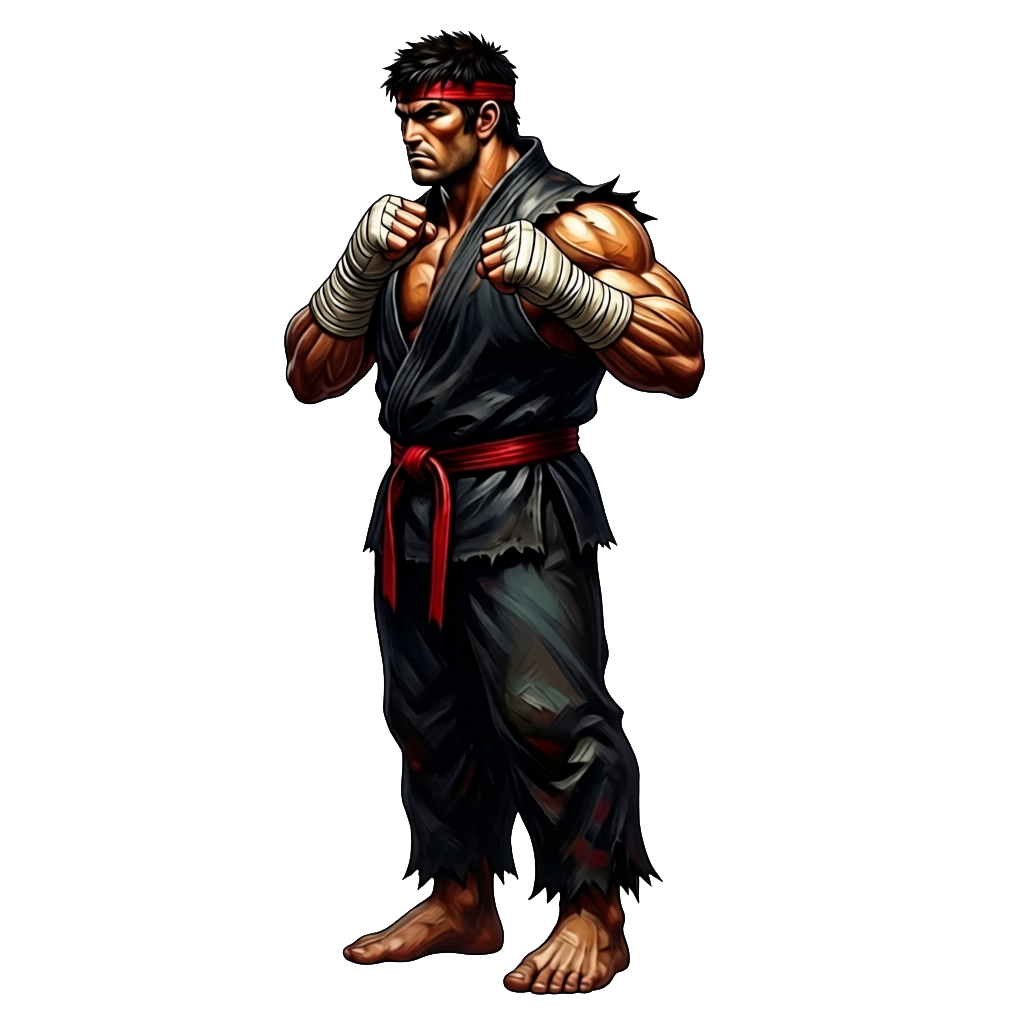
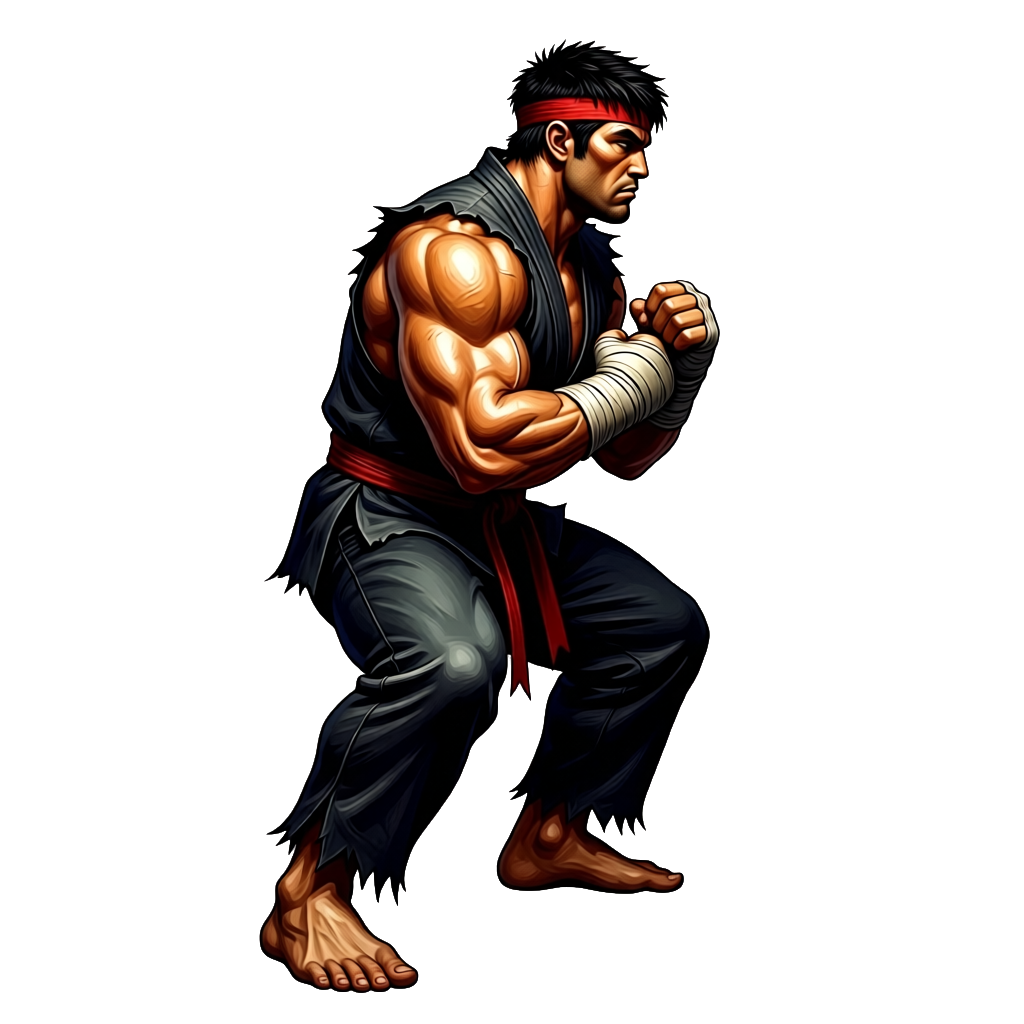
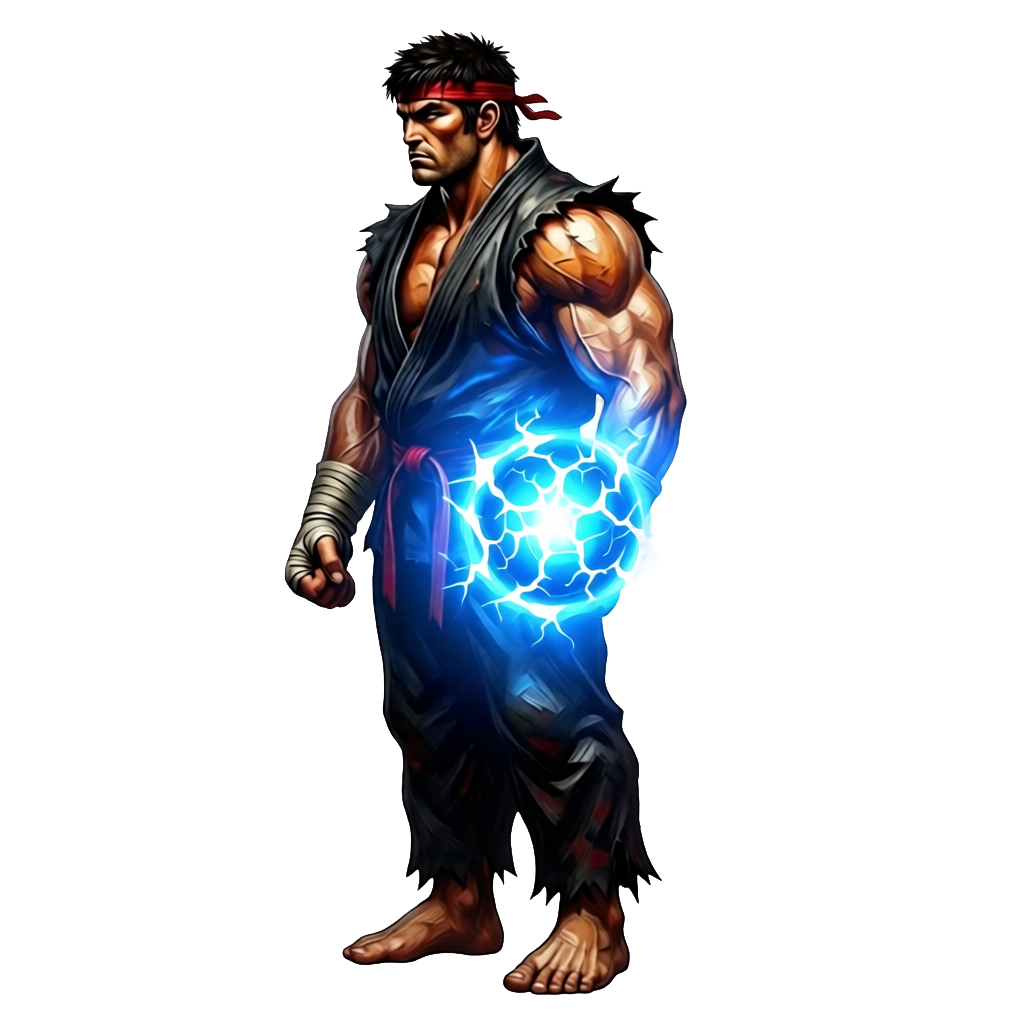
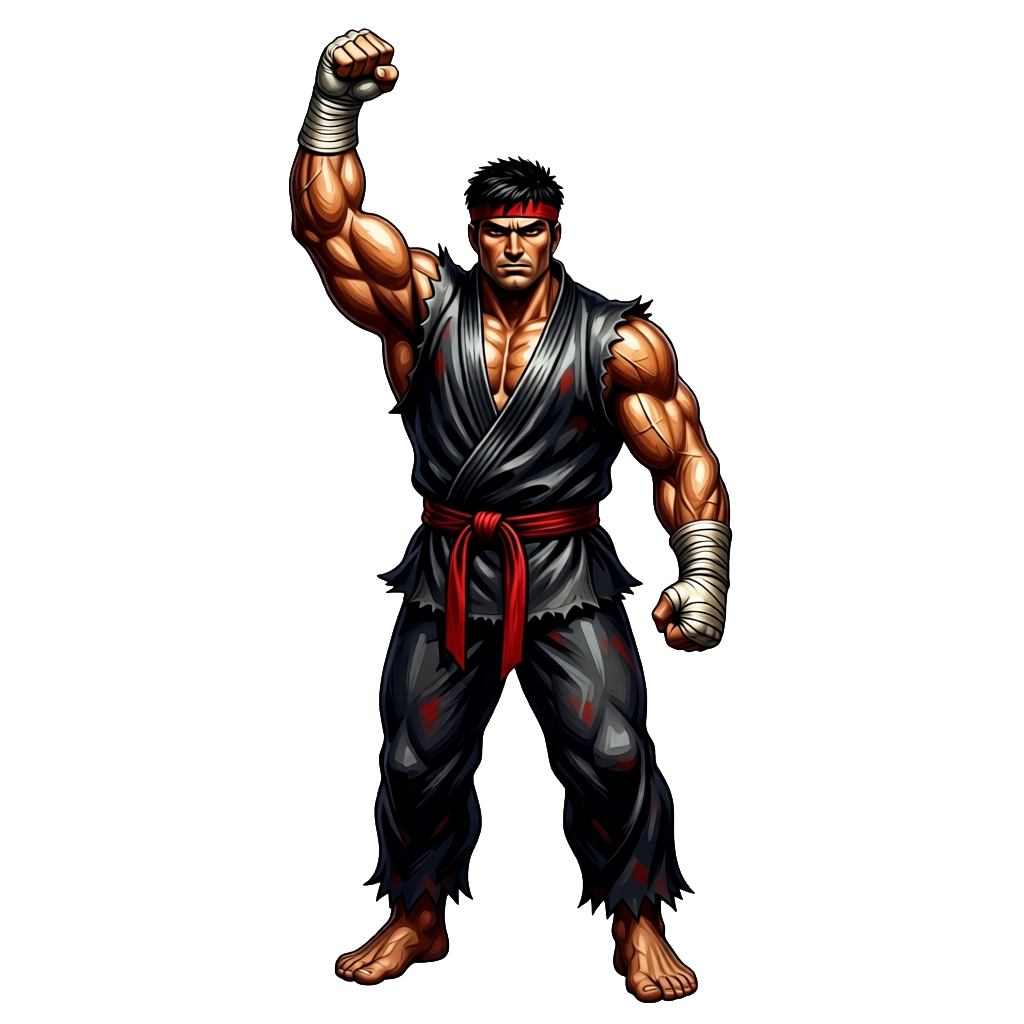
One fighter, posed with Ludo
Every sprite here is the same fighter, generated from one source sprite, posed eight ways.

Ludo lives where you build
Every generator in your terminal, your AI agent, your own code and the Unity editor. One account, one set of credits.
Explore developer toolsnpm install -g @ludoai/cliMCP serverAny MCP client, including assistants that can't run commands.https://mcp.ludo.ai/mcpREST APIYour own app, game server or pipeline.https://api.ludo.ai/api/Unity pluginGenerate and import assets inside the Unity editor.How it works
Start from one sprite
Generate or upload a character. It becomes the source for every pose.
Choose how to pose it
Pick from 20 pose presets or describe your own, upload a reference image to match, or set a camera angle and elevation.
Get a matching static sprite

Each pose comes back as the same character in a clean, transparent sprite.
Turn your poses into an animation with Keyframe Animation
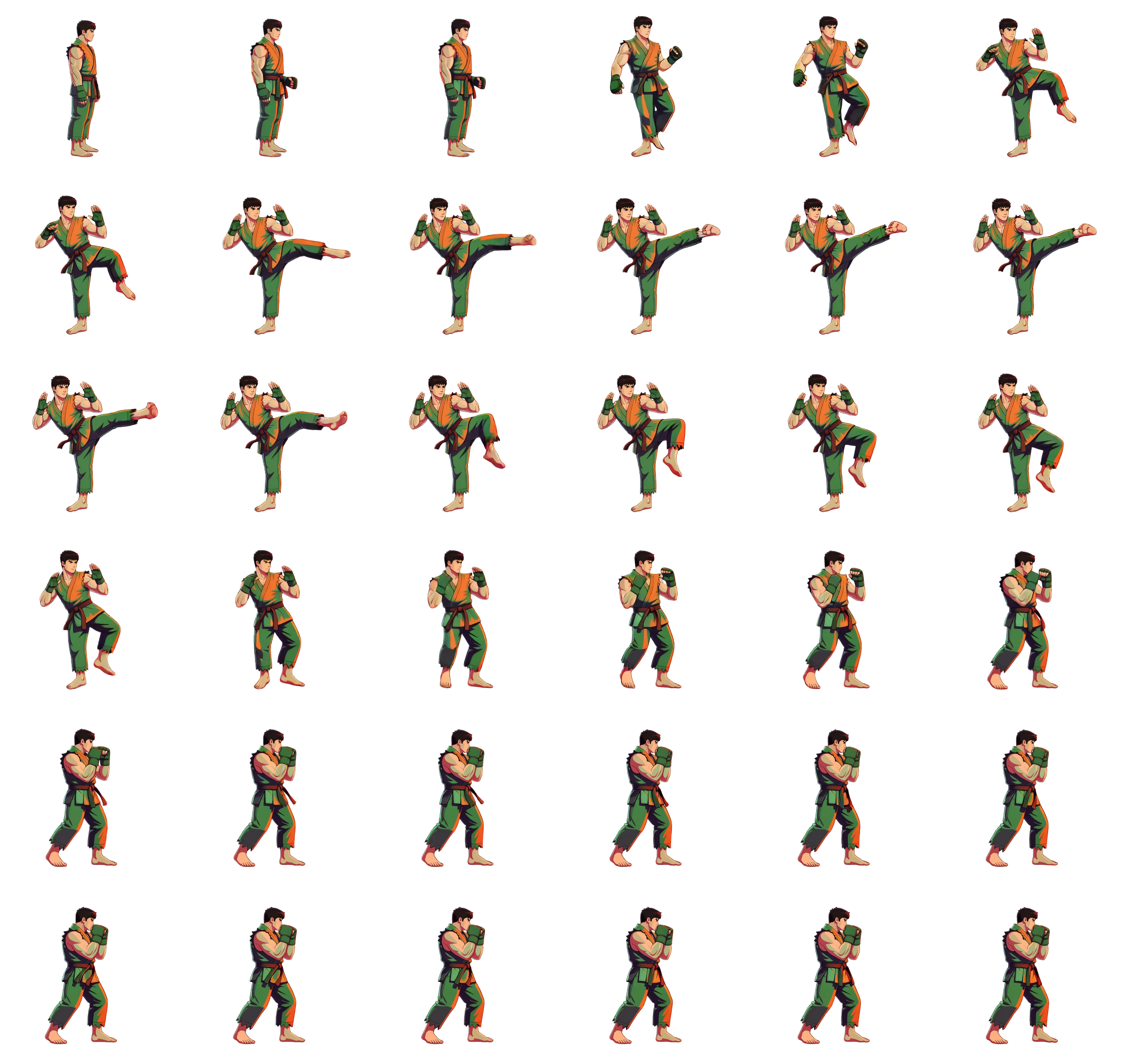
Ludo toolAI Keyframe Sprite AnimationA posed sprite is a frame. Three of them are an animation. Generate the key poses here, then hand them to keyframe sprite animation as the initial, middle and final frames and every in-between frame is generated for you. No motion prompt is needed: the motion comes from the poses themselves. The fighter below was animated from exactly three generated poses.
- Up to three keyframes: initial, middle, final
- Every frame between them is generated
- A motion prompt is optional, the poses carry the motion
- Export a packed sprite sheet, an animated GIF, or the individual frames
What devs build with it
One character, every pose
Stance, punch, kick, block: the same fighter throughout, not six different characters.
Preset, reference, or angle
Use a named pose, match a reference image, or choose the camera angle.
FAQ
How do I control the pose?
Three ways: pick one of 20 pose presets (idle, walk, run, crouch, block, attack ready, jump, flying, and more, plus an Other option that takes your own description), upload a reference image to match its pose, or rotate the camera by angle and elevation. These are three tabs in the same tool: New (a pose preset), Reference and View.
Does it stay the same character?
Yes. The pose tool works from your source sprite, so every pose is recognizably the same character, not a fresh generation.
Are these static sprites or animations?
Static posed sprites. They make ideal starting frames: send one posed sprite to Ludo's sprite animation to turn it into a full animated sheet, or use three poses as the initial, middle, and final keyframes of a keyframe animation and let Ludo generate the frames between them.
Can I copy a pose from a photo or another image?
Yes, on the Reference tab. Upload an image of the pose you want and your character is re-posed to match it. The app notes that the reference image should show a human, so for animals and creatures use a pose preset or describe the pose in your own words instead.
Can I turn the character to face another way instead of changing the pose?
Yes. The View tab keeps the pose and re-renders the sprite from one of 8 camera angles in 45-degree steps, at eye-level, elevated or high-angle. It is a separate step from changing the pose, so you can pose first and then turn the result, or the other way round.
Which animation options can I use once I have my poses?
Send a single pose to Ludo's sprite animation with a motion prompt, one of 641 motion presets or a reference video, or use two or three poses as keyframes. Animations run up to 5 seconds, and sheets made with Hydra or Hydra+ come with a matching sound effect. A finished animation can later be turned to a new direction with New Direction, which keeps the motion and timing.
Can I use them commercially?
Yes. You own the sprites you generate with Ludo and can use them however you like, including in commercial games.
Experience the future of game creation
Free to try. No credit card required.