

AI Sprite Rotation Generator
Turn a sprite you already have to all 8 facings in 45-degree steps, at eye-level, elevated or high-angle, then animate each facing into its own sprite sheet. It is the same character from every direction. Starting a new character from a description? Directional Sprites renders all 8 directions at once from one 3D model.
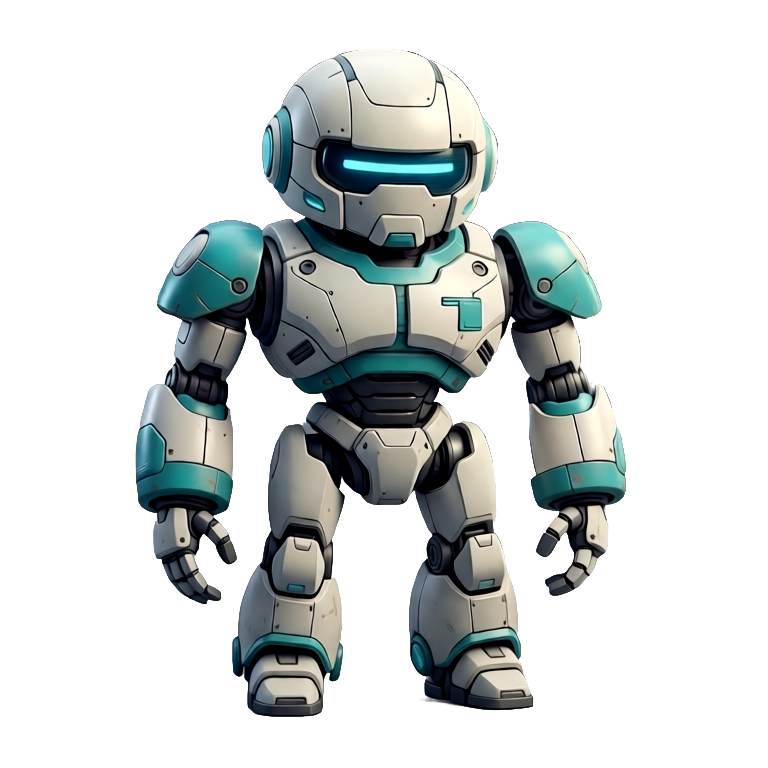
Drag the character to spin, or tap a point on the ring.
What is an AI sprite rotation generator?
An AI sprite rotation generator takes a single character sprite and renders it from multiple angles, such as 4- or 8-directional facing and full turnarounds, so it looks right moving any way in your game. Ludo renders each view as a still sprite of the same character, which you can then animate into its own sprite sheet for Unity, Godot, or GameMaker.
Ludo lives where you build
Every generator in your terminal, your AI agent, your own code and the Unity editor. One account, one set of credits.
Explore developer toolsnpm install -g @ludoai/cliMCP serverAny MCP client, including assistants that can't run commands.https://mcp.ludo.ai/mcpREST APIYour own app, game server or pipeline.https://api.ludo.ai/api/Unity pluginGenerate and import assets inside the Unity editor.How it works
Start from one sprite
Generate or upload the character in any view; every angle is rendered from that image.
Pick a camera angle
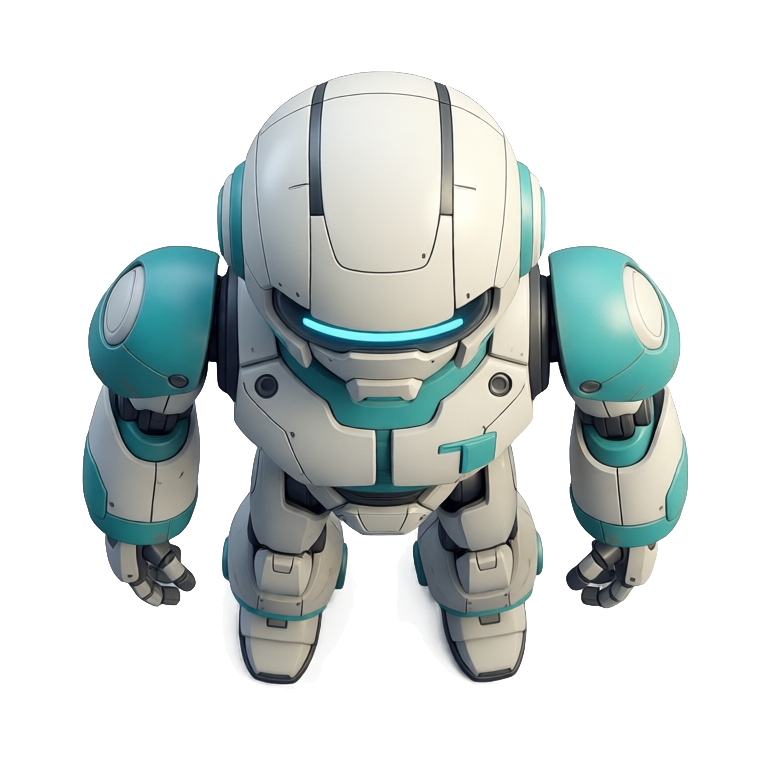
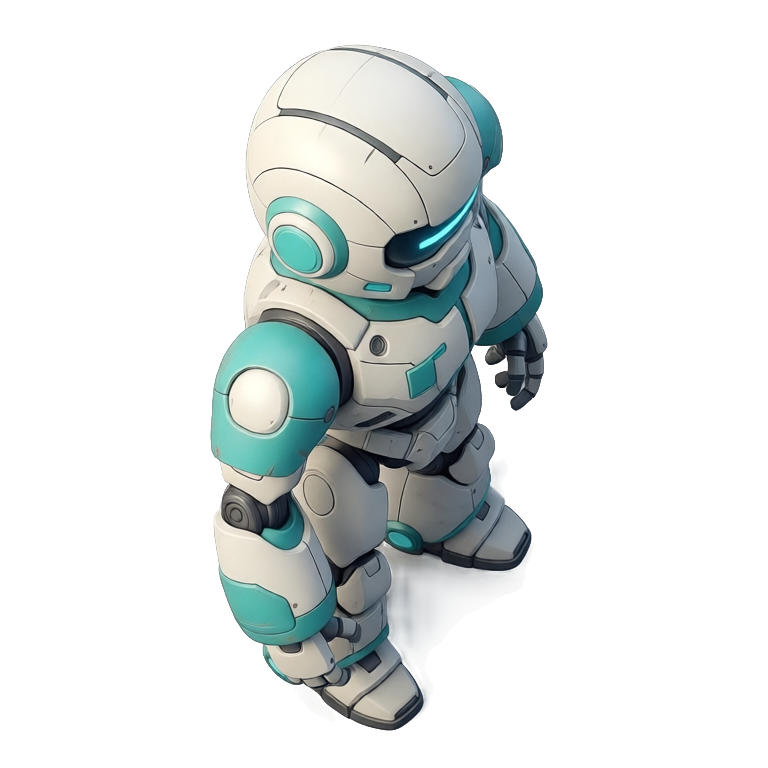
8 named views: front, front-right, right, back-right, back, back-left, left, and front-left.
Choose an elevation
Tilt the camera to eye-level, elevated, or high-angle, then export the views you need.
What devs build with it
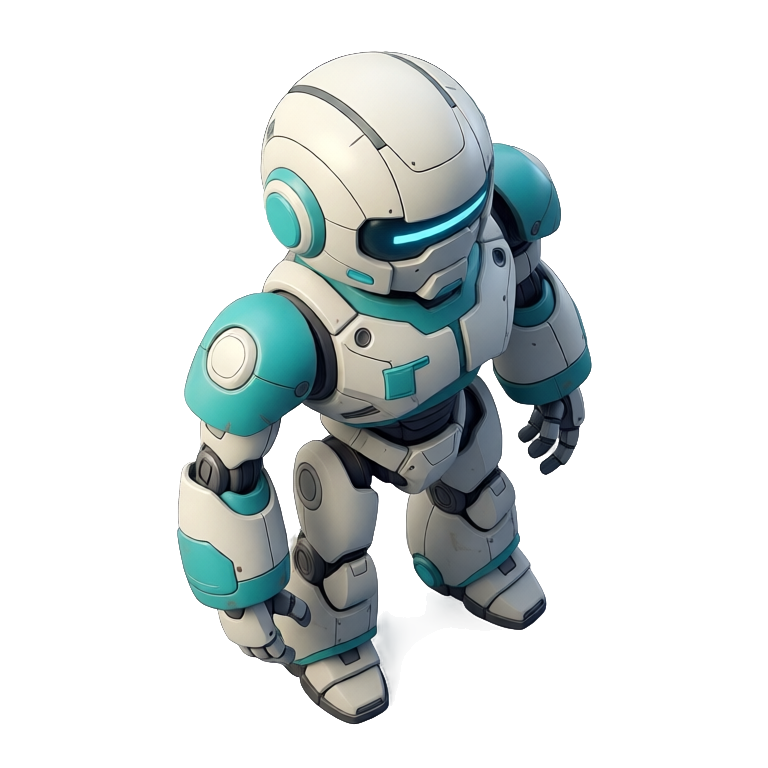
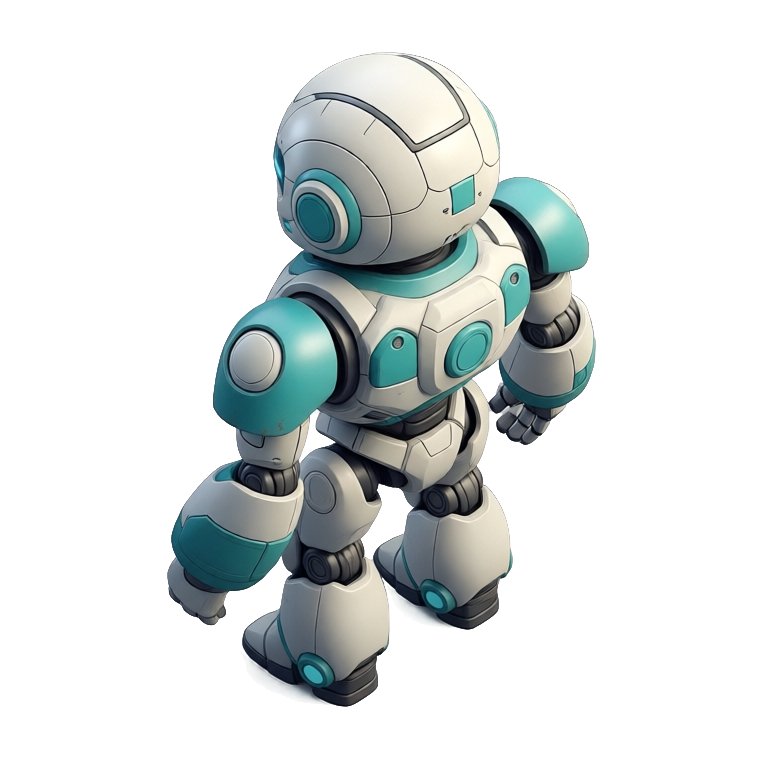
Top-down & isometric movement
Face a character toward each diagonal it can move, from the elevated angle isometric games use.
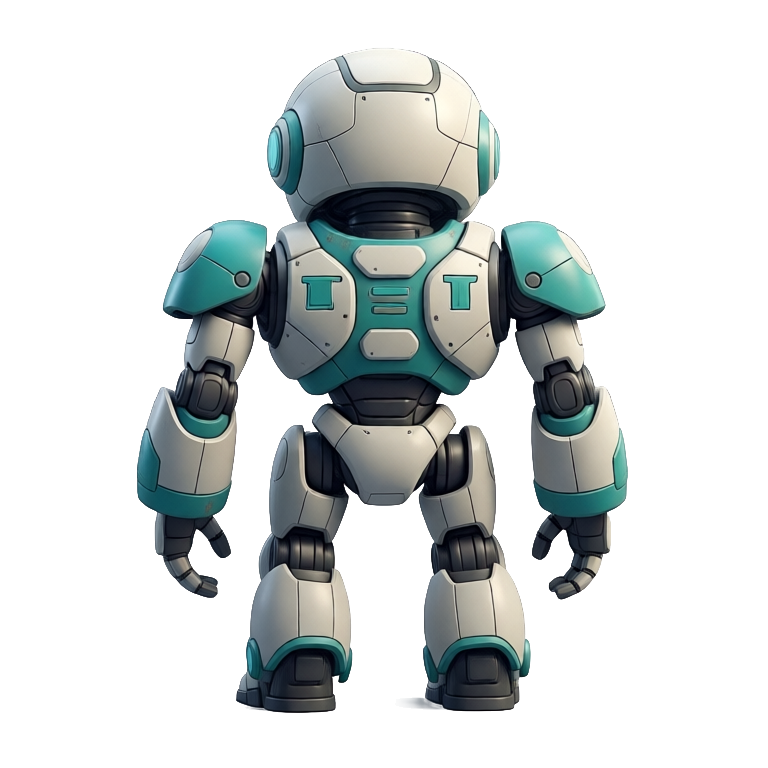
Turnarounds & model sheets
Front, side, and back views of one character for an art reference sheet or a 3D modeling guide.
Tactical & high-angle games
Steeper, high-angle camera views for strategy and tactical perspectives that look down on the field.
FAQ
How many angles can it generate?
Eight camera angles in 45-degree steps (front, front-right, right, back-right, back, back-left, left, and front-left) so you can face a character in any of the eight directions.
How do I make an 8-direction sprite sheet?
Rotate your character to the eight facings (front, front-right, right, back-right, back, back-left, left and front-left), then animate each facing with a motion prompt, or with a motion preset for humanoid characters. Presets come in all 8 compass directions, one direction per generation, and each direction comes back as its own sprite sheet (up to 64 frames), so your engine switches sheets as the character changes direction.
What about camera elevation?
Three elevations: eye-level, elevated, and high-angle. Combined with the 8 angles, that's the full set of views for top-down, isometric, and tactical cameras.
Does the character stay the same across angles?
Yes. Every view is generated from your source sprite, so the design, colors, and gear stay consistent from front to back.
Can I animate each direction?
Yes. Pair the directional views with Ludo's sprite animation to get walk and run cycles for each facing.
Can I turn an animation I already made to face another way?
Yes, with New Direction. It re-renders a finished animation facing a new way, keeping the same motion and timing, so a walk cycle made facing front can be redone facing back-right with the same motion. It runs on Hydra (3 credits per second) or Hydra+ (4 credits per second, finer detail), and the animation can be up to 5 seconds. Generated animations can drift a little in a new view, so play each facing back before you commit it to your engine. The still-sprite rotation on this page (Change View) gives you the character as it should look in the new direction.
Can I rotate sprites from code or an AI agent?
Yes. Rotating a still sprite and turning a finished animation are both available through the Ludo API, the MCP server and the CLI on Pro and Studio plans, where every call uses credits. API and MCP results are kept for 7 days, so download what you want to keep.
Can I use them commercially?
Yes. You own the sprites you generate with Ludo and can use them however you like, including in commercial games.
Experience the future of game creation
Free to try. No credit card required.