
Sprite Animation Presets
Pick a motion by name instead of describing it in a prompt. Every preset plays as a short video preview, so you see the exact motion before you generate anything.
- 641motion presets
- 34categories
- 5camera perspectives
- 8compass directions
Try a preset
One preset, Run Forward (Standard), re-shot from every camera and every heading. Pick a pair and watch the clip you would get.
Side-on view at eye level.
Facing South
What is a sprite animation preset?
A sprite animation preset is a named, ready-made motion applied in place of a written motion prompt. Ludo's library holds 641 presets across 34 categories, each with its own video preview, and every one renders from 5 camera perspectives and in 8 compass directions. The same library drives two targets: send a preset to a static sprite and Ludo returns an animated sprite sheet, or apply one with a 3D clip to a rigged humanoid character and Ludo retargets the motion onto that skeleton and returns an animated GLB.
One preset, two targets
The same named motion, Run Forward (Standard), resolved two ways. Every frame below is a real generation.
Side camera, facing east. One of 641 named motions, in the Movement group.
2DA 2D sprite
Ludo maps the motion onto the artwork and packs the frames into a sheet with a transparent background.
- Your sprite
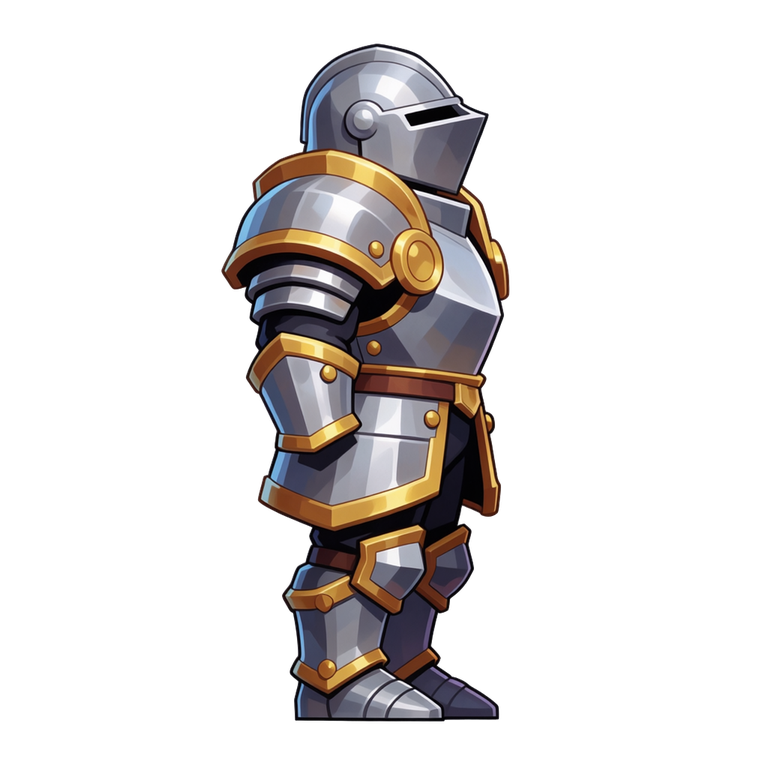
One static image, no rig, no frames.
- An animated sprite sheet
36 frames on a 6x6 grid, transparent background.
3DA rigged 3D character
Ludo retargets the same motion onto the skeleton and hands back an animated GLB, ready for your engine.
- Your rigged model
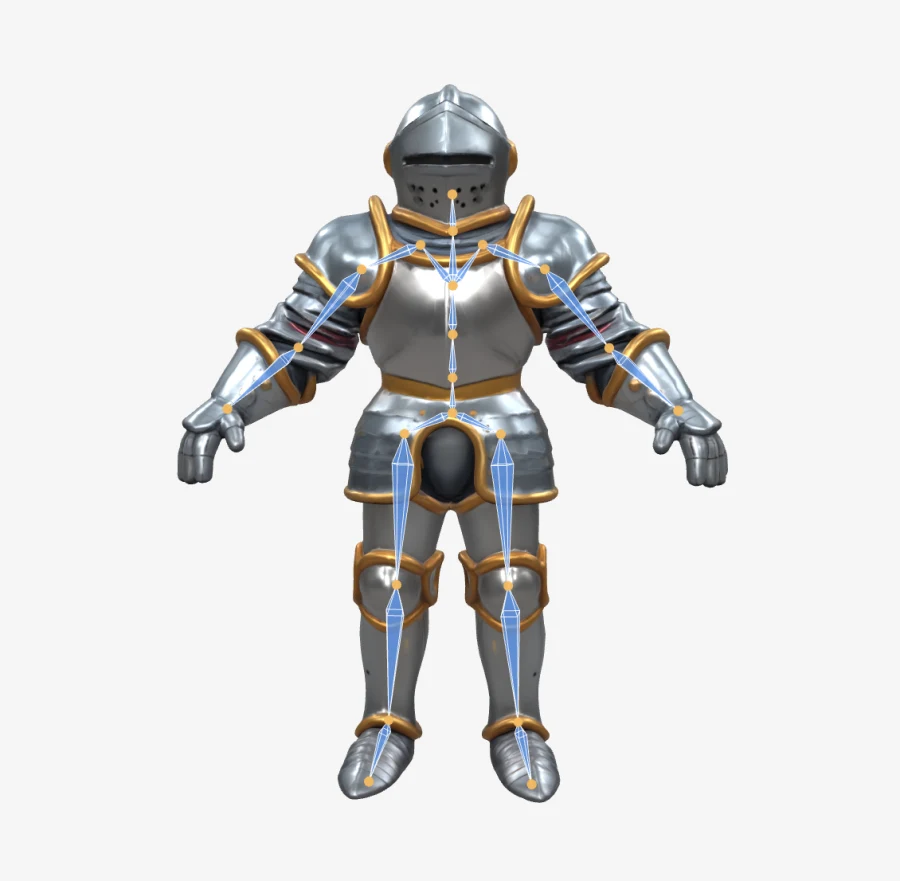
A humanoid rig, generated in about a minute.
- An animated GLB
Shown in the viewer with the skeleton still on.
Browse the library by group
Seven groups, 34 categories, from weapon handling to monster movement. Open a group to see every preset in it with its description, duration and video preview.
Weapons
188 presets in 12 categoriesEverything a character does with what it is holding: the guard raised before a duel, the reload mid-firefight, the draw, the sheathe, the full swing arc. The largest group in the library.
- General Handling
- Sidearms
- Long Guns
- Bows & Crossbows
- Heavy & Thrown
- Swords & Daggers
- Sword Combos
- Dual Swords
- Sword & Shield
- Two-Handed Heavy
- Polearms & Spears
- Magic & Casting
Movement
170 presets in 7 categoriesLocomotion first: a game is unplayable until its character can move, and a walk cycle is where most sprite work starts. Walks, runs, sprints, crouches, crawls, turns, jumps, falls and climbs.
- Walking
- Running & Sprinting
- Crouching & Crawling
- Turning
- Jumping & Falling
- Climbing & Traversal
- Dodging & Evasion
Combat
97 presets in 6 categoriesBoth halves of a fight: the strike going out and the stagger coming back. Unarmed hits, aerial and power attacks, blocks, parries, reactions and deaths.
- Unarmed Strikes
- Aerial Attacks
- Special & Power Attacks
- Blocking & Parrying
- Hit Reactions
- Status Effects & Death
Poses
76 presets in 3 categoriesThe animation players stare at longest: the idle. Plus fidgets, stance changes and sitting, the small motions that keep a waiting sprite alive.
- Idles & Fidgets
- Stance Transitions
- Sitting & Resting
Social
52 presets in 3 categoriesThe motions that make a town feel inhabited: waves, points, shrugs, cheers, celebrations and dance loops, for NPCs with opinions and players with emote wheels.
- Gestures & Communication
- Emotions & Reactions
- Dances & Exercise
Interaction
37 presets in 2 categoriesVerbs for the world itself: open the door, pick up the loot, swing the pickaxe, cast the line, harvest the crop. The work loops that farming sims and survival games run all day.
- Objects & Doors
- Jobs & Crafting
Creatures
21 presets in 1 categoryMotion that should not look human. Today this is a zombie set: the shamble, the frenzied run, the bite, the claw, the slow rise out of the ground, plus one convulsing monster transformation.
- Undead & Monsters
A few motions from each group
One motion from each group plus three that show the range, playing exactly as they do in the library. Open a group to see all of them.
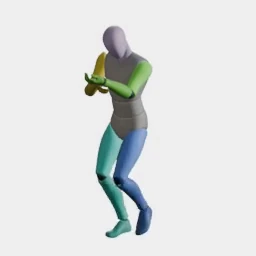
Walk Forward (Aiming)
Advancing slowly with a weapon shouldered and sighted.
Weapons: General Handling2.5s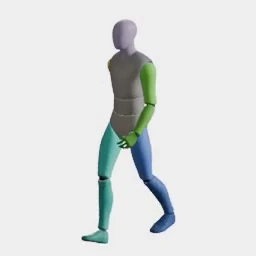
Walk Forward (Relaxed)
Leisurely strolling with loose posture.
Movement: Walking3s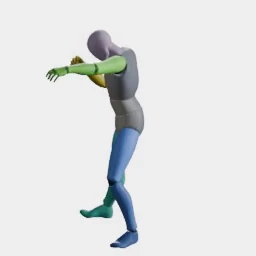
Punch (Jab)
Quick lead-hand strike.
Combat: Unarmed Strikes2s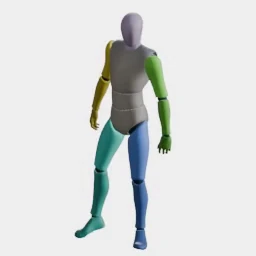
Neutral Idle
Visible breathing and constant weight shifting.
Poses: Idles & Fidgets3s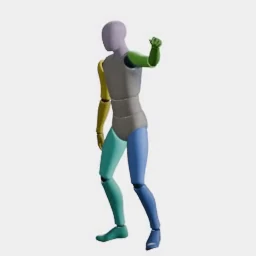
Wave
Friendly hand wave.
Social: Gestures & Communication3s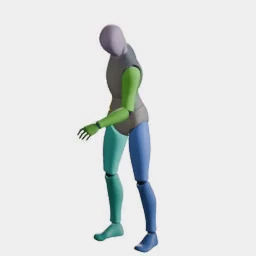
Pick Up (Waist)
Reaching out to grab item from table/shelf.
Interaction: Objects & Doors2s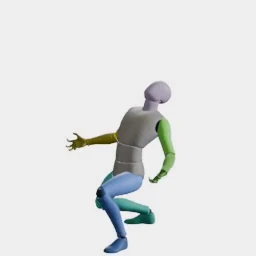
Monster Transformation
Convulsing and swelling into a monstrous form.
Creatures: Undead & Monsters2.2s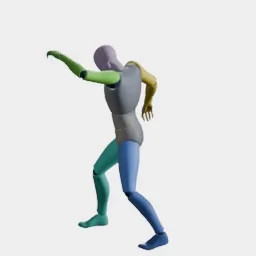
Cast (Projectile)
Thrusting palm forward to launch a bolt.
Weapons: Magic & Casting2.5s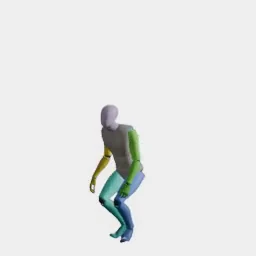
Backflip
Full backward somersault with a clean landing.
Movement: Jumping & Falling2.5s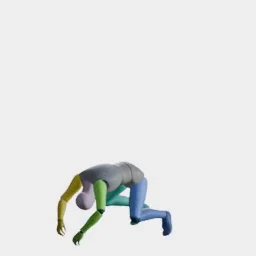
Ground Pound
Small hop and crashing both fists into the ground.
Combat: Special & Power Attacks2.5s
Camera perspectives
Every preset in the library can be rendered from any of these five camera perspectives, facing any of the eight compass directions.
- Side
Side-on view at eye level.
- Hero
Low angle looking slightly downward.
- Isometric
Diagonal top-down view with 3D depth.
- Tactical
High angle looking downward at a steep incline.
- Top-Down
Directly overhead view.
Ludo lives where you build
Every generator in your terminal, your AI agent, your own code and the Unity editor. One account, one set of credits.
Explore developer toolsnpm install -g @ludoai/cliMCP serverAny MCP client, including assistants that can't run commands.https://mcp.ludo.ai/mcpREST APIYour own app, game server or pipeline.https://api.ludo.ai/api/Unity pluginGenerate and import assets inside the Unity editor.Frequently asked questions
Choose the preset by name inside Ludo's sprite animation tool: bring in the sprite you want to animate, pick the motion from the library instead of writing a motion prompt, then set the camera perspective and compass direction. The tool renders the animation as a sprite sheet of up to 4, 9, 16, 25, 36, 49 or 64 frames, laid out as a grid.
Yes, for presets that carry a 3D clip. Send a preset to a static sprite and Ludo returns an animated sprite sheet; apply one to a rigged 3D model of any rig type and Ludo retargets that same motion onto the rig (not every model can take it) and hands back an animated GLB for your engine. Two switches matter on the 3D side: trim the clip to its clean loop, and strip out the net travel so the character moves on the spot where the engine drives locomotion.
Yes. Every one of the 641 presets in Ludo's motion library ships with a short video preview, and the full set plays on this page and its group pages. Watch the motion, check its duration, and only then take the preset name into the animation tool.
Ludo's library holds 641 motion presets, organised into 34 categories across seven groups: weapons, movement, combat, poses, social, interaction and creatures. Weapons is the largest group and creatures the smallest. Each preset is a distinct named motion, so a reload, a crouch walk and a two hit combo are separate entries, each with its own video preview.
Every preset in Ludo's motion library renders from five camera perspectives: Side (side-on at eye level), Isometric (diagonal top-down with 3D depth), Top-Down (directly overhead), Tactical (a steep high angle looking downward) and Hero (a low angle looking slightly downward). Each perspective can face any of the eight compass directions, N through NW, so one preset serves a platformer and an isometric RPG alike.
No. In Ludo, a named preset is one of four ways to drive an animation, alongside a text motion prompt, drawn keyframes (up to three: initial, middle and final) and a reference video of around four seconds. Choosing a preset replaces the prompt entirely: the motion is already defined, so the only decisions left are perspective and direction.
Yes. Ludo's loop mode trims the generated sheet for looping, so cycles like walks, idles, dances and work motions come back loop-ready. The finished animation can also be exported as an animated GIF or as individual frames, and Hydra animations come back with a matching sound effect you can download with the sheet.
Yes. Ludo pairs its preset library with Forge Pixel, a dedicated animation model tuned for low-res pixel art, and with the Pixel Art export mode the frames scale up with nearest-neighbor sampling so they stay crisp. Any of the 641 presets can drive a pixel-art sprite the same way it drives any other sprite.
Up to 5 seconds. Hydra, the default model, and Hydra+, which adds finer detail, run 3 to 5 seconds and come back with a matching sound effect; Forge and Forge Pixel run 1 to 5 seconds, and Generate Audio adds a sound to their sheets afterwards.
Yes. Besides picking a compass direction before you generate, New Direction re-renders a finished animation facing a new way with the same motion and timing, on Hydra or Hydra+. Check each new facing when you play it back, since a turned view can drift.
Experience the future of game creation
Free to try. No credit card required.