
AI Walk Cycle Generator: 30 Walk Presets for 2D Sprites
With Ludo's walk cycle generator, you bring in a 2D character sprite, pick one of its 30 walk presets, choose a camera perspective and a compass direction, and Ludo returns the walk as a loop-ready sprite sheet. Every preset below plays as a video preview first, so you can judge the gait before you generate anything.
- 30walk presets
- 33more walks in other categories
- 5camera perspectives
- 8compass directions
What is an AI walk cycle generator?
An AI walk cycle generator turns one static character sprite into an animated walk: you choose a named walk motion and the in-between frames are generated on your own artwork, with no rig and no frame-by-frame drawing. In Ludo the walk comes from a preset in the motion library, rendered from any of 5 camera perspectives and facing any of 8 compass directions, and it is exported as a square-grid sprite sheet of 4 to 64 frames with the background removed, with an animated GIF or individual frames available on request.
Step by step, from one character image to an exported sheet: how to make a walk cycle.
Walking
30 presets, the whole Walking category of the movement group, each with a video preview.
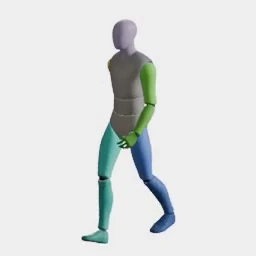
Walk Forward (Relaxed)
Leisurely strolling with loose posture.
Movement: Walking3s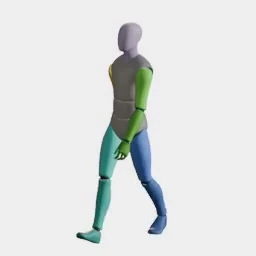
Walk Forward (Standard)
Relaxed, rhythmic gait.
Movement: Walking2.5s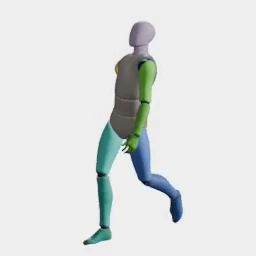
Walk Forward (Confident)
Strutting with chest out and head high.
Movement: Walking2.5s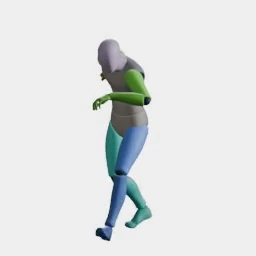
Walk Forward (Stealth)
Tiptoeing quietly to avoid detection.
Movement: Walking3s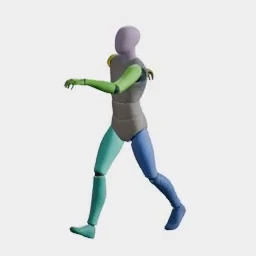
Walk Forward (Happy)
Walking with small hops of joy.
Movement: Walking3s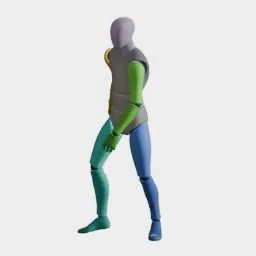
Walk Forward (Limping)
Limping heavily, favoring one leg.
Movement: Walking3s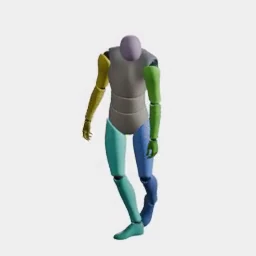
Walk Forward (Drunk)
Stumbling forward with erratic, weaving steps.
Movement: Walking3s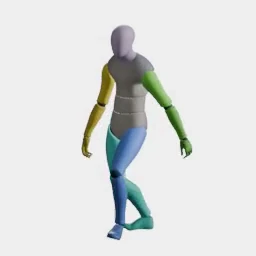
Walk Forward (Heavy)
Slow, deliberate walk with heavy stomping footfalls.
Movement: Walking3s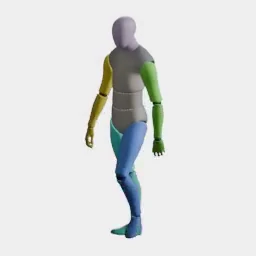
Walk Forward (Brisk)
Fast, purposeful walk with a slight forward lean.
Movement: Walking2.5s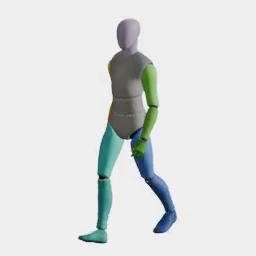
Walk Forward (Casual)
Easy, unhurried stroll with hands loose at sides.
Movement: Walking3s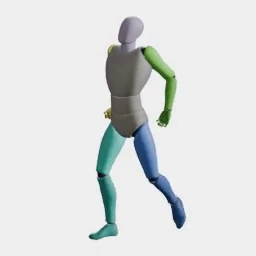
Walk Forward (Carrying)
Walking while bearing a heavy load cradled in both arms.
Movement: Walking3s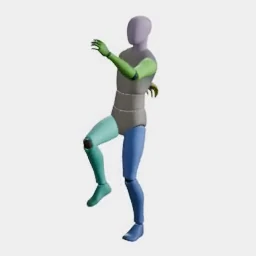
March Forward
Rigid military cadence with high knee lift and crisp arm swing.
Movement: Walking2.5s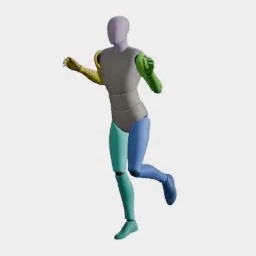
Skip Forward
Light, playful skipping with alternating hop steps.
Movement: Walking2.5s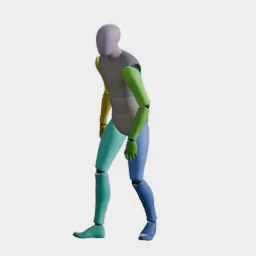
Walk Forward (Elderly)
Frail, shaky walk with short shuffling steps and a stooped back.
Movement: Walking3s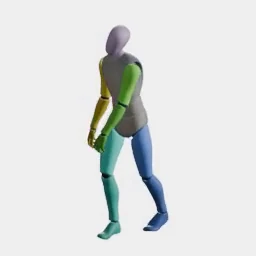
Walk Forward (Shambling)
Stiff, lurching undead shamble with dragging feet and hanging arms.
Movement: Walking3s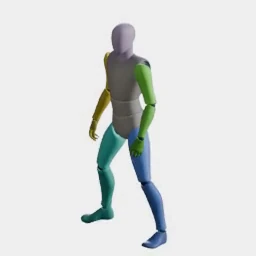
Strafe Left
Sidestepping to the left.
Movement: Walking2.5s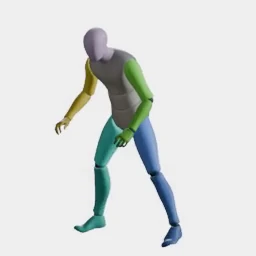
Strafe Right
Sidestepping to the right.
Movement: Walking2.5s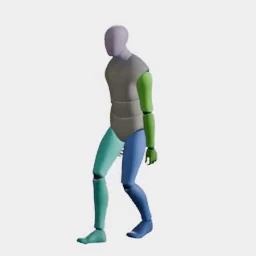
Backpedal
Moving backward while facing forward.
Movement: Walking2.5s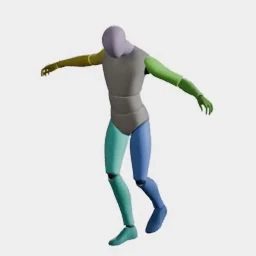
Walk Backward (Slow)
Slow, cautious backward retreat.
Movement: Walking3s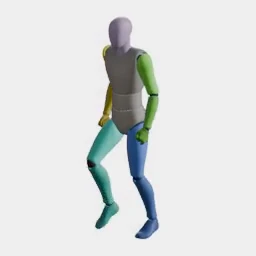
Walk Forward
Steady hand-animated walk cycle.
Movement: Walking1.3s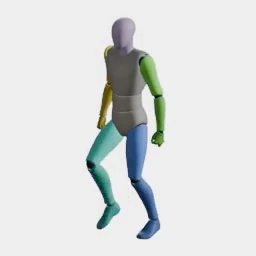
Walk Forward (Formal)
Upright, composed walk with restrained arm swing.
Movement: Walking1.3s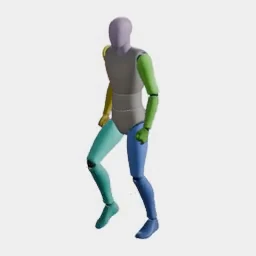
Walk Forward (UAL2)
Relaxed walk cycle from the second library.
Movement: Walking1.3s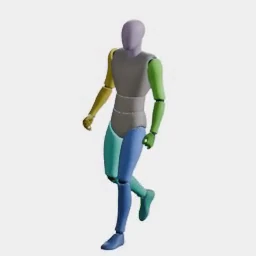
Walk Backward
Stepping backwards while facing ahead.
Movement: Walking1.3s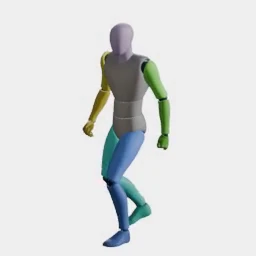
Walk Strafe Left
Sidestepping left at a walking pace.
Movement: Walking1.3s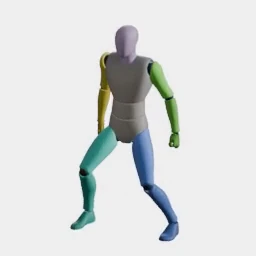
Walk Strafe Right
Sidestepping right at a walking pace.
Movement: Walking1.3s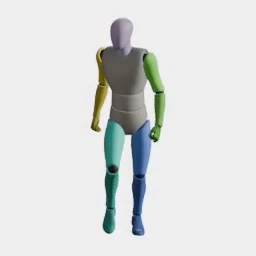
Walk Forward-Left
Walking diagonally forward and to the left.
Movement: Walking1.3s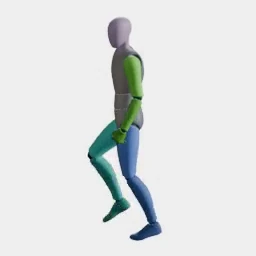
Walk Forward-Right
Walking diagonally forward and to the right.
Movement: Walking1.3s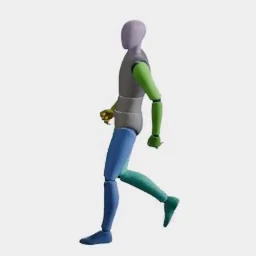
Walk Backward-Left
Backing away diagonally to the left.
Movement: Walking1.3s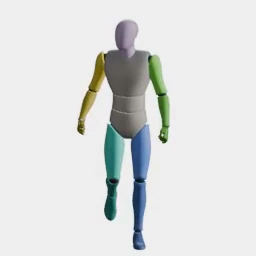
Walk Backward-Right
Backing away diagonally to the right.
Movement: Walking1.3s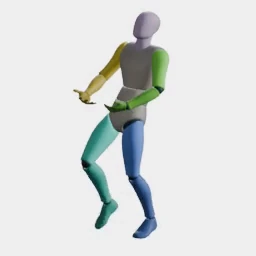
Walk Carrying Object
Walking with a bulky object held in both arms.
Movement: Walking2s
Crouched, turning and traversal walks
12 presets with "walk" in the name, from Crouching & Crawling, Turning, Climbing & Traversal.
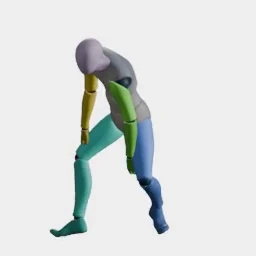
Crouch Walk
Moving forward while in a squatting position.
Movement: Crouching & Crawling3s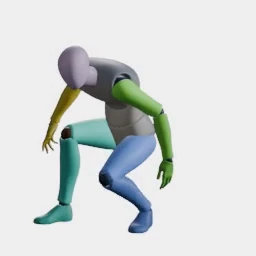
Crouch Walk Forward
Low, careful advance while crouched.
Movement: Crouching & Crawling2s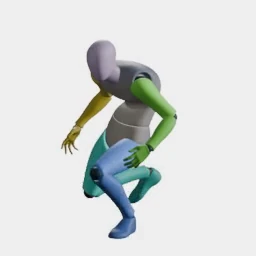
Crouch Walk Backward
Backing away while staying low.
Movement: Crouching & Crawling2s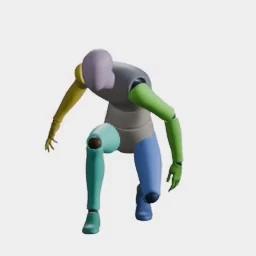
Crouch Walk Forward-Left
Crouched advance angled to the left.
Movement: Crouching & Crawling2s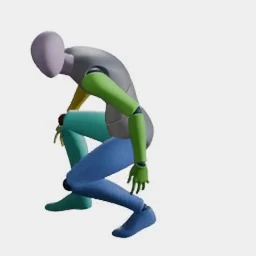
Crouch Walk Forward-Right
Crouched advance angled to the right.
Movement: Crouching & Crawling2s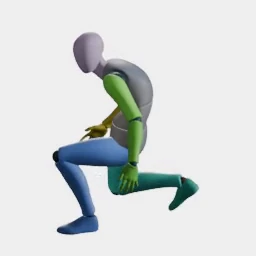
Crouch Walk Backward-Left
Crouched retreat angled to the left.
Movement: Crouching & Crawling2s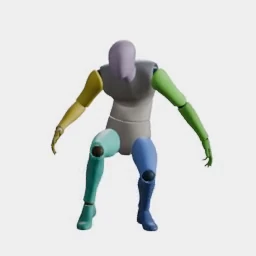
Crouch Walk Backward-Right
Crouched retreat angled to the right.
Movement: Crouching & Crawling2.4s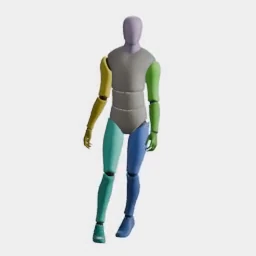
Walk Turn Left
Curving left without breaking a walking stride.
Movement: Turning2.5s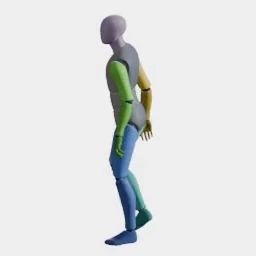
Walk Turn Right
Curving right without breaking a walking stride.
Movement: Turning2.5s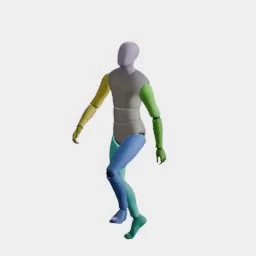
Walk Stairs Up
Walking up a flight of stairs.
Movement: Climbing & Traversal3s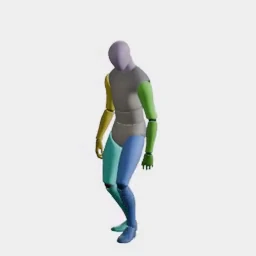
Walk Stairs Down
Walking down a flight of stairs.
Movement: Climbing & Traversal3s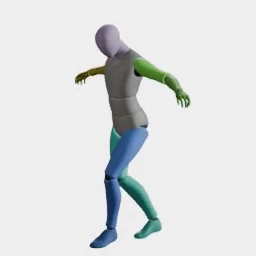
Balance Walk
Inching along a narrow beam with arms outstretched for balance.
Movement: Climbing & Traversal3.5s
Walking with a weapon
13 presets with "walk" in the name, from General Handling, Sidearms, Long Guns, Bows & Crossbows, Heavy & Thrown, Swords & Daggers, Dual Swords, Sword & Shield, Two-Handed Heavy, Polearms & Spears.
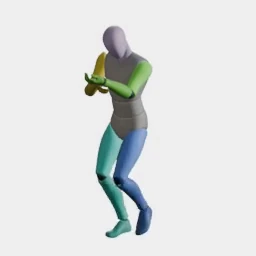
Walk Forward (Aiming)
Advancing slowly with a weapon shouldered and sighted.
Weapons: General Handling2.5s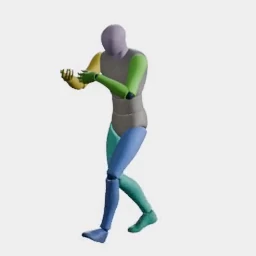
Walk Backward (Aiming)
Retreating backward while keeping a weapon trained ahead.
Weapons: General Handling2.5s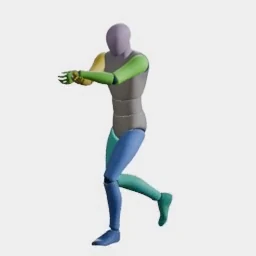
Fire While Walking
Advancing at a walk while firing repeated shots forward.
Weapons: General Handling3s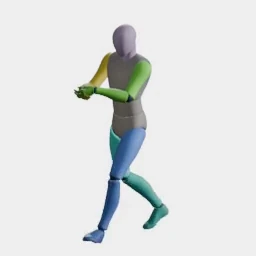
Walk (Sidearm)
Walking while carrying a pistol at the ready.
Weapons: Sidearms2.5s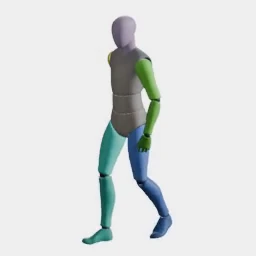
Walk (Dual Sidearms)
Walking while carrying dual pistols at the ready.
Weapons: Sidearms2.5s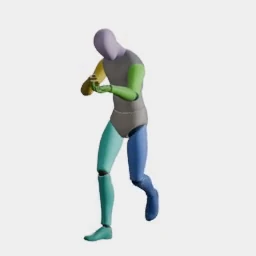
Walk (Long Gun)
Walking while carrying a rifle, shotgun, sniper rifle or crossbow at the ready.
Weapons: Long Guns2.5s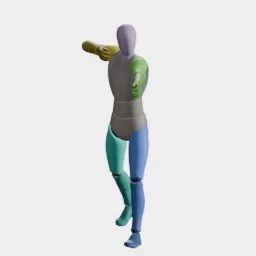
Walk (Bow)
Walking while carrying a bow at the ready.
Weapons: Bows & Crossbows2.5s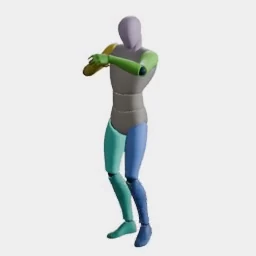
Walk (Shoulder Heavy)
Walking while carrying a rocket launcher or minigun at the ready.
Weapons: Heavy & Thrown2.5s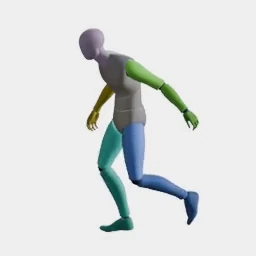
Walk (One-Handed Blade)
Walking while carrying a sword, dagger or throwing knife at the ready.
Weapons: Swords & Daggers2.5s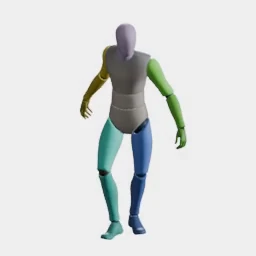
Walk (Dual Blades)
Walking while carrying two blades at the ready.
Weapons: Dual Swords2.5s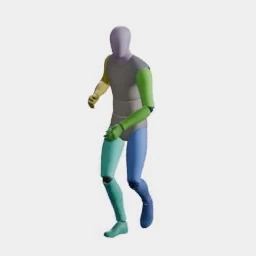
Walk (Sword & Shield)
Walking while carrying a sword and shield at the ready.
Weapons: Sword & Shield2.5s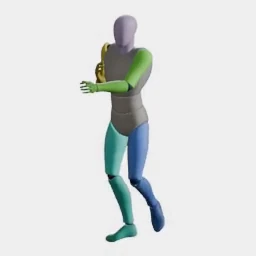
Walk (Two-Handed Heavy)
Walking while carrying a greatsword, battle axe or war hammer at the ready.
Weapons: Two-Handed Heavy2.5s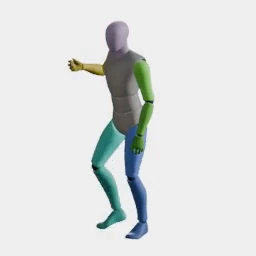
Walk (Polearm)
Walking while carrying a spear, staff or halberd at the ready.
Weapons: Polearms & Spears2.5s
Zombie walks
8 presets with "walk" in the name, from Undead & Monsters.
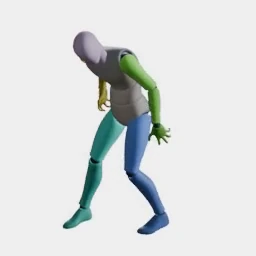
Zombie Walk Forward
Lurching undead shamble forward.
Creatures: Undead & Monsters1.3s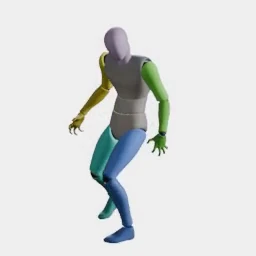
Zombie Walk Backward
Shambling backwards without turning.
Creatures: Undead & Monsters1.3s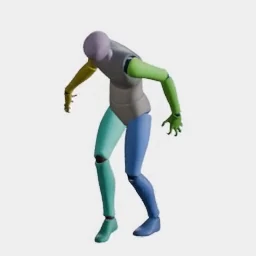
Zombie Walk Left
Shambling sideways to the left.
Creatures: Undead & Monsters1.3s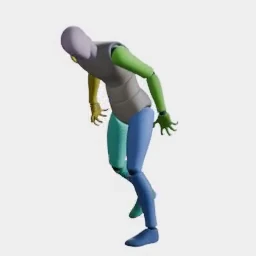
Zombie Walk Right
Shambling sideways to the right.
Creatures: Undead & Monsters1.3s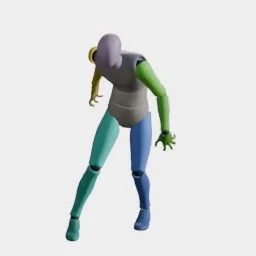
Zombie Walk Forward-Left
Shambling forward and to the left.
Creatures: Undead & Monsters1.3s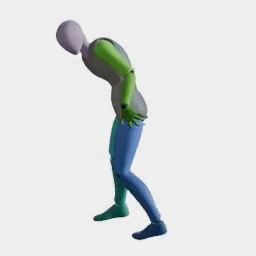
Zombie Walk Forward-Right
Shambling forward and to the right.
Creatures: Undead & Monsters1.3s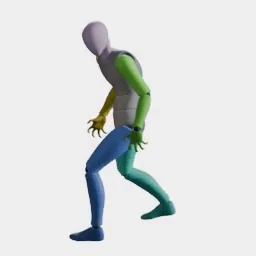
Zombie Walk Backward-Left
Shambling backwards and to the left.
Creatures: Undead & Monsters1.3s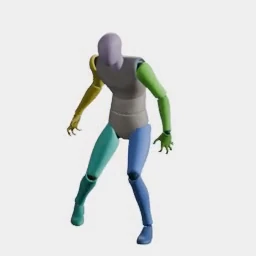
Zombie Walk Backward-Right
Shambling backwards and to the right.
Creatures: Undead & Monsters1.3s
Frequently asked questions
Bring a character sprite into Ludo (generated in Ludo, hand-drawn or commissioned), pick a walk preset by name instead of writing a motion prompt, then set the camera perspective, the compass direction, the frame count and the frame size. Ludo generates the walk on your sprite and returns a sprite sheet, and it can also return an animated GIF, the individual frames, or a copy of the sheet with its background kept.
The Walking category of Ludo's motion library holds 30 presets, from standard, relaxed, confident and stealth walks to limps, strafes, a backpedal and a march. The rest of the library adds 33 more walks: 12 crouched, turning and traversal walks, 13 weapon walks, 8 zombie walks. That is 63 walks in all, each with its own video preview and a duration between 1.3 and 3 seconds for the Walking category.
Yes. Every walk preset renders facing any of the 8 compass directions (N, NE, E, SE, S, SW, W, NW) and from any of the 5 camera perspectives. Each generation faces one direction, so a full eight-direction set for a top-down or isometric game is eight generations of the same preset on the same sprite.
Loop mode is on by default: it trims the start or end of the generated animation so the walk comes back loop-ready and can play end to end in an engine. It can be switched off for a walk that should start and stop rather than repeat.
Up to 4, 9, 16, 25, 36, 49 or 64 frames laid out as a grid (the frame count is a maximum), with frames of 32, 64, 96, 128, 192, 256 or 384 pixels, or the maximum resolution the model produces. An optional crop fits each frame to its content for a smaller sheet, at the cost of frame sizes that differ between animations.
Yes. Forge Pixel, Ludo's pixel-art animation model, is one of the models that can apply a walk preset, so a low-resolution character can take any of the walks on this page the same way any other sprite can.
Keep browsing
63 of the 641 presets in the library are on this page. The rest are one click away.
Experience the future of game creation
Free to try. No credit card required.