

Pixel Art Sprite Generator
Authentic pixel art sprites from a text prompt, in four grid-snapped styles (Micro Pixel, 8-Bit, 16-Bit and 32-Bit) plus a looser Free Pixel. A proprietary pixel-grid pipeline gives you production-ready pixel art on a true grid, with transparent backgrounds and sheets your engine can slice.
What is an AI pixel art sprite generator?
An AI pixel art sprite generator creates authentic pixel art sprites from a text prompt, in five pixel-art styles: Micro Pixel, 8-Bit, 16-Bit, 32-Bit and Free Pixel. Ludo runs a proprietary pixel-grid pipeline: in the first four styles, every sprite is drawn on a true pixel grid, so pixel size stays uniform across the whole asset, palettes stay limited, and edges stay hard instead of picking up half-pixels and blur. That is production-ready pixel art you can ship, not a pixelate filter over a normal image. Motion is covered too: Forge Pixel is a dedicated animation model tuned for low-res pixel art, and sheets export engine-ready for Unity, Godot, or GameMaker. It works as an 8-bit character maker too: describe the character, choose the 8-Bit style, and the sprite lands on a true pixel grid with a transparent background.
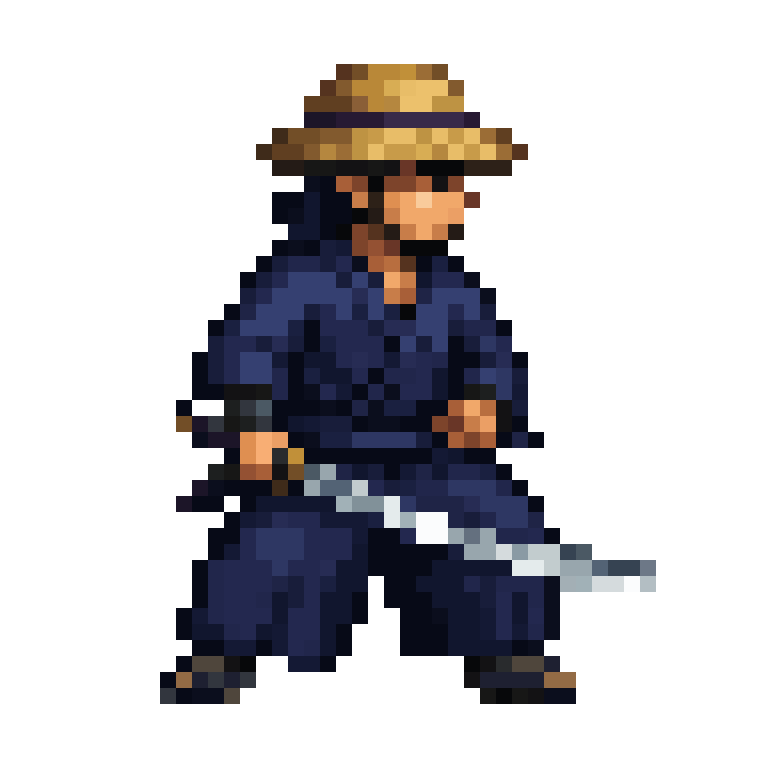

Pixel art generated with Ludo
Every sprite comes off the pixel-grid pipeline: uniform pixel size, era-faithful palettes, hard edges. Not a blur filter over a normal image.
Ludo lives where you build
Every generator in your terminal, your AI agent, your own code and the Unity editor. One account, one set of credits.
Explore developer toolsnpm install -g @ludoai/cliMCP serverAny MCP client, including assistants that can't run commands.https://mcp.ludo.ai/mcpREST APIYour own app, game server or pipeline.https://api.ludo.ai/api/Unity pluginGenerate and import assets inside the Unity editor.How it works
Pick your bit era
Micro Pixel, 8-Bit, 16-Bit or 32-Bit for a strict pixel grid, or Free Pixel for a looser pixel look.
Describe the sprite
Characters, monsters, items, tiles, or VFX. The pixel-grid pipeline keeps pixel size uniform and the palette coherent across the whole asset.
Animate and export
Walk, run, and attack cycles as PNGs or packed sheets, with Forge Pixel holding the grid through every frame.
What devs build with it
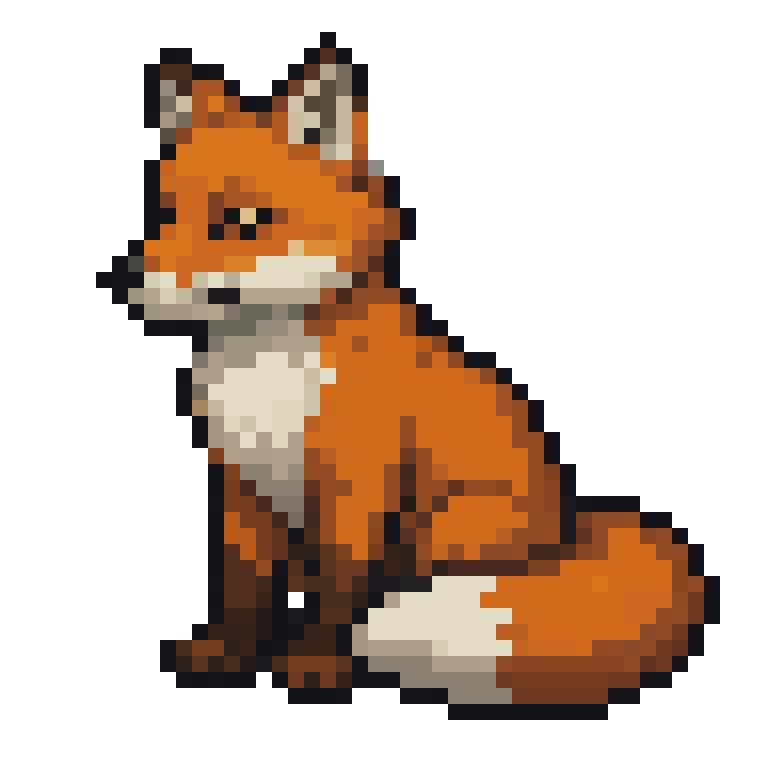
Hand-animated look, none of the hand animation
Pixel animation is unforgiving: every frame redrawn by hand. One static fox and one prompt became this 25-frame licking-paw loop, landing back on the exact starting frame.
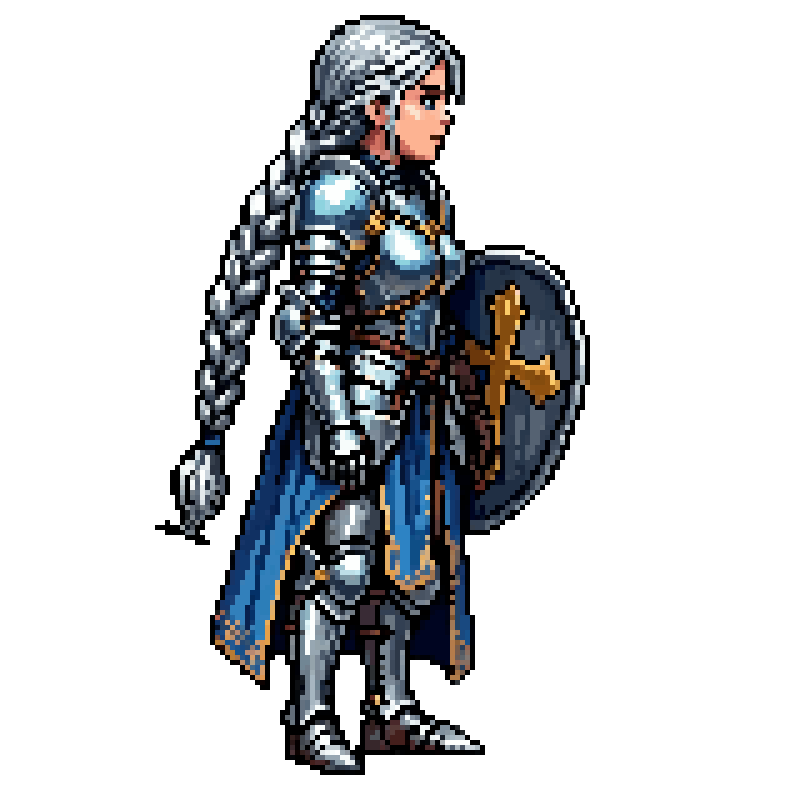
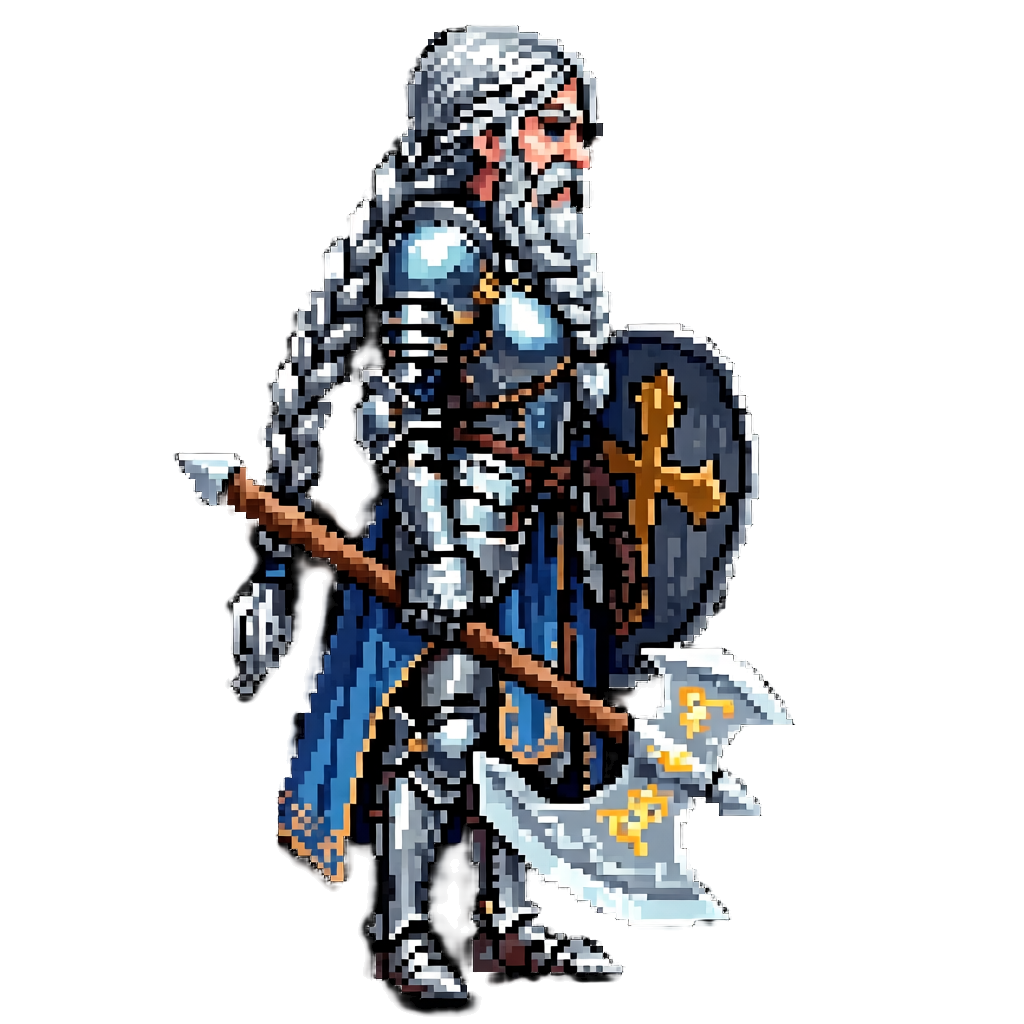
Matching existing pixel art
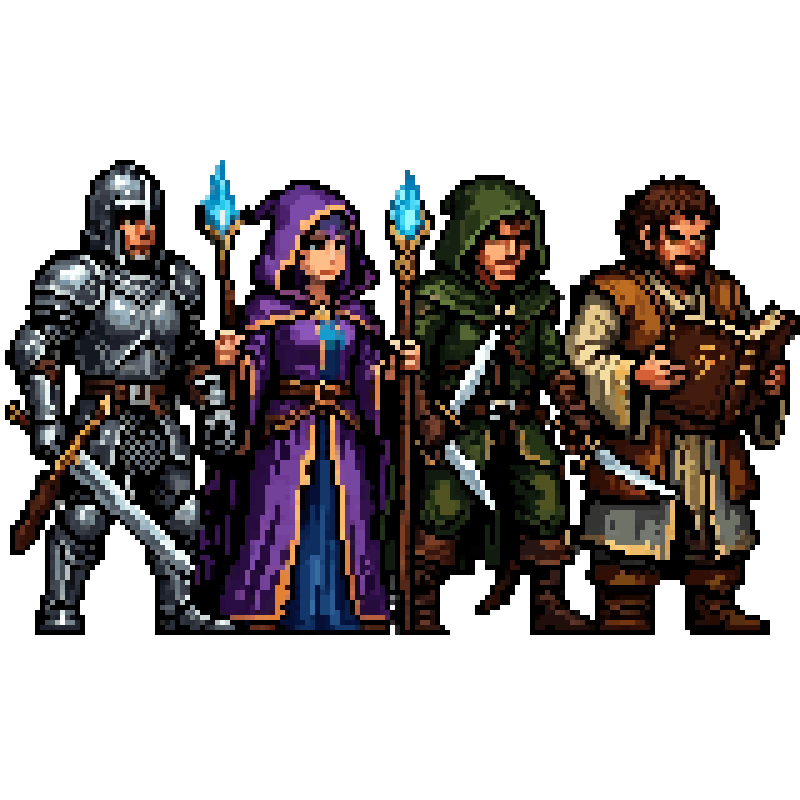
Style-reference your sprites; additions respect palette and density. The warrior was generated to match the princess.
Game jam speed
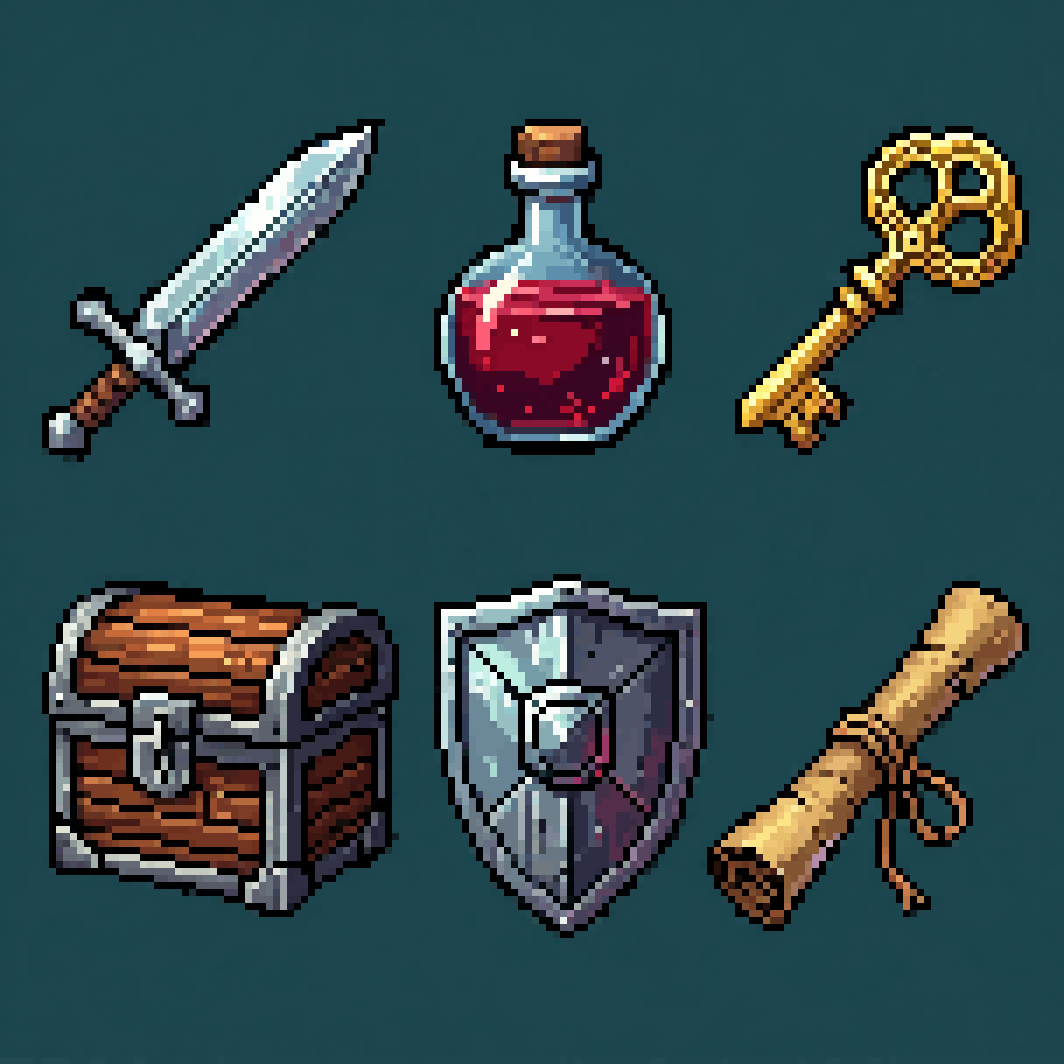
A full pixel cast and item set in an afternoon, so the weekend goes to the game.
FAQ
Does it produce real pixel art or just a 'pixelated' look?
Real pixel art. Ludo runs a proprietary pixel-grid pipeline rather than post-processing a normal image, so a sprite comes out with one uniform pixel size across the whole asset, a limited palette for its era, hard edges, and a transparent background. That is what makes the result production-ready: you can scale it by whole multiples, recolor it by palette, and drop it into an engine without cleaning up half-pixels first.
What makes the pixel art production ready?
Three things: the grid, the palette, and the export. Sprites are generated on a true pixel grid, so pixel size is uniform and the art survives integer scaling instead of turning mushy. Palettes stay limited per era, which keeps a cast looking like it belongs to one game and makes palette swaps possible. And the output ships as it stands: transparent background, sprite sheets of up to 64 frames at frame sizes from 32 to 384 px, plus GIF, per-frame PNGs, and JSON frame data (TexturePacker format) for Phaser, PixiJS and Cocos2d, with sheets that import into Unity, Godot, GameMaker, or RPG Maker.
What are the five pixel-art styles?
The app offers Micro Pixel, 8-Bit, 16-Bit, 32-Bit and Free Pixel. Micro Pixel, 8-Bit, 16-Bit and 32-Bit all snap to a strict pixel grid. Free Pixel is the looser option and does not snap to a grid. If you call the API, MCP or CLI, the style ids are named differently: 8-Bit (the app's Micro Pixel), 16-Bit (the app's 8-Bit), 32-Bit (the app's 16-Bit), Hi-Bit (the app's 32-Bit) and Retro 2D (the app's Free Pixel). Pick one style per project so a cast and its items match.
Can I turn a pixel art animation to face another way?
Yes. New Direction re-renders a finished animation facing a new way and keeps the motion and timing. It runs on Hydra or Hydra+, which are not the pixel-specific model, so check that the pixel look holds in the new direction before you use it. For still sprites, Change View turns a character to any of 8 camera angles.
Can I generate matching tiles and items too?
Yes. The same styles apply to tiles, props, icons, and VFX, so a whole scene can share one aesthetic.
Can AI animate pixel art without breaking the pixel grid?
Yes. Ludo has a dedicated model for low-res pixel art, Forge Pixel (1.5 credits per second), which is tuned to hold the pixel grid while a sprite moves, so frames stay pixel art instead of a smoothed copy of the original. You choose a maximum of 4, 9, 16, 25, 36, 49, or 64 frames, at frame sizes from 32 to 384 px, with max-resolution and AI 1.5x upscale modes available. Animations run up to 5 seconds. Hydra (3 credits per second, with a matching sound effect) also works on pixel sprites. For exports, the Pixel Art mode scales with nearest-neighbor so edges stay hard.
Can pixel art characters be animated?
Yes. Pixel art sprites can be animated from a motion prompt, up to three keyframes, a reference video, or one of 641 motion presets across 34 categories, and they export as sprite sheets with your chosen frame count and layout, a GIF, or individual frames.
Experience the future of game creation
Free to try. No credit card required.