

AI Sprite Generator for RPG Maker
A sprite animator that brings a static sprite to life in one step: write a motion prompt or pick from 641 motion presets across 34 categories, then export a packed, engine-ready sprite sheet or GIF.
How does an AI sprite generator for RPG Maker work?
An AI sprite generator for RPG Maker, or RPG sprite maker, turns a text prompt or reference image into character sprites and walk-cycle sheets formatted for RPG Maker. With Ludo you describe a character, generate the walk once, turn it to the other directions, and arrange the frames into the character sheet RPG Maker expects in your project's characters folder.
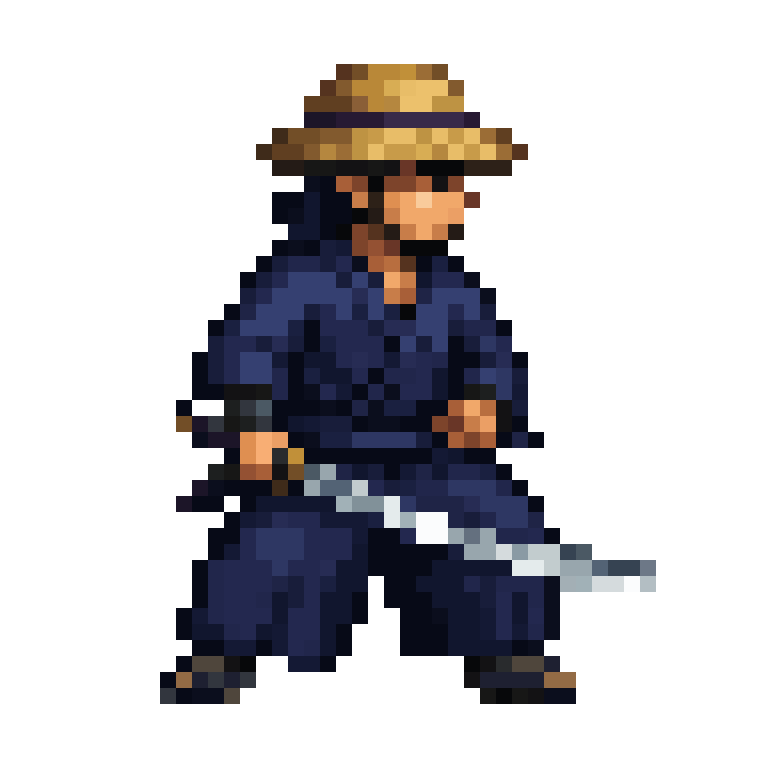

RPG-ready pixel sprites generated with Ludo
Each of these started as one static image. The motion is generated.
Sheets that fit RPG Maker's character grid
RPG Maker MV/MZ expects 3-column x 4-row walking sheets on a 48px grid. Generate the character in Ludo, export the frames, scale them to your cell size, and assemble the sheet in an image editor.
Generate the character
Top-down-friendly styles work best. Describe your hero, NPC, or monster and pick a pixel art style (Micro Pixel, 8-Bit, 16-Bit, 32-Bit or Free Pixel) or another 2D style, then animate a walk cycle facing the camera.
Turn the walk to the other directions
RPG Maker needs the walk facing down, left, right and up. Use New Direction on your finished walk to re-render it facing a new way with the same motion and timing (it runs on Hydra or Hydra+, 3 to 5 seconds). Check each result, since some angles can drift and may need a retry or a prompt edit.
Export at grid size
Export the frames (a ZIP of PNGs) and scale them to your project's grid: 48px for default MV/MZ, or a multiple for hi-res projects. Ludo's sprite sizes run 32, 64, 96, 128, 192, 256 and 384 px, so export at 64 and scale down in your image editor, using nearest-neighbor scaling for pixel art.
Assemble the 3x4 sheet
Arrange 3 walk frames per direction into 3 columns x 4 rows, following the row order of a character sheet already in your project. Prefix the filename with $ for a single-character sheet.
Drop into img/characters
Copy the PNG into your project's img/characters folder and select it on an actor or event, and RPG Maker handles the animation.
Ludo lives where you build
Every generator in your terminal, your AI agent, your own code and the Unity editor. One account, one set of credits.
Explore developer toolsnpm install -g @ludoai/cliMCP serverAny MCP client, including assistants that can't run commands.https://mcp.ludo.ai/mcpREST APIYour own app, game server or pipeline.https://api.ludo.ai/api/Unity pluginGenerate and import assets inside the Unity editor.Walk cycles from a named preset
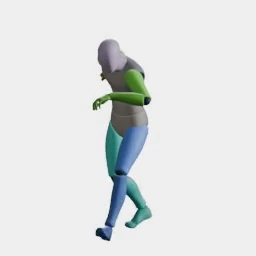
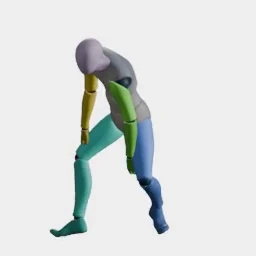
A walk cycle is the loop a character plays every time it moves, and the preset library has a whole category of walks, from standard and stealth walks to limps, strafes and a march, with crouched, stair, weapon and zombie walks elsewhere in the library. Pick one, choose a camera perspective and a compass direction, and the walk comes back on your own sprite as a loop-ready sprite sheet. For the full steps, see how to make a walk cycle.
Open the Walk Cycle Generator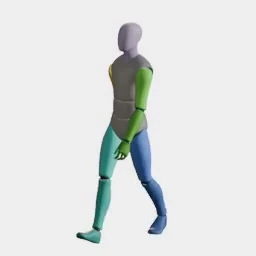
What devs build with it
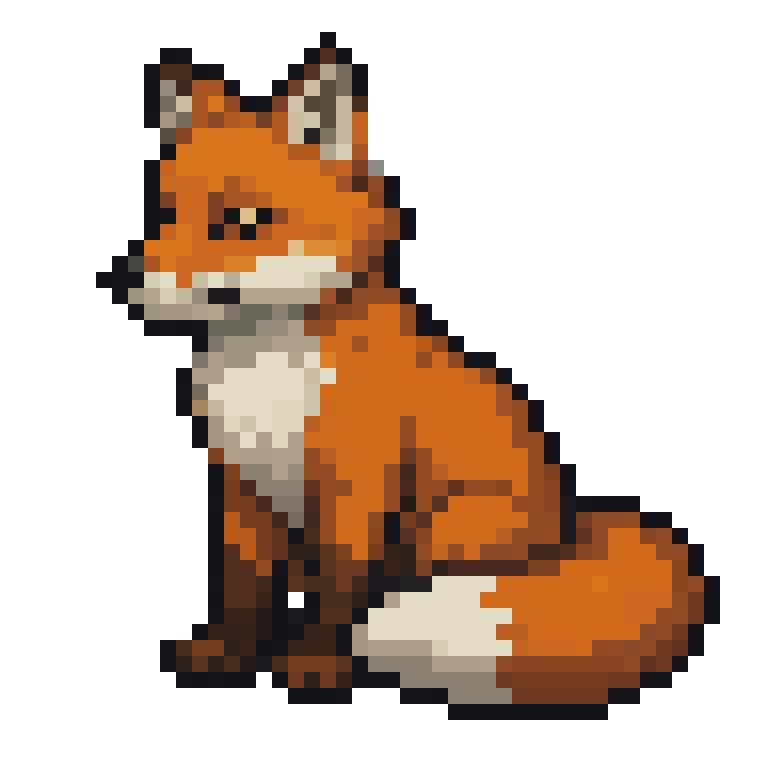
Hand-animated look, none of the hand animation
Pixel animation is unforgiving: every frame redrawn by hand. One static fox and one prompt became this 25-frame licking-paw loop, landing back on the exact starting frame.
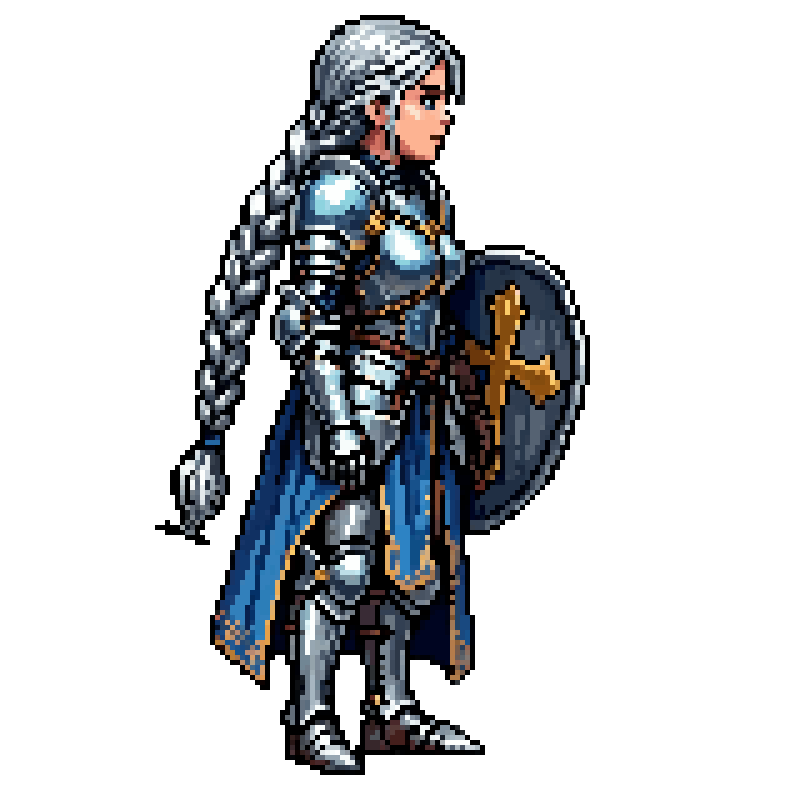
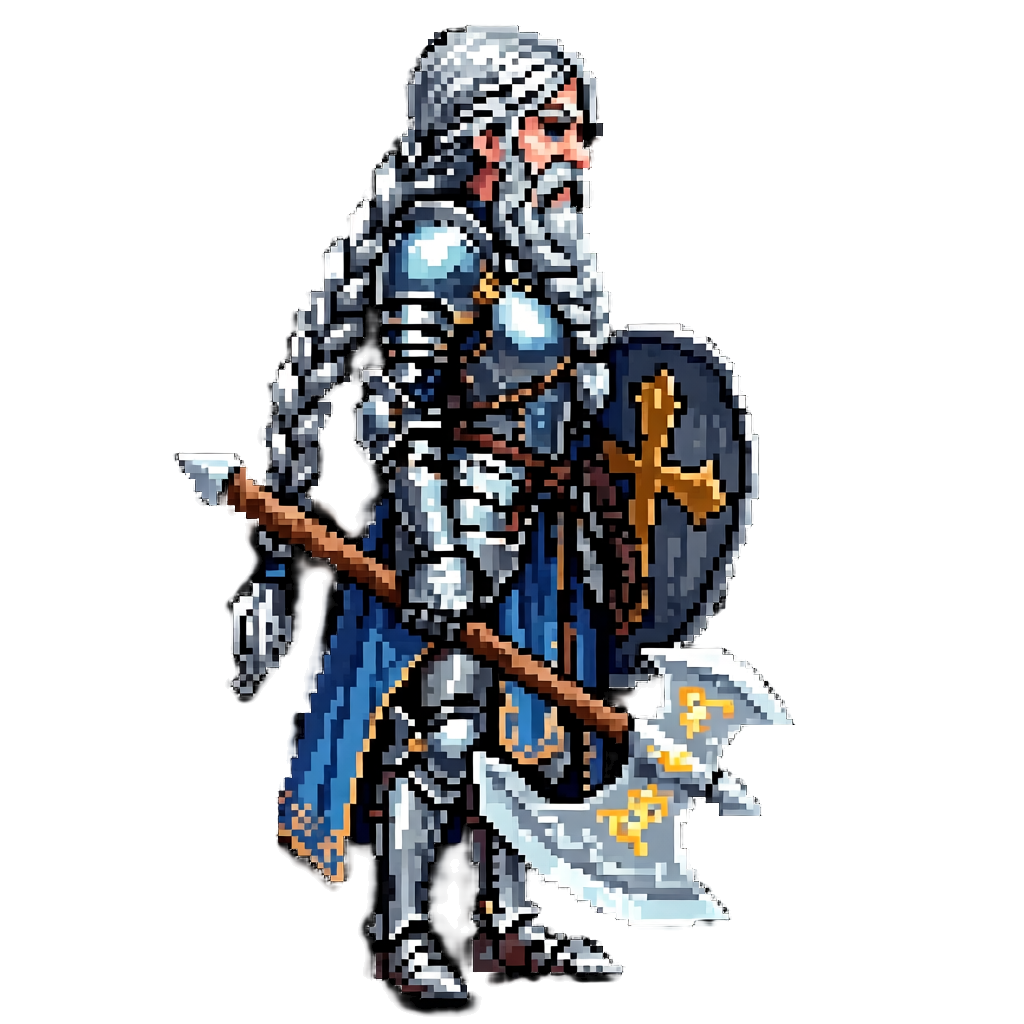
Matching existing pixel art
Style-reference your sprites; additions respect palette and density, and the warrior was generated to match the princess.
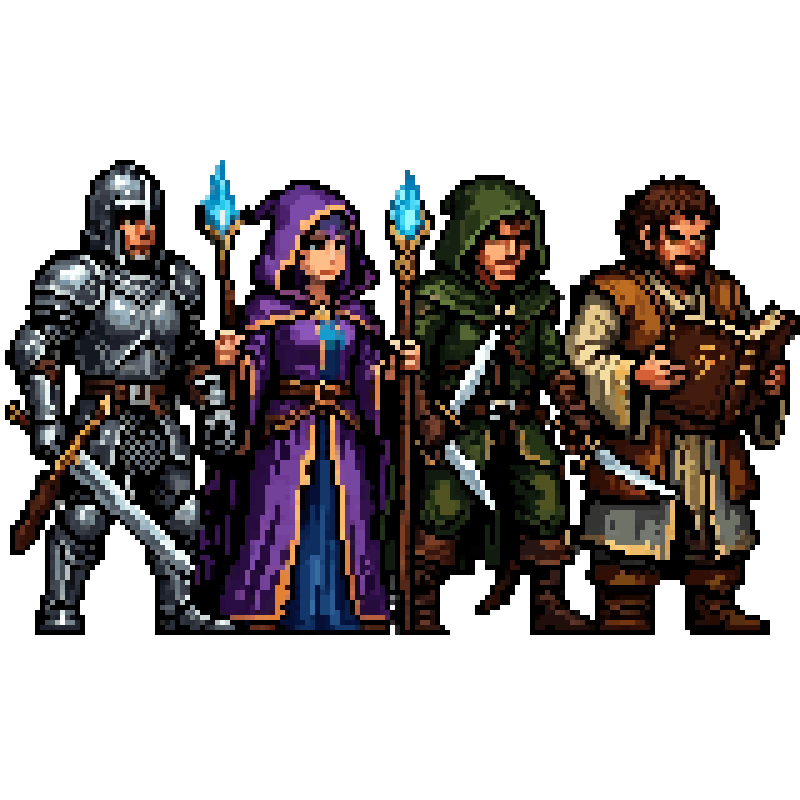
Game jam speed
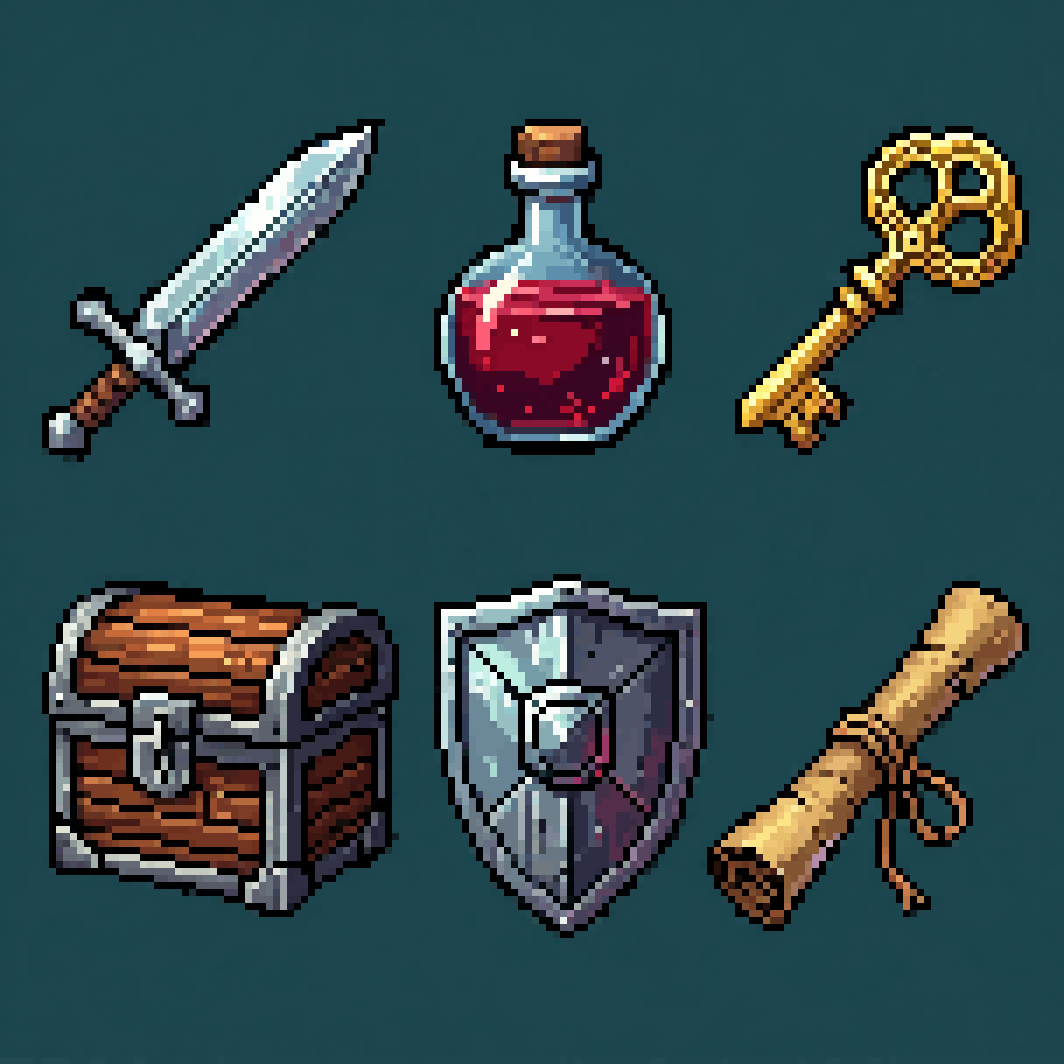
A full pixel cast and item set in an afternoon, so the weekend goes to the game.
FAQ
Does Ludo produce RPG Maker MV/MZ character sheets?
Not as a ready layout. Generate the walk once, use New Direction to turn it to the other directions, export the frames, scale them to RPG Maker's cell size, and arrange 3 frames per direction into the 3-column x 4-row character sheet that RPG Maker MV and MZ expect. The how-to guide linked below walks through it.
What size should RPG Maker character sprites be?
RPG Maker MV and MZ use a 48x48 pixel grid by default (a single character sheet is 144x192), while older versions like VX Ace use 32x32. Export from Ludo at the nearest sprite size (64 px for a 48 px grid, 32 px for VX Ace) and scale the frames to the cell in your image editor.
Where do the files go in my RPG Maker project?
Character sheets go in your project's img/characters folder. Prefix the filename with $ for a single-character sheet so RPG Maker reads it as one character instead of an eight-character page.
Can I make RPG Maker tilesets and face images too?
Yes. Ludo generates tiles, portraits, and item icons in the same style as your characters, so your RPG Maker tilesets, face images (img/faces), and battlers stay visually consistent.
Will generated sprites match RPG Maker's RTP style?
Use a style reference image of RTP-style art and Ludo matches its palette and proportions, so generated characters sit naturally next to RPG Maker's default assets.
Do I own the sprites I use in my RPG Maker game?
Yes. You own the assets you generate with Ludo and can use them however you like, including in commercial RPG Maker games.
Experience the future of game creation
Free to try. No credit card required.