

AI Prop Concept Art Generator
Design the objects your game is made of, one per image: weapons, vehicles, buildings, treasure and gear, in any art style, ready to hand on or turn into 3D.
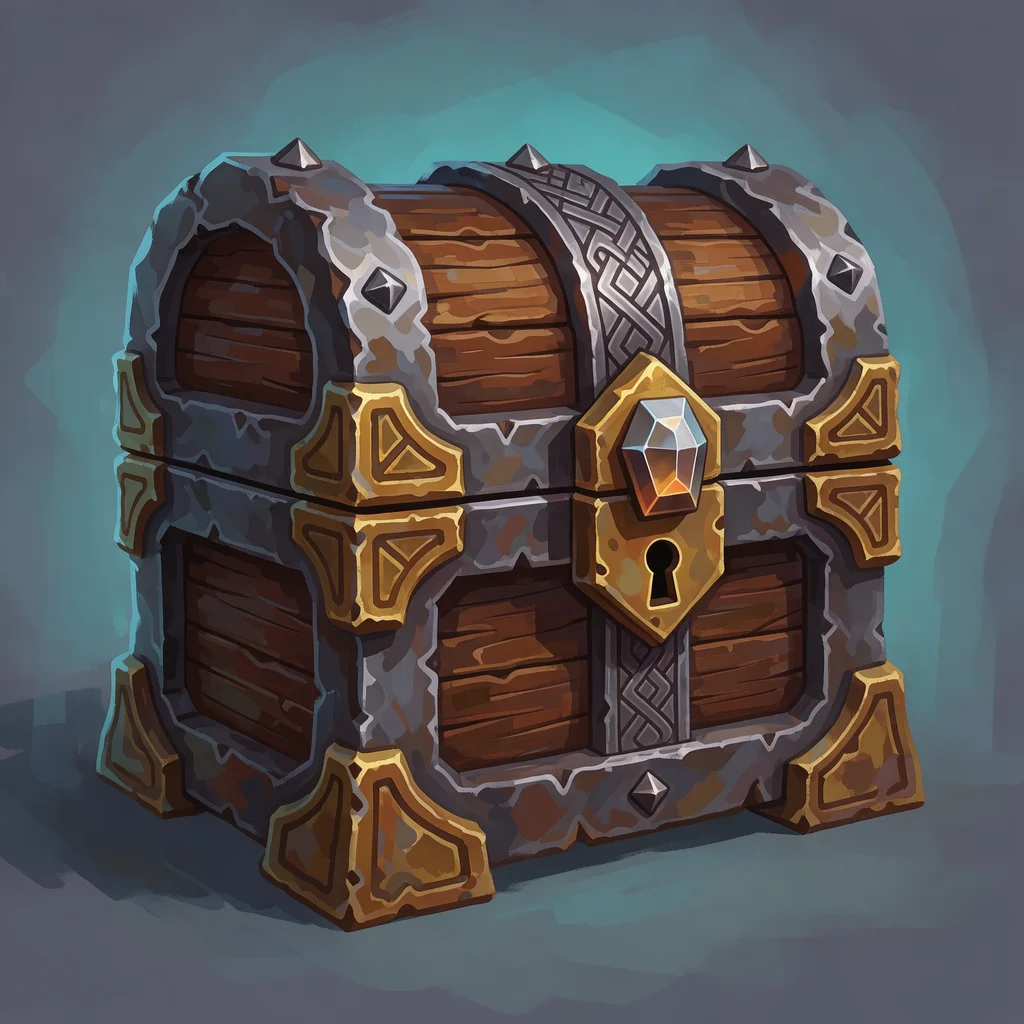
What is a prop concept art generator?
A prop concept art generator designs one game object at a time, such as a weapon, a vehicle, a building or a piece of treasure, as a finished concept painting, from a text description. Ludo's Image Generator has a dedicated Asset Art type for it that keeps a single object as the subject, so the design is easy to read, compare and hand on. Asset Art results can go straight to the 3D Generator to become a model. For whole scenes and environments, use the Concept Art Generator.
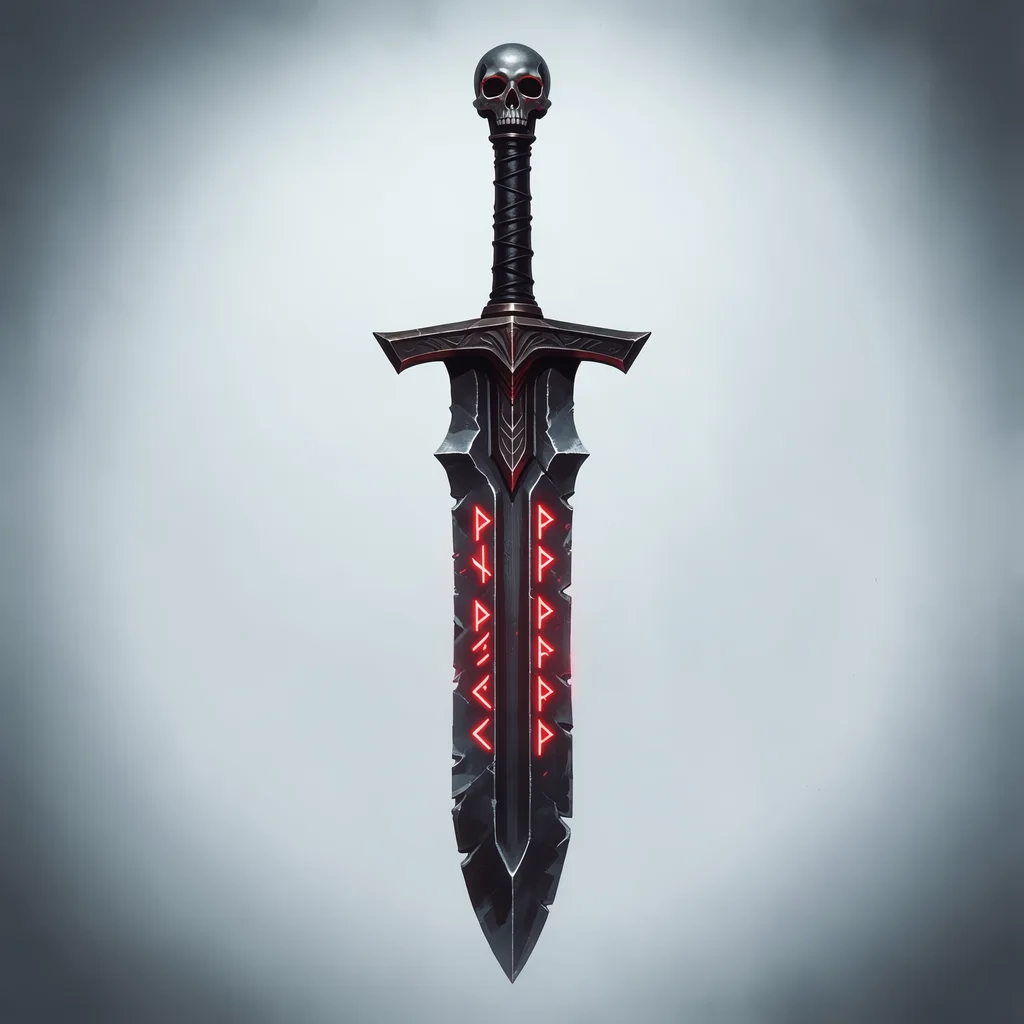
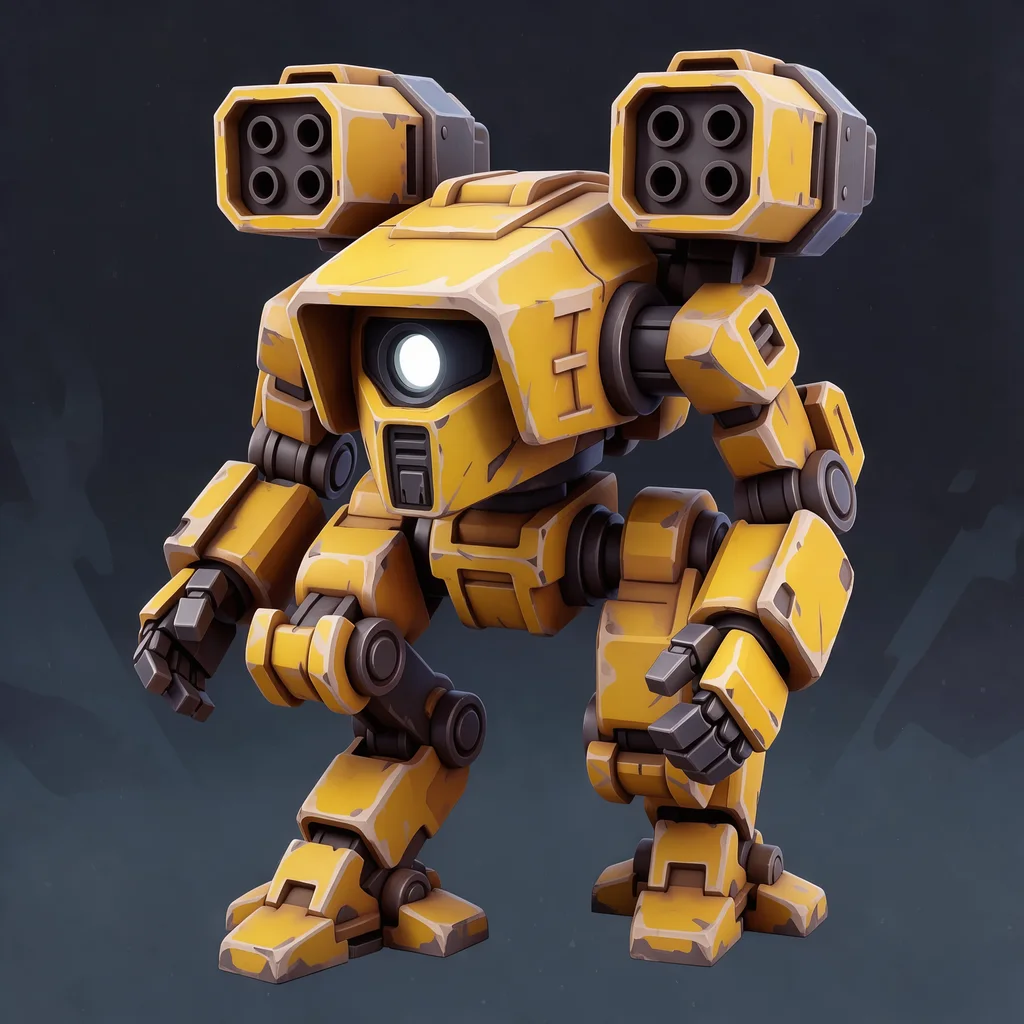
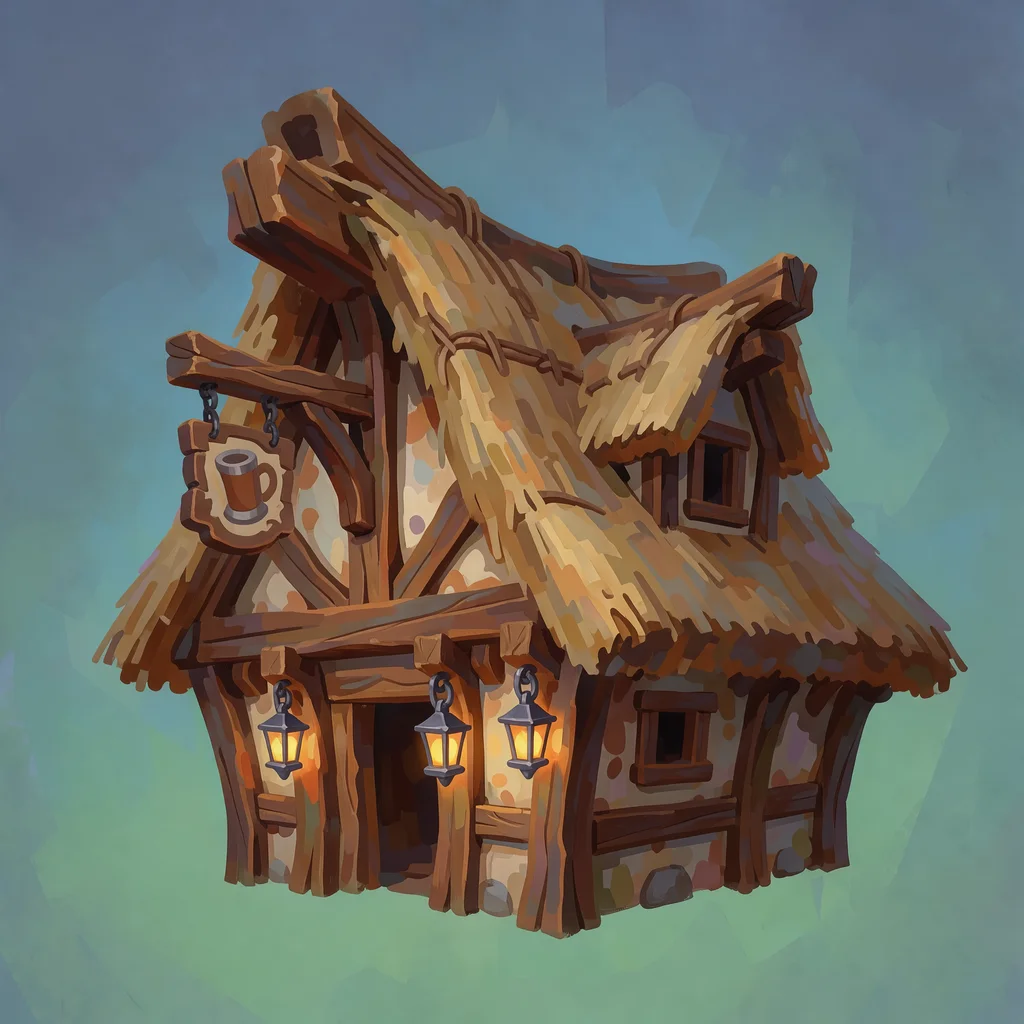
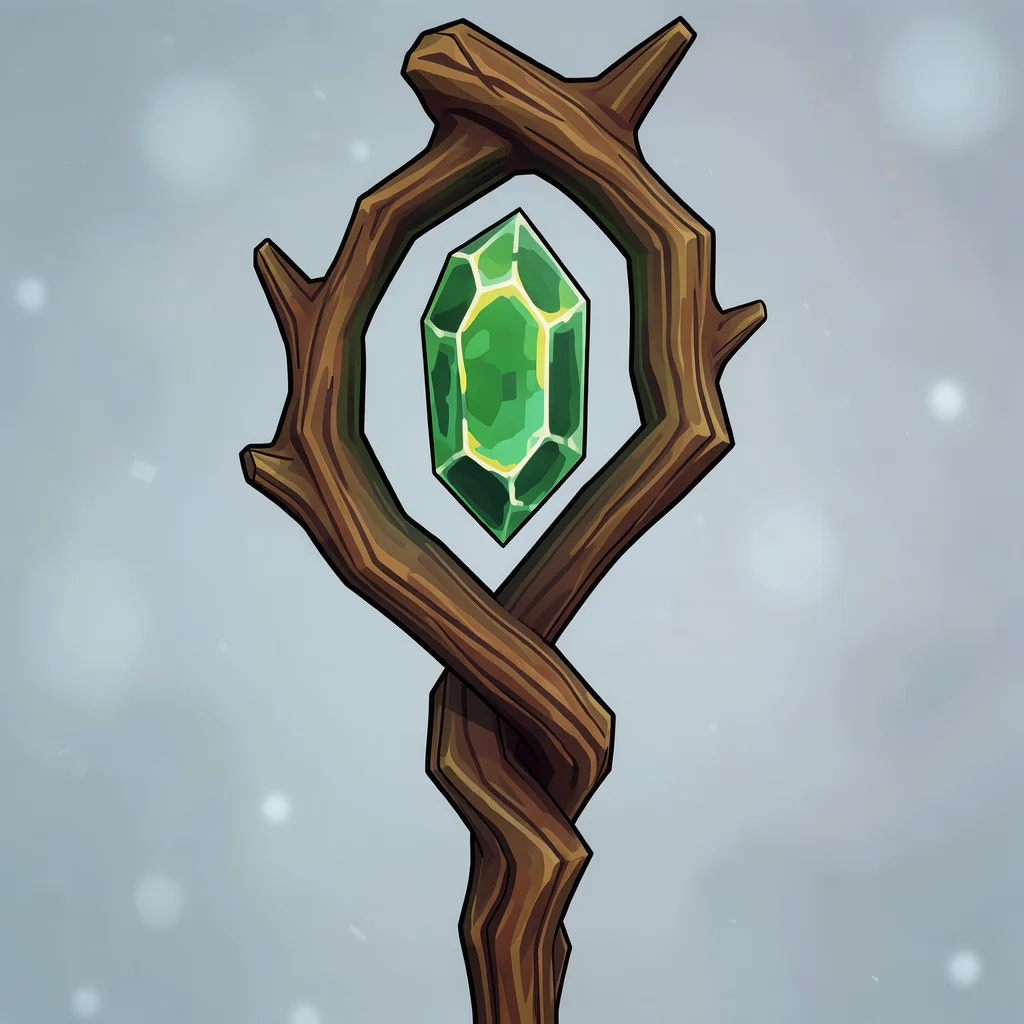
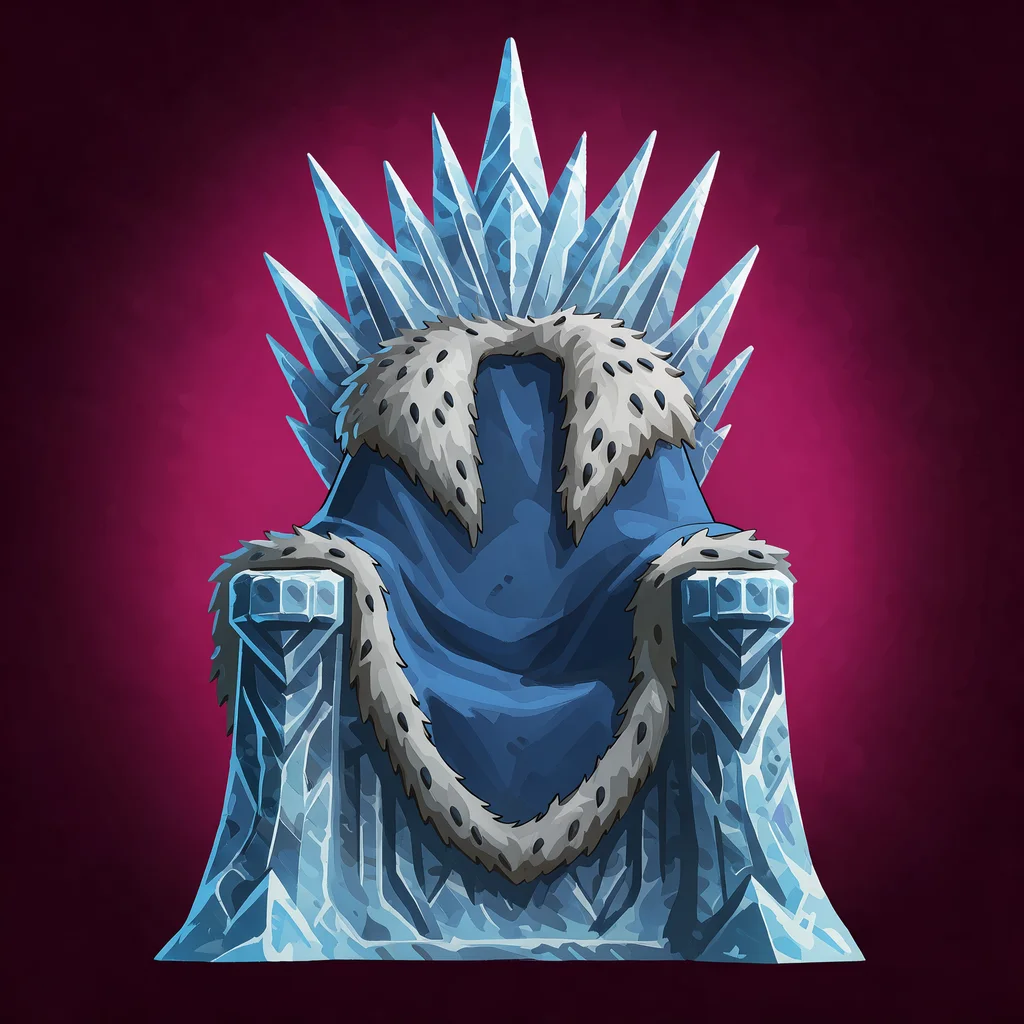
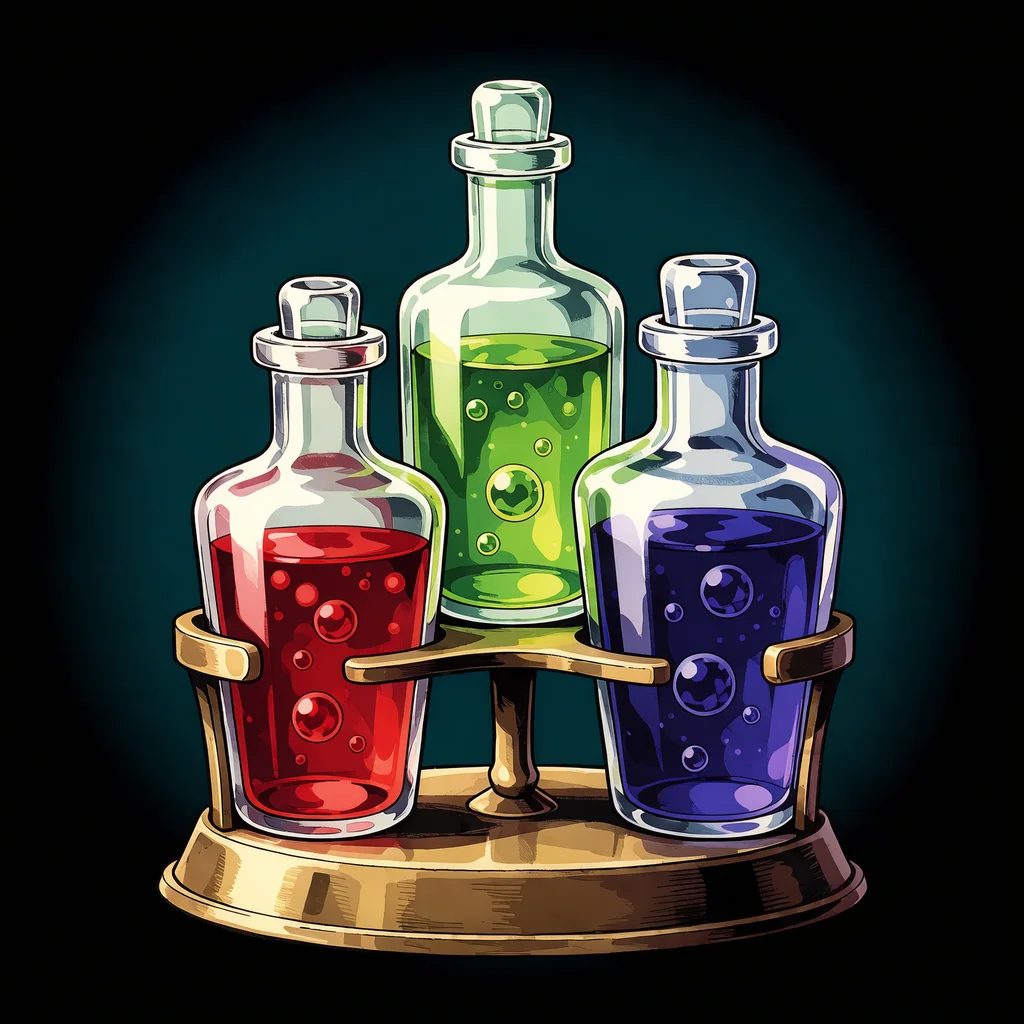
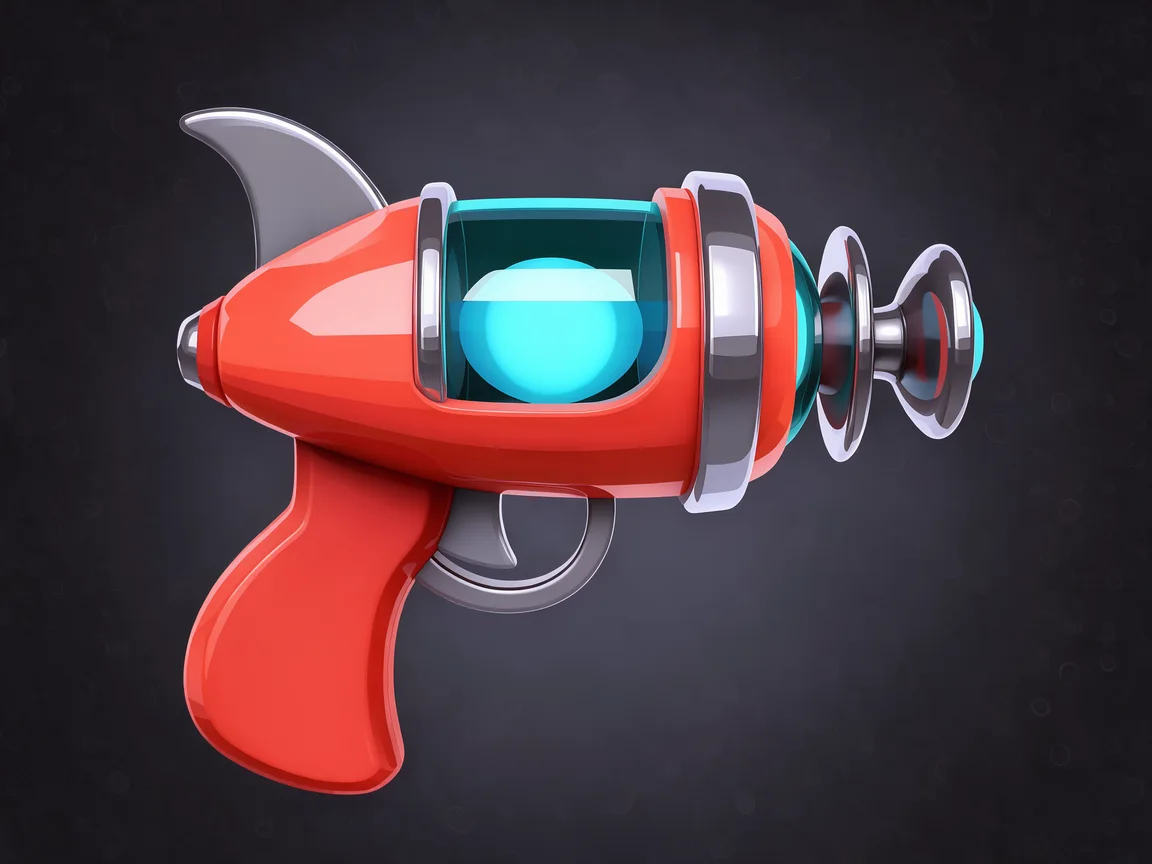
Prop concept art generated with Ludo
One object per image, each from a single sentence with the Asset Art type.
Ludo lives where you build
Every generator in your terminal, your AI agent, your own code and the Unity editor. One account, one set of credits.
Explore developer toolsnpm install -g @ludoai/cliMCP serverAny MCP client, including assistants that can't run commands.https://mcp.ludo.ai/mcpREST APIYour own app, game server or pipeline.https://api.ludo.ai/api/Unity pluginGenerate and import assets inside the Unity editor.How it works
Pick Asset Art
The Asset Art type keeps one object as the subject, instead of a scene or a character.
Describe the object
Say what it is, what it is made of and one detail that makes it yours: "a cursed greatsword with glowing red runes and a skull pommel".
Iterate, then build
Generate variations, refine the one you like with Edit Image, and send it to the 3D Generator or use it as the reference for the in-game sprite.
What devs build with it
Weapons and magic items
A distinct design for every sword, staff and relic before anyone models or draws the in-game version.
Machines and sci-fi gear
Mechs, guns and gadgets with their silhouettes and materials worked out, ready for the 3D Generator.
Buildings and set dressing
The tavern, the throne and the chest that make a level feel like a place.
FAQ
What is the difference between this and the Concept Art Generator?
The Concept Art Generator is for scenes: environments, key art and characters in a setting, made with the Scene Art type. Prop concept art is one object on its own, made with the Asset Art type, so the design itself is the whole picture.
Can I turn prop concept art into a 3D model?
Yes. Asset Art is one of the image types the 3D Generator accepts, so a design you like has a Generate 3D Asset button that sends it straight to the 3D Generator.
Can I turn it into a 2D sprite for my game?
Yes. Use the concept as the style reference in Generate with Style with the Sprite or Item Icon type, which come out on transparency, to get the in-game version of the same object.
What kinds of props can it design?
Any single object you can describe: weapons and armor, vehicles, buildings and structures, furniture, treasure, potions, tools and machines, in any of over 30 art styles.
Can I keep a whole set of props in one style?
Yes. Generate the first prop, then use it as the style reference in Generate with Style for the rest, so every weapon, chest and building looks like it comes from the same game.
Can I use it commercially?
Yes. You own the concept art you generate with Ludo and can use it however you like, including in commercial games and marketing.
Can I generate prop concept art through the API, MCP or CLI?
Yes. On Pro and Studio, pass asset as the image_type when you generate an image from the Ludo API, the MCP server or the CLI (0.5 credits per image, up to 8 variations per request). Image generation is unlimited in the web app on Pro; anything through the API, MCP or CLI uses credits.
Experience the future of game creation
Free to try. No credit card required.