

AI Game Icon Generator
Generate crisp item and ability icons (potions, weapons, shields, coins, gems, keys) on transparent backgrounds and in a matching style, ready for inventories, hotbars, and shops.
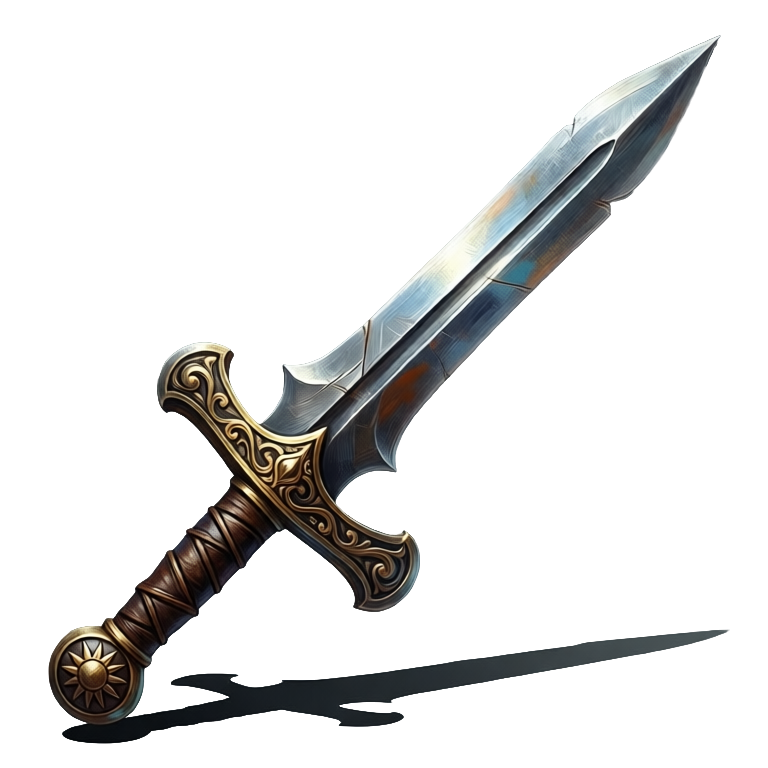
What is an AI game icon generator?
An AI game icon generator turns a text prompt into crisp, game-ready item and ability icons (potions, weapons, shields, coins, gems, keys) in one consistent style with transparent backgrounds. Ludo generates matched icon sets you can resize and drop straight into Unity, Godot, or any engine's UI, and it can animate the same icons into loop-ready sprite sheets, so a potion glows and a piece of loot turns in its slot.
Icons generated with Ludo
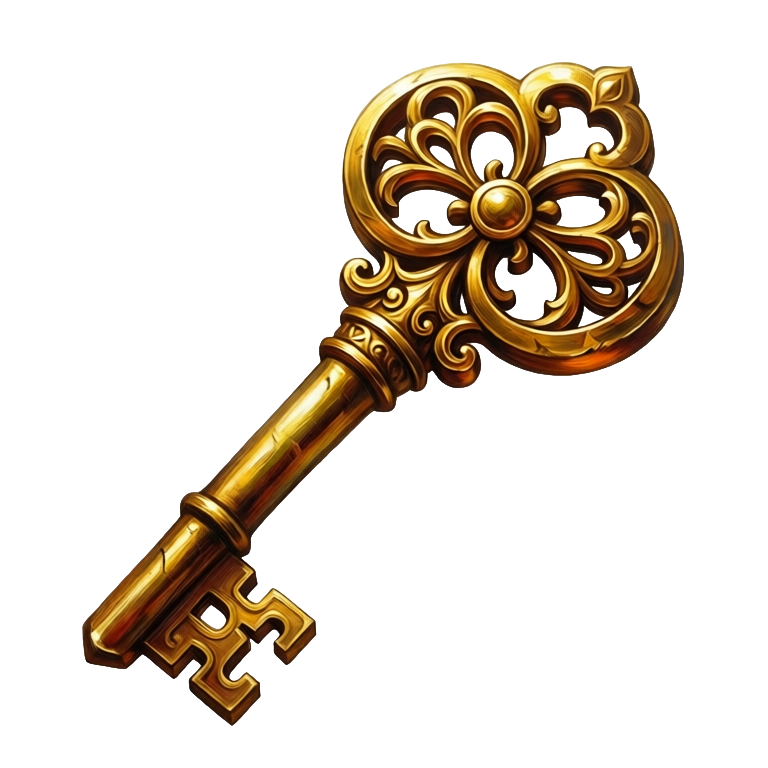
Individual item icons, generated on transparent backgrounds in one consistent style.
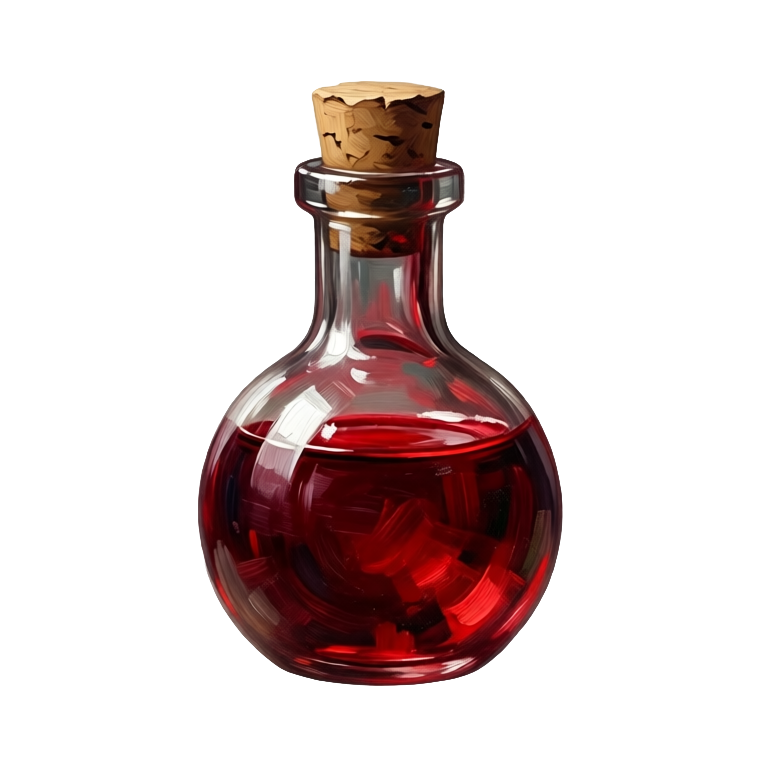
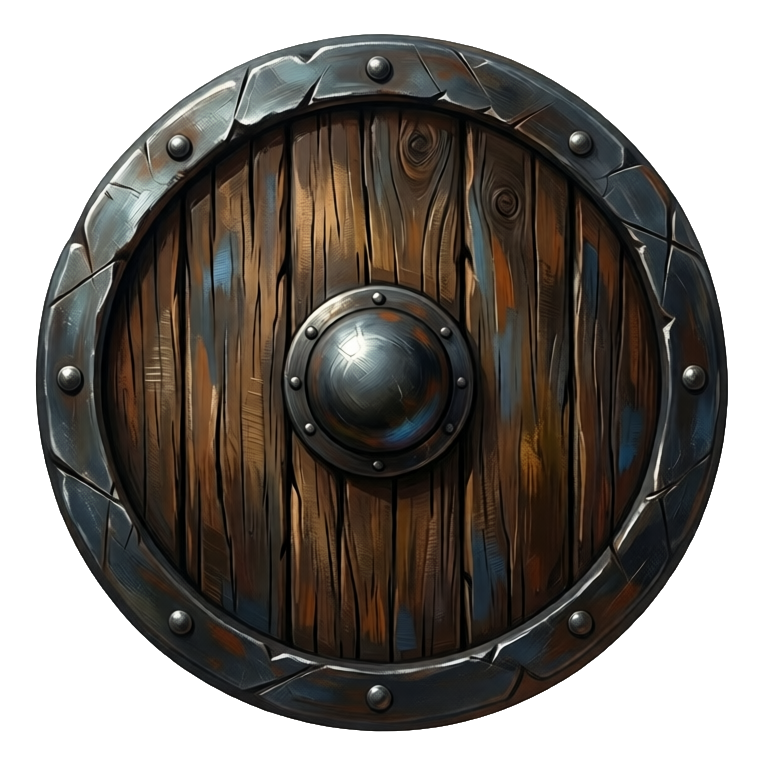
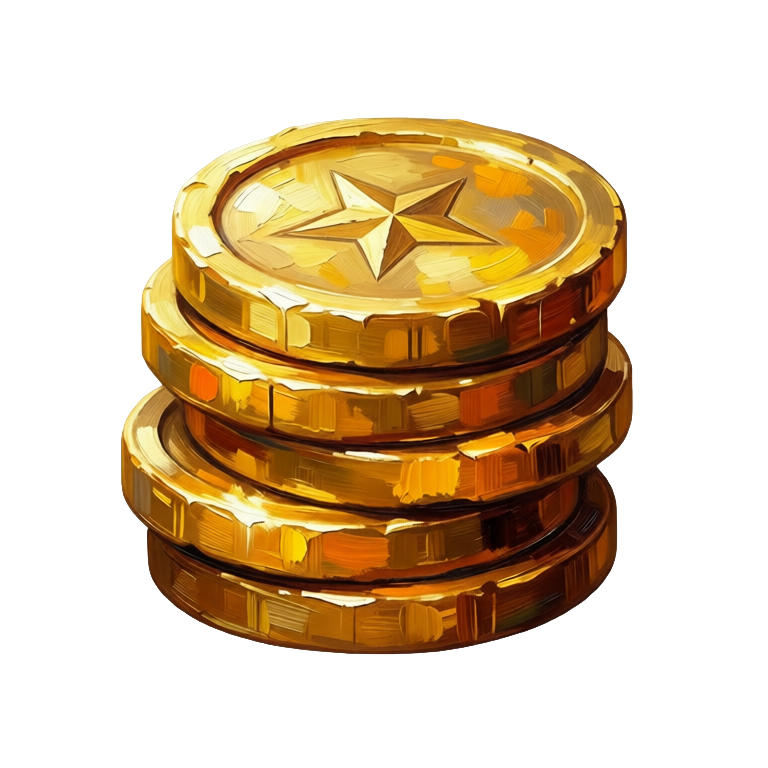
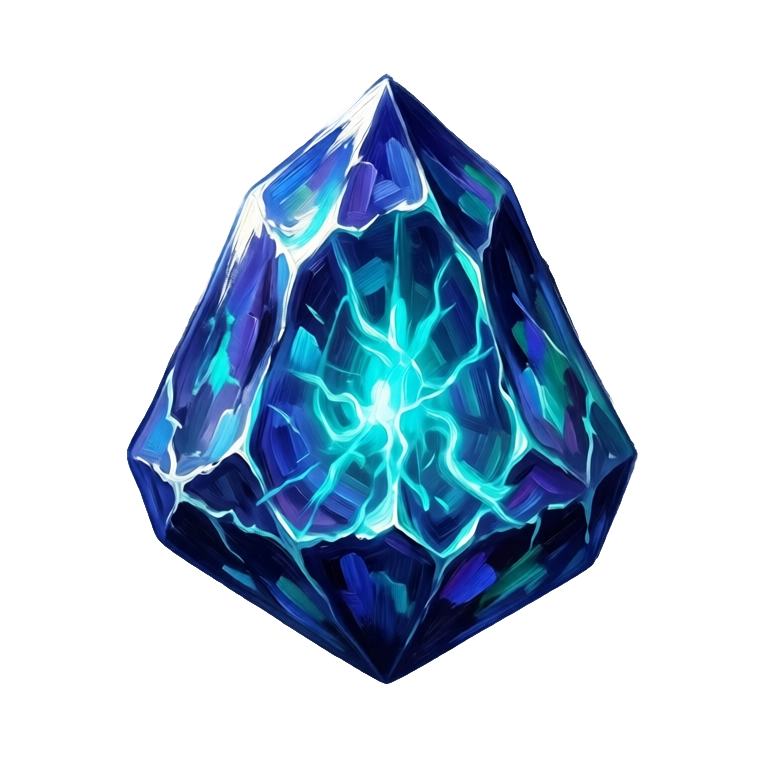
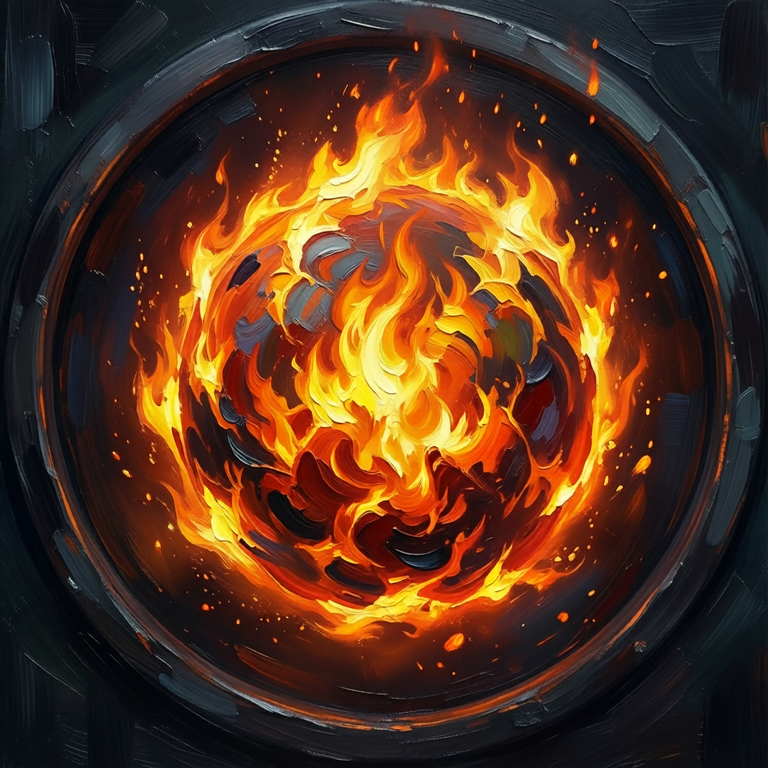
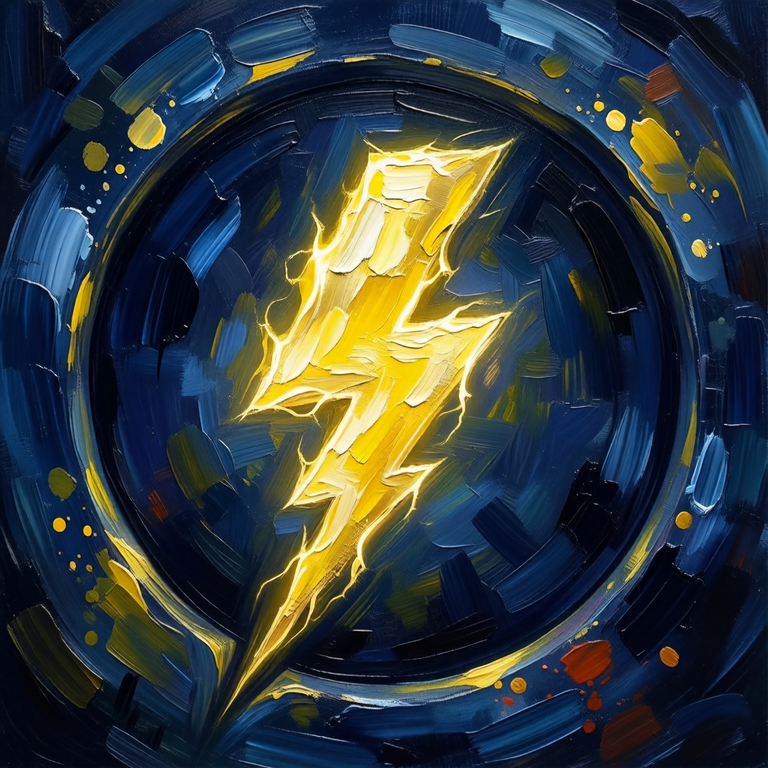
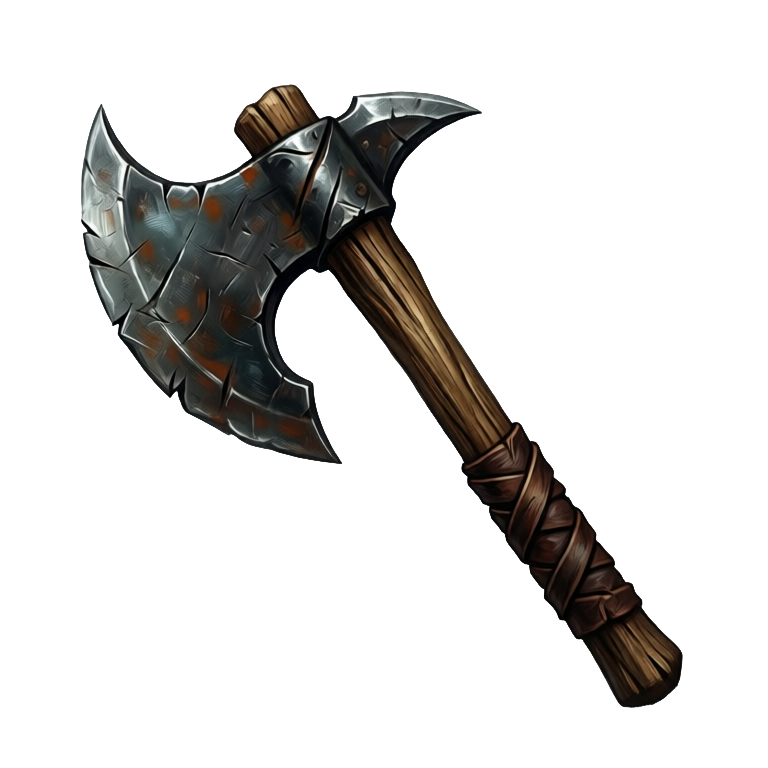
Animated item icons, from the same prompt
Ludo can animate the icons it generates. Describe the motion in a sentence and the icon comes back as a loop-ready sprite sheet: a potion whose liquid swirls and glows, a piece of loot that turns in its slot, a shine that sweeps across an ability icon. Sheets hold up to 64 frames (you choose a maximum of 4, 9, 16, 25, 36, 49 or 64), and you can also take an animated GIF or the individual frames.
- Potion idle: the liquid swirls inside the glass and settles
- Rotating loot: a coin, gem, or key turning in place
- Cooldown-style sweep across an ability icon
Ludo lives where you build
Every generator in your terminal, your AI agent, your own code and the Unity editor. One account, one set of credits.
Explore developer toolsnpm install -g @ludoai/cliMCP serverAny MCP client, including assistants that can't run commands.https://mcp.ludo.ai/mcpREST APIYour own app, game server or pipeline.https://api.ludo.ai/api/Unity pluginGenerate and import assets inside the Unity editor.How it works
Describe the item
"red health potion", "ornate golden key", "battle axe", in your game's style.
Generate on transparent
Icons come out cleanly isolated, ready for slots and hotbars.
Build a matching set
Use a style reference so a whole inventory of icons shares one look.
What devs build with it
Inventories and shops
Weapons, armor, consumables, and currency icons that all match.
Ability and skill bars
Spell and ability icons for hotbars and skill trees.
Rapid iteration
Generate dozens of item variations as your loot tables grow.
FAQ
Do icons have transparent backgrounds?
Yes. Icons are generated cleanly isolated so they drop straight into inventory slots and hotbars.
Can I keep all my icons in one style?
Yes. Generate with a style reference (Generate with Style mode) and your whole icon set shares a consistent look and palette. If one icon drifts, Edit Image repaints it toward the set, and Edit with Mask changes just one part, such as a gem color or a hilt.
Pixel art icons too?
Yes. Ludo has five pixel-art styles (Micro Pixel, 8-Bit, 16-Bit, 32-Bit and Free Pixel), alongside hand-painted, flat design and 27 other art styles, 32 in all.
Can AI generate animated item icons?
Yes. Ludo animates the item and ability icons it generates: write a short motion prompt such as "the potion glows brighter then dimmer" or "the coin rotates slowly" and the icon comes back as a loop-ready sprite sheet you can play in your inventory UI. Idle shines, glowing consumables, rotating loot, and cooldown-style sweeps all work from a single still icon.
Do animated icons keep a transparent background?
Yes. An animated icon comes back as a sprite sheet with every frame cut out on a transparent background, so a glowing potion or a rotating piece of loot sits in an inventory slot or hotbar without a visible box. If you want the backdrop kept instead, the sheet with its background retained is an optional output, alongside an animated GIF and the individual frames.
Which animation model suits an icon, and does it make sound?
Hydra is the default: it runs 3 to 5 seconds at 3 credits per second and comes back with a matching sound effect that you can download or leave out. Hydra+ (4 credits per second) adds finer detail. Forge (1.5 credits per second, 1 to 5 seconds) is the cheaper choice for a simple shine, and Forge Pixel is tuned for low-res pixel art icons.
Can I generate icons in bulk from code?
Yes. On Pro and Studio, the Ludo API, MCP server and CLI can generate icons with the item-icon type (0.5 credits per image, up to 8 variations per request), so a loot table can be turned into a matching set in one script, and Remove Background (0.5 credits through the API, free in the web app) cleans up any icon that comes back with a backdrop. Image generation is unlimited in the web app on Pro; API, MCP and CLI calls use credits, and API results are kept for 7 days.
Can I use them commercially?
Yes. You own the icons you generate with Ludo and can use them however you like, including in commercial games.
Experience the future of game creation
Free to try. No credit card required.