

AI Game UI Generator
Generate the interface your game wears (health and mana bars, buttons, inventory panels, dialog boxes, HUDs, and menus) in a consistent style, on transparent backgrounds, ready to wire up.
What is an AI game UI generator?
An AI game UI generator produces the interface a game wears (health and mana bars, buttons, inventory panels, frames) from a text prompt, in one consistent style. Ludo generates cohesive UI element sets with transparent backgrounds, and animates them into loop-ready sprite sheets, so a bar fills, a button presses, and a panel opens in Unity, Godot, or any engine's HUD.
Game UI generated with Ludo
Bars, buttons, panels, and HUDs, generated with transparent backgrounds, in matching styles.
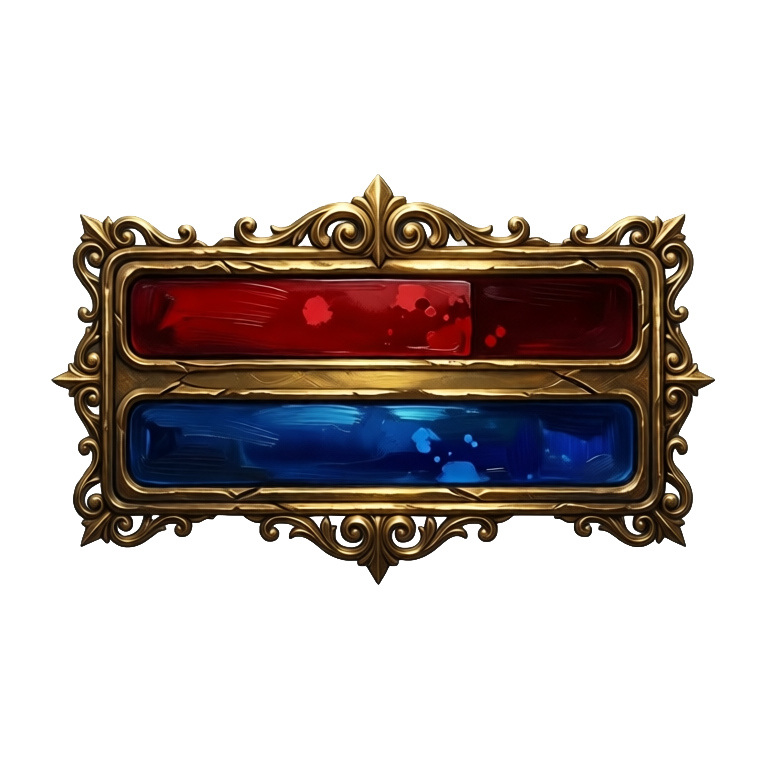
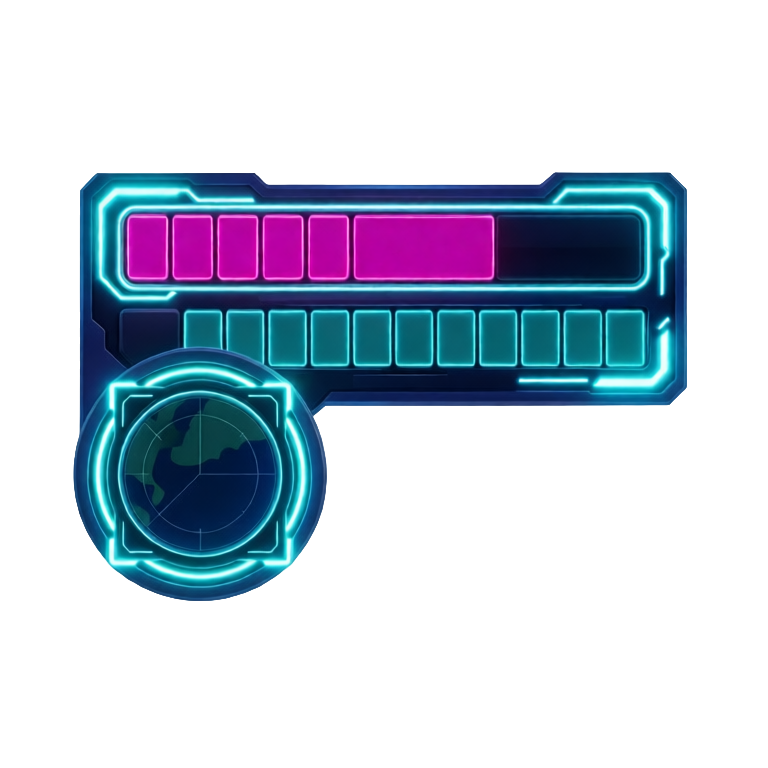
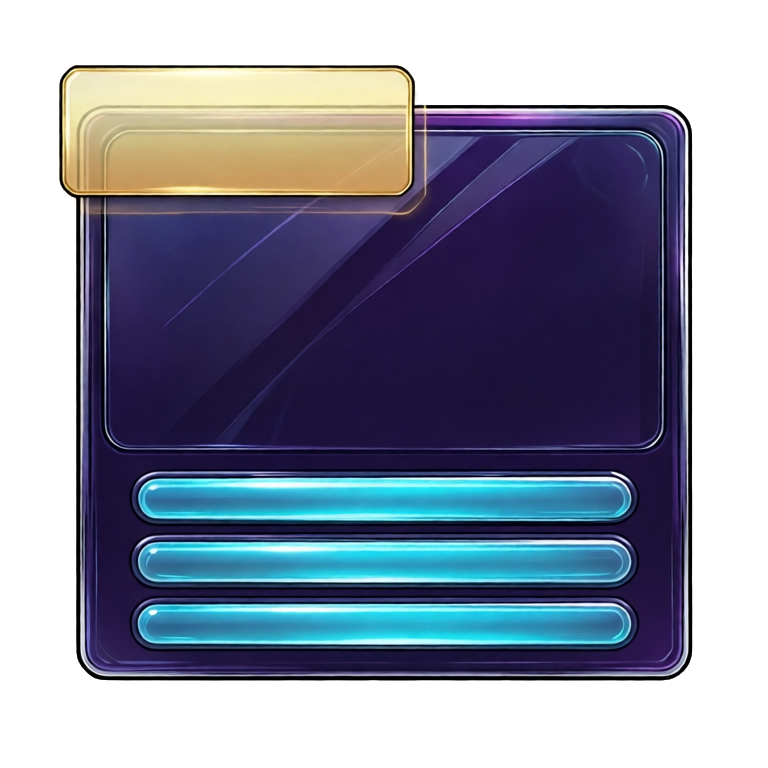
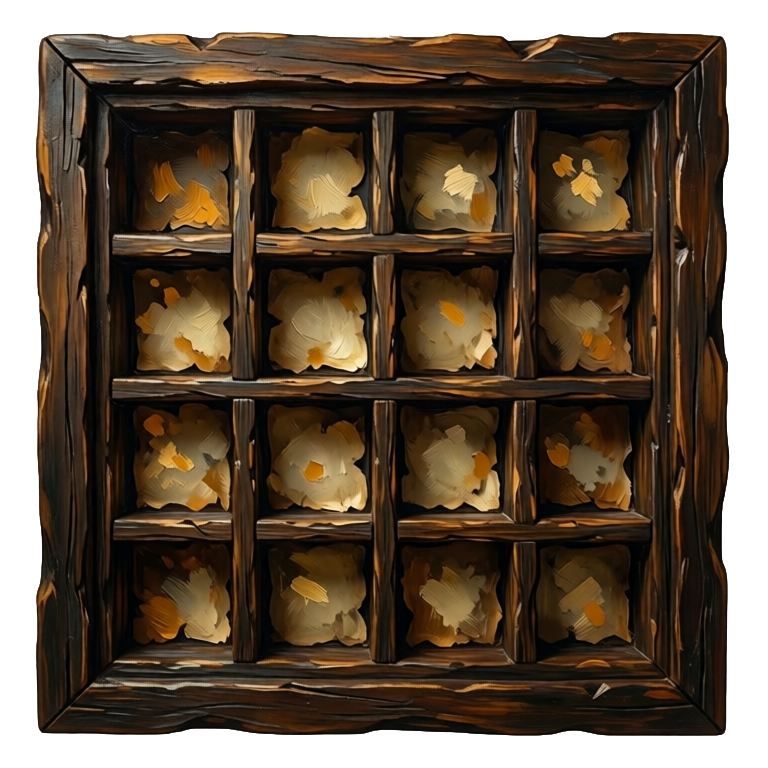
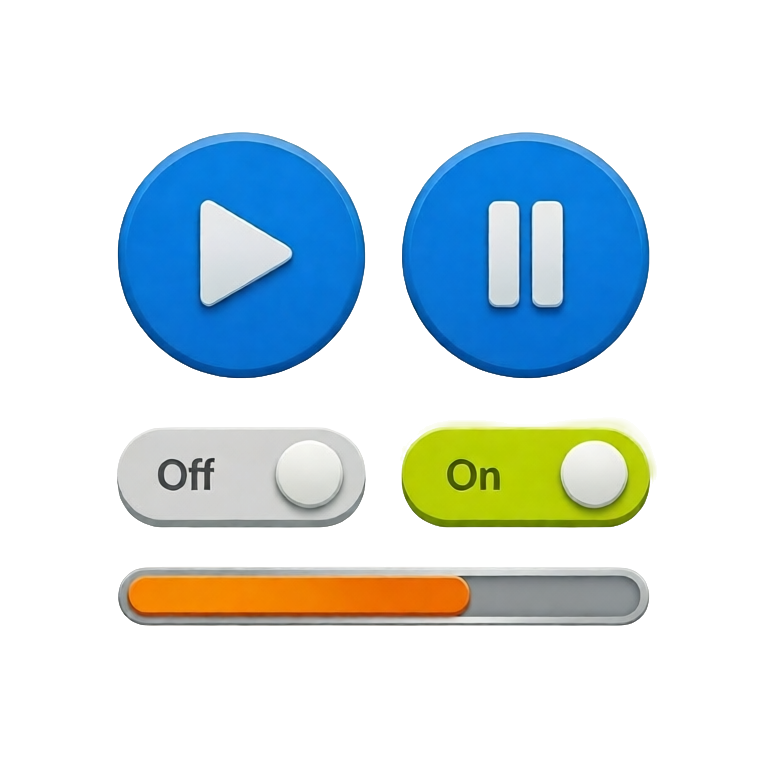

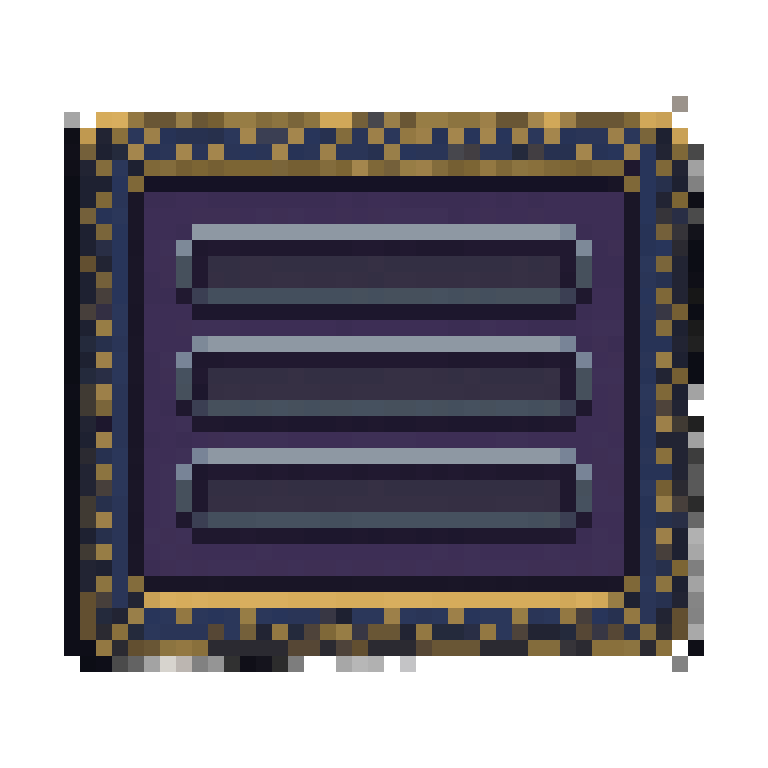
Animated game UI from the same prompt
Ludo animates UI assets as well as generating them. Take a UI element like these ornate status bars and animate it from a motion prompt or from drawn keyframes. The element comes back as a sprite sheet of up to 64 frames, built for looping, so the bar fills, the button presses, and the panel opens in your HUD.
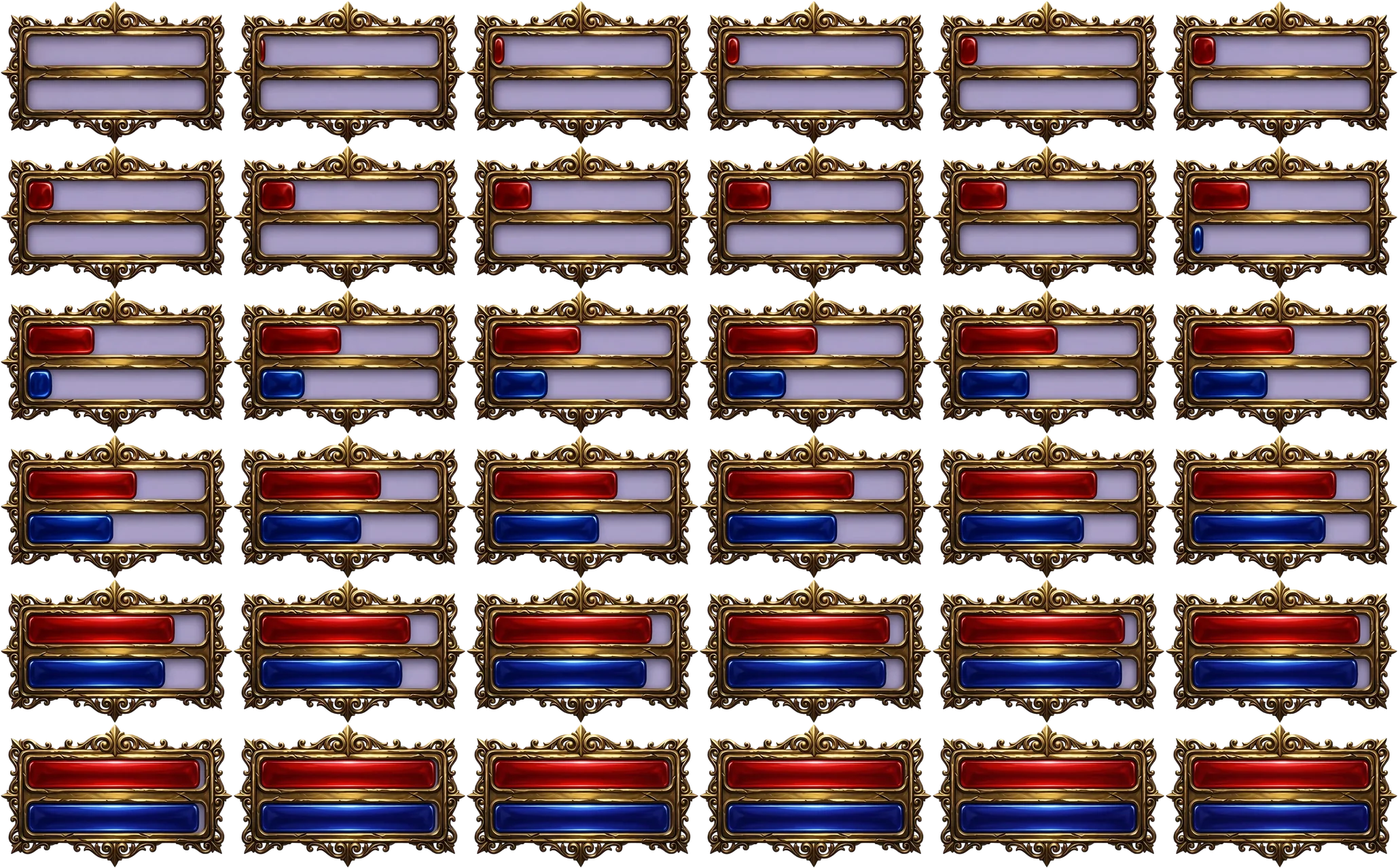
- Health and mana bars that fill and drain
- Buttons with a press and release
- Panels and dialog boxes that open
- HUD counters and icons with a pulse or glow idle
Ludo lives where you build
Every generator in your terminal, your AI agent, your own code and the Unity editor. One account, one set of credits.
Explore developer toolsnpm install -g @ludoai/cliMCP serverAny MCP client, including assistants that can't run commands.https://mcp.ludo.ai/mcpREST APIYour own app, game server or pipeline.https://api.ludo.ai/api/Unity pluginGenerate and import assets inside the Unity editor.What devs build with it
Full HUD and menus
Bars, counters, panels, and minimaps that all match, with no mismatched UI kit.
Any style, mobile to fantasy
Flat casual kits, painted fantasy, anime, pixel, whatever your game wears.
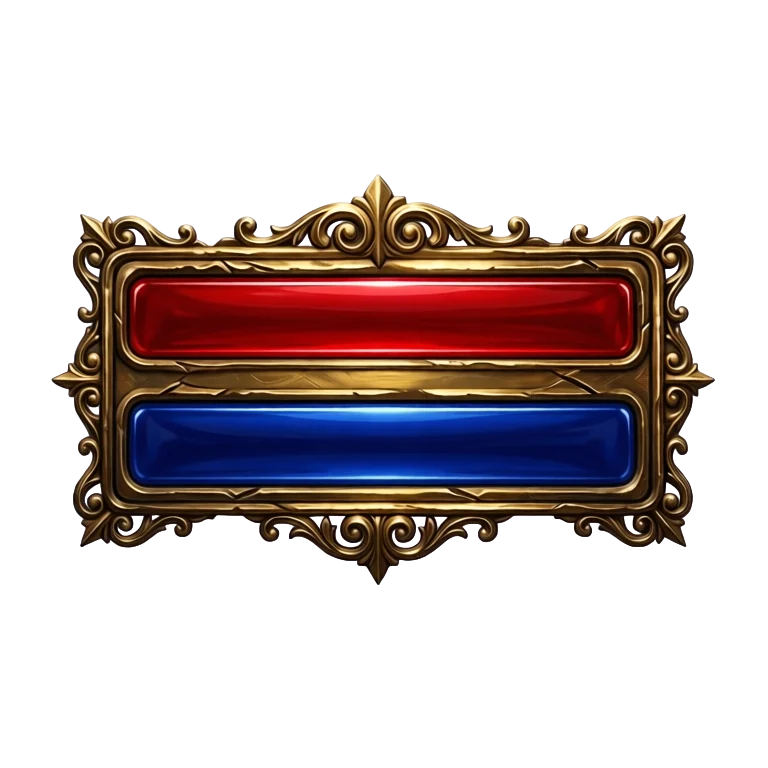
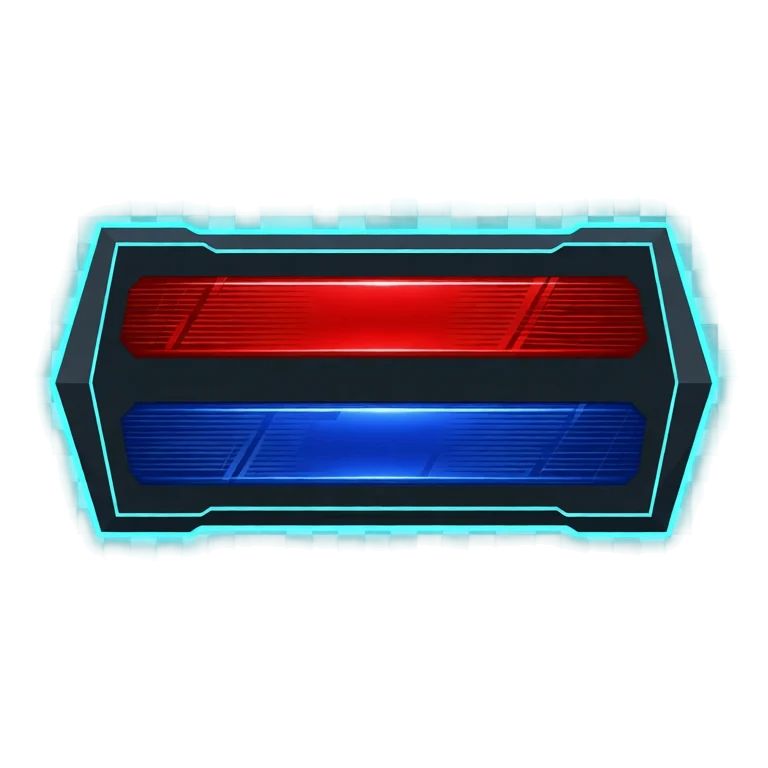
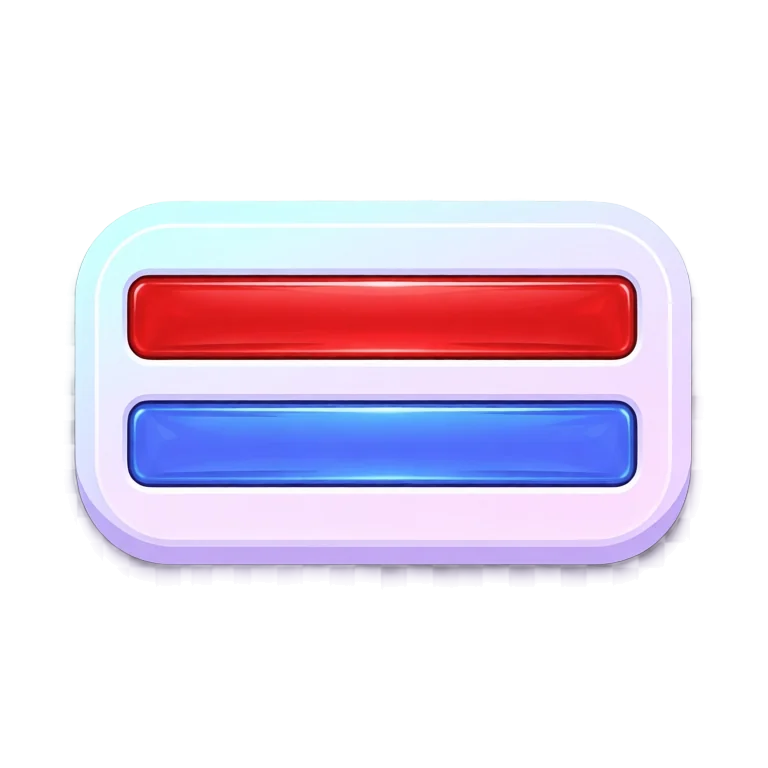
Reskin for themes
Keep the element and change the skin. These are the same health and mana bars, same layout and same fill, edited into three different art directions for seasonal or themed builds.
FAQ
Do UI assets come with transparent backgrounds?
Yes. Game UI is generated on transparent backgrounds so you can composite it directly over your game.
Can I keep a consistent UI style?
Yes. Generate with a style reference (Generate with Style mode) and your bars, buttons, and panels share one coherent look.
What UI elements can it make?
Health and mana bars, buttons, inventory and item panels, dialog boxes, skill buttons, HUDs, menus, and more, in any of 32 art styles.
Can I use them commercially?
Yes. You own the UI you generate with Ludo and can use it however you like, including in commercial games.
Can AI animate game UI elements?
Yes. Ludo animates UI assets as well as generating them. Describe the motion in a prompt, or draw up to three keyframes such as an empty bar and a full one, and the UI element comes back as an animated sprite sheet: a health bar that fills and drains, a button that presses, a panel that opens, a HUD icon that pulses. The named motion presets and the reference-video workflow are built around character sprites, so for UI the motion is written or keyed.
Can I reskin a UI kit without redrawing it?
Yes. Switch Generation Mode to Edit Image, upload the element, and describe the new look while naming what must stay the same, such as the layout, the fill and the frame shape. That is how the three bar variants on this page were made, from one set of bars. Edit with Mask limits a change to one region, for example only the gem on a button, and Remove Background (free in the web app) leaves any element on a transparent background.
Which animation model fits a UI element?
Hydra is the default: it runs 3 to 5 seconds at 3 credits per second and comes back with a matching sound effect you can use for the click or the fill. Hydra+ (4 credits per second) adds finer detail. Forge (1.5 credits per second, 1 to 5 seconds) is the cheaper choice for a quiet pulse, and with keyframes you can fix an empty and a full state yourself. Animation lengths run up to 5 seconds.
How do I use an animated UI sprite sheet in my game?
An animated UI element comes back from Ludo as a sprite sheet with a maximum of 4, 9, 16, 25, 36, 49, or 64 frames in playback order, with the individual frames and an animated GIF available as optional outputs. Play it as a flipbook when something happens, a button pressing or a panel opening, or step it by state rather than by timer, mapping a value to a frame index so a bar shows the fill frame that matches. Frame sizes run from 32 to 384 px, plus max-resolution and AI 1.5x upscale modes, so you can size the frames for the interface they will live in.
Experience the future of game creation
Free to try. No credit card required.