

AI Game Logo Generator
Generate your game's title logo: the name in stylized lettering, on a transparent background, ready for the title screen, the store page and the trailer.
What is a game logo generator?
A game logo generator makes your game's title logo, the name in stylized lettering with an emblem worked in if you want one, from a text description. Ludo's Image Generator has a dedicated Game Logo type for it that always comes out on a transparent background, so the logo drops straight onto a title screen, a store capsule, a trailer end card or key art with nothing to cut out. It is a different job from the square store icon, which Ludo makes with the Game Icon type.
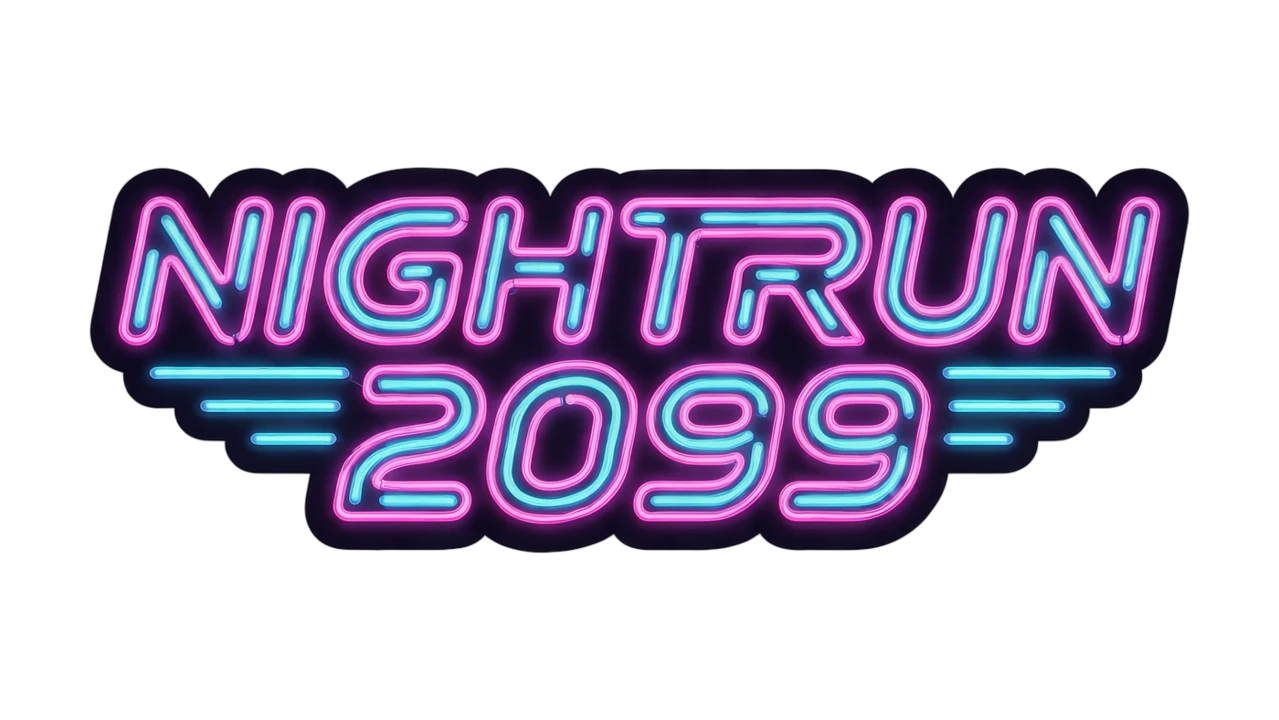
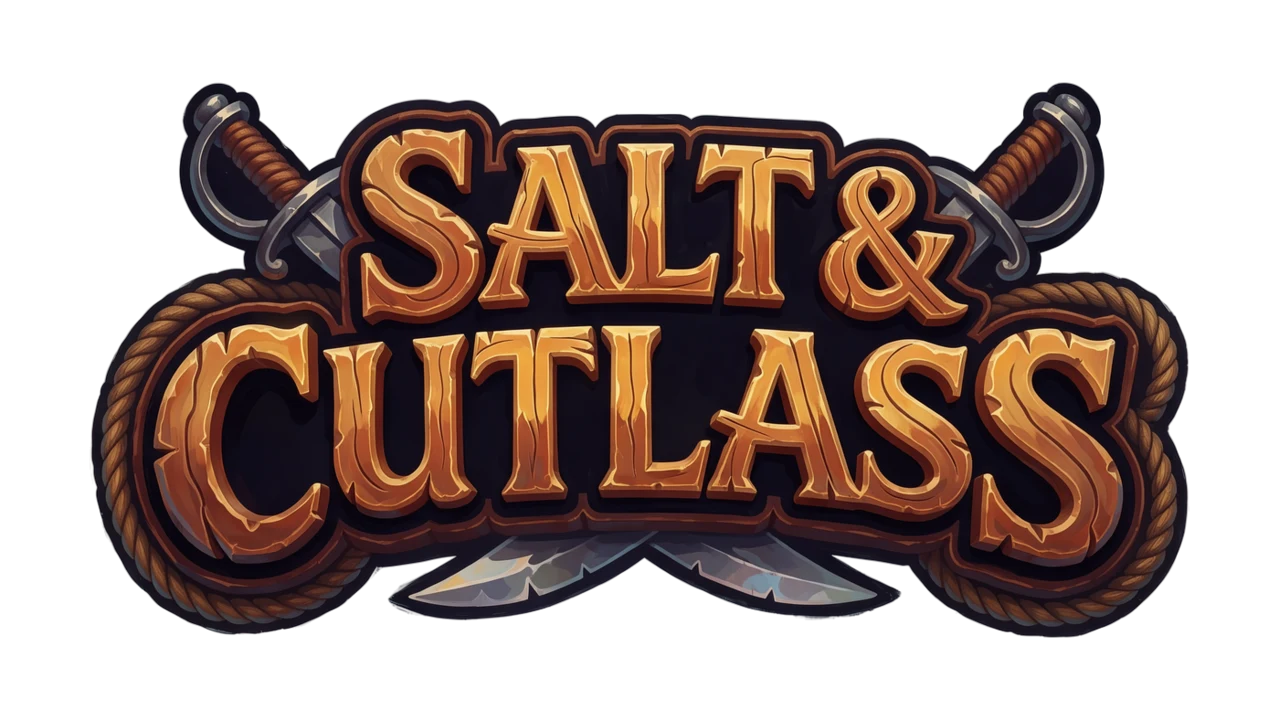
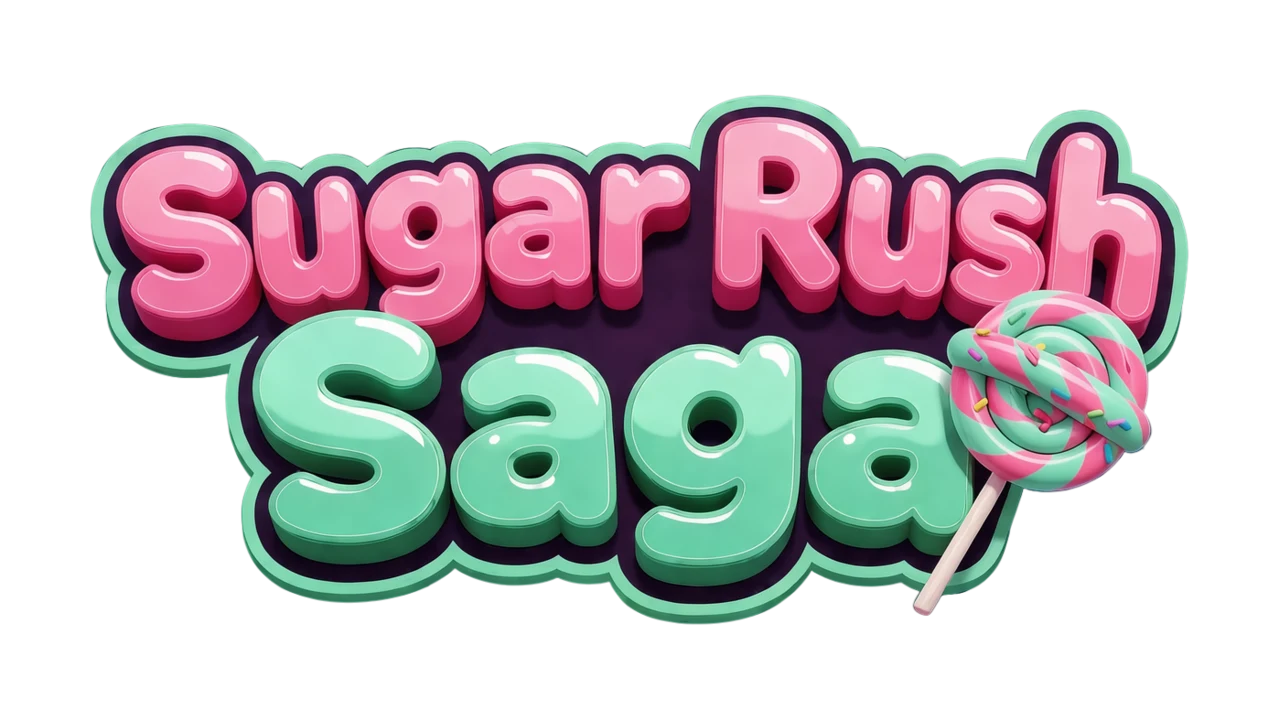
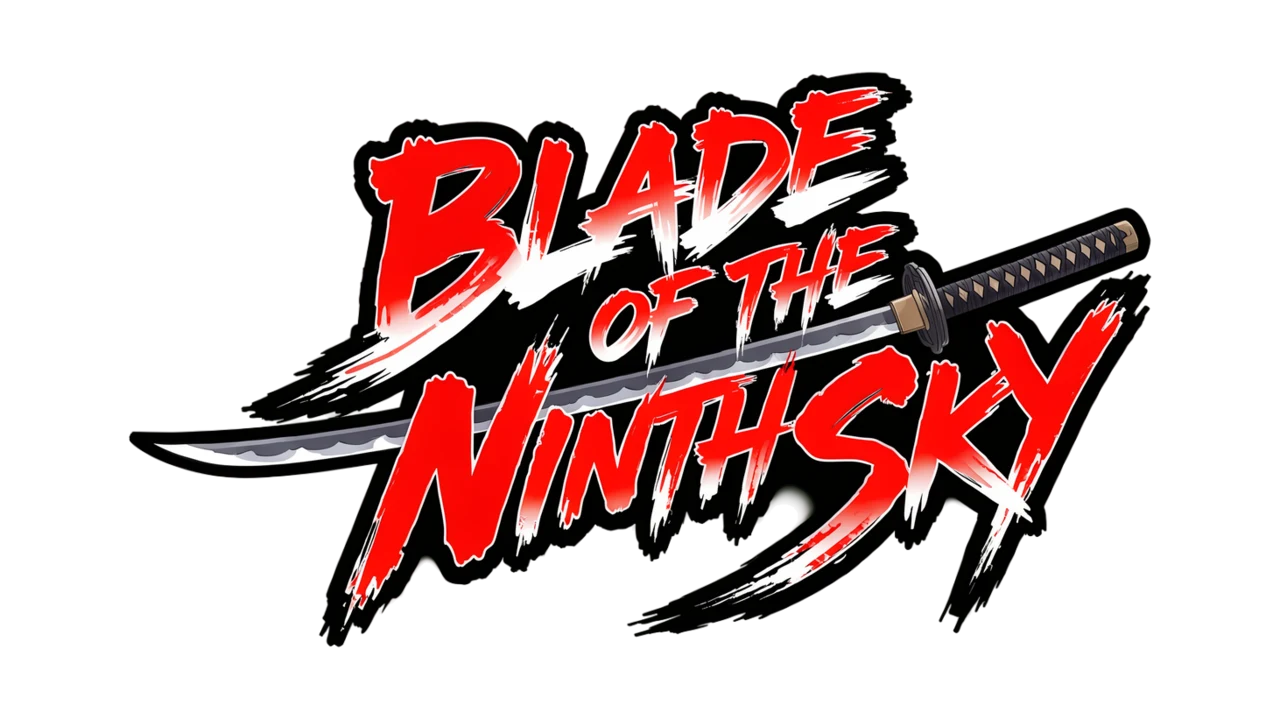
Game logos generated with Ludo
One per genre, each from a single sentence with the Game Logo type. The game names are made up for this page.

See it on a title screen
A logo has to hold up over busy art, at full screen and in a wide store crop. Pick any logo and any splash screen Ludo made for these pages to see them together.
Ludo lives where you build
Every generator in your terminal, your AI agent, your own code and the Unity editor. One account, one set of credits.
Explore developer toolsnpm install -g @ludoai/cliMCP serverAny MCP client, including assistants that can't run commands.https://mcp.ludo.ai/mcpREST APIYour own app, game server or pipeline.https://api.ludo.ai/api/Unity pluginGenerate and import assets inside the Unity editor.How it works
Pick Game Logo
The Game Logo type always comes out on transparency, so there is no background to remove.
Write the name and the look
Put the title in the prompt exactly as it should read and describe the lettering: "a pirate game called SALT & CUTLASS: weathered wooden letters with rope".
Pick the lettering you like
Generate up to 8 variations at once, keep the one whose letters read cleanly, and touch up any detail with Edit Image.
What devs build with it
Title screens and menus
The logo players see on launch, over your splash art or main menu background.
Store pages and trailers
The title on your store capsule, the end card of a trailer, and the header of a press kit.
Game jams and pitches
A real logo on the jam page or the first slide of a pitch deck, made in minutes.
FAQ
Does the game logo have a transparent background?
Yes. Game Logo results always come out on transparency, so you can place the logo over any art, video or page color without cutting it out.
What is the difference between a game logo and a game app icon?
A game logo is the title in stylized lettering, on transparency, for title screens, store capsules and trailers. A game app icon is the square image that represents the game in an app store or on a home screen, with its own background and usually no text. In Ludo the first is the Game Logo type and the second is Game Icon; see the Game App Icon Generator for store icons.
What shape do game logos come out?
You pick the aspect ratio. A wide 16:9 or 19:9 canvas suits a title on one line, and 4:3 or 1:1 suits a stacked title or a logo with a large emblem.
Can the logo match my game's art?
Yes. Pick one of over 30 art styles, or use Generate with Style with a piece of your game's art, such as key art or a character sprite, as the style reference, so the lettering looks like it belongs to the game.
Can I animate a game logo?
Yes. Game Logo is one of the types the Sprite Generator animates, so the logo can shimmer, glow, bounce in or catch fire from a written description of the motion, and comes back as a sprite sheet, a video, an animated GIF or individual frames. See Sprite Animation for the options.
Can I use the logo commercially?
Yes. You own the logos you generate with Ludo and can use them however you like, including on a commercial game, its store page and its marketing.
Can I generate game logos through the API, MCP or CLI?
Yes. On Pro and Studio, pass logo as the image_type when you generate an image from the Ludo API, the MCP server or the CLI (0.5 credits per image, up to 8 variations per request). Image generation is unlimited in the web app on Pro; anything through the API, MCP or CLI uses credits.
Experience the future of game creation
Free to try. No credit card required.