
AI Game App Icon Generator
Generate the store icon for your game: one bold, square image that reads on the App Store, Google Play, Roblox or a home screen, in any art style.
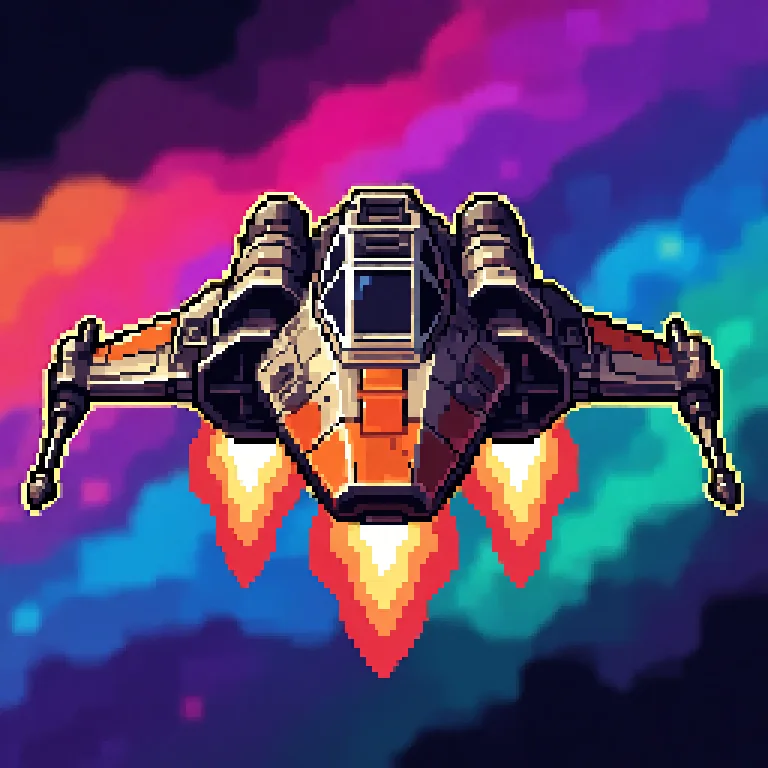
What is a game app icon generator?
A game app icon generator makes the square icon that represents your game in an app store, on a phone's home screen or in a launcher, from a text description. Ludo's Image Generator has a dedicated Game Icon type for it, always generated at 1:1 whatever aspect ratio is selected, built around one bold subject that reads at small sizes. It is a different job from the item and ability icons inside your game, which Ludo makes with the Item Icon type.
Game app icons generated with Ludo
One per genre, each from a single sentence with the Game Icon type.
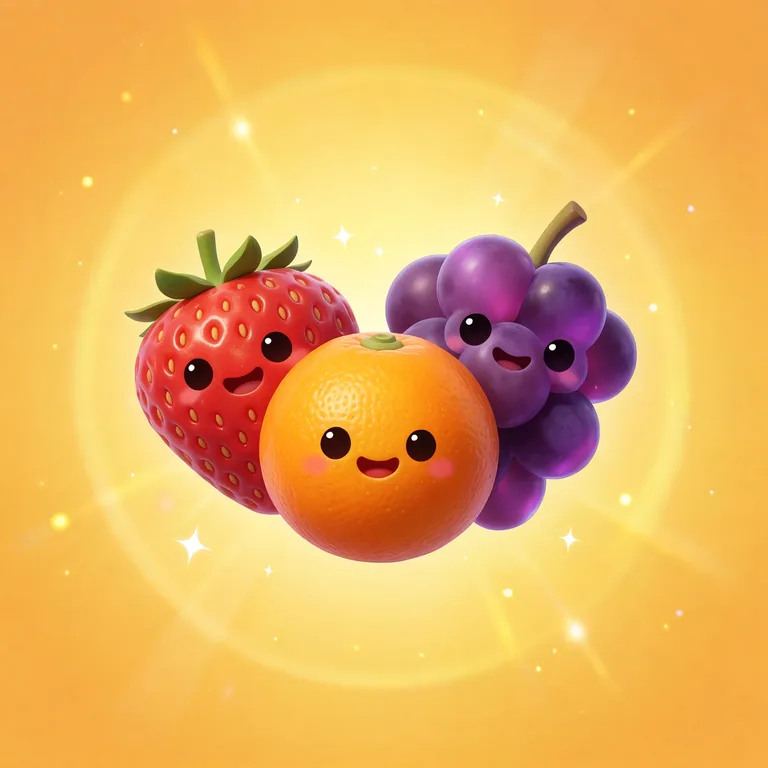
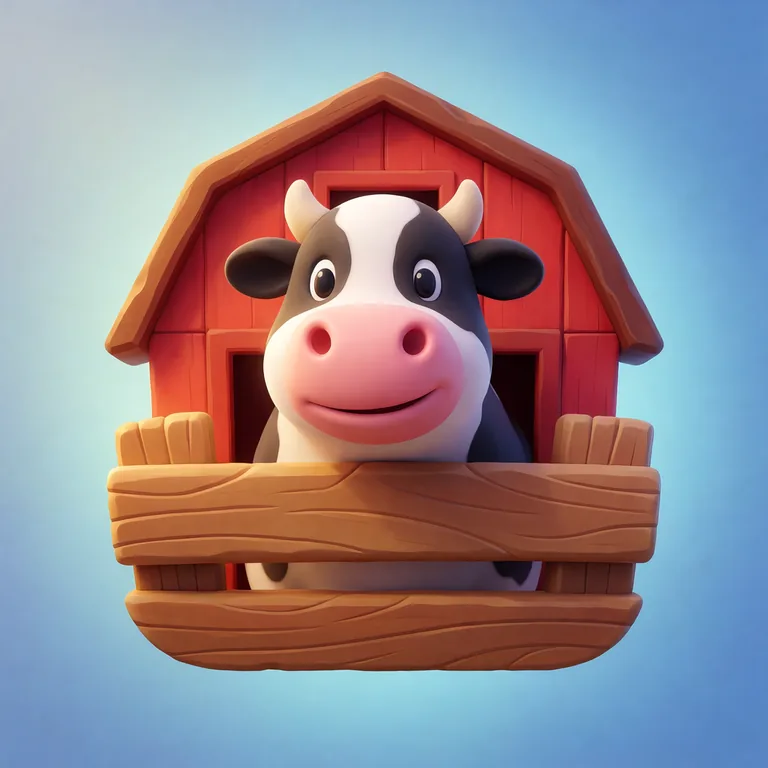
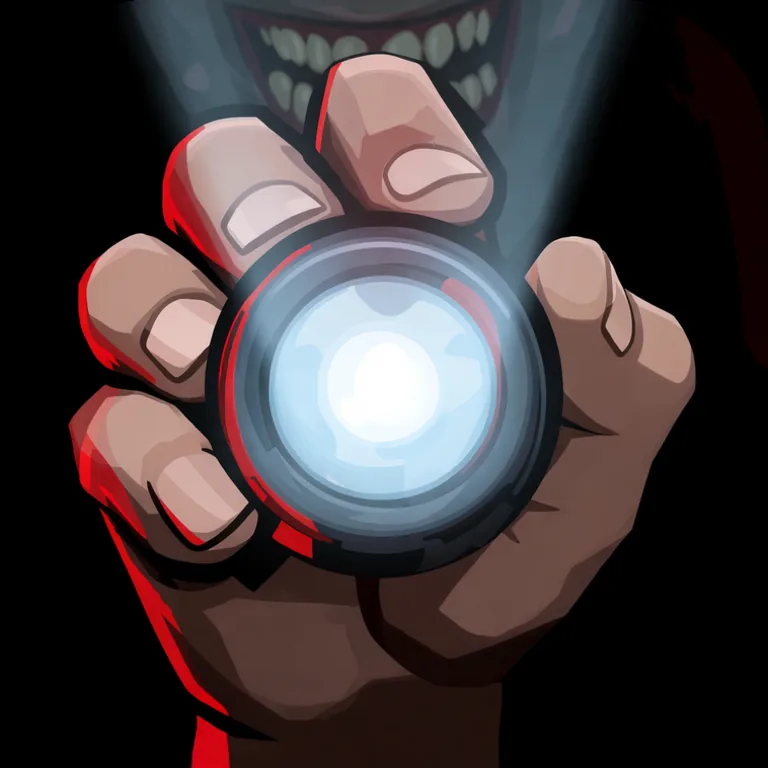

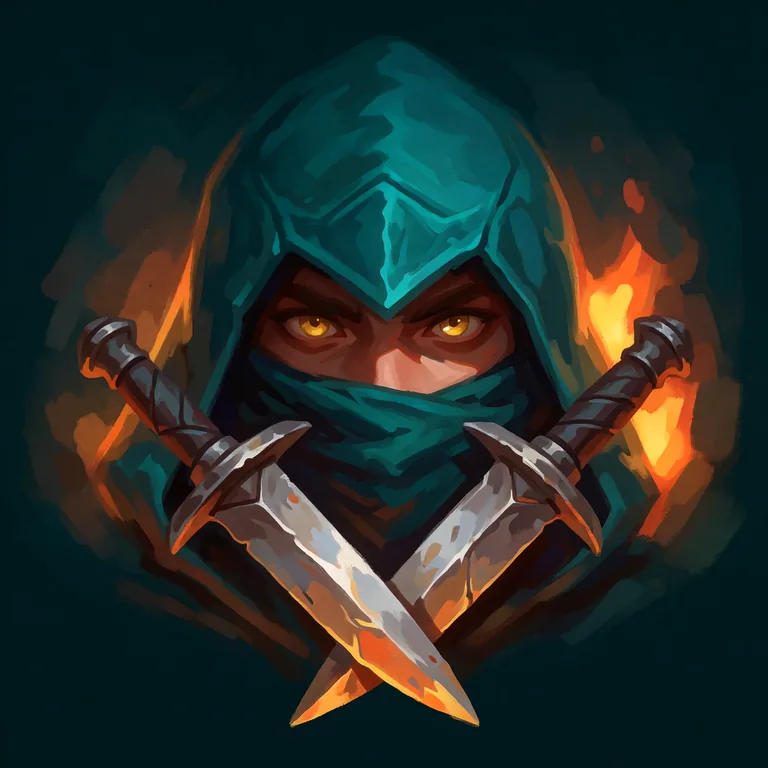
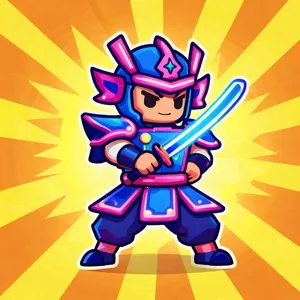

See it the way stores crop it
You upload a square icon and the store or launcher crops it: rounded corners on the App Store and iOS, a circle on many Android launchers. On a home screen it sits at a few dozen pixels next to other apps. Pick any of the icons Ludo made for this page to see it in each shape and at home-screen size.
Ludo lives where you build
Every generator in your terminal, your AI agent, your own code and the Unity editor. One account, one set of credits.
Explore developer toolsnpm install -g @ludoai/cliMCP serverAny MCP client, including assistants that can't run commands.https://mcp.ludo.ai/mcpREST APIYour own app, game server or pipeline.https://api.ludo.ai/api/Unity pluginGenerate and import assets inside the Unity editor.How it works
Pick Game Icon
The Game Icon type is built for store icons and always comes out square, at 1:1.
Describe one subject
Name the genre and one bold subject: "a starfighter banking past a glowing planet". One idea reads better at small sizes than a scene.
Compare at small size
Generate a few variations, check each one at home-screen size, and keep the one that still reads.
What devs build with it
Store listings
The icon for your App Store, Google Play or Roblox page, in your game's own style.
Icon variations to test
Several takes on the same idea, to try in store listing experiments before you commit.
Prototypes and game jams
A real icon for a build you share with testers, made in minutes.
FAQ
A game app icon is the one square image that represents the whole game in a store or on a home screen, so it fills its square with a subject and a background. Item icons are the small pictures inside the game, for inventory slots, shops and ability bars, and come out on transparency. In Ludo the first is the Game Icon type and the second is Item Icon; see the Game Icon Generator for item and ability icons.
Always square: the Game Icon type is generated at 1:1 whatever aspect ratio is selected, which is the shape app stores ask for.
No. Upload the square icon: the App Store and iOS round the corners for you, and Android launchers crop it to their own shape, often a circle. Keep the subject away from the very edges so nothing important is cut off.
Yes. Pick one of over 30 art styles, or use Generate with Style with a piece of your game's art, such as key art or a character sprite, as the style reference, so the icon looks like the game it opens.
No. A store icon fills its square, so Game Icon results come with their own background. For a mark or title on transparency, use the Game Logo type instead.
No. Game icons are not one of the types the Sprite Generator animates. Item icons, UI elements, logos and sprites are.
Yes. Pass icon as the image_type when you generate an image, from the Ludo API, the MCP server or the CLI.
Experience the future of game creation
Free to try. No credit card required.