

Consistent Game Art Style
One game, one look. Anchor your generations on a style reference and every character, icon, background, and portrait comes out looking like it was drawn by the same hand.
How can I make consistent-style 2D game art with AI?
To make consistent-style 2D game art with AI, anchor every generation on one reference image instead of prompting each asset from scratch. In Ludo, a style reference carries palette, rendering, and line weight into each new asset, while pose, rotation, and keyframe animation re-render the character you already have rather than inventing a new one.
One anchor, a whole asset kit
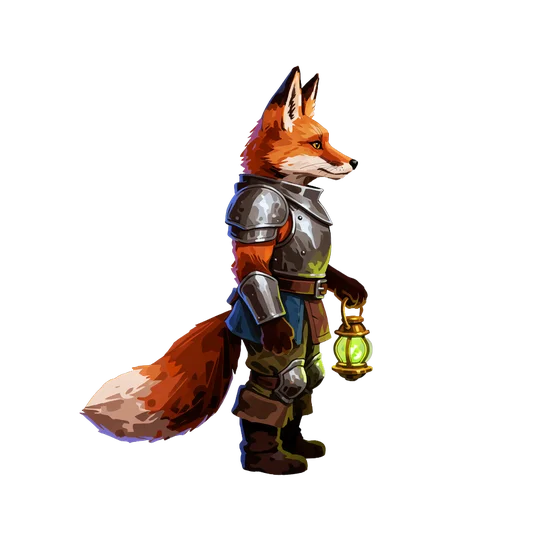
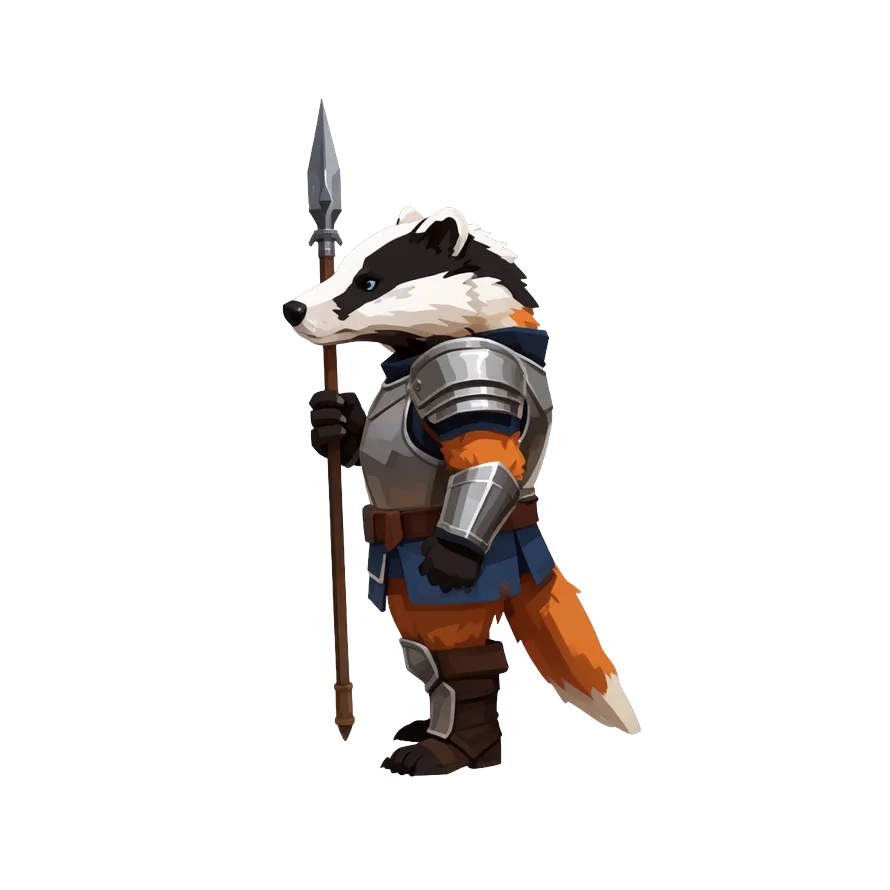
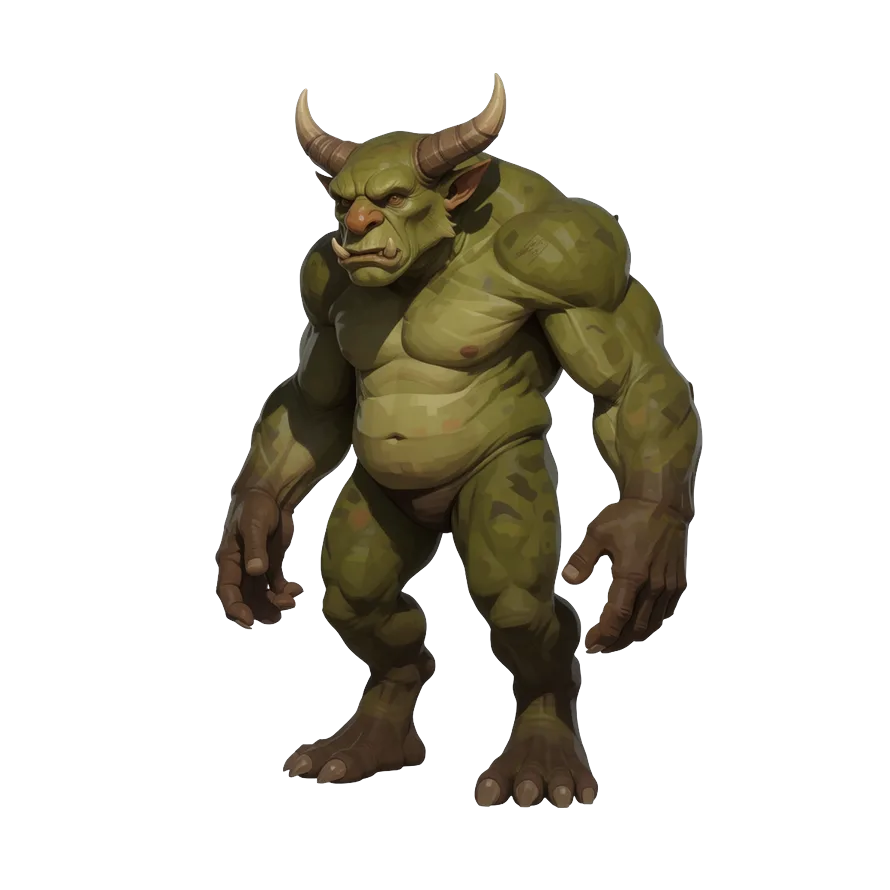
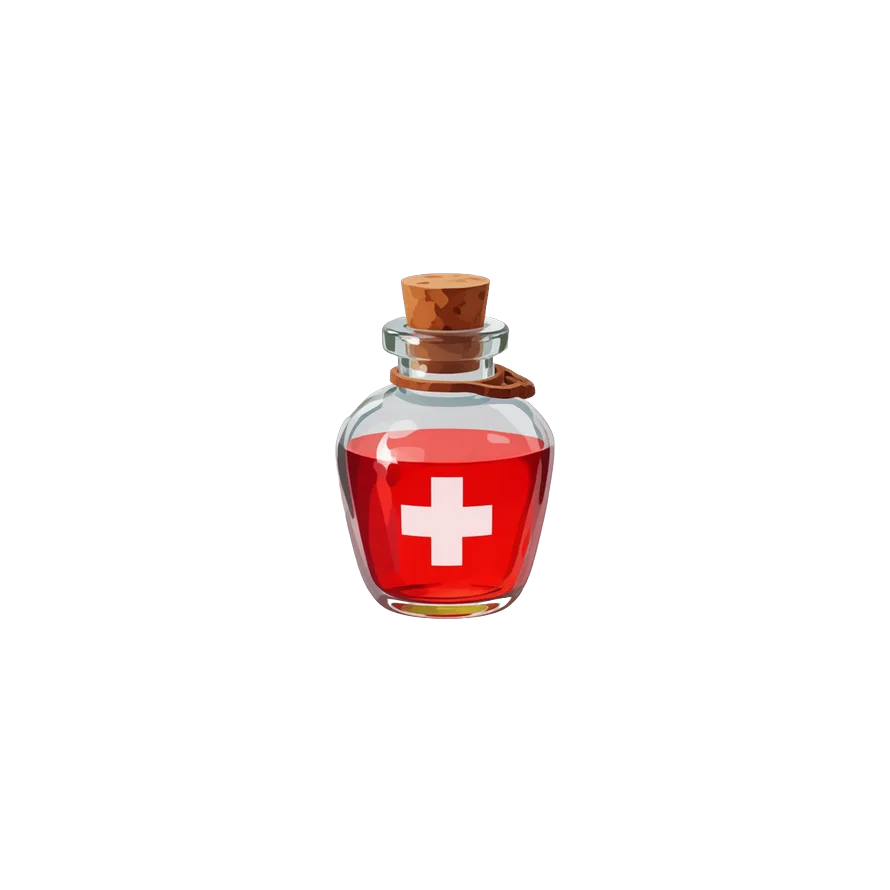
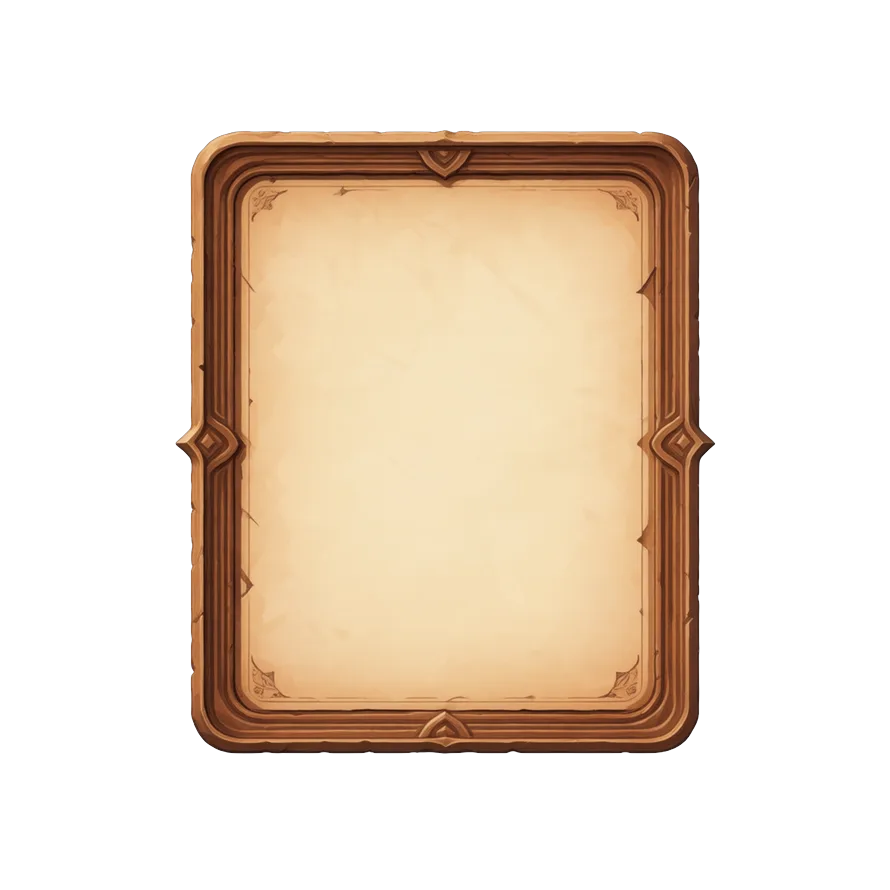
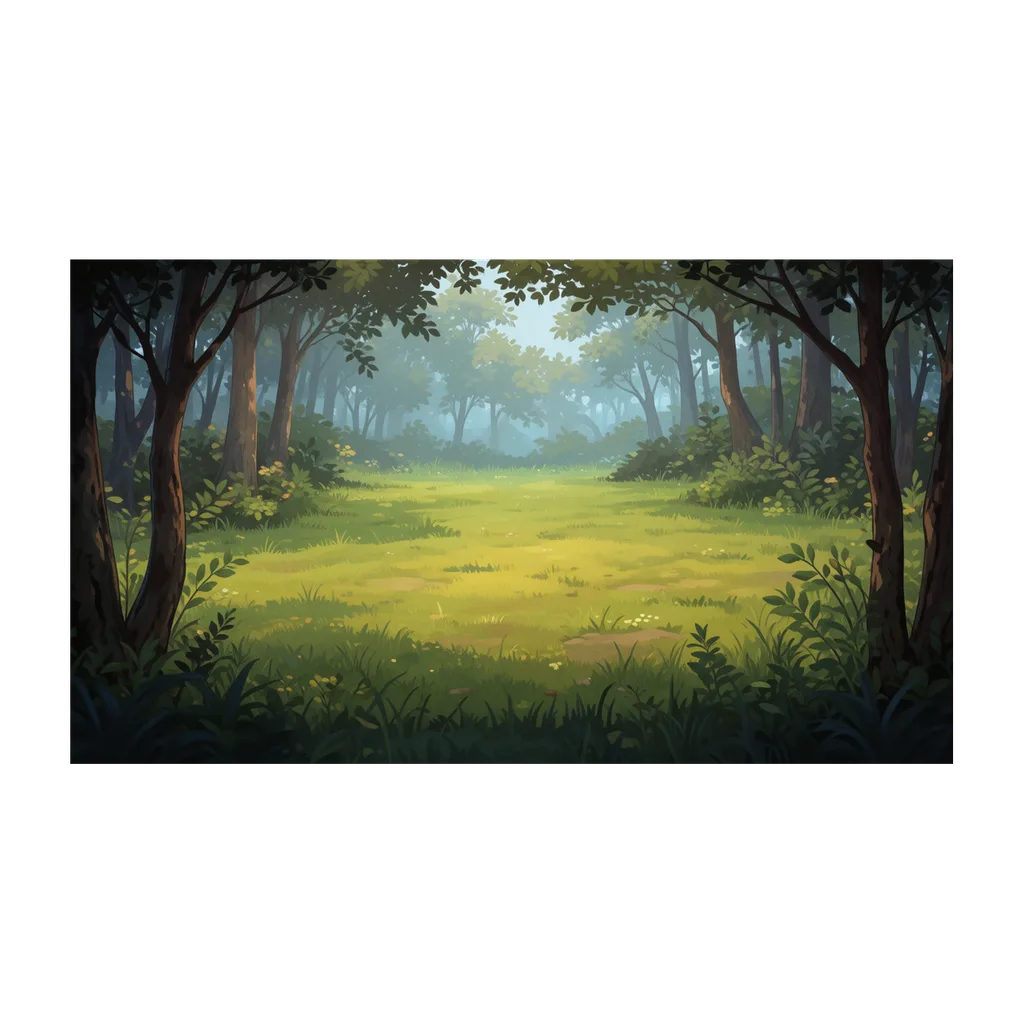
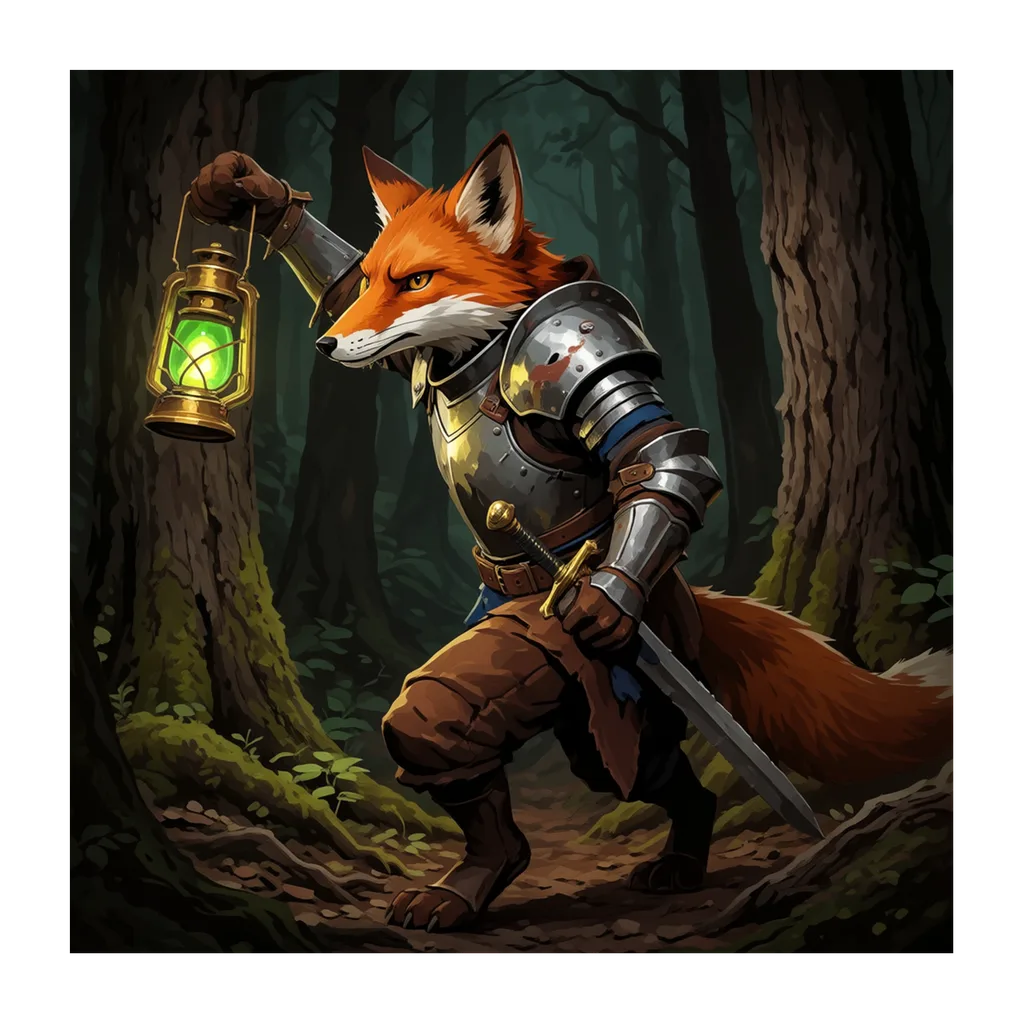
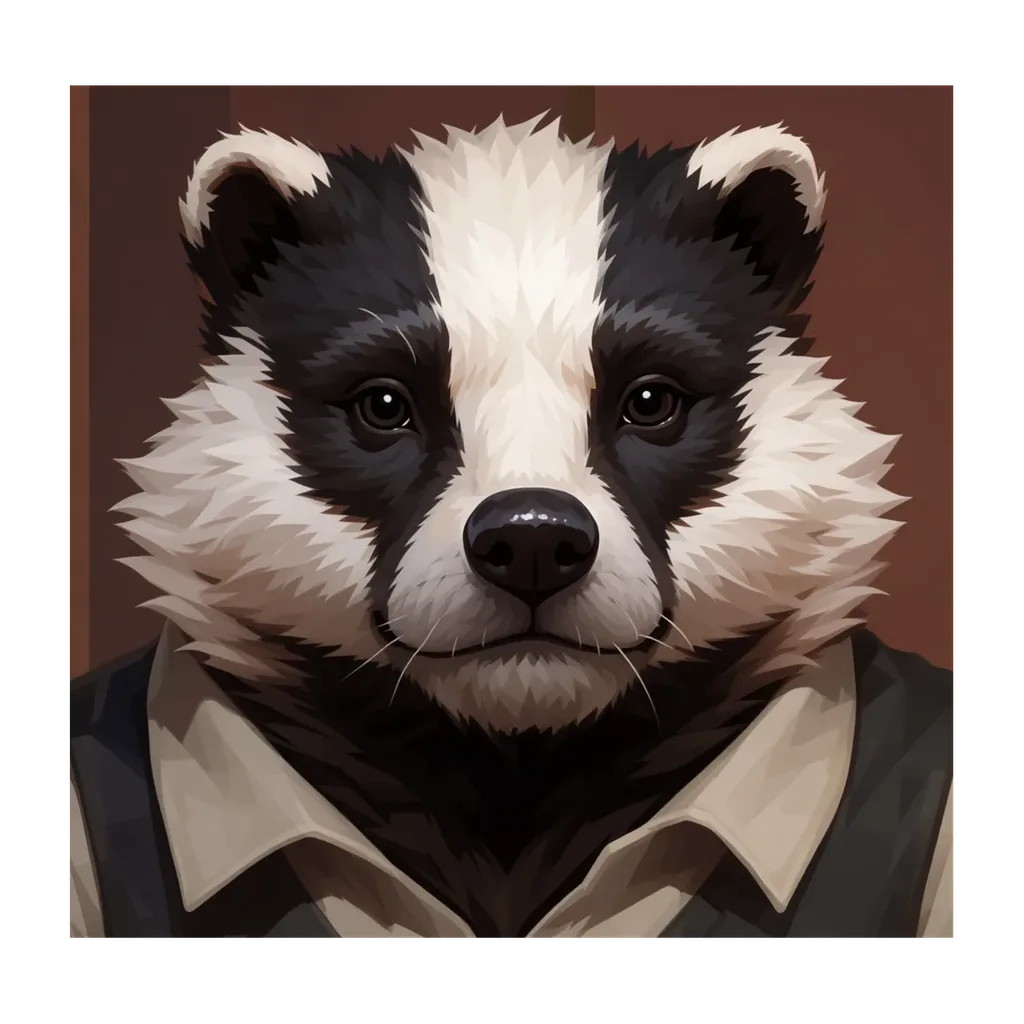
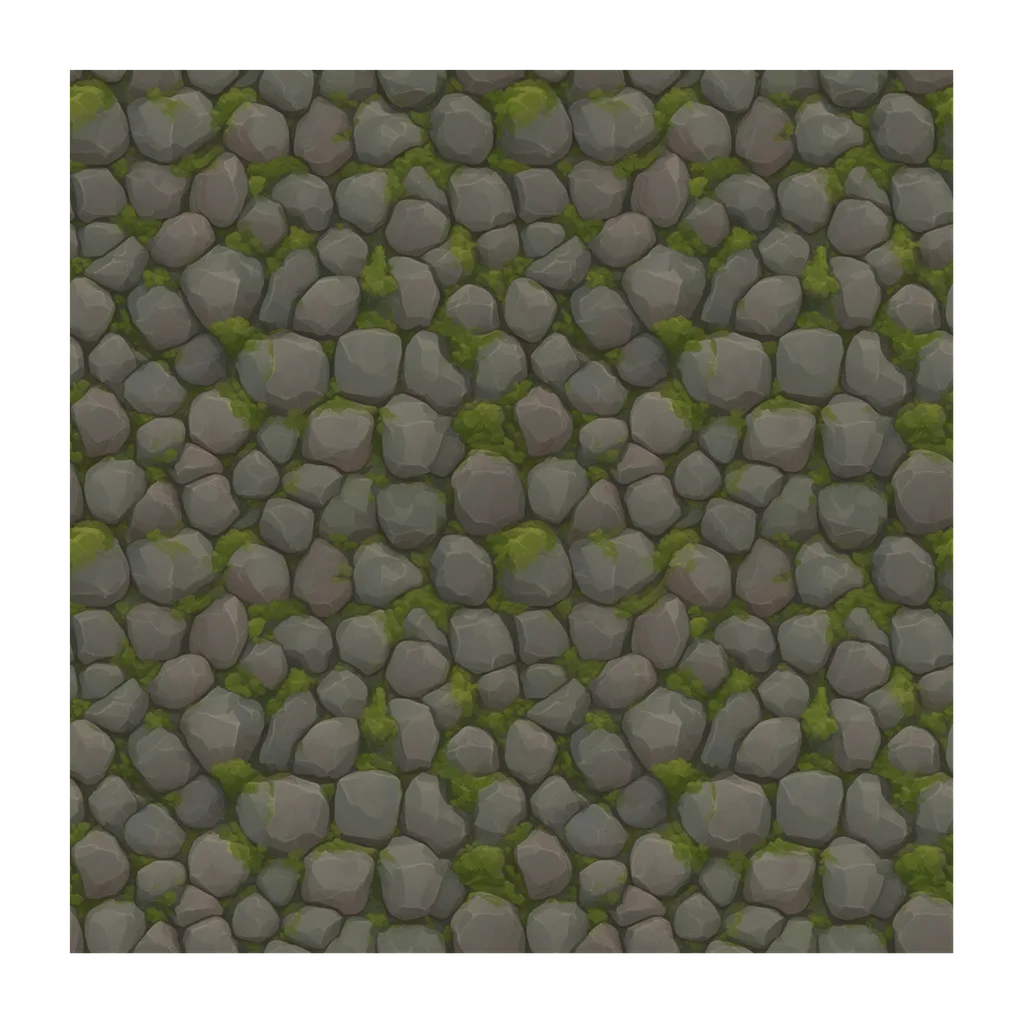
Every tile below came from the fox-knight anchor with Generate with Style: eight asset types, one look, no custom model training.
Ludo lives where you build
Every generator in your terminal, your AI agent, your own code and the Unity editor. One account, one set of credits.
Explore developer toolsnpm install -g @ludoai/cliMCP serverAny MCP client, including assistants that can't run commands.https://mcp.ludo.ai/mcpREST APIYour own app, game server or pipeline.https://api.ludo.ai/api/Unity pluginGenerate and import assets inside the Unity editor.How it works
Lock your anchor
Generate or upload until one image nails your game's look. That image becomes the style reference for everything else.
Generate with Style
Pick the anchor as a style reference and describe the next asset and it comes out in the anchor's palette, rendering, and line weight.
Keep characters on-model
Need a new pose or camera angle? Re-pose or rotate the character you already have instead of regenerating from scratch. Sprite rotation re-renders that same sprite across 8 azimuths and 3 elevations, so the design, gear, and colors carry over.
Animate from what you already have
Pose first, then animate from that pose, and one character stays on-model across every animation. Supply up to three keyframes of your own (initial, middle, and final) and the motion is derived from your frames, so proportions and style hold across the sheet. For pixel art, Forge Pixel is a dedicated animation model tuned for low-res pixel art.
Watch one character get every asset in one art style
Sir Tadwick the frog knight goes through the whole set in Ludo: concept art, a side-view sprite with Change Pose, walk and attack sprite sheets, a 3D model, a voice, sound effects, music and a parallax level, every 2D asset in the same Free Pixel art style.
How to Make Game Assets with AI (2026): Sprite Sheets, 3D, Voice and Music
- How to make game assets with AI: one character, every asset
- How to make concept art for a game with AI
- How to make a character sprite with AI (Change Pose)
- How to make a sprite sheet animation with AI: walk and attack
- How to make a 3D model from an image with AI
- How to make a character voice for a game with AI
- How to make game sound effects and music with AI
- How to make scrolling and parallax backgrounds with AI
- Putting it together: the parallax scene
Transcript: How to Make Game Assets with AI (2026): Sprite Sheets, 3D, Voice and Music
One character, every asset, concept art, sprite sheets, 3D, voice, sound and music, in one tool and one art style.
Sir Tadwick: Fear not!
In the Image Generator the type is Scene Art, and in Filters the Art Style is Free Pixel, which every 2D asset in this video shares, and the Aspect Ratio is Square.
The prompt only describes him, since the settings are already chosen, a small brave frog knight with a dented helmet and red plume, a lily pad cape, a sewing needle sword and a tiny belt pouch.
Ours came back with a few to choose from, and the one we kept has the pouch, the plume and the cape readable at sprite size.
Sir Tadwick: Only one of those is me. The others are clearly impostors.
A side-scroller wants a side view, so the concept goes into the Sprite Generator as the first frame, then Change Pose, with the pose preset Idle Right Facing.
Ours came back as the same character facing right on a transparent background, though the leaf cape turned into a plain cloak, so check the details you care about.
Animate takes that sprite as the first frame, and the motion description is just the word walking, model Hydra, three seconds, loop on.
Our run came back as a thirty-six frame walk cycle on a six by six sheet, and the legs alternate properly.
A second description, lunging forward with a quick sword thrust, then back to guard, gave us a needle lunge, but in our first run the tip ran off the edge of the frame.
Sir Tadwick: The picture was too small for my needle. That is the picture's fault.
Setting Animation Margin to Manual, with more room on the sides, kept the whole thrust in frame, and that's the lunge in the scene.
For the 3D model, we first made a smooth, stylized render of the same frog knight from the concept art, using Edit Image.
Our render goes into Image to 3D, Start New Generation,
and ours came back as a textured 3D model of the same knight, silver helmet, readable face, and the lily pad cape round the back.
Sir Tadwick: I have a back! Nobody told me I had a back.
In the Audio Generator, Human Voice designs a character voice from a description, ours was a small earnest young knight, slightly croaky and theatrical, plus a line to read.
For new lines in that voice, Use as Reference on the result opens Speech (Clone) with it loaded, and it reads whatever you type.
And ours read it like this.
Sir Tadwick: Hop! Hop! Onward! No beetle in this pond stands between Sir Tadwick and his golden coins!
Sound Effects mode makes a clip from a description, duration on Auto,
and ours were a frog croak, a coin chime, a springy jump, a sword swoosh and a level complete jingle.
Music mode is the same idea with a duration slider, ours asked for a cheerful chiptune adventure theme, bouncy bass, square-wave lead, instrumental, and it's the track under this video.
Every 2D asset so far shares Free Pixel, and so does the level, as a Horizontal Background, which loops left to right for a scrolling camera, and the prompt only describes the place.
Parallax Layer makes one transparent layer at a time, a cattail bank over the pond here,
and ours stack a Horizontal Background of sky behind a mid and a near layer, each moving at its own speed for depth.
Then a ground strip with the horizontal tiling type, a coin stamped with a fly as an item icon, and a grumpy beetle as an enemy sprite, animated like the hero with crawling forward.
Sir Tadwick: That beetle is looking at me. I do not care for it.
So here's the little scene, assembled in code from those assets, scrolling in parallax, with Tadwick walking in on his own sheet.
That's concept art, sprites, 3D, voice, sound, music and props for one character in one art style, all in one place, and every prompt is in the pinned comment, at ludo.ai.
Sir Tadwick: Start free at ludo.ai, make your own hero, and fear not, mine has the pointiest needle.
What devs build with it
It works in any style
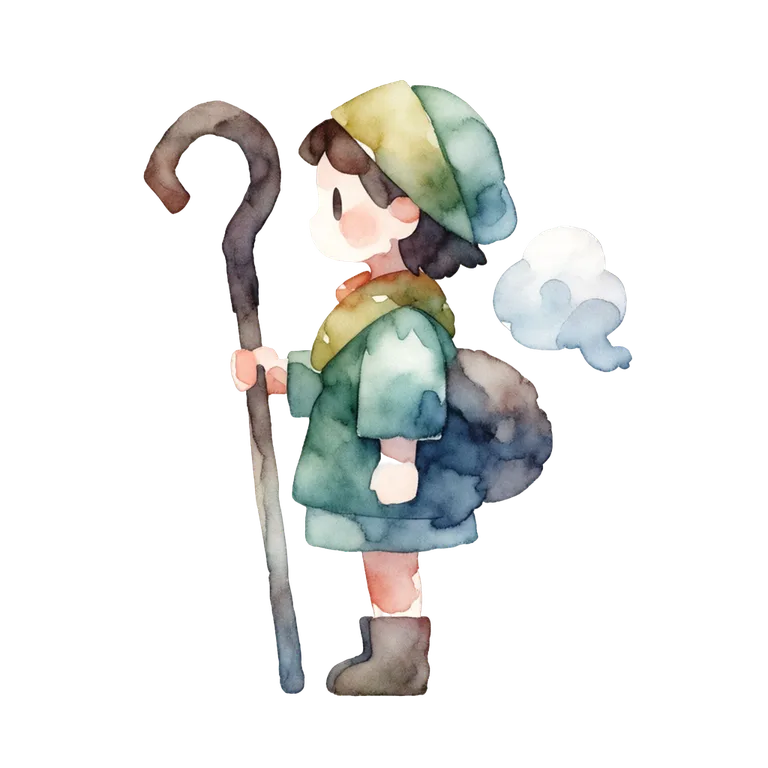
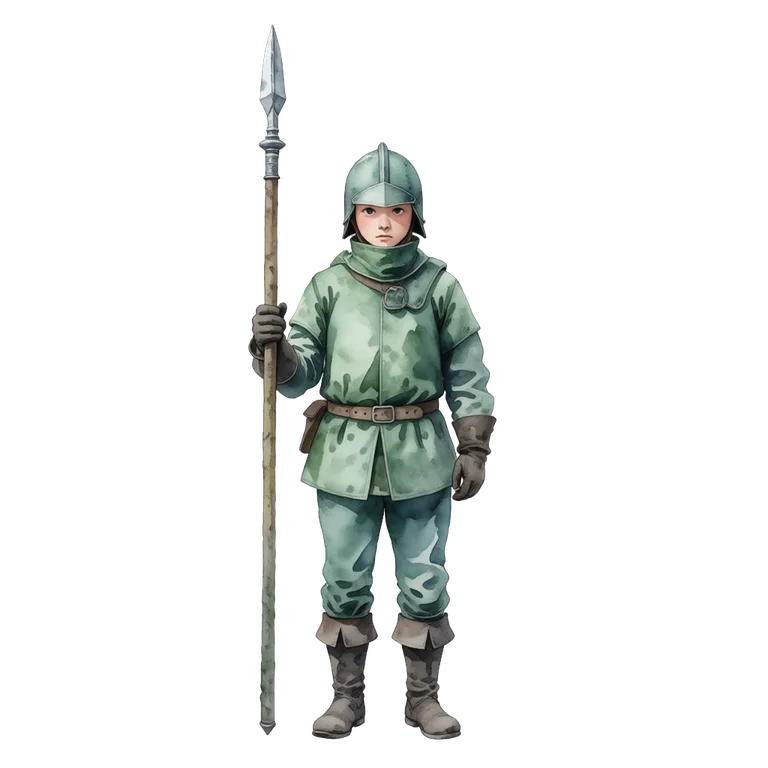
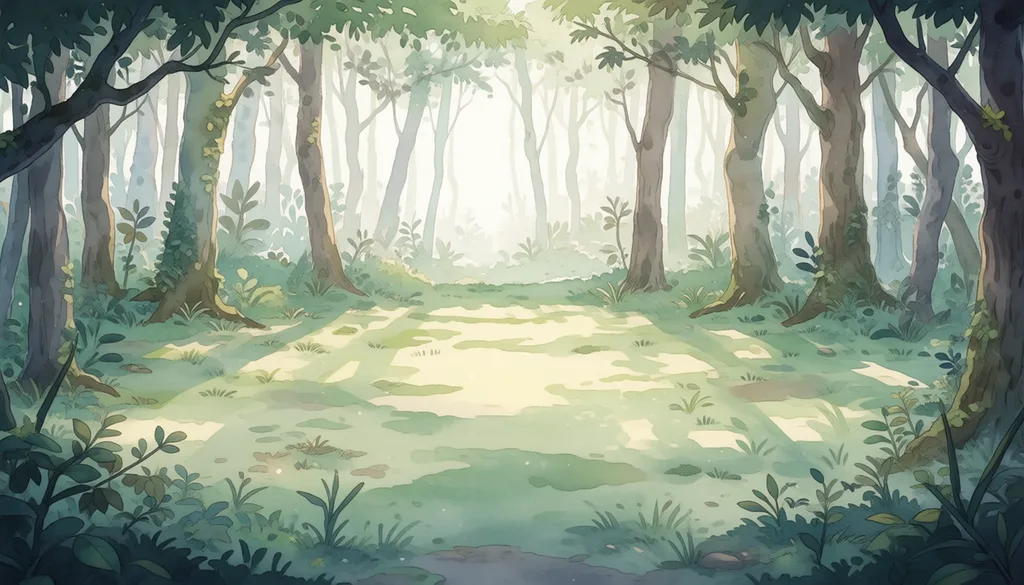
A watercolor anchor produces a watercolor world. Same guard and forest prompts as above, restyled entirely by swapping the anchor.
Then animate it
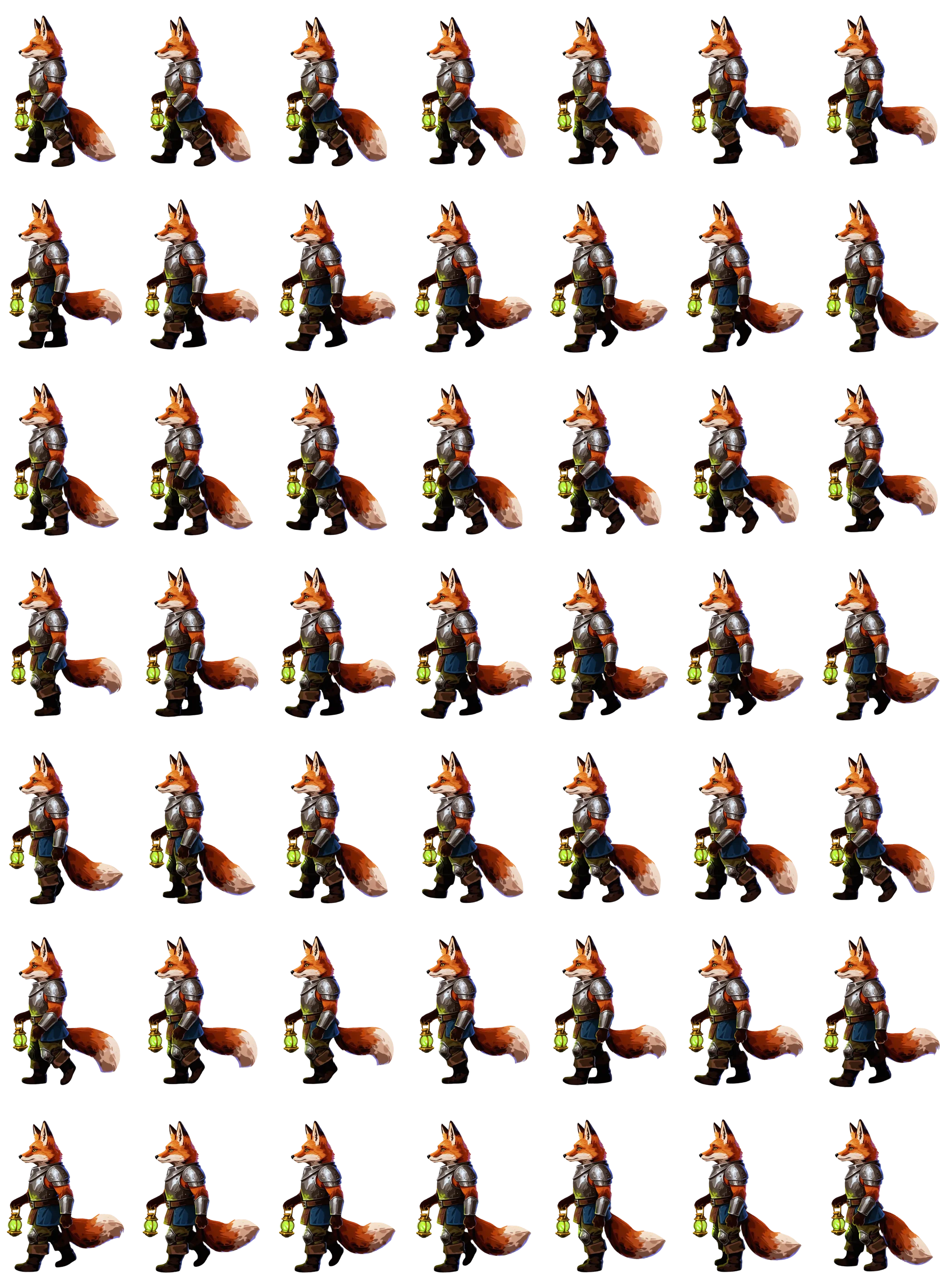
The anchor isn't just a style card, it's a game asset. One motion prompt ("walking") turns the fox knight into an engine-ready walk cycle with character and palette intact. The animation here is the packed sprite sheet playing. Want tighter control of the shape? Draw up to three keyframes yourself and the motion is derived from your own frames, which keeps proportions and style on-model without a motion prompt at all.
Explore, then lock in
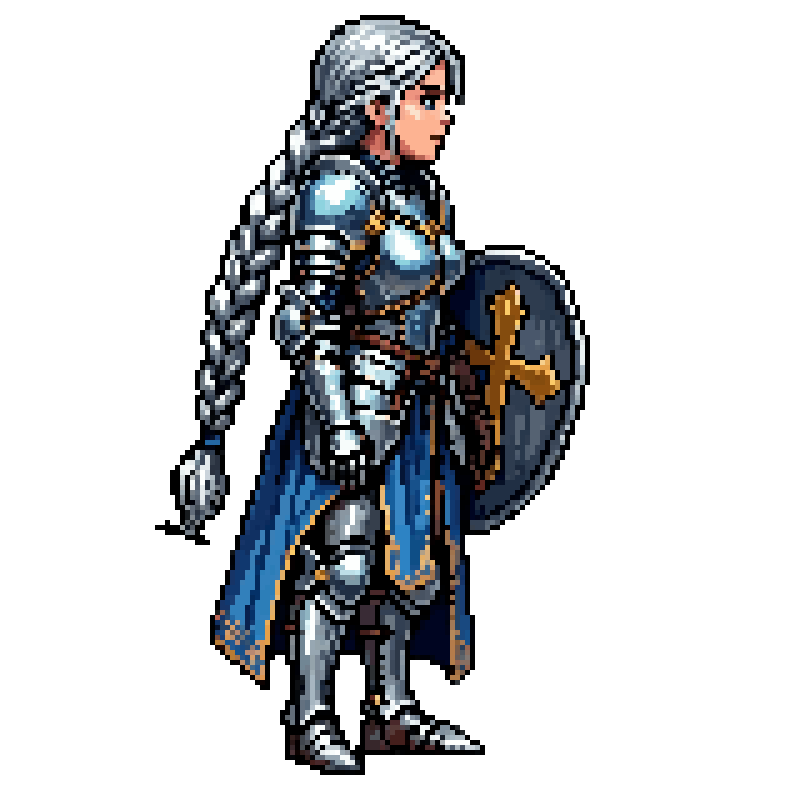
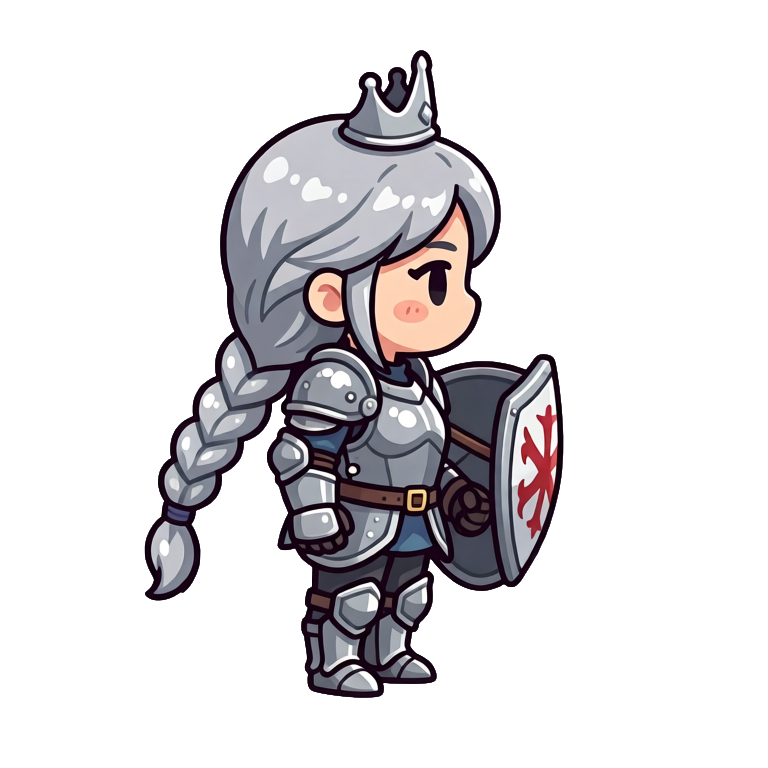
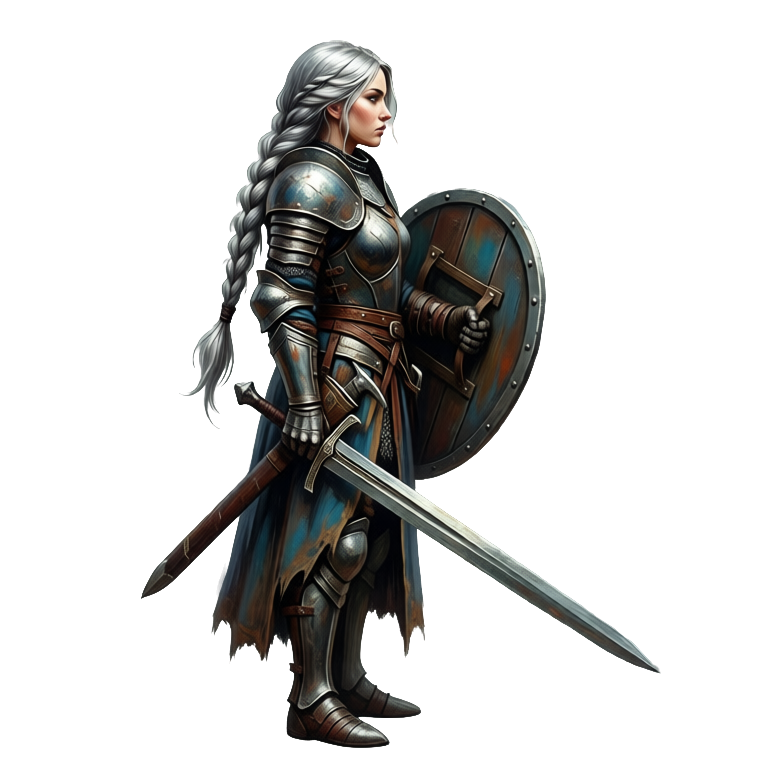
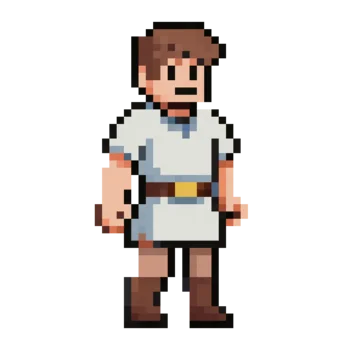
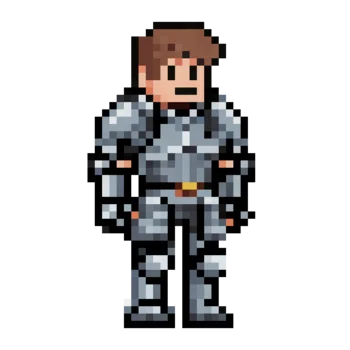
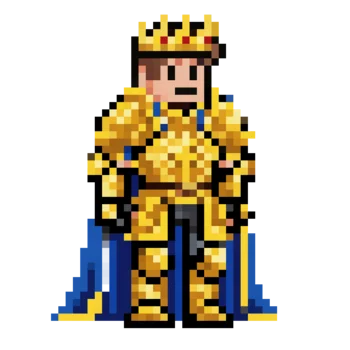
The same knight princess in 16-bit, chibi, and hand-painted. Compare art directions early, pick a winner, and make it the anchor for everything that follows.
Edits that stay in style
Change the armor, keep the artist. Prompt-based edits swap gear, colors, or mood while the character and the rendering stay consistent.
FAQ
How can I make consistent-style 2D game art with AI?
Anchor on one image and reuse it instead of re-prompting each asset. In Ludo, you generate until one asset nails your look, then set it as a style reference so every new character, enemy, item icon, UI panel, background, or portrait inherits its palette, rendering, and line weight. Keep a single character on-model by re-rendering it rather than regenerating it: sprite rotation renders that same sprite across 8 azimuths and 3 elevations, and the pose-then-animate workflow generates a pose first and animates from it, so one character stays on-model across every animation. For animation you can supply up to three keyframes of your own (initial, middle, final) with no motion prompt at all, and the motion is derived from your frames, which preserves proportions and style across the sheet. For pixel art, Ludo's Forge Pixel is a dedicated animation model tuned for low-res pixel art. No custom model training is involved.
How do I keep a character on-model across animations?
Generate the character once, pose it, then animate from that pose, so every animation starts from the same artwork instead of a fresh generation. Sprite rotation re-renders the same character across 8 azimuths and 3 elevations when you need other angles. If a motion prompt drifts from the shape you want, drive the animation with up to three of your own keyframes (initial, middle, final) instead: the motion is derived from your frames, so the proportions and style you drew are the ones that come out.
Does animation keep pixel art on its grid?
Yes. Ludo has a dedicated animation model for low-res pixel art, Forge Pixel (1.5 credits per second), so frames stay as crisp as the sprite you started from. For export, Pixel Art mode scales with nearest-neighbor, so edges are not blurred. Generate the pixel character with a style reference first, then animate it, and the palette and dot density carry across the sheet.
How do I keep every asset in the same art style?
Anchor on a reference image. Generate until one asset nails your look, then use it as a style reference for every new generation. Ludo's Generate with Style mode carries its palette, rendering, and line weight into the new asset. Keep the same perspective and aspect ratio too, so even unrelated assets start from the same rules; the art style picker is hidden in Generate with Style because the reference sets the style.
Can all my characters share one style?
Yes. Generate your first character, then use it as the style anchor for the rest of the cast. The fox knight, guard, troll, and innkeeper on this page all come from one anchor. For animated sprites, create the character with a style reference first, then animate it in the Sprite Generator.
What if one asset comes out off-style?
Edit it instead of rerolling. Edit Image takes plain-language instructions and an optional reference image, so you can repaint a stray asset toward the house style without losing the parts that already work, and Edit with Mask limits the change to one area. Generate from References gives you new takes that keep elements of the original if you want options.
Does Ludo train a custom model on my art?
No. Ludo doesn't offer LoRA or custom model training. Consistency comes from reference images, shared style presets, and character tools instead, with no training step.
Can I automate style-consistent generation?
Yes. Ludo's public API has a dedicated style endpoint (generateWithStyle) that takes a style reference image plus a prompt. The same tool is exposed through Ludo's MCP server and the Ludo CLI (ludo image generate-with-style), so Claude, Cursor, or your own pipeline can batch-generate assets that match your game's look. API, MCP and CLI access is on Pro and Studio, each image costs 0.5 credits, and results are kept for 7 days. The asset kit on this page was generated exactly that way, through the MCP.
Can I turn a finished animation to face another way without losing the style?
Yes. New Direction re-renders a finished animation facing a new way, on Hydra or Hydra+, and keeps its motion and timing, so you do not have to re-animate or re-prompt. For a still sprite, Change View re-renders the same character from 8 camera angles, at 0.5 credits per image through the API. Check the result against your anchor, since a turned view can drift from the original details.
Does this work for pixel art and 3D?
Pixel art, yes: Ludo has five pixel-art styles (Micro Pixel, 8-Bit, 16-Bit, 32-Bit and Free Pixel), so a whole pixel game can share one palette and dot density. For 3D, style lives in the input image, so generate concept art in your style first, then convert it with Image-to-3D so the model inherits the look.
Experience the future of game creation
Free to try. No credit card required.