

AI Game Screenshot Generator
See your game before you build it: a mock gameplay frame with the camera, level, characters and HUD, in any perspective and art style.
What is a game screenshot generator?
A game screenshot generator makes an image of what a game would look like in play, with the camera, the level, the characters and the HUD in one frame, from a text description. Ludo's Image Generator has a dedicated Gameplay type for it, steered by a Perspective filter (top-down, side-scroll, isometric, first-person and more) and an Art Style. The result is a mockup for pitching an idea, setting an art direction or comparing directions before anything is built, not a capture of a real build.
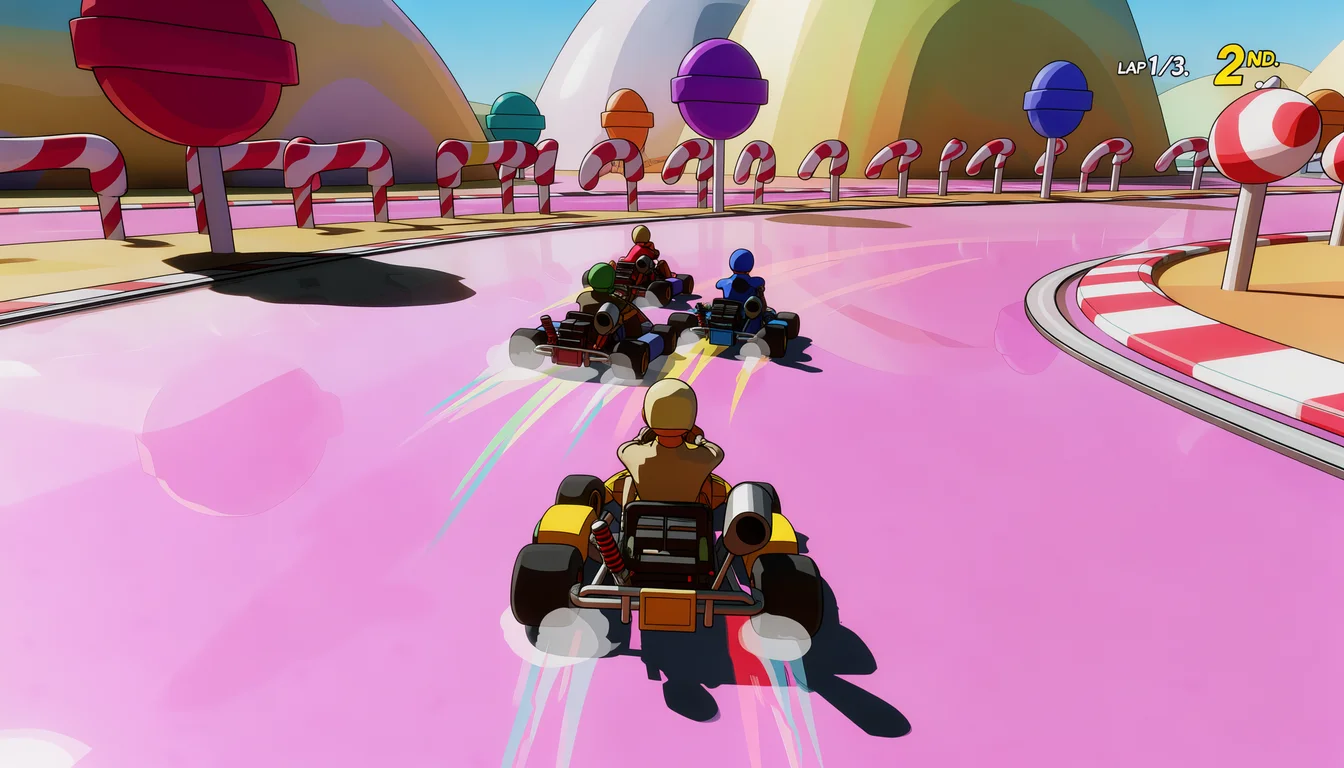
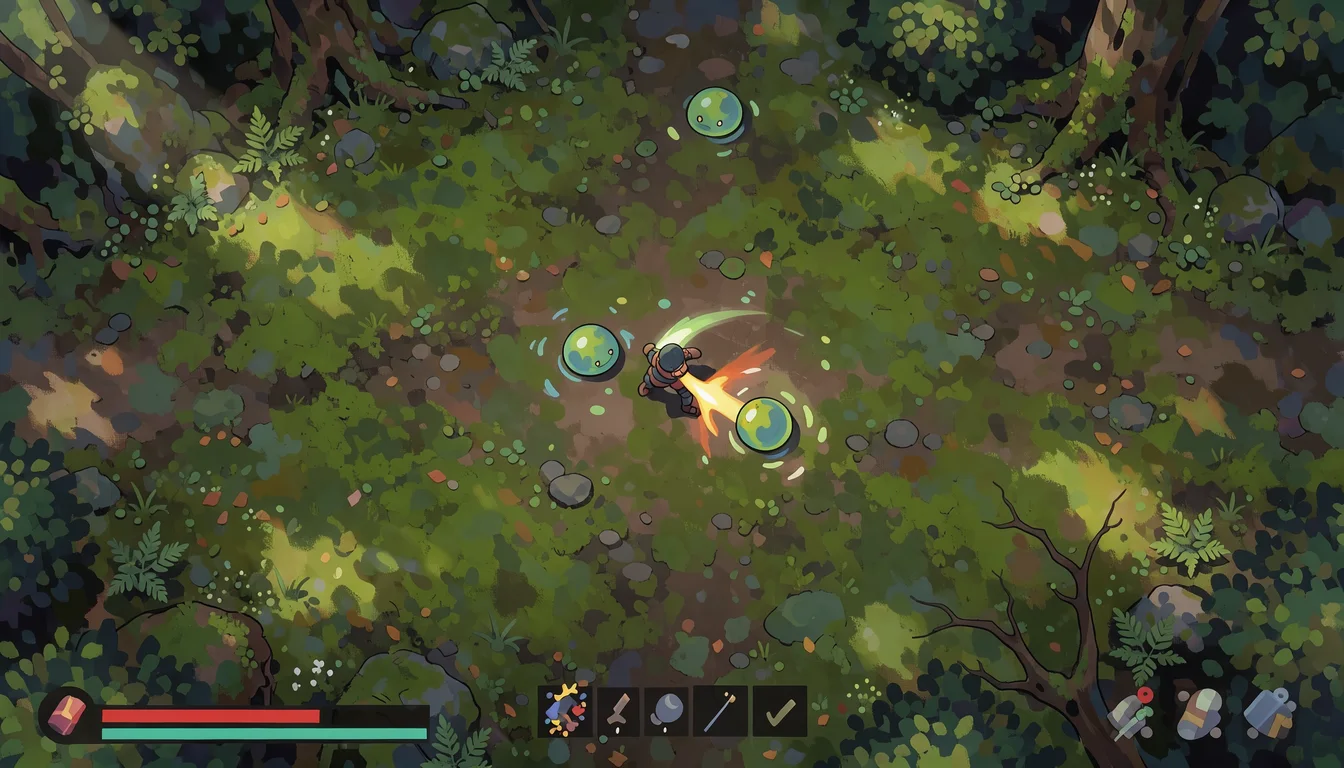
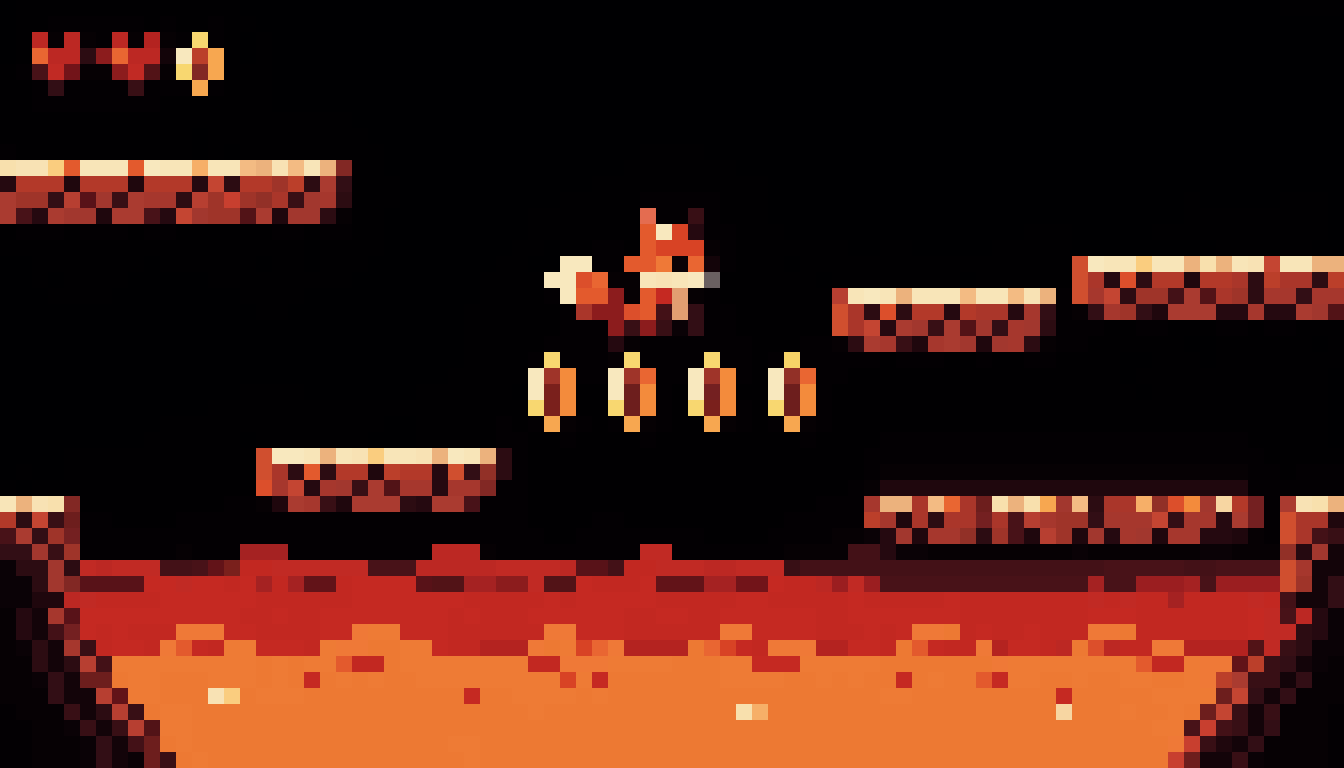
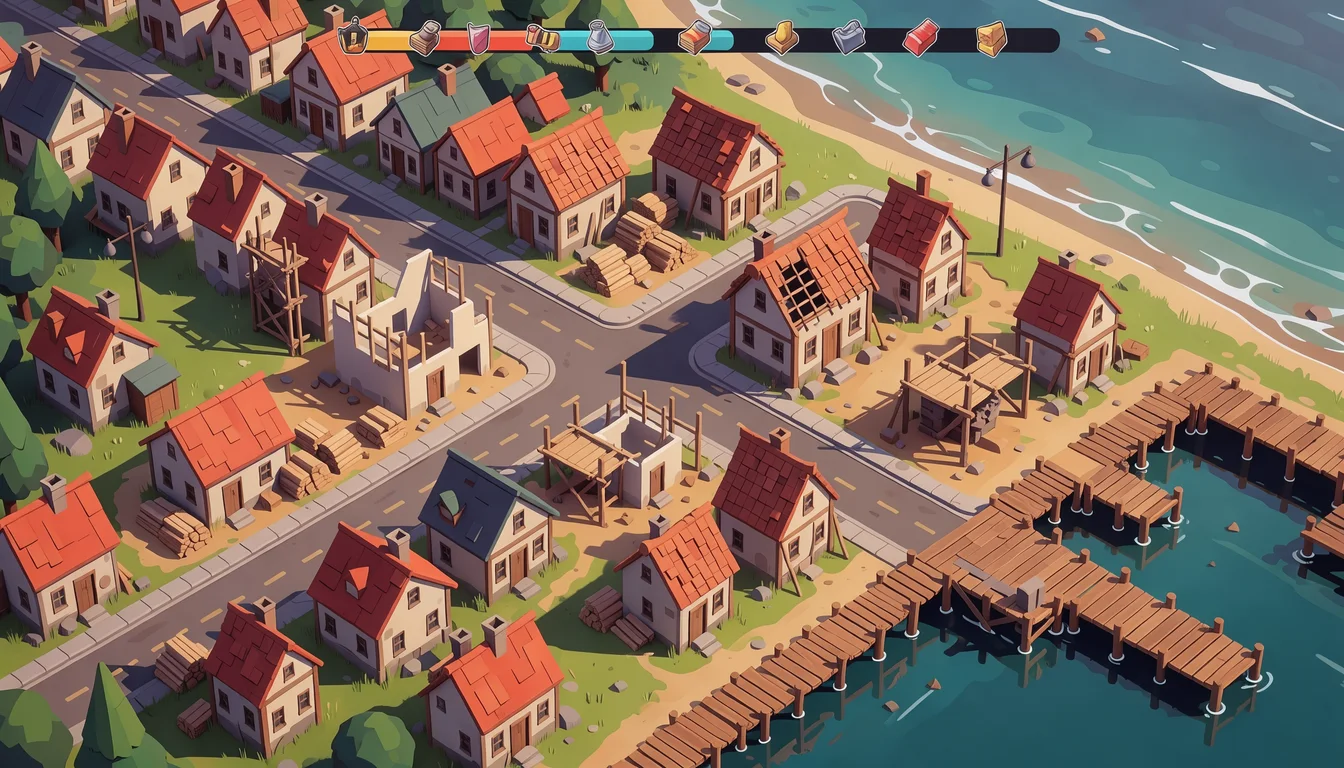
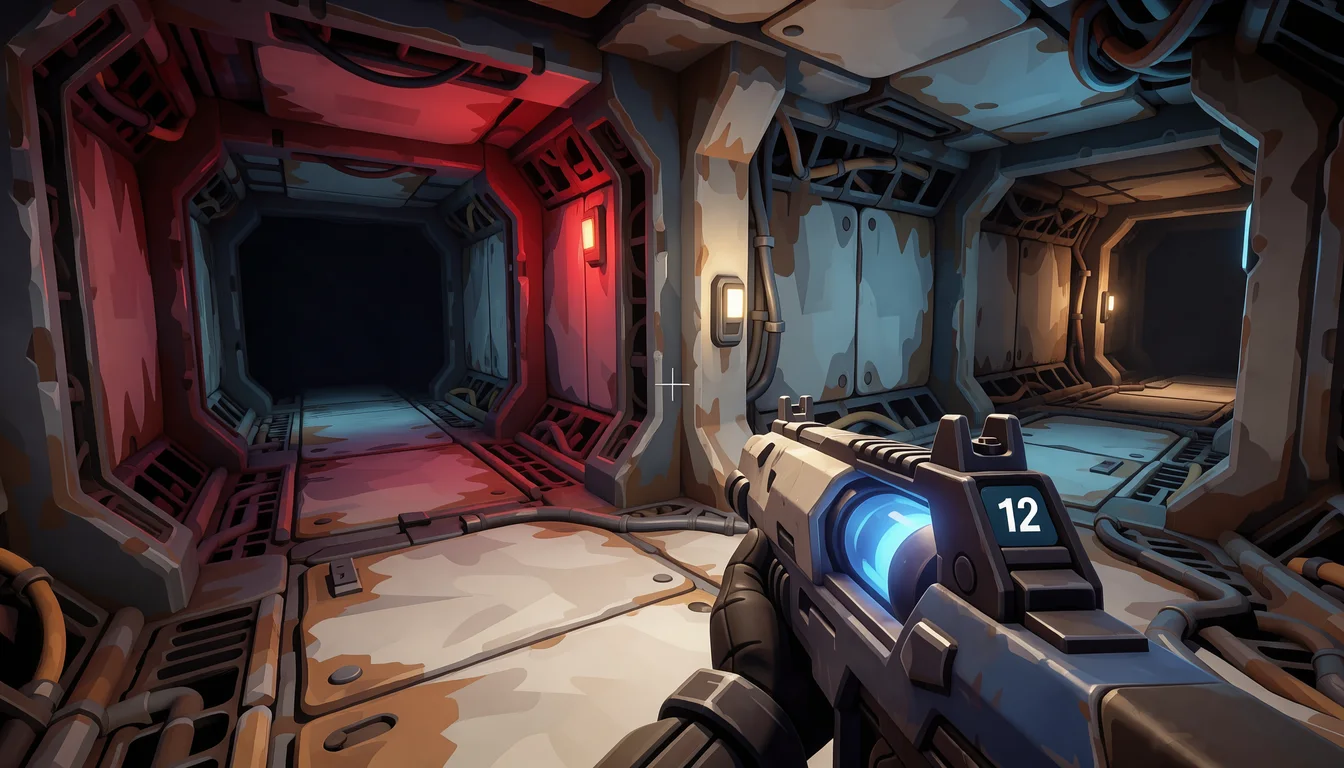
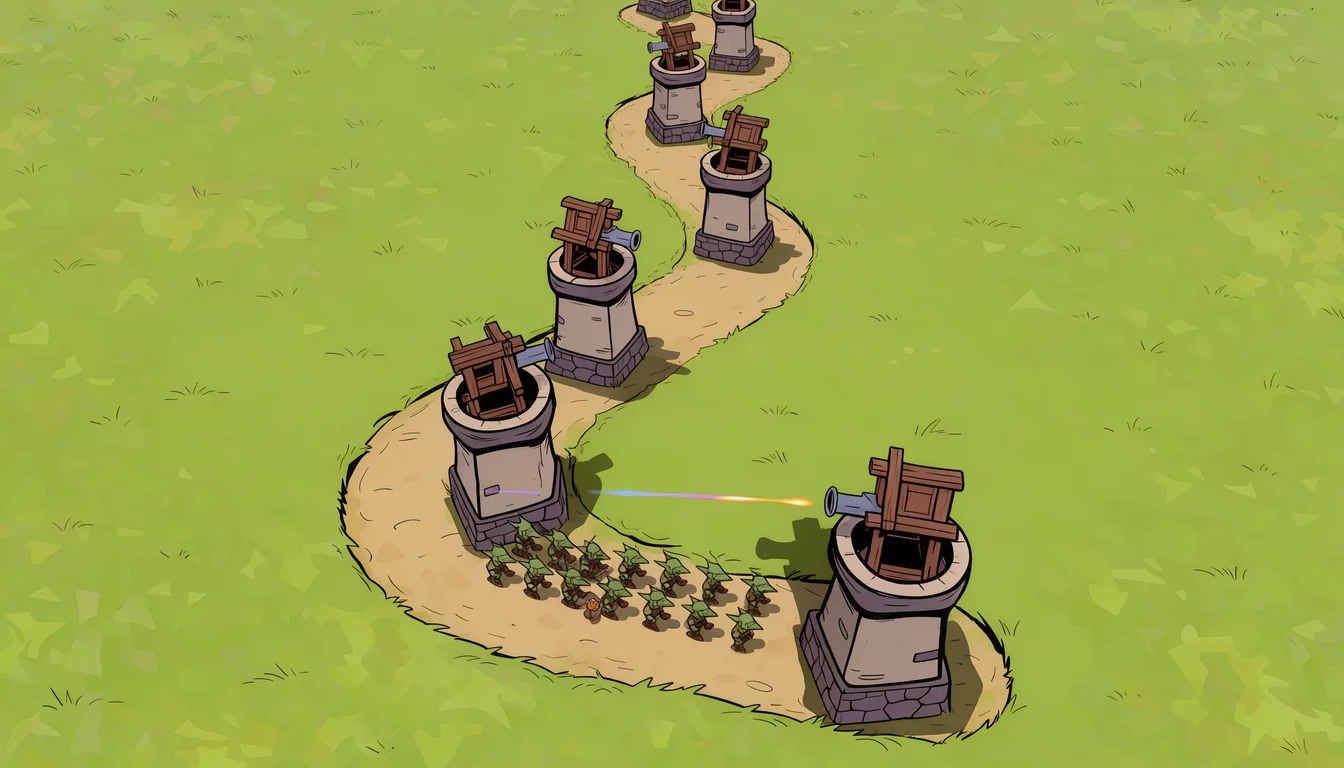
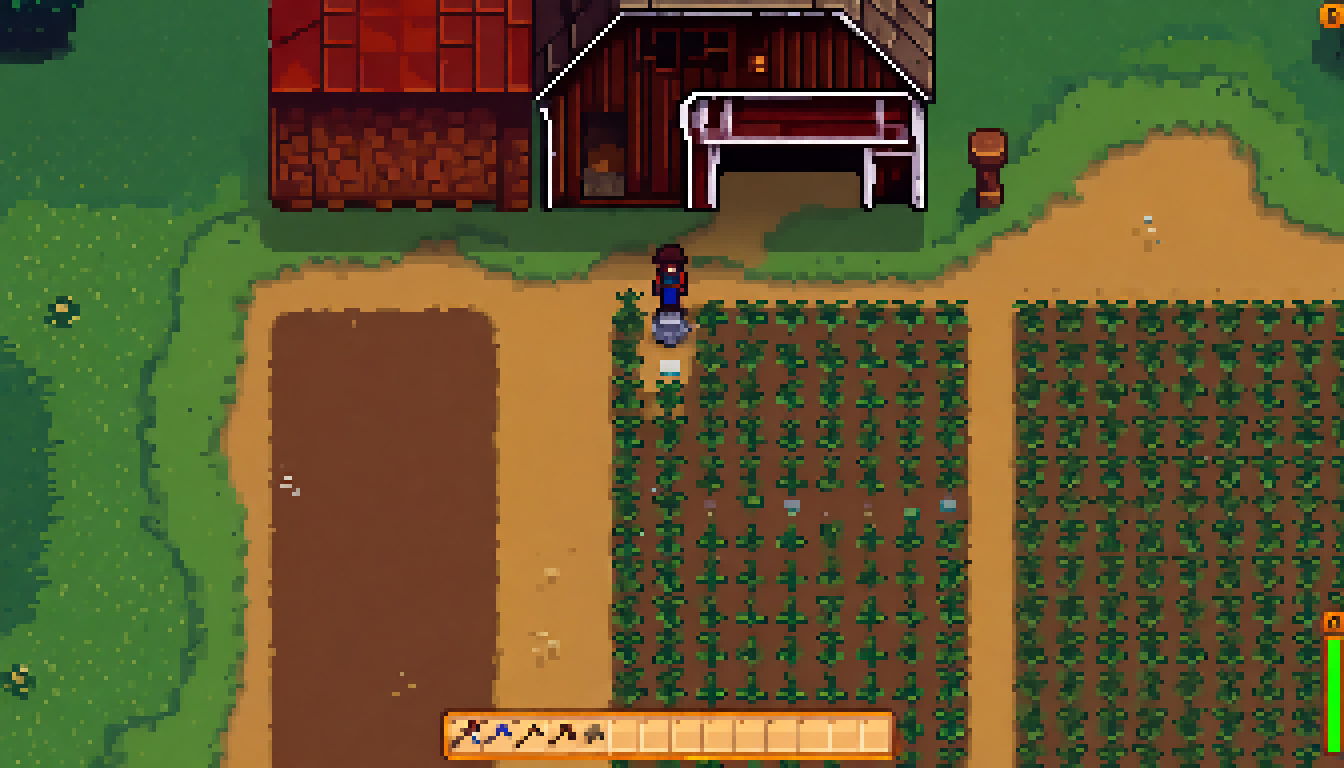
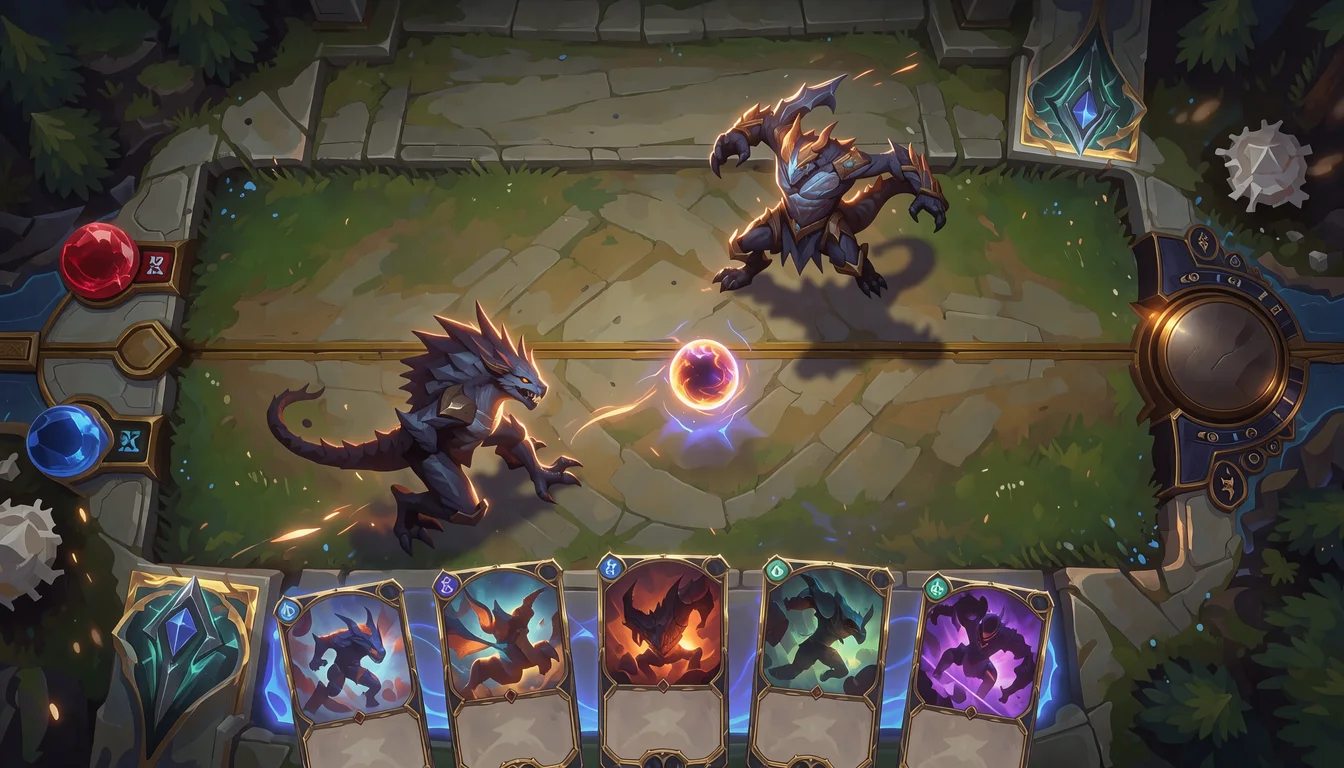
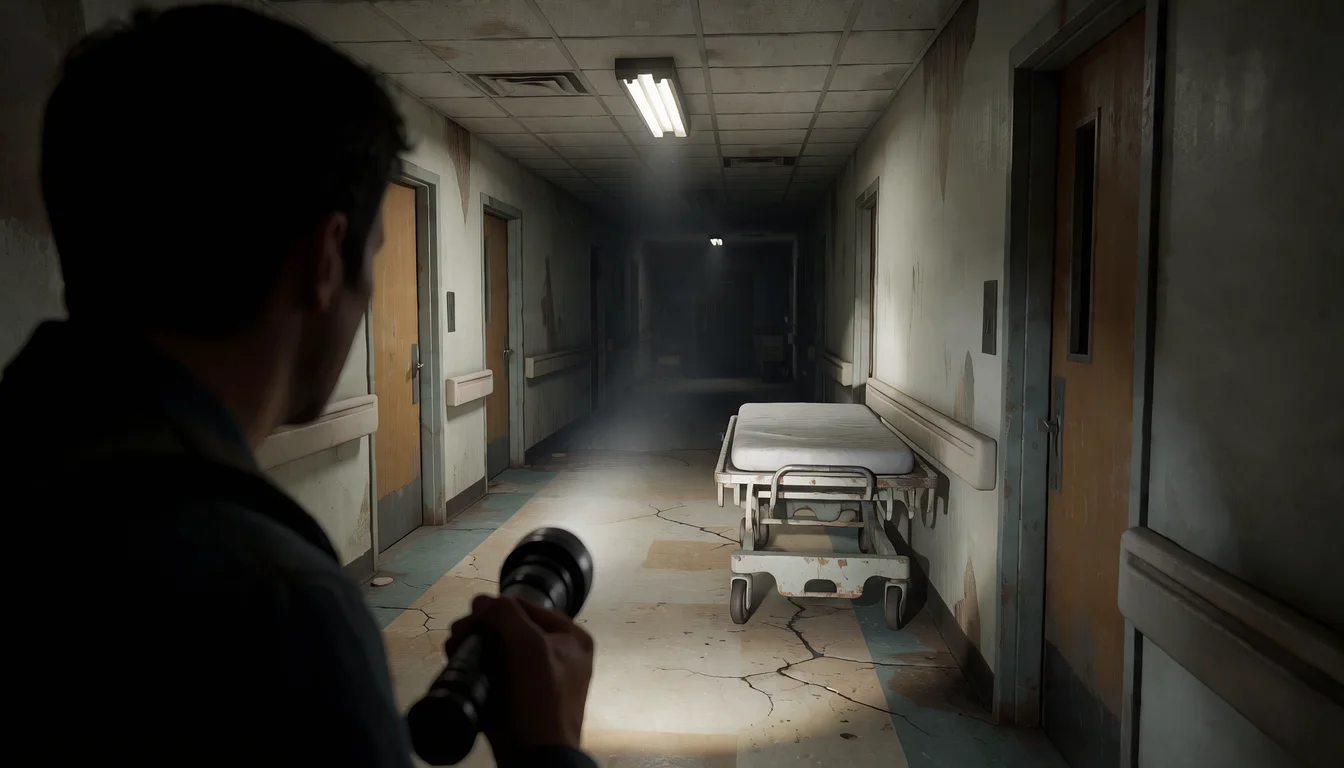
Gameplay mockups generated with Ludo
One per genre, each from a single sentence with the Gameplay type and a Perspective.
Ludo lives where you build
Every generator in your terminal, your AI agent, your own code and the Unity editor. One account, one set of credits.
Explore developer toolsnpm install -g @ludoai/cliMCP serverAny MCP client, including assistants that can't run commands.https://mcp.ludo.ai/mcpREST APIYour own app, game server or pipeline.https://api.ludo.ai/api/Unity pluginGenerate and import assets inside the Unity editor.How it works
Pick Gameplay
The Gameplay type draws an in-game frame rather than a poster or a single asset.
Set the camera and the style
Choose a Perspective, such as Top-Down, Side-Scroll, Isometric or First-Person, and an Art Style. Together they say more about the game than a long prompt does.
Describe the moment
Say what is happening and what is on screen: "a fox jumping between floating platforms over lava, coins and a score counter".
What devs build with it
Pitch decks and publisher meetings
Show what the game looks like in play on the first slide, before a single asset exists.
Art direction targets
A target frame for the team: the camera, palette and HUD everyone builds toward.
Comparing directions
Try different cameras, genres and art styles side by side before you commit to one.
FAQ
Is it a real screenshot of a game?
No. It is a generated image of a game that does not exist yet, drawn to look like a frame of gameplay. Use it to show an idea, not to stand in for your real game.
Which camera angles can I pick?
The Perspective filter offers Side-Scroll, Isometric, High Angle, Top-Down, 2.5D, First-Person, Third-Person, Over-the-Shoulder and Free Camera, or leave it on Any perspective and describe the camera in the prompt.
Does the mockup include a HUD?
Describe one and it is drawn into the frame: health bars, hotbars, minimaps, score counters, a hand of cards. Leave it out of the prompt for a cleaner shot.
Can I use these as screenshots on my store page?
Use captures of your real game there. Stores expect screenshots to show the game as it plays (Steam's store guidelines ask for exactly that), so gameplay mockups belong in pitches, planning and art direction until the game exists.
Can I make real game assets that match the mockup?
Yes. Use the mockup as the style reference in Generate with Style, then generate the sprites, backgrounds, tiles and UI the frame shows, each with its own type, so the assets match the look you pitched.
Can I turn a mockup into a gameplay video?
Yes. Open it in the Video Generator, describe the action, such as the hero running right and jumping a gap, and get back a 5 to 15 second clip with a soundtrack to show how the game would move.
Can I generate gameplay mockups through the API, MCP or CLI?
Yes. On Pro and Studio, pass screenshot as the image_type, with an optional perspective, when you generate an image from the Ludo API, the MCP server or the CLI (0.5 credits per image, up to 8 variations per request). Image generation is unlimited in the web app on Pro; anything through the API, MCP or CLI uses credits.
Experience the future of game creation
Free to try. No credit card required.