

AI Tileset Generator
Generate the tiles your levels are built from, top-down floors, side-scrolling platforms, and isometric terrain, in one style and ready for your tilemap.
What is an AI tileset generator?
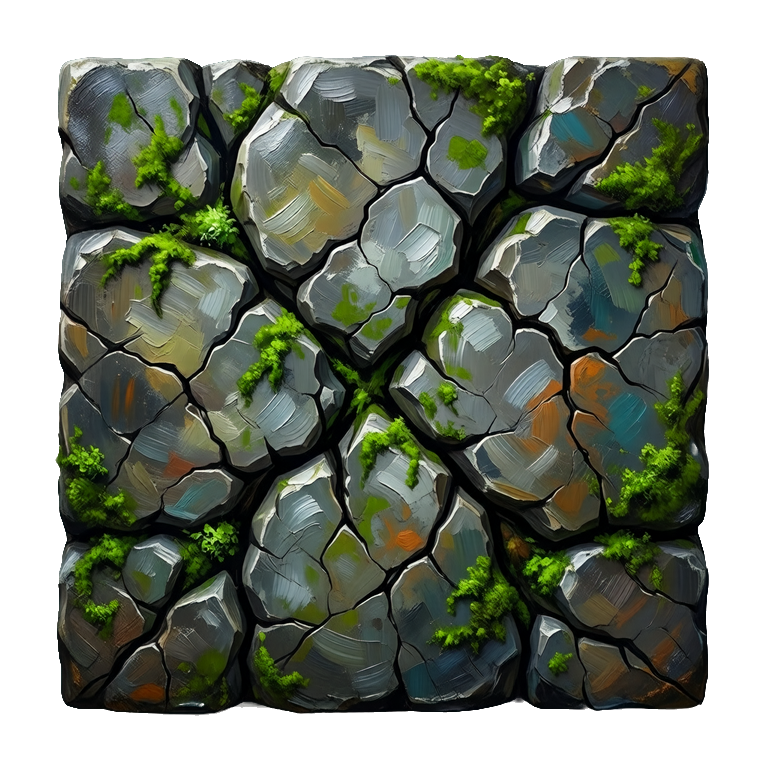
An AI tileset generator creates the tiles levels are built from, top-down floors, side-scrolling platforms, walls, and terrain, from a text prompt. Ludo generates each tile as its own transparent image in one art style and perspective, plus horizontal and vertical tiling sprites for pieces that repeat along one axis, and you assemble the set in your engine's tilemap or in Tiled.
Tiles generated with Ludo
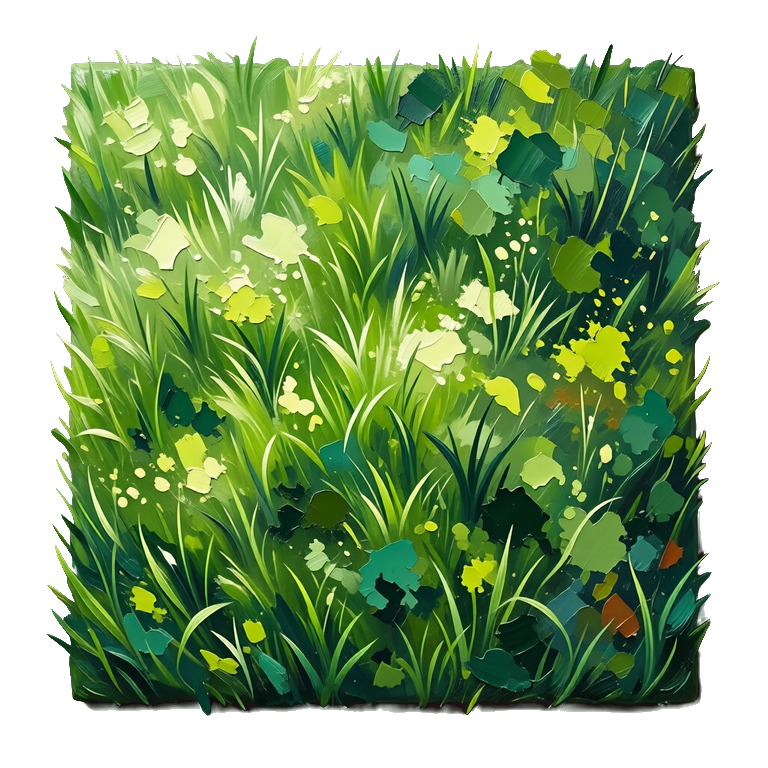
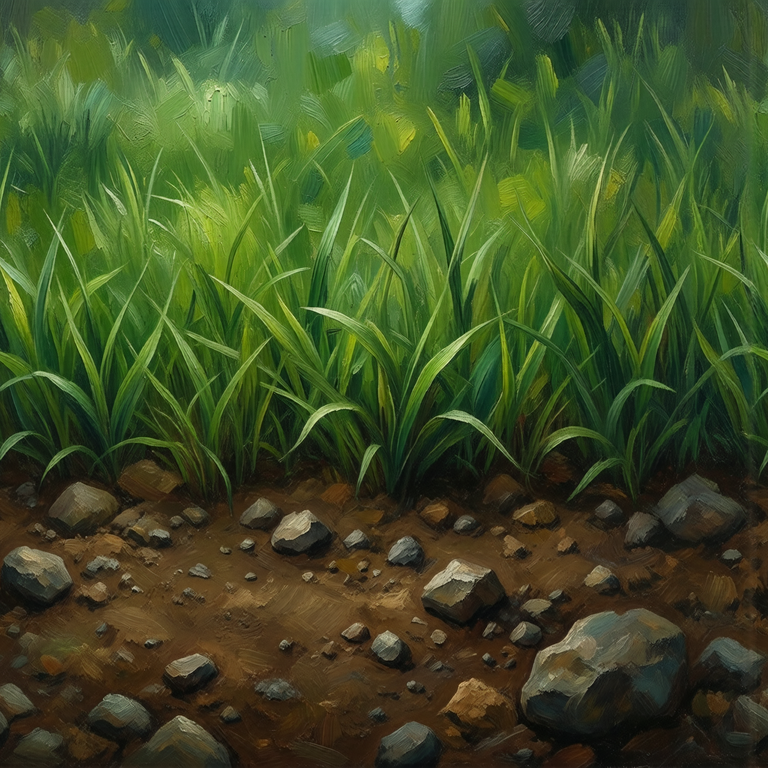
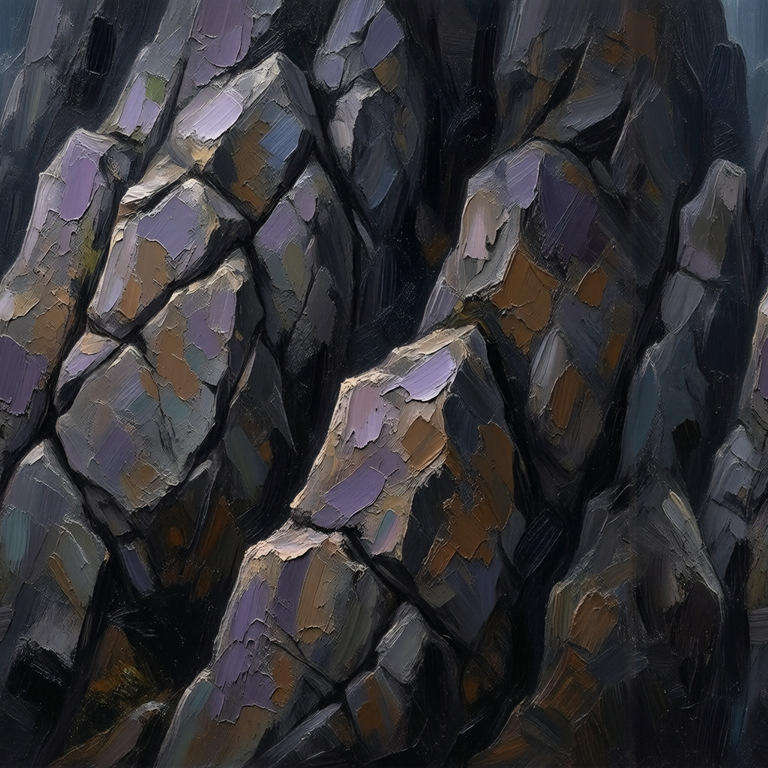
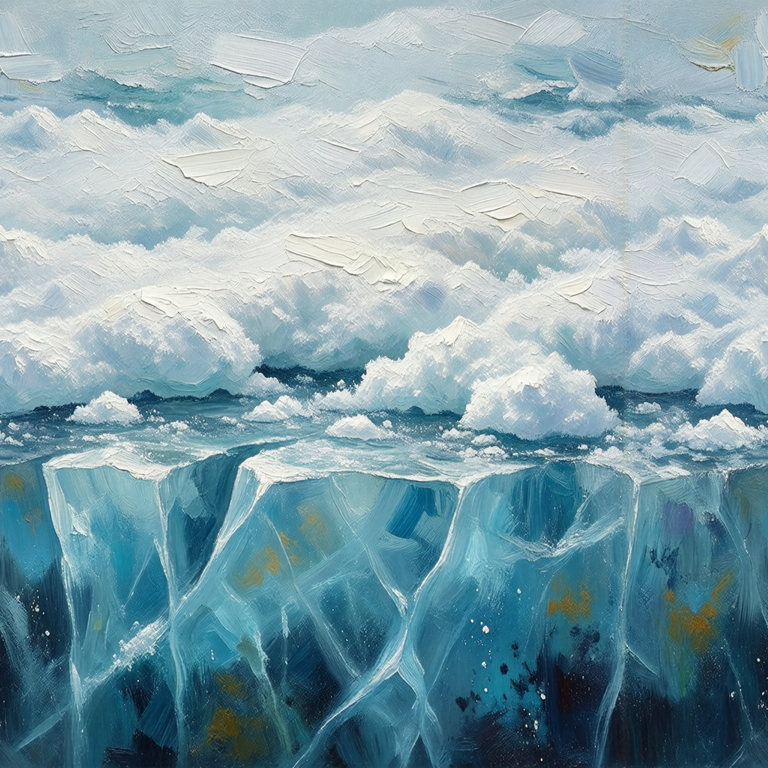
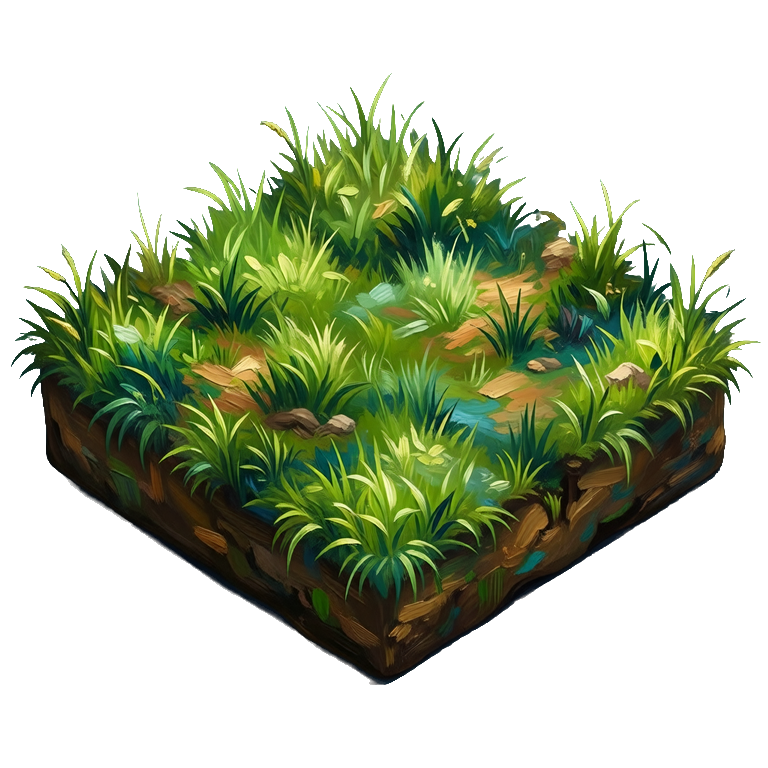
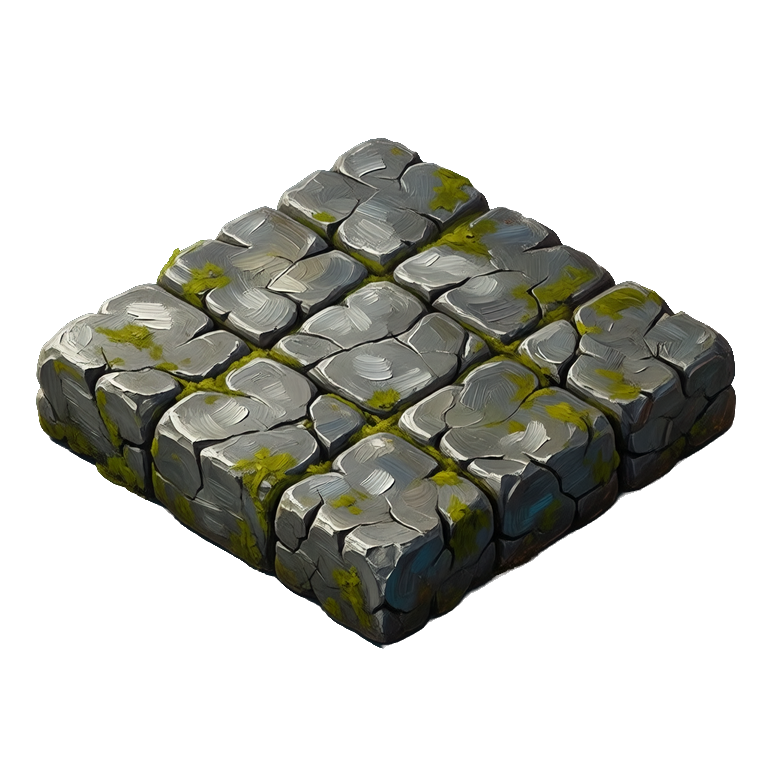
Top-down, side-scrolling, and isometric tiles, each generated as its own image in one style.
Animated tiles bring a map to life
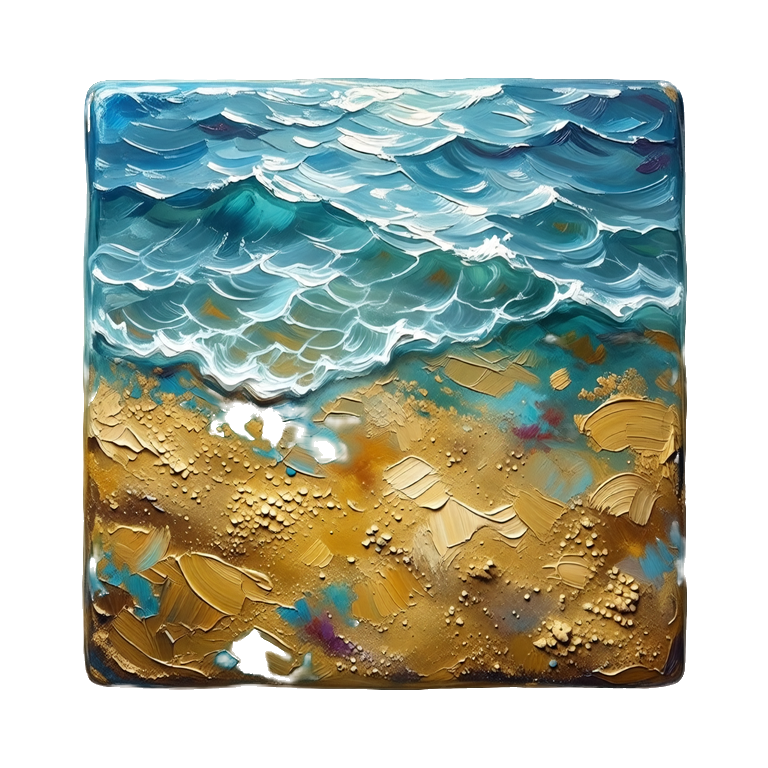
Ludo can animate a map tile as well as generate it. Describe the motion you want and the tile comes back as a sprite sheet you can play in your engine, whether that is a torch flickering, water rippling, or a portal swirling underfoot. Sheets hold up to 64 frames (you choose a maximum of 4, 9, 16, 25, 36, 49 or 64) and are built for looping, and you can also export an animated GIF or the individual frames.
- Torch flames flickering on a dungeon wall tile
- Water rippling with drifting caustics on a shoreline tile
- A portal or rune circle swirling underfoot
- Waterfalls and conveyor belts as horizontal and vertical tiling sprites, animated with Forge
Ludo lives where you build
Every generator in your terminal, your AI agent, your own code and the Unity editor. One account, one set of credits.
Explore developer toolsnpm install -g @ludoai/cliMCP serverAny MCP client, including assistants that can't run commands.https://mcp.ludo.ai/mcpREST APIYour own app, game server or pipeline.https://api.ludo.ai/api/Unity pluginGenerate and import assets inside the Unity editor.How it works
Pick your perspective
Top-down floors, side-scrolling platform ground, or isometric terrain blocks.
Describe the terrain
Grass, stone, water, sand, lava, in any of 32 art styles.
Build your map
Import the tiles into your tilemap and add the terrain rules there. Tiling sprites repeat along one axis; map tiles are independent cells you check side by side.
What devs build with it
Top-down RPGs
Floors, paths, and the edge and corner pieces your terrain transitions need, each as its own tile.
Platformers
Ground and platform tiles for side-scrolling levels.
Isometric worlds
Isometric terrain blocks that line up into tactical and city-builder maps.
FAQ
Do the tiles connect seamlessly?
Horizontal and vertical tiling sprites are made to repeat along their axis, and the app previews them scrolling so you can check the join. Map tiles are independent grid cells with no seamless-edge guarantee, so place neighboring tiles side by side in your map editor and regenerate any that clash.
Can it make top-down, side-scrolling, and isometric tiles?
Yes. Generate top-down floor tiles, side-scrolling platform tiles, or isometric terrain blocks depending on your game.
Can the tiles be animated?
Yes. Ludo animates a map tile as well as generating it: describe the motion and the tile comes back as a sprite sheet you can play in your engine, for torch flames, rippling water, or a swirling portal. Sheets hold up to 64 frames (you choose a maximum of 4, 9, 16, 25, 36, 49 or 64), are built for looping, and you can also export an animated GIF or the individual frames. Waterfalls and conveyor belts can be made as horizontal or vertical tiling sprites instead; animate those with the Forge or Forge Pixel model, since the other models do not preserve the seam.
What about matching textures and props?
Use the texture generator for surfaces and the image generator for props and items, all in the same art style.
How long can an animated tile run, and what does it cost?
Animations run up to 5 seconds. For a tile that must keep its edges, use Forge or Forge Pixel (1.5 credits per second, Forge from 1 to 5 seconds), the two models that preserve tiling; a flickering torch or a swirling portal on a single cell can also use Hydra (3 credits per second, 3 to 5 seconds, with a matching sound effect). Each static tile costs 0.5 credits as an image, and image generation is unlimited in the web app on Pro.
How do I fix one tile that does not match the rest?
Use Generate with Style and pick a tile you like as the style reference, so new tiles take its palette and rendering. For a tile that is almost right, Edit Image repaints it from a plain-language instruction, and Edit with Mask limits the change to one area, such as a cracked corner. Remove Background (free in the web app) cuts a prop or edge piece out onto a transparent background.
Can I generate tiles from code or an AI agent?
Yes. On Pro and Studio, the Ludo API, MCP server and CLI can generate map tiles and tiling sprites (0.5 credits per image, up to 8 variations per request), so a script can produce a set of terrains in one style. API and MCP results are kept for 7 days, so download what you want to keep.
Can I use them commercially?
Yes. You own the tiles you generate with Ludo and can use them however you like, including in commercial games.
Experience the future of game creation
Free to try. No credit card required.