
AI Tiling Sprite Generator
Generate platforms, bridges, fences, ropes, chains and vines on transparent backgrounds that repeat left to right or top to bottom with no visible seam, in any art style.
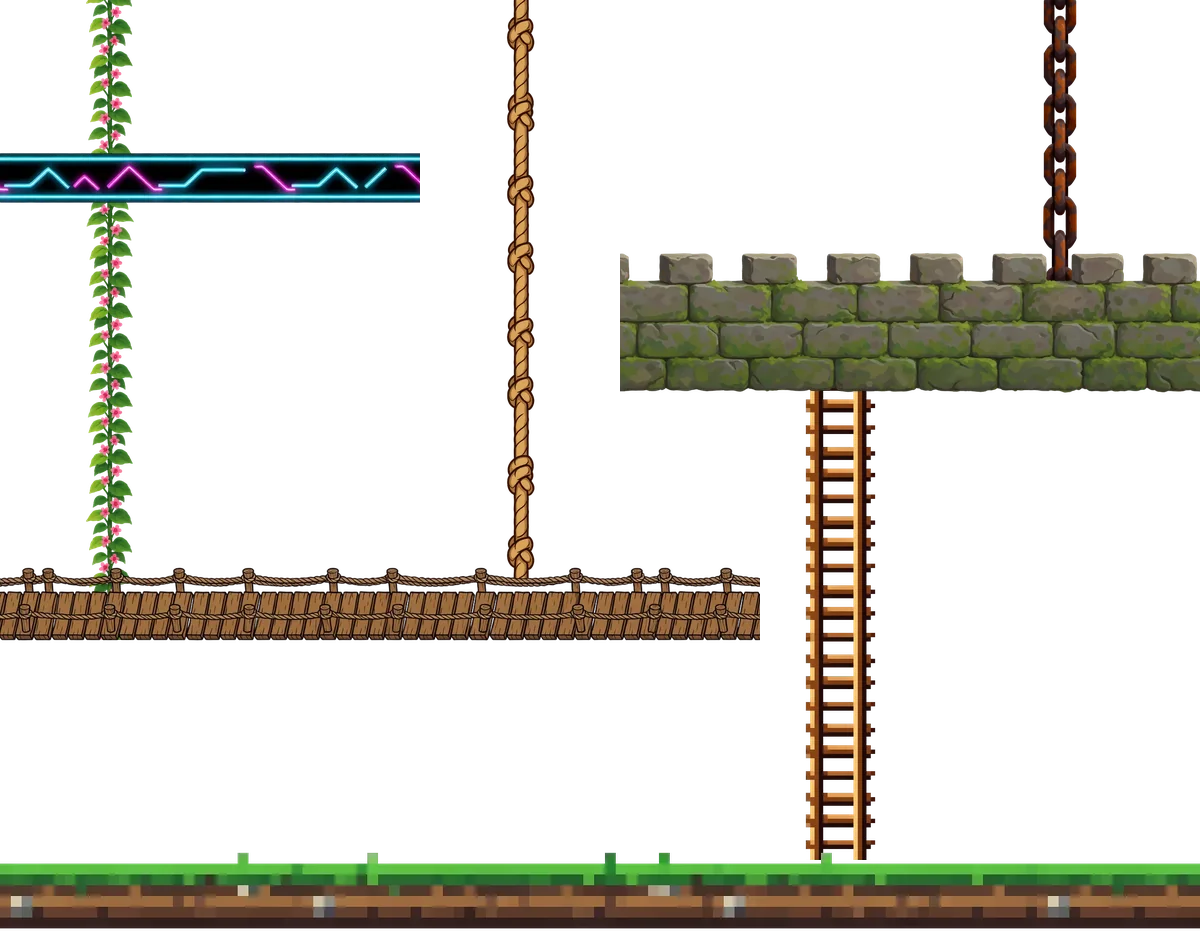
What is a tiling sprite?
A tiling sprite is a cut-out game asset on a transparent background that repeats along one axis with no visible join, so one image covers a run of any length. Ludo's Image Generator has two types: a Horizontal Tiling Sprite repeats left to right, for platforms, bridges, fences, walls and energy beams, and a Vertical Tiling Sprite repeats top to bottom, for ropes, chains, vines and ladders. Unlike a texture, which fills a whole area and repeats on both axes, or a tileset, which is a grid of map cells, a tiling sprite is one object you stretch along a line.
Tiling sprites generated with Ludo
Four that repeat left to right and four that repeat top to bottom, each one image on transparency, looping here the way it would in a level.
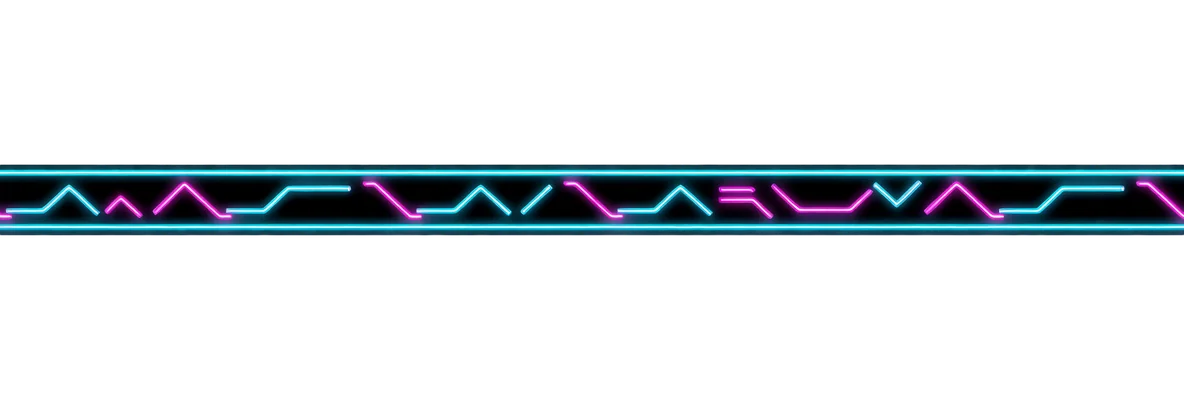
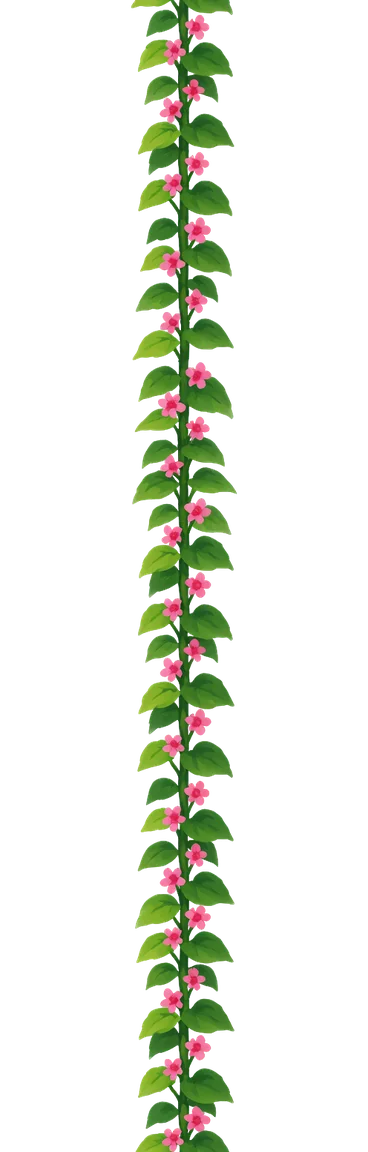
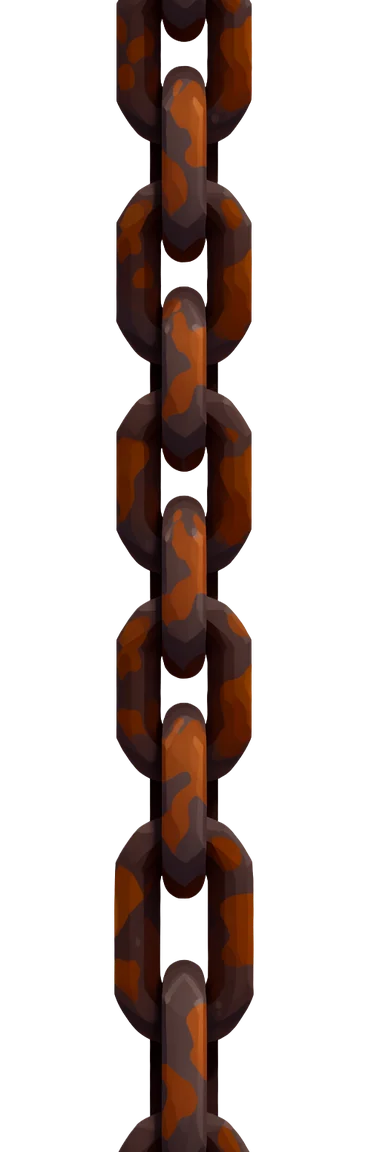
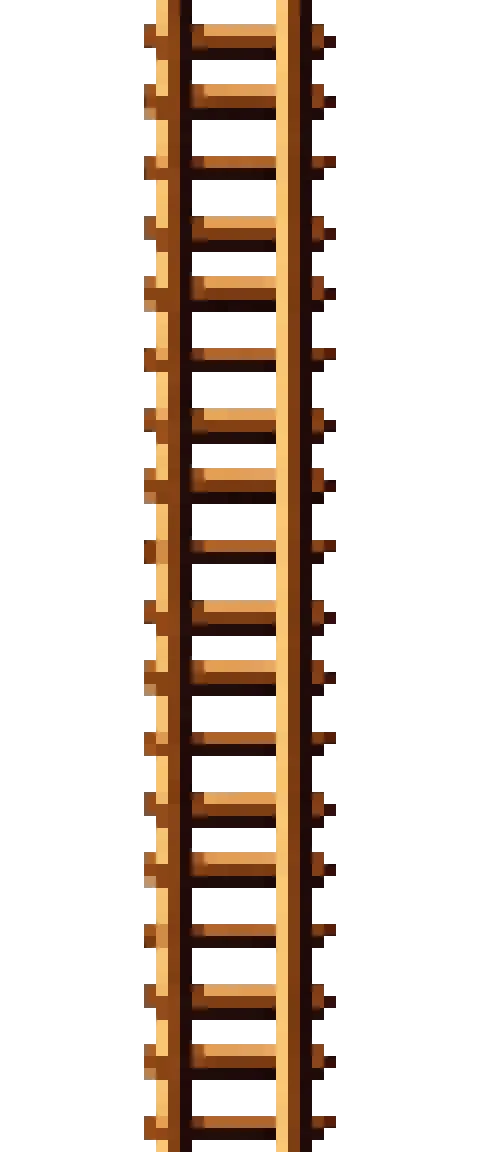
Platforms and walls as long as the level
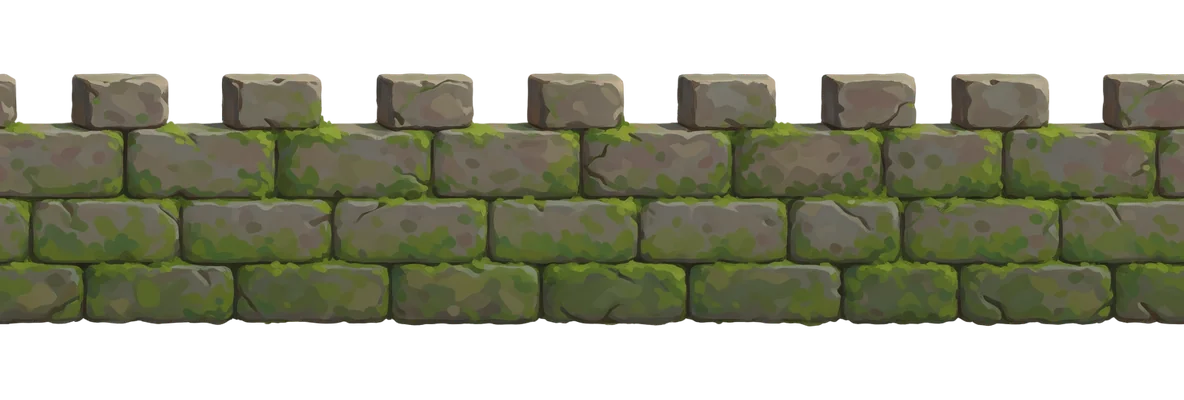
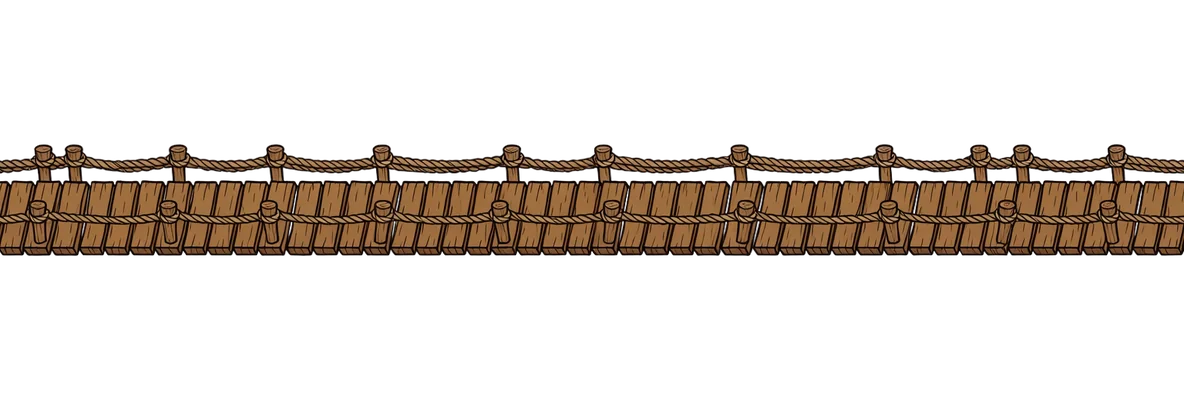
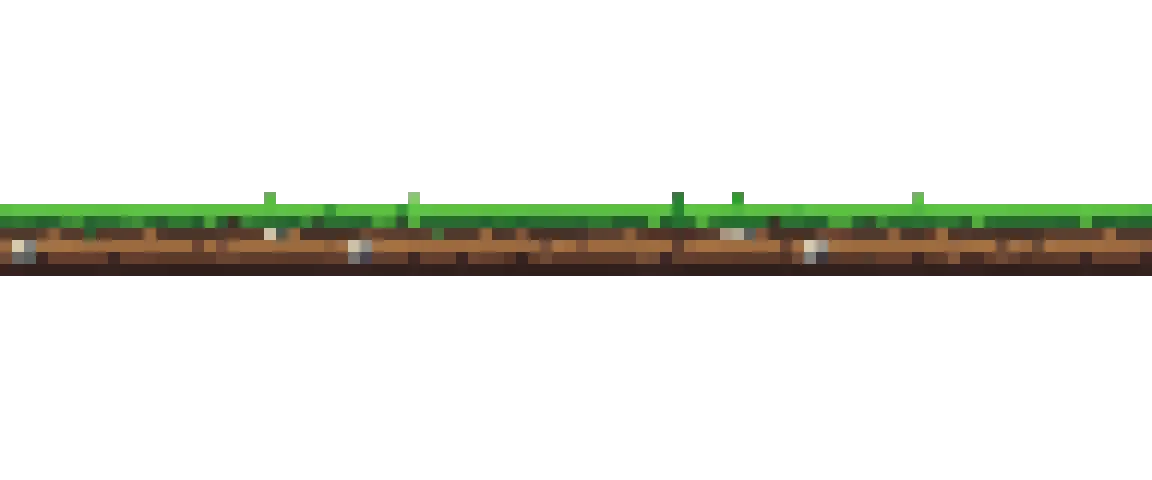
A Horizontal Tiling Sprite repeats left to right, so one generation covers a platform, bridge or wall of any length. Switch on the loop point to see where each copy ends and the next begins.
"a castle wall walkway platform of mossy grey stone blocks with crenellations on top"
- Platforms, bridges, fences, walls and energy beams
- On Auto it comes back as an ultra-wide 21:9 strip, so one image covers a long run
- Cut out on a transparent background, so whatever is behind it shows through
Ropes, chains and vines that hang to any height
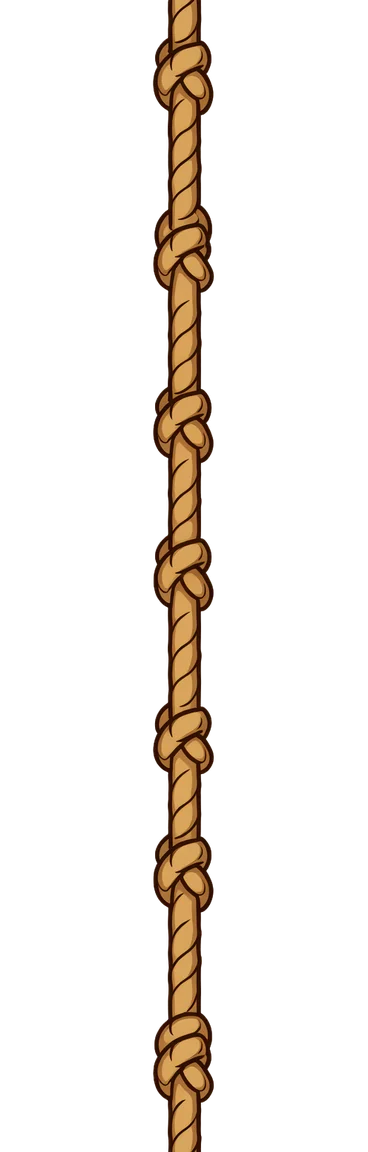
A Vertical Tiling Sprite repeats top to bottom: a vine up a wall, a chain to swing from, a rope to climb. Stack copies for as long as the shaft goes and the join never shows.
"a climbing jungle vine with broad green leaves and small flowers"
"a heavy rusty iron chain hanging straight down"
- Ropes, chains, vines, ladders and beams
- On Auto it comes back as a tall 9:21 strip
- Animate it in the Sprite Generator on Forge, the model that keeps the seam intact
Ludo lives where you build
Every generator in your terminal, your AI agent, your own code and the Unity editor. One account, one set of credits.
Explore developer toolsnpm install -g @ludoai/cliMCP serverAny MCP client, including assistants that can't run commands.https://mcp.ludo.ai/mcpREST APIYour own app, game server or pipeline.https://api.ludo.ai/api/Unity pluginGenerate and import assets inside the Unity editor.How it works
Pick the axis
Horizontal Tiling Sprite for something that runs sideways, Vertical Tiling Sprite for something that hangs or climbs.
Describe one object
"a wooden rope bridge", "a heavy iron chain": just the object, in any of 30+ art styles, with no scene around it.
Check the seam, then repeat it
Scroll or repeat it in the fullscreen viewer, download it, and tile it along its axis in your engine.
What devs build with it
Platforms and ground
Walkways, ledges and floating platforms you can stretch to fit any gap.
Things to climb
Ropes, ladders and vines for vertical movement, any height you need.
Hazards and set dressing
Laser barriers, chains, fences and bridges that span the level.
FAQ
A tiling sprite is one cut-out object on transparency that repeats along a single axis, such as a platform that runs sideways or a rope that hangs down. A texture is a full square surface with no transparency that repeats on both axes, for floors, walls and terrain fills. A tileset is a grid of separate map cells you paint a level with. Ludo makes all three: tiling sprites and textures in the Image Generator, tiles and tilesets as Map Tiles.
Yes. Both tiling types are cut-outs delivered on a transparent background, so the background of your level shows through around the platform, rope or chain.
Horizontal Tiling Sprites are generated to loop left to right and Vertical Tiling Sprites top to bottom. Open the result in the fullscreen viewer and scroll it endlessly or repeat it to check the join before you download; if one shows, generate another variation.
On Auto, a Horizontal Tiling Sprite comes back as an ultra-wide 21:9 strip and a Vertical Tiling Sprite as a tall 9:21 strip, so one image covers a long run. The ones on this page came back about 1,150 to 1,200 px along their repeating side. Those long canvases are only available on Auto.
Yes. Open one in the Sprite Generator's Animate tab and pick Forge, or Forge Pixel for pixel art: they are the only models that keep a tile seamless, and Ludo warns you and offers a one-click switch if you pick another. It also checks that your sprite really wraps on its axis before generating.
In Unity, import it as a sprite with Mesh Type set to Full Rect, then set the Sprite Renderer's Draw Mode to Tiled and stretch it to the length you need. In Godot 4, turn on the node's Texture Repeat and use a region wider or taller than the image, or use a TextureRect with Stretch Mode set to Tile.
Over 30, including 8-Bit and 16-Bit pixel art, Hand-Painted, Western Cartoon, Stylized 3D and Neon, so the platforms match the rest of your game.
Yes. Pass sprite-tiling-horizontal or sprite-tiling-vertical as the image_type when you generate an image, from the Ludo API, the MCP server or the CLI.
Experience the future of game creation
Free to try. No credit card required.