
AI Scatter Pattern Generator
Generate pebbles, flowers, leaves, bones, shells, stars and space debris on transparent backgrounds that repeat left to right and top to bottom with no visible seam, in any art style.
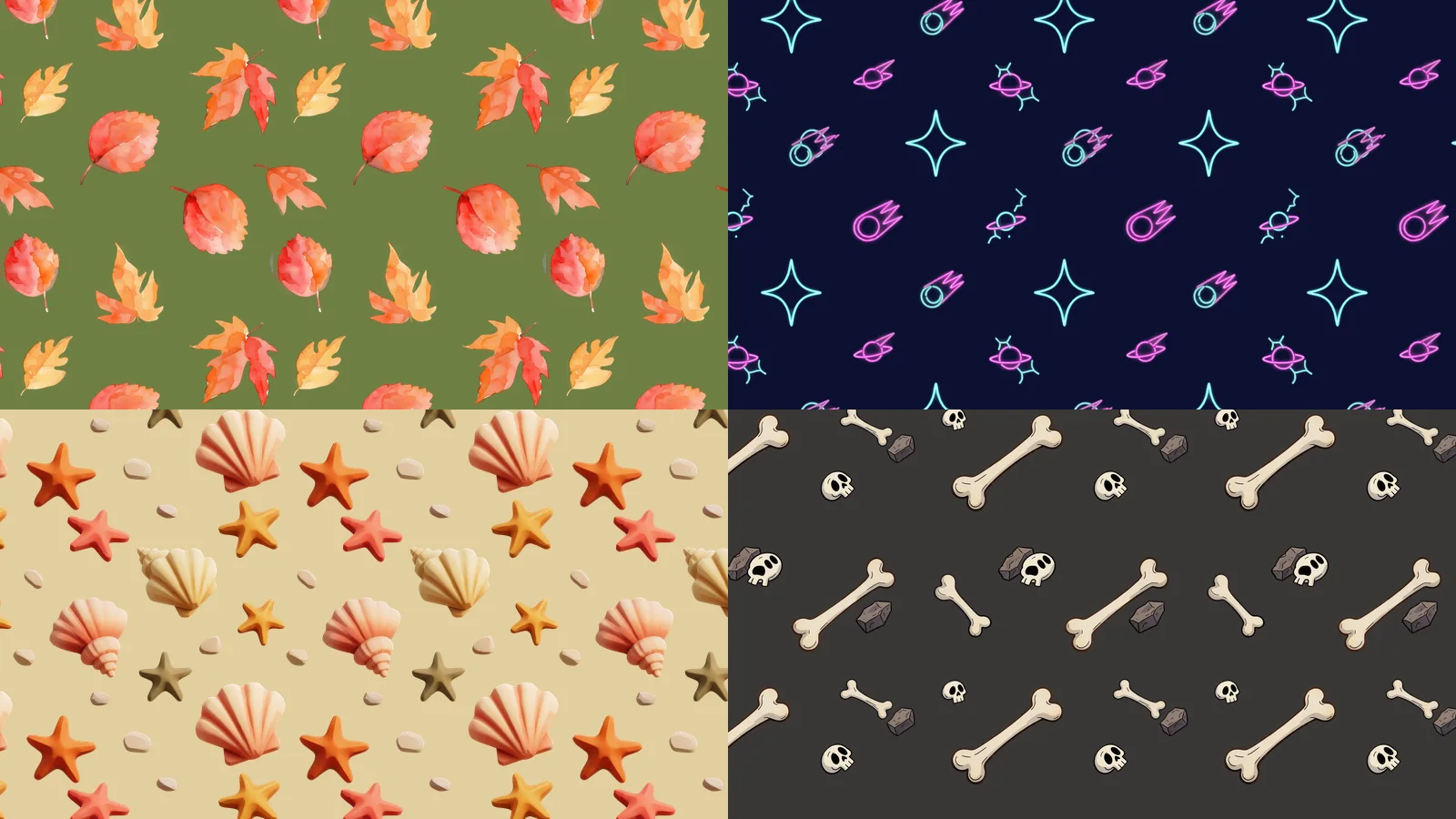
What is a scatter pattern?
A scatter pattern is a set of small elements (pebbles, flowers, fallen leaves, bones, shells, stars) spread over a transparent background so that the image repeats in both directions with no visible join. Laid over a ground, a sky or a floor, it breaks up the surface with detail that never looks like a grid. Ludo's Image Generator makes them with the Scatter Pattern type. Unlike a texture, which is an opaque surface that fills the whole area, a scatter pattern is cut out, so whatever is underneath shows through; unlike a tiling sprite, which is one object that repeats along a single line, it repeats on both axes.
Scatter patterns generated with Ludo
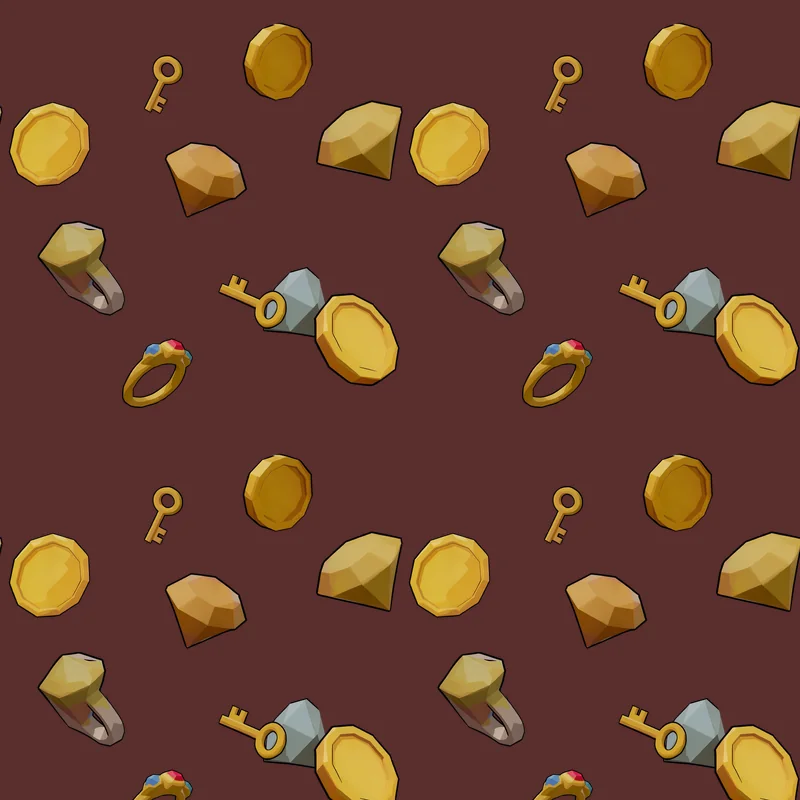
Each one is a single image on transparency, shown here repeated 2 by 2 over a ground color so you can see that the edges meet.
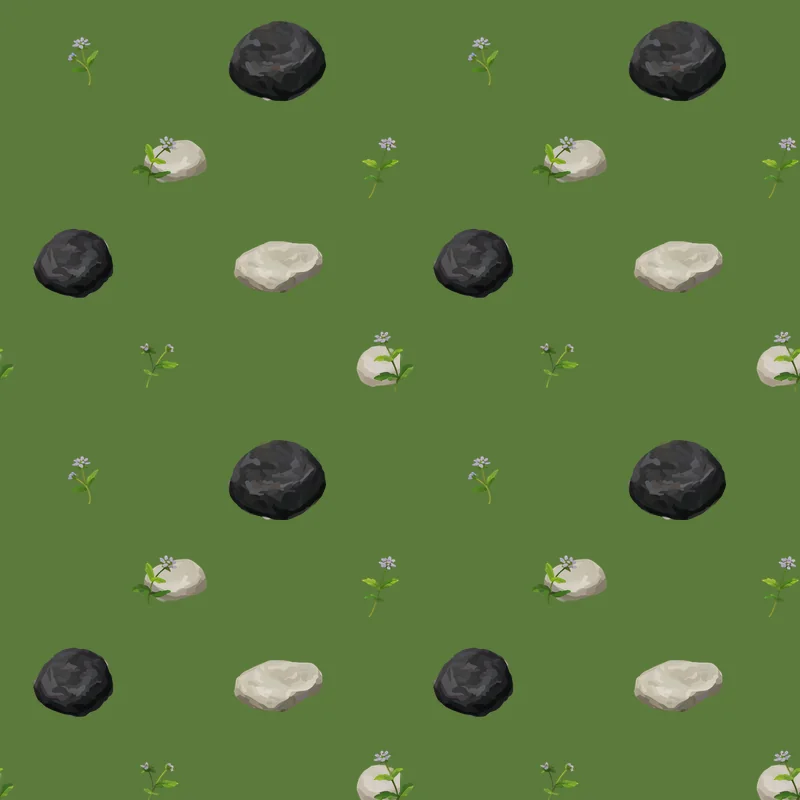
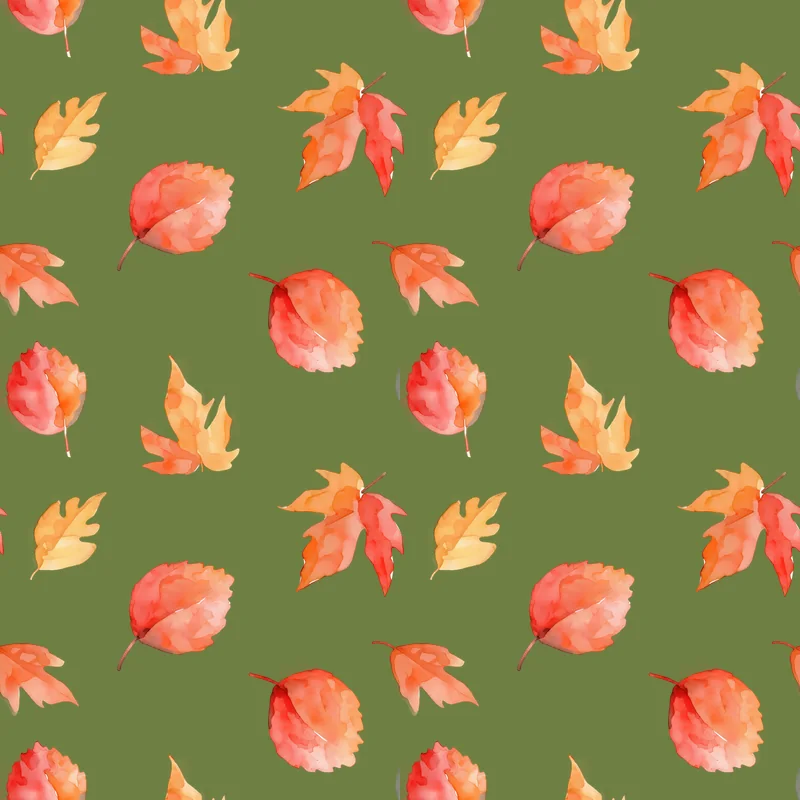
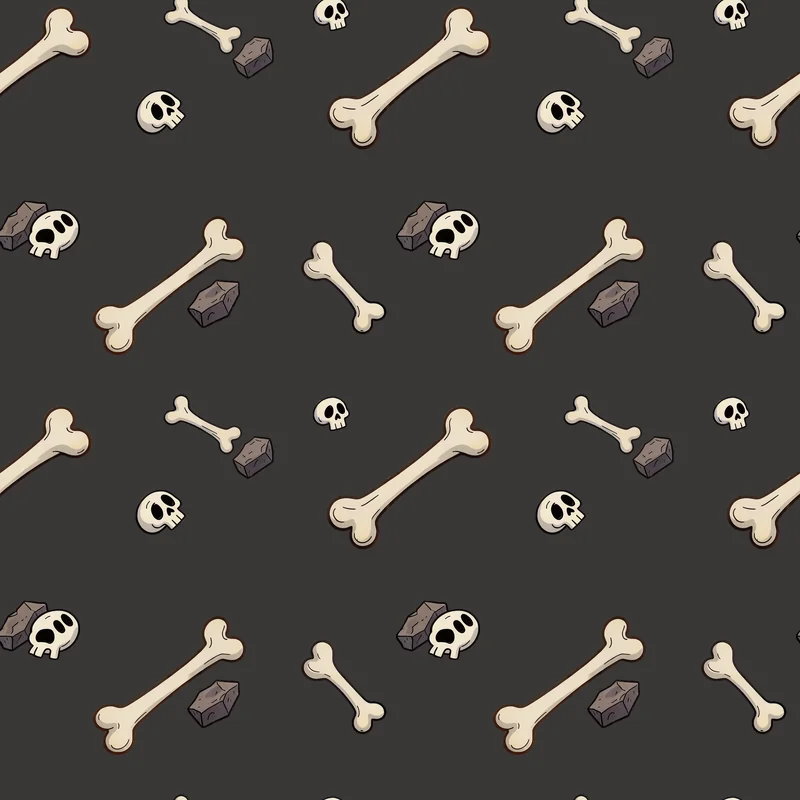
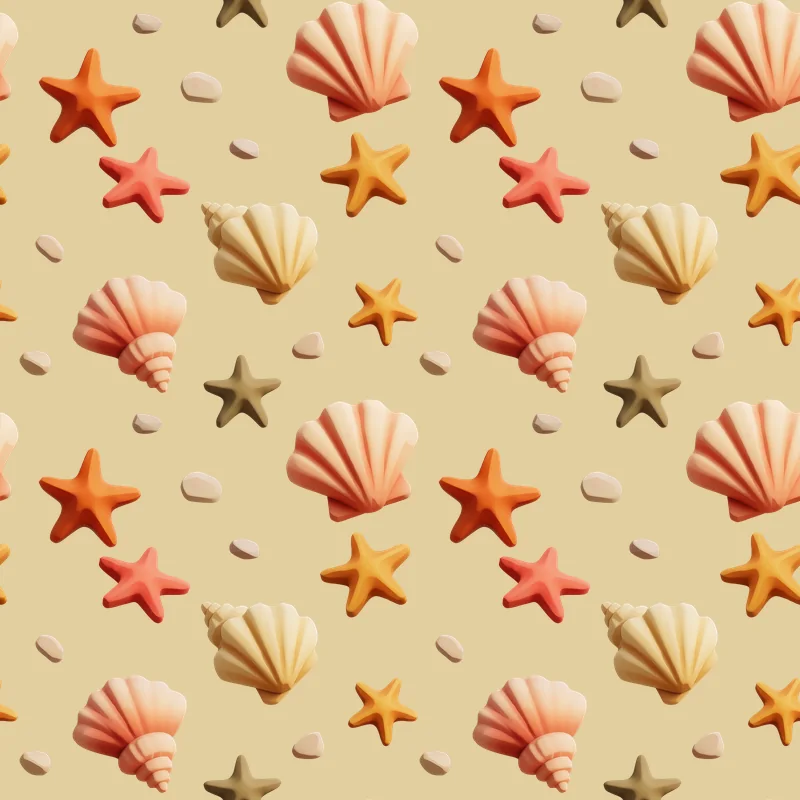
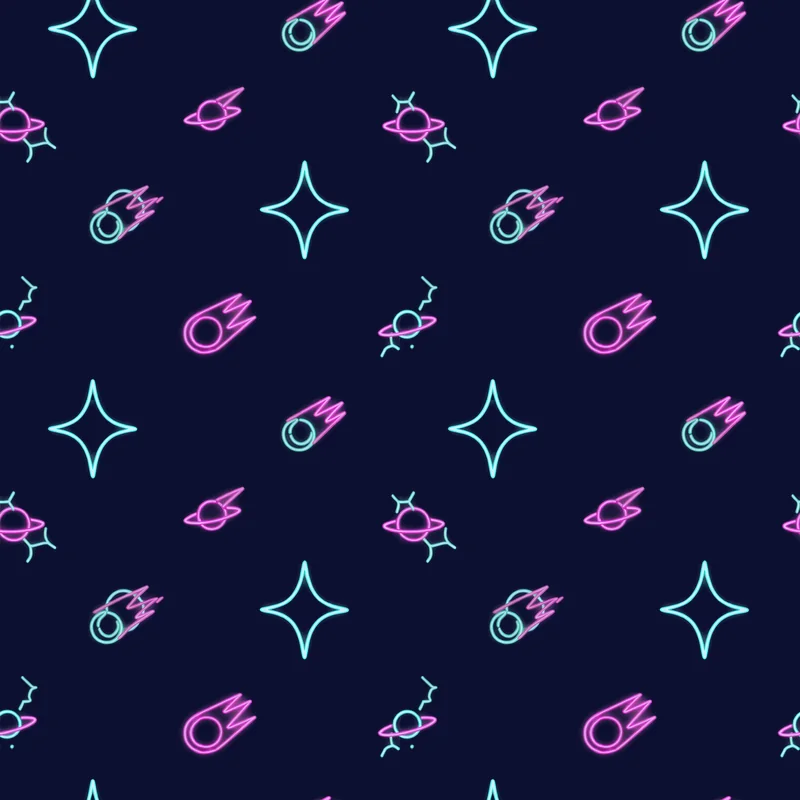
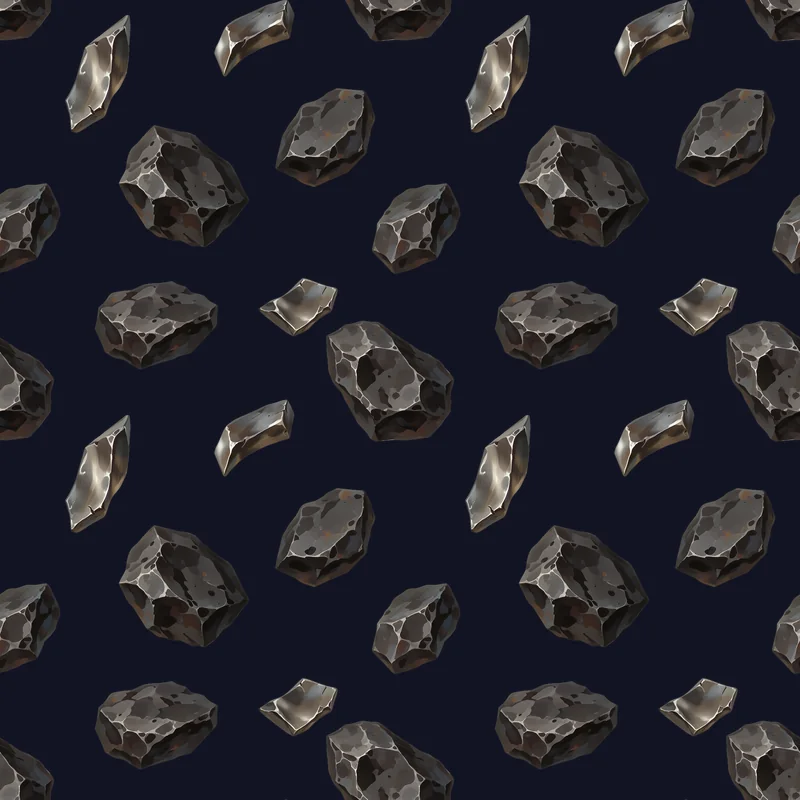
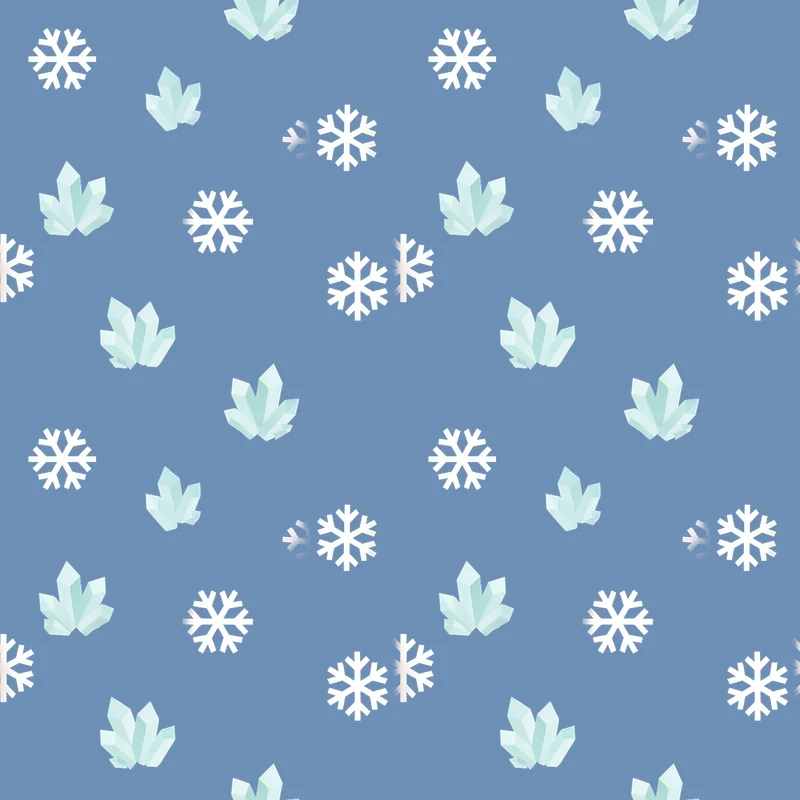
See it repeat in every direction
Pick a pattern and it fills the panel over a ground, the way it would sit on a level. The +/- changes how large each copy is drawn, so you can look for the join at any scale.
Ludo lives where you build
Every generator in your terminal, your AI agent, your own code and the Unity editor. One account, one set of credits.
Explore developer toolsnpm install -g @ludoai/cliMCP serverAny MCP client, including assistants that can't run commands.https://mcp.ludo.ai/mcpREST APIYour own app, game server or pipeline.https://api.ludo.ai/api/Unity pluginGenerate and import assets inside the Unity editor.How it works
Pick Scatter Pattern
Choose the Scatter Pattern type in the Image Generator and an art style that matches the rest of your game.
Name the pieces
"pebbles and small wildflowers", "bones and skulls": list the small things to spread around, with no scene or ground in the prompt.
Check it, then lay it over your ground
Repeat it in the fullscreen viewer to check the join, download the PNG, and tile it over your floor, terrain or sky in your engine.
What devs build with it
Ground detail
Pebbles, flowers, grass tufts and fallen leaves that break up a plain floor or terrain fill.
Skies and space
Stars, comets and drifting debris for space shooters and night skies, over any backdrop.
Themed floors
Bones in a dungeon, shells on a beach, coins in a vault: set dressing that tells you where you are.
FAQ
A scatter pattern is a spread of small cut-out elements on transparency that repeats both left to right and top to bottom, so it goes on top of another surface. A texture is an opaque surface, such as stone, wood or grass, that repeats on both axes and is the surface itself. A tiling sprite is one cut-out object, such as a platform or a rope, that repeats along a single axis. Ludo makes all three in the Image Generator, as the Scatter Pattern, Texture and Horizontal or Vertical Tiling Sprite types.
Yes. A scatter pattern comes back as a PNG on a transparent background, so the ground, floor or sky you put it over shows through between the elements.
They are generated to repeat both ways. Open the result in the fullscreen viewer and repeat it to check the join before you download; if one shows, generate another variation. To check one on your own machine, image repeat in the free ludo toolbox (in the Ludo CLI, no account needed) lays it out as many times as you ask, such as --times 3x3, and rates the join across and down.
The ones on this page came back about 1,024 px on a side, some a little taller than wide. Keep each copy at the image's own proportions when you repeat it, so the edges still meet.
In Unity, import it with Wrap Mode set to Repeat and draw it on a quad over your ground with a tiling value in the material, or import it as a sprite with Mesh Type set to Full Rect and set the Sprite Renderer's Draw Mode to Tiled. In Godot 4, turn on the node's Texture Repeat and give it a region larger than the image, or use a TextureRect with Stretch Mode set to Tile, layered above the ground.
Over 30, including pixel art, Hand-Painted, Watercolor, Western Cartoon, Stylized 3D and Neon, so the scattered details match the rest of your game.
0.5 credits per image, the same as the other Image Generator types.
Yes. Pass scatter-pattern as the image_type when you generate an image from the Ludo CLI, the MCP server or the API.
Experience the future of game creation
Free to try. No credit card required.