

AI Sprite Sheet 產生器
AI 精靈圖表產生與製作工具:描述一個角色,就能得到打包好、可直接用於引擎的 Sprite Sheet。選擇影格、排列與尺寸,再直接拖進 Unity、Godot、GameMaker 或 Phaser。
什麼是 AI Sprite Sheet 產生器?
AI Sprite Sheet 產生器能把角色描述或圖片,變成打包好、可直接用於引擎的精靈圖表(待機、行走、奔跑、攻擊等等),影格對齊一致並附帶圖集(atlas)資料。Ludo 會為你生成並製作影格動畫,數秒內匯出可直接用於 Unity、Godot 與 GameMaker 的精靈圖表。
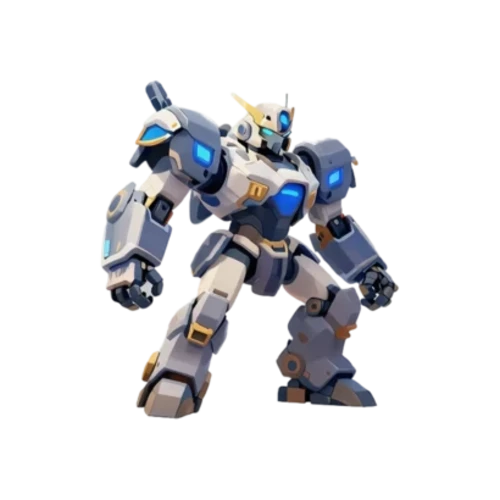
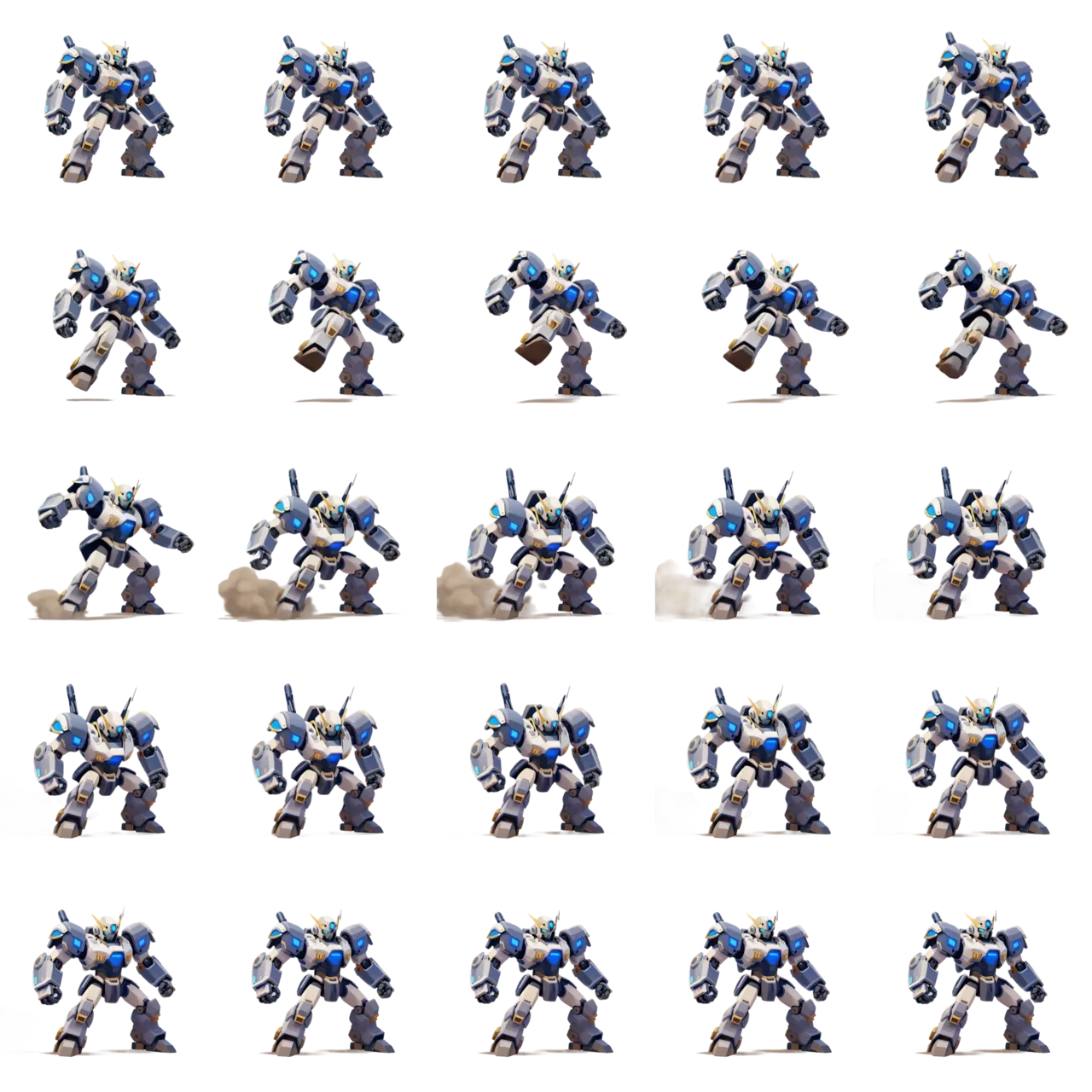
用 Ludo 生成的動畫
這些全都始於一張靜態圖片,動態是生成出來的。
Ludo lives where you build
Every generator in your terminal, your AI agent, your own code and the Unity editor. One account, one set of credits.
Explore developer toolsnpm install -g @ludoai/cliMCP serverAny MCP client, including assistants that can't run commands.https://mcp.ludo.ai/mcpREST APIYour own app, game server or pipeline.https://api.ludo.ai/api/Unity pluginGenerate and import assets inside the Unity editor.運作方式
上傳任何精靈圖
不論是在 Ludo 生成、手繪或委託繪製,任何靜態角色圖片都行。
選擇動作預設
行走、奔跑、待機、跳躍、攻擊,或描述自訂動作。
匯出打包好的圖表
設定影格數、網格排列與單格尺寸,或直接下載 GIF。
開發者用它做什麼
為委託繪製的美術製作動畫
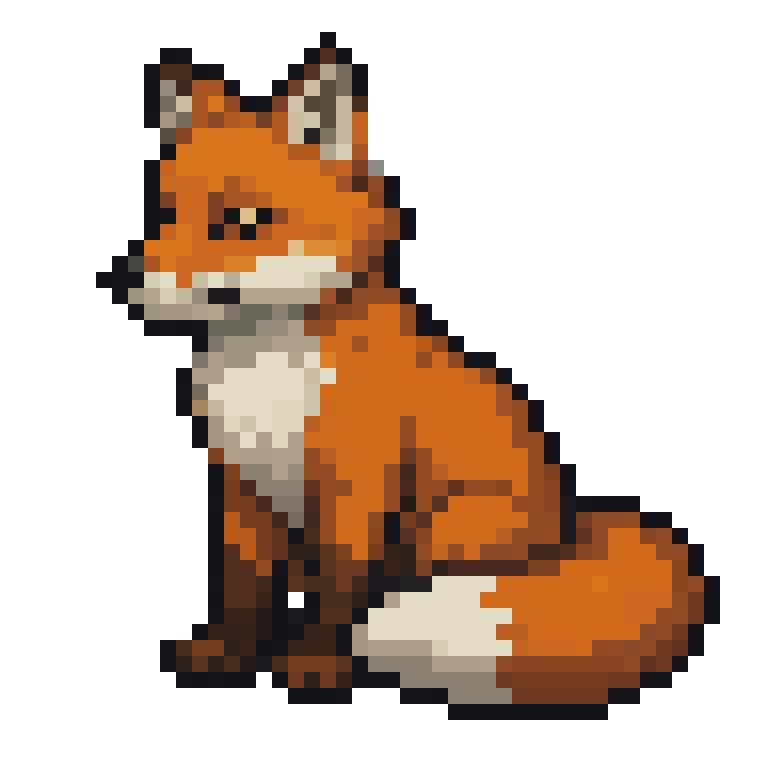
一張角色圖片,就能變成各種動作循環。左邊那隻靜態的像素藝術狐狸是唯一的輸入。
風格一致的敵人與 NPC
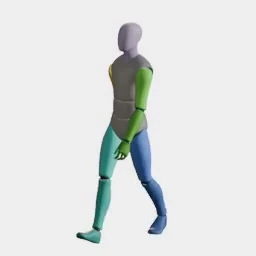
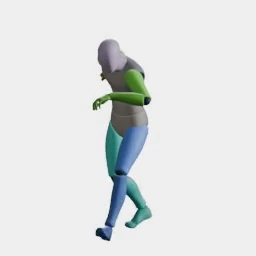
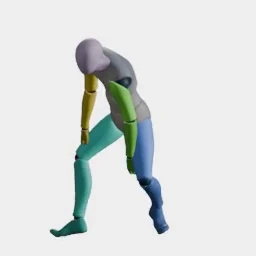
動作轉移:選一次預設,就能套用到任何人身上。冒險者與守衛都由同一個揮手預設驅動,無需綁定,也不必為每個角色個別製作動畫。
特效與衝擊影格
爆炸、揮砍與受擊閃光,皆為影格序列。
常見問題
它能用在不是我在 Ludo 製作的精靈圖上嗎?
可以,上傳任何角色圖片。動畫預設會套用到你的精靈圖上,並保留其風格與比例。
有哪些動畫可用?
有四種製作動畫的方式:動作提示詞、最多三個關鍵影格(起始、中間、結尾)、從參考影片轉移動作,或從 34 個類別、共 641 個動作預設中挑選(行走、奔跑、待機、跳躍、攻擊等)。動畫長度最長 5 秒。
可以匯出哪些格式?
可設定列數、欄數與單格尺寸的透明 PNG 精靈圖表、搭配圖表的 JSON(TexturePacker 格式,適用 Phaser、PixiJS、Cocos2d)、以 ZIP 打包的個別影格、動態 GIF 或 MP4。圖表可直接匯入 Unity、Godot、GameMaker 與 Phaser 的切割工具。
我可以控制影格數量嗎?
可以,匯出時選擇影格數與排列。短循環適合超休閒遊戲,長循環則適合流暢的主角動畫。
這和骨架動畫工具有什麼不同?
沒有綁定(rigging)步驟。你直接從一張平面圖片得到動畫影格,對小型角色與像素藝術來說更快,這類情況用骨架綁定反而多此一舉。
有免費方案嗎?
有。免費方案包含 30 點,足以製作精靈動畫並匯出圖表,無需信用卡。
可以不重新生成就調整圖表嗎?
可以。使用「Adjust Sprite Sheet」,就能免費以不同的影格數、影格尺寸或循環裁切重新匯出已完成的動畫。動畫本身不會改變,也不需要重新生成。
精靈圖表附帶音效嗎?
用 Hydra 或 Hydra+ 製作的圖表會附上相符的音效。其他模型製作的圖表,可以事後再生成一段音效(3 點)。
生成的精靈圖表歸誰所有?
歸你所有。你用 Ludo 生成的素材由你擁有,可以隨意使用,包括用在商業遊戲中。
Experience the future of game creation
Free to try. No credit card required.