

Generate Game Assets in Cursor
Bring Ludo's full asset pipeline into Cursor. Add one MCP server and generate sprites, 3D models, music and more from a prompt, then drop the engine-ready files straight into your project.
What is the Ludo MCP for Cursor?
The Ludo MCP server connects Ludo's generative AI to Cursor through the Model Context Protocol, so you can create game-ready sprites, animations, 3D models, images, music, sound effects and video from a prompt, without leaving your editor. Add the server to Cursor's MCP settings and the assistant generates engine-ready assets and returns the files inline.
One prompt away, right from Cursor
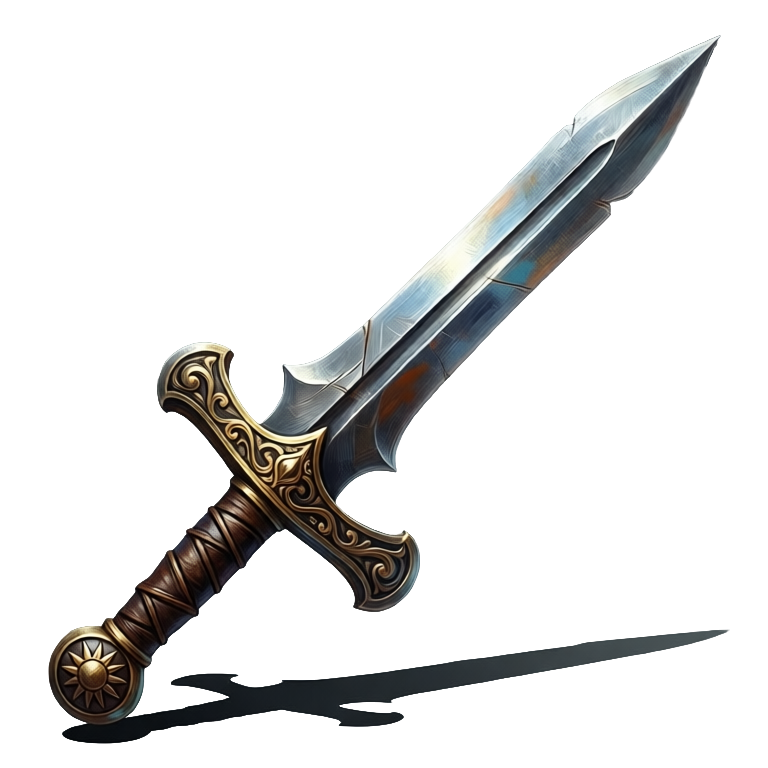
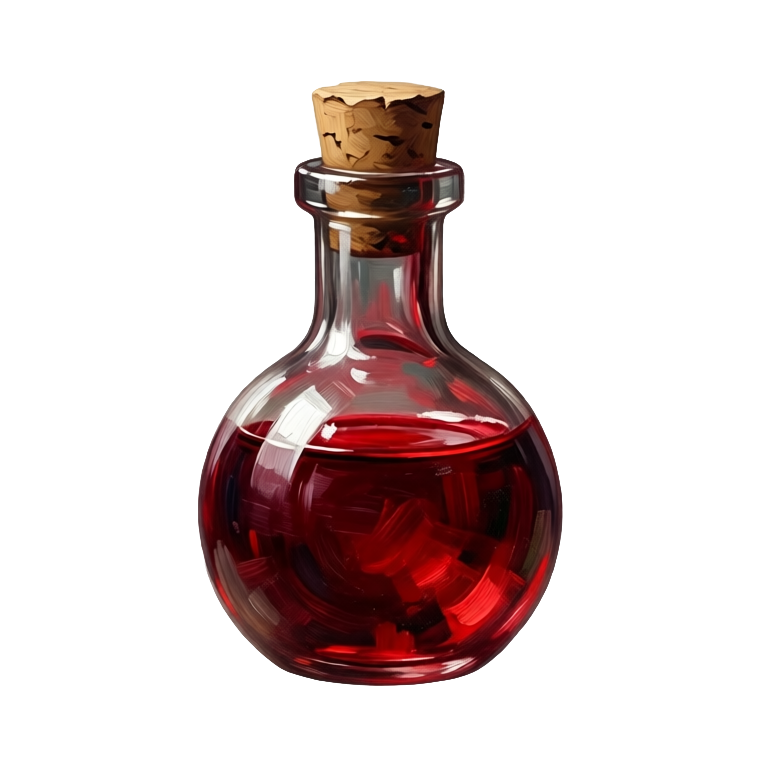
Sprites, animations, icons, UI, backgrounds and more, all generated through the Ludo MCP and returned engine-ready.


Generate audio from the same prompt
Music, sound effects, and character voices, generated through the Ludo MCP and returned as audio files.
Ludo lives where you build
Every generator in your terminal, your AI agent, your own code and the Unity editor. One account, one set of credits.
Explore developer toolsnpm install -g @ludoai/cliMCP serverAny MCP client, including assistants that can't run commands.https://mcp.ludo.ai/mcpREST APIYour own app, game server or pipeline.https://api.ludo.ai/api/Unity pluginGenerate and import assets inside the Unity editor.How it works
Get your API key
Sign up at ludo.ai and copy your API key from app.ludo.ai. MCP access is included on the Pro and Studio plans.
Add Ludo to Cursor
In Cursor's MCP settings, add the Ludo server at https://mcp.ludo.ai/mcp with an "Authorization: ApiKey YOUR_API_KEY" header, or use the one-click Add to Cursor button on ludo.ai/developers/mcp.
Prompt for assets
Ask Cursor to generate a sprite, 3D model, track or sound effect, and Ludo returns production-ready, engine-ready files you can use right away.
FAQ
How do I use Ludo in Cursor?
Get an API key at app.ludo.ai, then add the Ludo MCP server (https://mcp.ludo.ai/mcp) to Cursor's MCP settings with an "Authorization: ApiKey YOUR_API_KEY" header. Cursor can then call Ludo's generation tools directly from a prompt.
What can I generate from Cursor?
Sprites and sprite-sheet animations, images, icons and UI, 3D models (GLB with PBR textures), music, sound effects, character voices and video: the same generators available in the Ludo app and REST API.
Are the assets engine-ready?
Yes. Sprite animations come back as a sprite sheet with its frame count, grid and duration (plus a GIF and individual frames on request), 3D models as GLB, and audio as MP3 or WAV, ready to drop straight into your project.
Does it also work with Claude?
Yes. The same Ludo MCP server works with Claude Desktop, Claude Code and any MCP-compatible client, not just Cursor.
Does it use credits?
Yes. API and MCP generations use credits, image generation included, even on plans with unlimited web features. MCP, API and CLI access is included on the Pro ($50/mo) and Studio plans.
Can Cursor use the Ludo CLI instead?
Yes. Cursor's agent can run terminal commands, so the Ludo CLI (npm install -g @ludoai/cli) works there too, with far fewer tokens than MCP.
Can I retrieve generated assets later?
Yes. Each generator accepts an optional request_id that tags the result, and the results endpoints return your recent API-generated assets for up to 7 days.
Experience the future of game creation
Free to try. No credit card required.