
AI 스프라이트 생성기 (Sprite Generator)
캐릭터 제작을 위한 sprite AI: 어떤 아트 스타일이든 영웅, 적, NPC를 생성하세요. 하나의 캐스트처럼 비주얼이 일관되고, 포즈 변경이 가능하며, 게임에 바로 넣을 수 있는 투명 PNG로 내보냅니다.
AI 2D 스프라이트 생성기란 무엇인가요?
AI 스프라이트 생성기(sprite generator)는 텍스트 설명만으로 영웅, 적, NPC 같은 오리지널 게임 캐릭터를 만들고, 걷기·달리기·대기·공격 사이클로 애니메이션까지 적용해 주는 2D sprite AI 도구입니다. Ludo는 32가지 아트 스타일로 일관된 2D 스프라이트를 생성하고, Unity, Godot, GameMaker에서 바로 쓸 수 있는 패킹된 스프라이트 시트로 내보냅니다.
Watch a visual novel cast made in Ludo
Ivy, Rowan and Professor Hale from one recipe in the Watercolor style, every expression with Edit with Mask and a new outfit with Edit Image, then a greenhouse background, a dialogue box and a name plate put together in a Ren'Py scene.
How to Make Visual Novel Sprites with AI (Consistent Cast, Every Expression, Ren'Py Scene)
Transcript: How to Make Visual Novel Sprites with AI (Consistent Cast, Every Expression, Ren'Py Scene)
Rowan: Late again, Ivy.
Ivy: I was out picking lavender. For you, actually!
Rowan: For... for me?
Every image in this visual novel scene, the cast, every face, the background and even the dialogue box, came out of ludo.ai.
Here's how to make your own, start to finish.
Open the Image Generator, keep Generation Mode on Generate New, and pick the Sprite type, so she comes back cut out on a transparent background.
In Filters, set Art Style to Watercolor, a soft painted look that suits a visual novel, and Aspect Ratio to Portrait 9:16, so there's room for the whole figure.
The prompt is a recipe: her name and who she is, hair and eyes, the outfit, one prop, and standing and facing the viewer, full body.
Generate, and pick the take you'd happily look at for a whole game.
Ours came out like this.
Ivy: Obviously, this one.
For the rest of the cast, keep every setting and the same recipe, and only change the person.
Giving them the same academy cloak helps them read as one cast.
Rowan: It looks better on me.
Now the expressions.
Open Generation Mode, the menu that also holds Edit Image and Upscale Image, and pick Edit with Mask.
Choose her sprite, press Draw Mask and paint over her face, then describe the new one: angry, frowning, cheeks puffed in a pout.
The mask limits the edit to the painted area, so her hair, outfit and pose stay where they were, and the sprite doesn't jump when her mood changes.
One description per mood: happy, angry, sad, surprised, flustered and smug, then a few more for Rowan and Professor Hale.
Hale: I do not do flustered.
For clothes, switch to Edit Image and write it out: change only her outfit to a summer festival yukata, and keep her face, hair and pose.
We did the same for a pose, hands on hips for her confident moments.
Backgrounds come from the Static Background type, in the same Watercolor style at Landscape 16:9: an empty greenhouse, painted edge to edge, so the cast can stand in it.
Even the dialogue box and the name plate are Ludo images, from the UI Element type at a wide aspect ratio, already on transparent backgrounds.
For a crisp full-screen scene, Upscale Image raises the resolution.
Download each one, it saves as a PNG, and put the sprites in your Ren'Py project's images folder, named by character and mood, like ivy angry.
A script line that says show ivy angry swaps her face on that line, and the box and the plate go in the gui folder, with a few style lines from the pinned comment.
Here's the scene in Ren'Py.
Hale: Both of you. Inside. Now.
Ivy: Professor Hale?!
Subscribe for more game art tutorials, and if you're making RPG dialogue portraits, that tutorial is right here.
Ivy: Start free at ludo.ai. And Rowan, stop blushing.
Rowan: I'm not!
Ludo로 생성한 캐릭터
영웅, 적, 동료, NPC 모두 Ludo에서 생성하고, 포즈를 잡고, 애니메이션까지 적용했습니다.
Ludo lives where you build
Every generator in your terminal, your AI agent, your own code and the Unity editor. One account, one set of credits.
Explore developer toolsnpm install -g @ludoai/cliMCP serverAny MCP client, including assistants that can't run commands.https://mcp.ludo.ai/mcpREST APIYour own app, game server or pipeline.https://api.ludo.ai/api/Unity pluginGenerate and import assets inside the Unity editor.사용 방법
캐릭터를 설명하세요
역할, 외형, 장비에 아트 스타일과 시점까지 텍스트로 적으면 됩니다.
변형을 만들며 다듬으세요
프롬프트를 수정하거나, 이전 캐릭터를 스타일 레퍼런스로 사용하세요.
포즈, 애니메이션, 내보내기
새 포즈와 애니메이션 프리셋을 적용하고 투명 PNG 또는 스프라이트 시트로 내보냅니다.
개발자들이 이렇게 활용합니다


일관된 캐릭터 캐스트
캐릭터 하나를 생성한 뒤 나머지의 스타일 앵커로 사용하세요. 여기 있는 모험가, 상점 주인, 경비병은 모두 하나의 앵커에서 나왔습니다. 같은 아티스트가 그린 듯한 캐스트 전체를 얻을 수 있습니다.
스타일 탐색
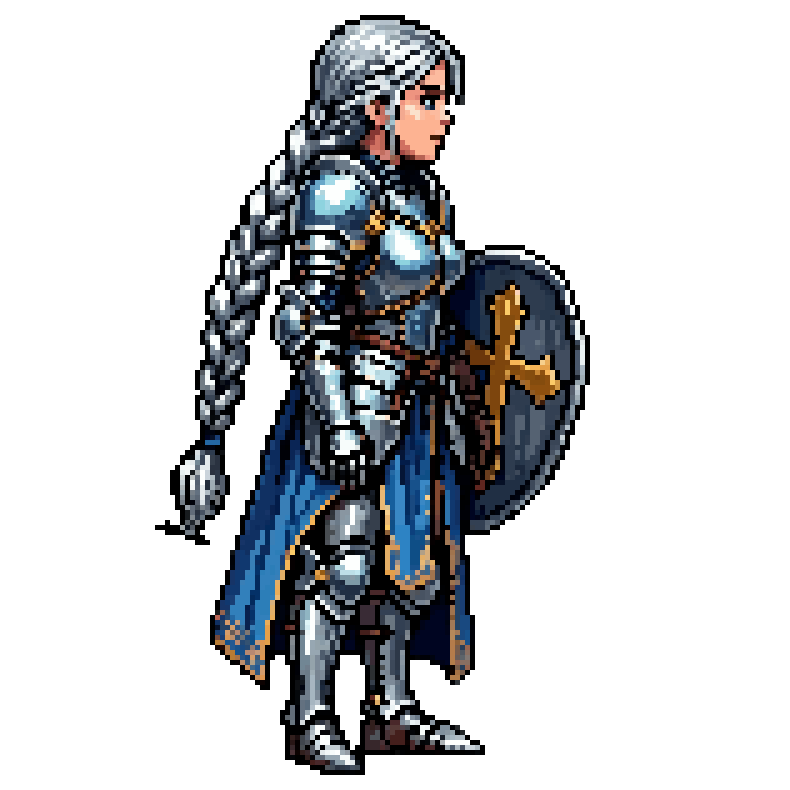
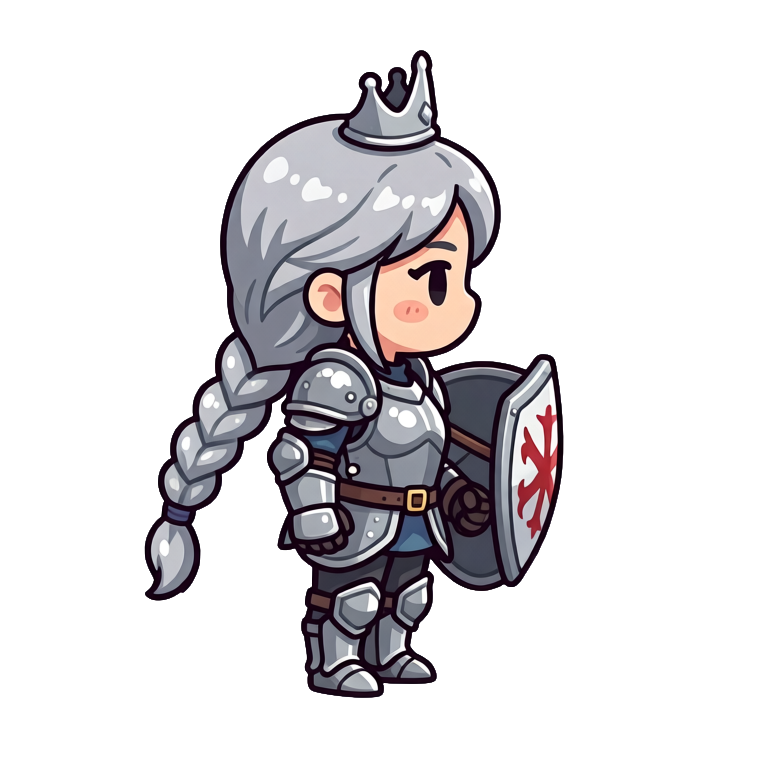
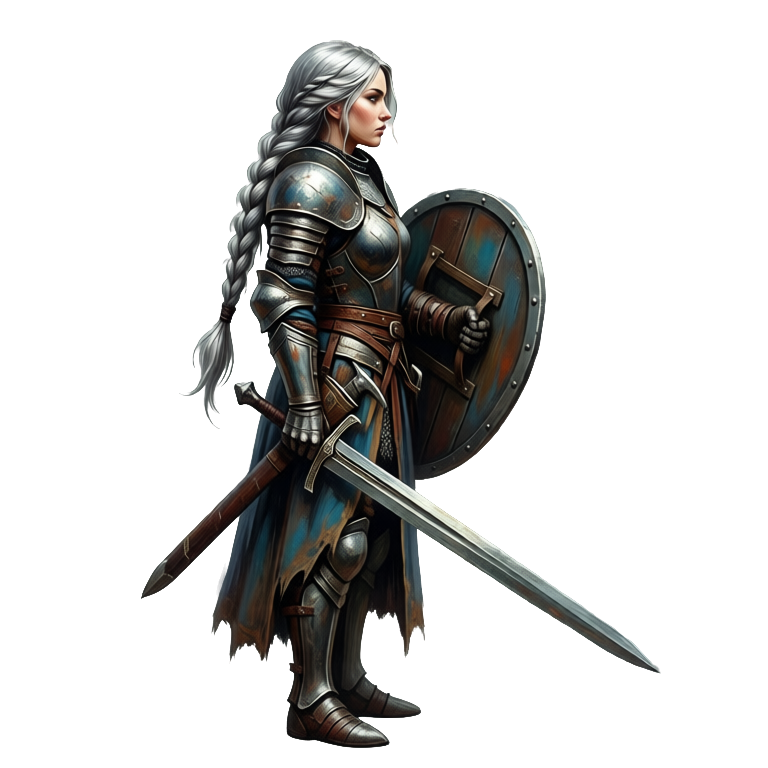
같은 기사 공주를 16비트, 치비, 핸드페인팅으로 만들어 보세요. 아트 방향을 확정하기 전에 주인공을 모든 스타일로 미리 확인할 수 있습니다.
자주 묻는 질문
8비트·16비트 픽셀 아트, 카툰, 애니메/망가, 치비, 핸드페인팅, 수채화, 플랫 디자인, 로우 폴리, 복셀, 클레이메이션 등 32가지 스타일을 지원합니다.
네. 스타일 레퍼런스 이미지와 함께 생성하면 새 캐릭터가 같은 팔레트, 선 두께, 비율을 그대로 따릅니다.
네, 배경 제거가 기본 내장되어 있어 캐릭터가 엔진에 바로 넣을 수 있는 투명 PNG로 내보내집니다.
네. 모션 프롬프트, 직접 그린 키프레임, 레퍼런스 영상, 641가지 프리셋 중 하나로 어떤 캐릭터든 최대 5초, 64프레임까지 애니메이션할 수 있고, Hydra 애니메이션에는 어울리는 효과음이 함께 생성됩니다. 직접 만든 캐릭터 이미지를 업로드해 애니메이션할 수도 있습니다.
네. Change Pose로 캐릭터를 새 포즈로 바꿀 수 있고, 그 안의 Change View 모드로 8가지 카메라 각도 중 하나로 돌릴 수 있습니다. New Direction은 완성된 애니메이션을 동작과 타이밍은 그대로 둔 채 새 방향으로 다시 렌더링합니다. 방향마다 모습이 정확히 맞아야 하는 캐릭터라면 Directional Sprites가 리깅된 3D 모델 하나에서 최대 8방향을 15가지 스타일로 렌더링하며, 텍스트 설명이나 직접 가져온 캐릭터 이미지로 시작할 수 있습니다.
여러분에게 있습니다. Ludo로 생성한 캐릭터는 여러분의 소유이며, 상업용 게임을 포함해 원하는 대로 사용할 수 있습니다.
Experience the future of game creation
Free to try. No credit card required.