
AI Sprite Generator für 2D Sprites
Ein KI-Sprite-Generator für Charaktere: Erstelle Helden, Gegner und NPCs in jedem Art-Style, als Cast visuell konsistent, posierbar und exportiert als saubere transparente PNGs, bereit für dein Spiel.
Was ist ein AI Sprite Generator?
Ein AI Sprite Generator erstellt originelle Spielcharaktere wie Helden, Gegner und NPCs aus einer Textbeschreibung und animiert sie anschließend mit Geh-, Renn-, Idle- und Angriffszyklen. Der KI-Sprite-Generator von Ludo generiert konsistente 2D Sprites in 32 Art-Styles und exportiert gepackte, engine-fertige Sprite Sheets für Unity, Godot und GameMaker.
Watch a visual novel cast made in Ludo
Ivy, Rowan and Professor Hale from one recipe in the Watercolor style, every expression with Edit with Mask and a new outfit with Edit Image, then a greenhouse background, a dialogue box and a name plate put together in a Ren'Py scene.
How to Make Visual Novel Sprites with AI (Consistent Cast, Every Expression, Ren'Py Scene)
Transcript: How to Make Visual Novel Sprites with AI (Consistent Cast, Every Expression, Ren'Py Scene)
Rowan: Late again, Ivy.
Ivy: I was out picking lavender. For you, actually!
Rowan: For... for me?
Every image in this visual novel scene, the cast, every face, the background and even the dialogue box, came out of ludo.ai.
Here's how to make your own, start to finish.
Open the Image Generator, keep Generation Mode on Generate New, and pick the Sprite type, so she comes back cut out on a transparent background.
In Filters, set Art Style to Watercolor, a soft painted look that suits a visual novel, and Aspect Ratio to Portrait 9:16, so there's room for the whole figure.
The prompt is a recipe: her name and who she is, hair and eyes, the outfit, one prop, and standing and facing the viewer, full body.
Generate, and pick the take you'd happily look at for a whole game.
Ours came out like this.
Ivy: Obviously, this one.
For the rest of the cast, keep every setting and the same recipe, and only change the person.
Giving them the same academy cloak helps them read as one cast.
Rowan: It looks better on me.
Now the expressions.
Open Generation Mode, the menu that also holds Edit Image and Upscale Image, and pick Edit with Mask.
Choose her sprite, press Draw Mask and paint over her face, then describe the new one: angry, frowning, cheeks puffed in a pout.
The mask limits the edit to the painted area, so her hair, outfit and pose stay where they were, and the sprite doesn't jump when her mood changes.
One description per mood: happy, angry, sad, surprised, flustered and smug, then a few more for Rowan and Professor Hale.
Hale: I do not do flustered.
For clothes, switch to Edit Image and write it out: change only her outfit to a summer festival yukata, and keep her face, hair and pose.
We did the same for a pose, hands on hips for her confident moments.
Backgrounds come from the Static Background type, in the same Watercolor style at Landscape 16:9: an empty greenhouse, painted edge to edge, so the cast can stand in it.
Even the dialogue box and the name plate are Ludo images, from the UI Element type at a wide aspect ratio, already on transparent backgrounds.
For a crisp full-screen scene, Upscale Image raises the resolution.
Download each one, it saves as a PNG, and put the sprites in your Ren'Py project's images folder, named by character and mood, like ivy angry.
A script line that says show ivy angry swaps her face on that line, and the box and the plate go in the gui folder, with a few style lines from the pinned comment.
Here's the scene in Ren'Py.
Hale: Both of you. Inside. Now.
Ivy: Professor Hale?!
Subscribe for more game art tutorials, and if you're making RPG dialogue portraits, that tutorial is right here.
Ivy: Start free at ludo.ai. And Rowan, stop blushing.
Rowan: I'm not!
Charaktere generiert mit Ludo
Helden, Gegner, Begleiter und NPCs: jeder einzelne in Ludo generiert, posiert und animiert.
Ludo lives where you build
Every generator in your terminal, your AI agent, your own code and the Unity editor. One account, one set of credits.
Explore developer toolsnpm install -g @ludoai/cliMCP serverAny MCP client, including assistants that can't run commands.https://mcp.ludo.ai/mcpREST APIYour own app, game server or pipeline.https://api.ludo.ai/api/Unity pluginGenerate and import assets inside the Unity editor.So funktioniert's
Beschreibe den Charakter
Rolle, Look und Ausrüstung, dazu Art-Style und Perspektive.
Iteriere mit Variationen
Verfeinere den Prompt oder nutze einen früheren Charakter als Stilreferenz.
Posieren, animieren, exportieren
Neue Posen, Animations-Presets, transparente PNGs oder Sprite Sheets.
Was Devs damit bauen


Ein konsistenter Cast
Generiere einen Charakter und nutze ihn als Stil-Anker für den Rest: Abenteurer, Händler und Wache stammen hier alle vom selben Anker. Der ganze Cast, wie vom selben Artist gezeichnet.
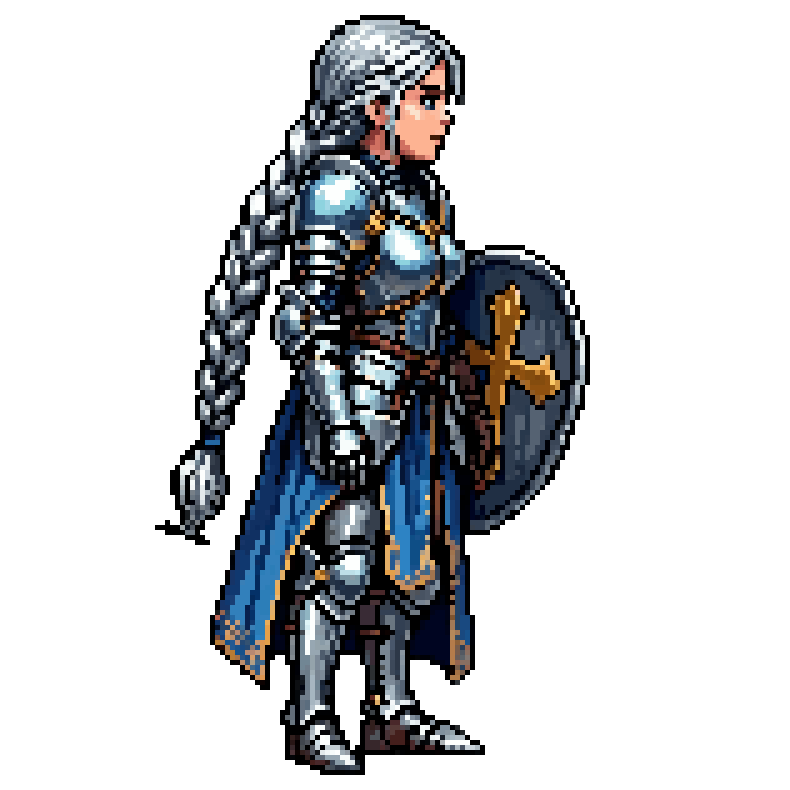
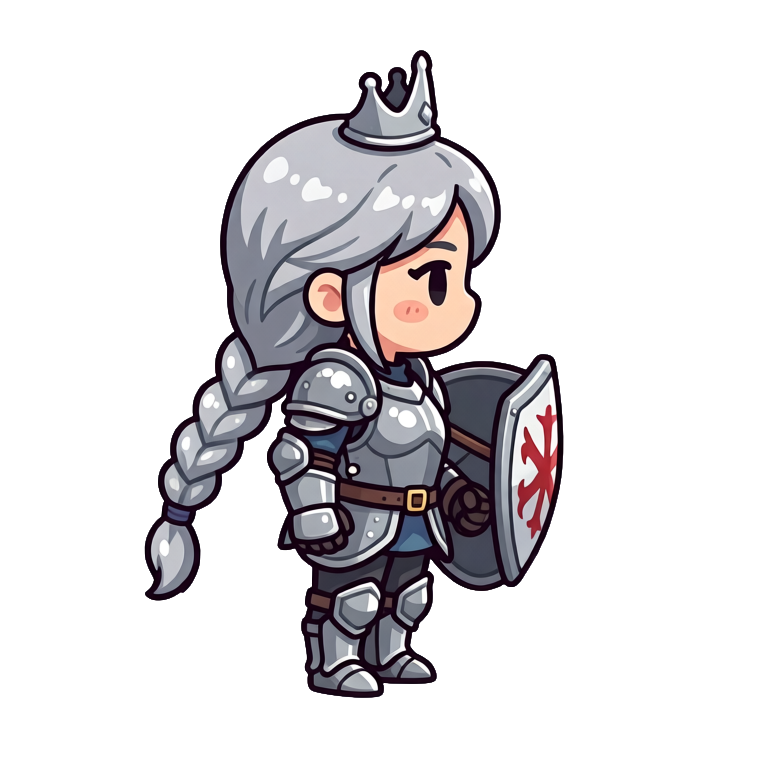
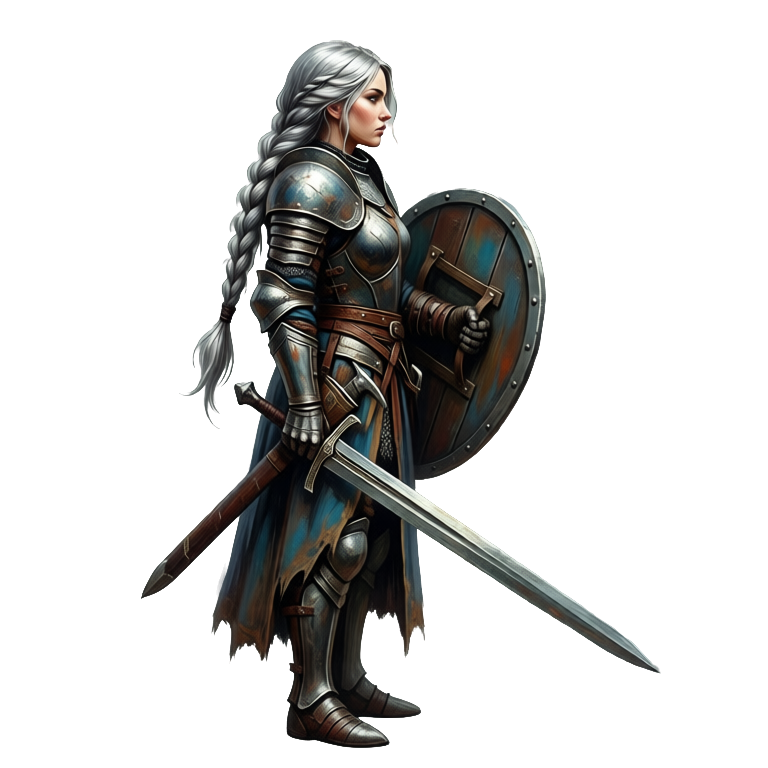
Style-Exploration
Dieselbe Ritterprinzessin in 16-Bit, Chibi und handgemalt. Sieh deinen Protagonisten in jedem Stil, bevor du die Art Direction festlegst.
Häufige Fragen
32 Stile, darunter 8-Bit- und 16-Bit-Pixel-Art, Cartoon, Anime/Manga, Chibi, handgemalt, Aquarell, Flat Design, Low Poly, Voxel und Claymation.
Ja. Generiere mit einem Stil-Referenzbild, und neue Charaktere übernehmen dessen Palette, Linienstärke und Proportionen.
Ja, Charaktere werden als transparente PNGs exportiert, bereit für deine Engine, mit integrierter Hintergrundentfernung.
Ja. Animiere jeden Charakter mit einem Motion-Prompt, gezeichneten Keyframes, einem Referenzvideo oder einem von 641 Presets, bis zu 5 Sekunden und 64 Frames lang, und Hydra-Animationen kommen mit passendem Soundeffekt. Du kannst auch ein eigenes Charakterbild hochladen und animieren.
Ja. Change Pose stellt einen Charakter in eine neue Pose, sein Modus Change View dreht ihn in einen von 8 Kamerawinkeln, und New Direction rendert eine fertige Animation in die neue Richtung neu, mit derselben Bewegung und demselben Timing. Wenn die Richtungen eines Charakters exakt zusammenpassen müssen, rendert Directional Sprites bis zu 8 Richtungen aus einem geriggten 3D-Modell, in 15 Stilen, ausgehend von einer Beschreibung oder deinem eigenen Charakterbild.
Ja. Die Charaktere, die du mit Ludo generierst, gehören dir, und du kannst sie verwenden, wie du willst, auch in kommerziellen Spielen.
Experience the future of game creation
Free to try. No credit card required.