From Silence to Soundtrack: Meet Ludo.ai's Audio Generator
Outsourcing audio for your game prototype shouldn't cost hundreds of dollars and weeks of back-and-forth. But it does, doesn't it?
You've got the perfect game concept. The mechanics are solid, the visuals are coming together, but you need sound effects for actions, background music for your levels, and maybe some character voice lines to really sell the experience. So you search freelance marketplaces, write briefs, wait for quotes, go through multiple revision rounds, and three weeks later you're still waiting for the final assets.
Or maybe you try stock audio libraries. You spend hours scrolling through thousands of generic "sword swing" sounds, none of which quite match your game's style. The music tracks are close, but not exactly right. And character voices? Forget about it—you'd need to record them yourself or hire voice actors.
What if you could generate professional-quality game audio in minutes instead of weeks?
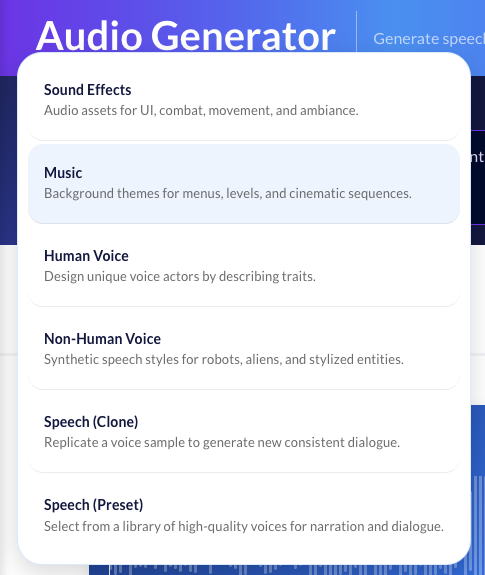
Six Generation Modes for Every Audio Need
The new Audio Generator transforms how you create sound for your games. Whether you need a quick UI click sound or a full character voice with personality, you can generate it from a simple text description.
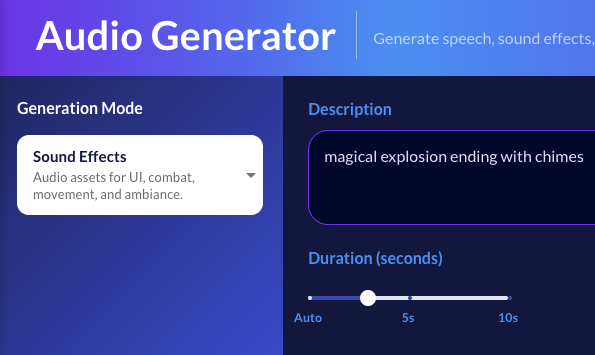
Sound Effects: From UI Clicks to Epic Explosions
Describe what you want to hear, and get production-ready sound effects instantly. "A magical portal opening with mystical energy swirling," "Heavy footsteps on wooden floorboards," or "Futuristic laser rifle charging up and firing."
Want precise control? Use the duration slider to specify exact lengths from 0.5 to 10 seconds. Perfect for timing animations or gameplay events.
Music: Background Themes That Match Your Vision
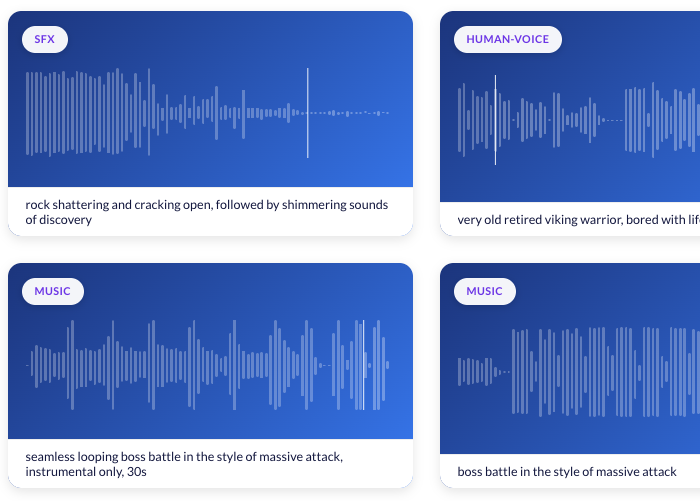
Generate background music by describing the mood, genre, instruments, and progression you're after: "Upbeat 8-bit chiptune melody with a playful rhythm, reminiscent of classic platformers" or "Dark orchestral boss battle theme with heavy drums and ominous strings building to a climax."
Want music with vocals? Add lyrics directly in the generator. The AI will create a complete song matching your description with the exact words you specify.
Human Voice: Design Custom Voice Actors
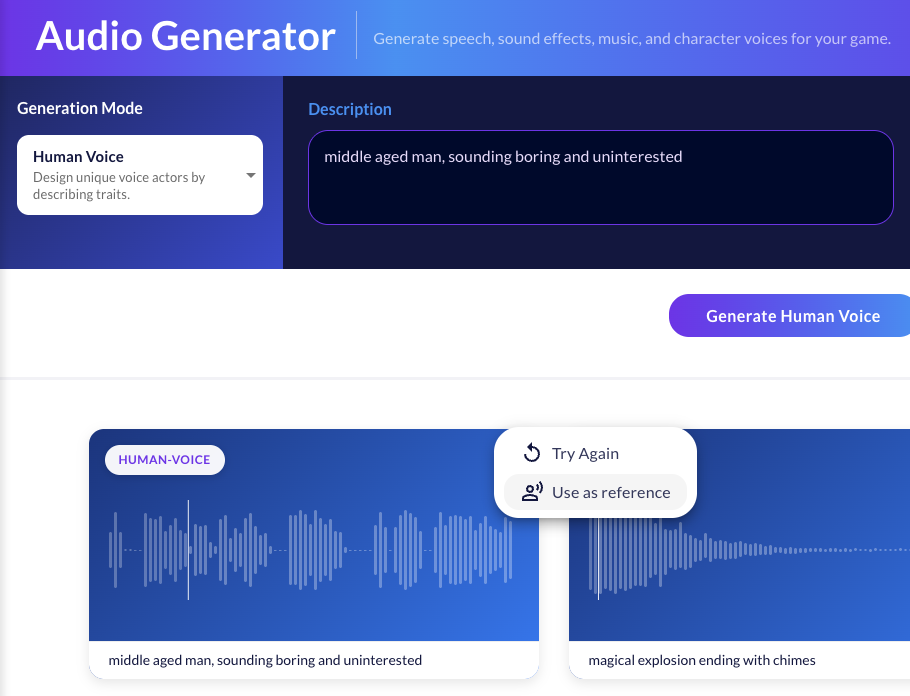
Create unique character voices by describing personality traits and vocal characteristics: "Wise elderly wizard with a deep, gravelly voice speaking slowly and deliberately" or "Energetic young hero, optimistic tone, medium pitch with slight rasp."
Optionally add text for the voice to speak (up to 20 words) to test how dialogue sounds in that voice. Once you've designed a voice you like, use it as a reference sample to generate more dialogue.
Non-Human Voice: Aliens, Robots, and Monsters
Need synthetic or creature voices? Describe the character and sound style: "Friendly robot companion with electronic modulation and cheerful beeps woven into speech" or "Ancient alien entity, distorted deep voice with ethereal echo effects."
Perfect for sci-fi games, fantasy creatures, or any character that shouldn't sound human.
Speech Cloning: Consistent Dialogue from a Sample
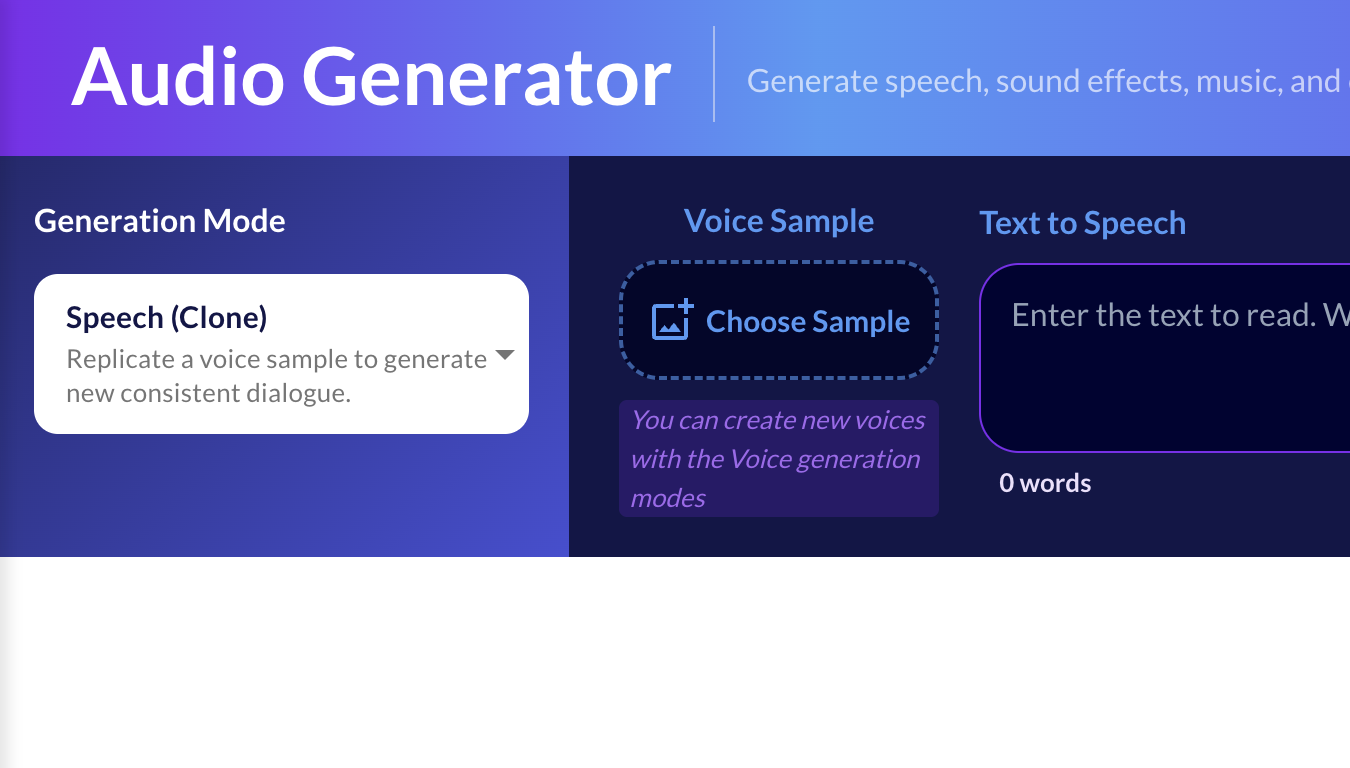
Already have a voice you love? Upload a sample or choose a previously generated voice and the generator will clone it. Then generate unlimited new dialogue in that same voice—perfect for creating extensive character conversations without recording every single line.
This is especially powerful combined with the Human Voice or Non-Human Voice modes. Generate your ideal character voice first, then clone it for all your dialogue needs.
Preset Voices: Professional Quality in Seconds
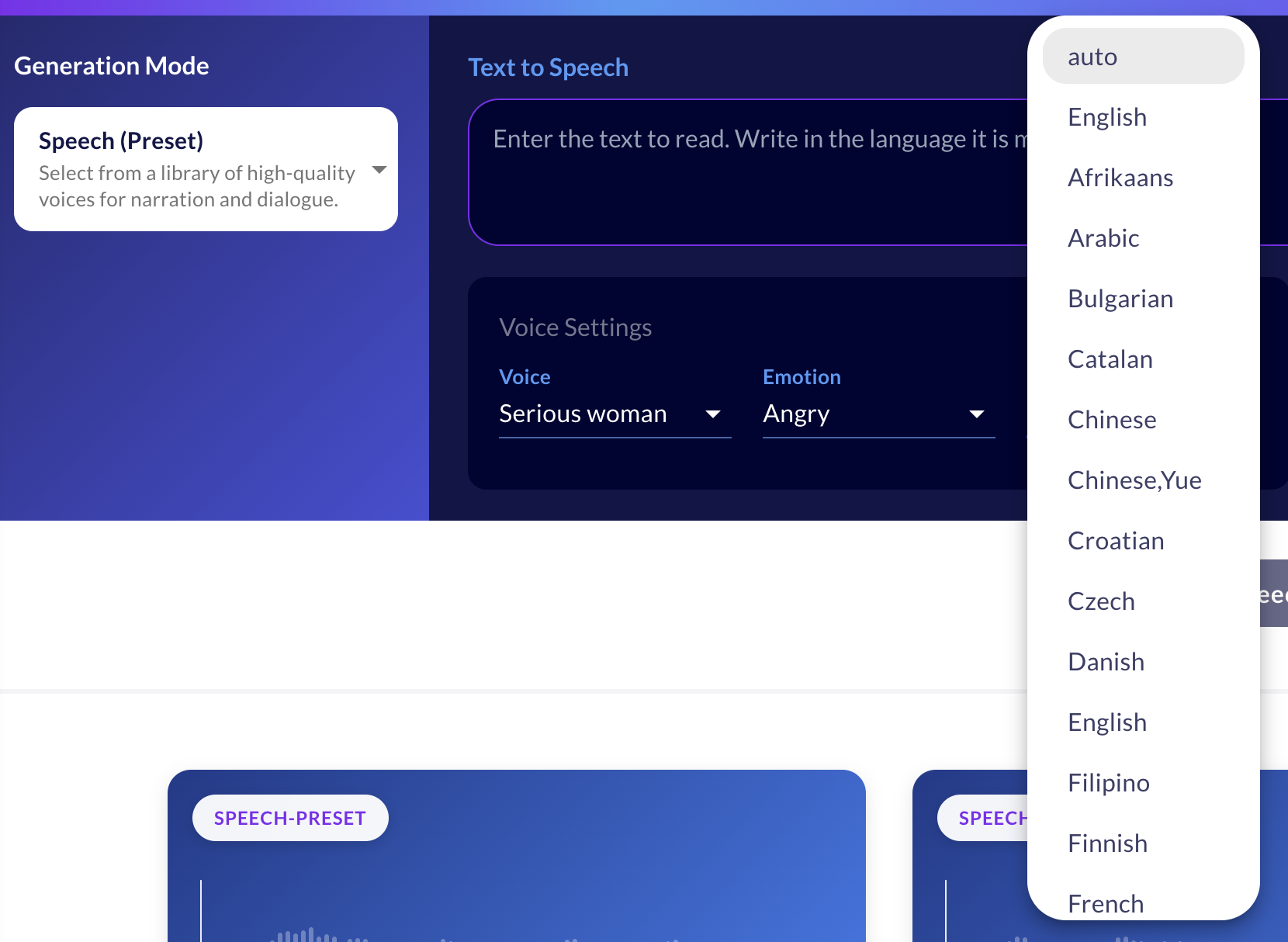
Choose from a library of high-quality preset voices with professional voice actor quality. Each voice supports multiple emotions (happy, sad, angry, neutral, etc.) and languages.
Just pick a voice, select the emotion and language, enter your text (up to 100 words), and generate. Ideal for narration, tutorials, and character dialogue when you need reliable, consistent results.
Built-In Playback and Management Tools
Every generated audio includes:
Waveform visualization so you can see the audio structure at a glance. Instant playback controls with play/pause, replay, and loop options. Download capability to export as MP3 files. Favorites system to save your best generations. Try Again feature that repopulates the form with the same parameters for quick iterations. Reference mode to use any voice generation as a cloning sample.
The loop function is especially handy for testing sound effects in context—just enable it and the audio repeats automatically.
Real-World Workflows
Solo developers can prototype complete audio landscapes without leaving the tool. Generate placeholder sounds in the morning, iterate on character voices over lunch, and have background music by evening.
Teams planning audio can create quick mockups of exactly what they want before briefing sound designers or voice actors, dramatically reducing miscommunication and revision cycles.
Rapid prototypers can validate game concepts with professional audio polish in hours instead of waiting weeks for outsourced assets.
Try It Now
The Audio Generator is available to all Ludo.ai users. Generate speech, sound effects, music, and character voices for your game in minutes.