Introducing Ludo.ai API & MCP Integration: AI-Powered Game Asset Creation in Your Workflow
Ludo.ai API & MCP Integration
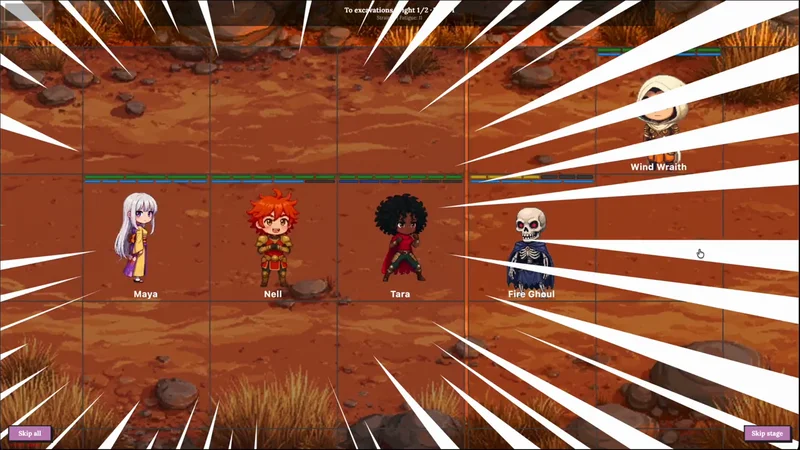
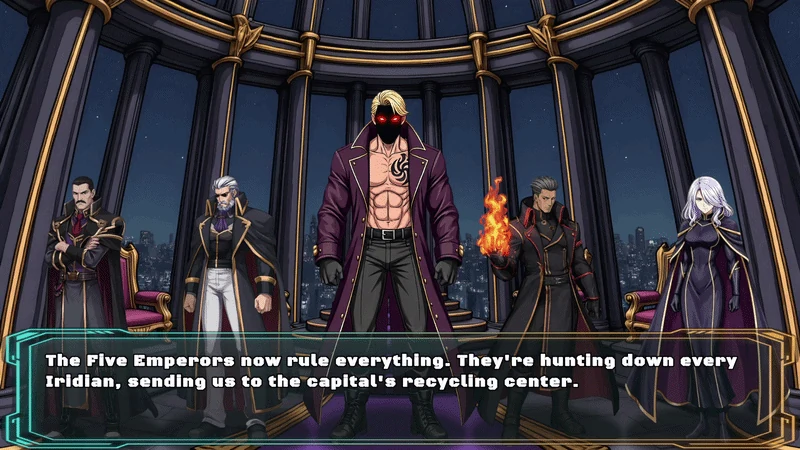
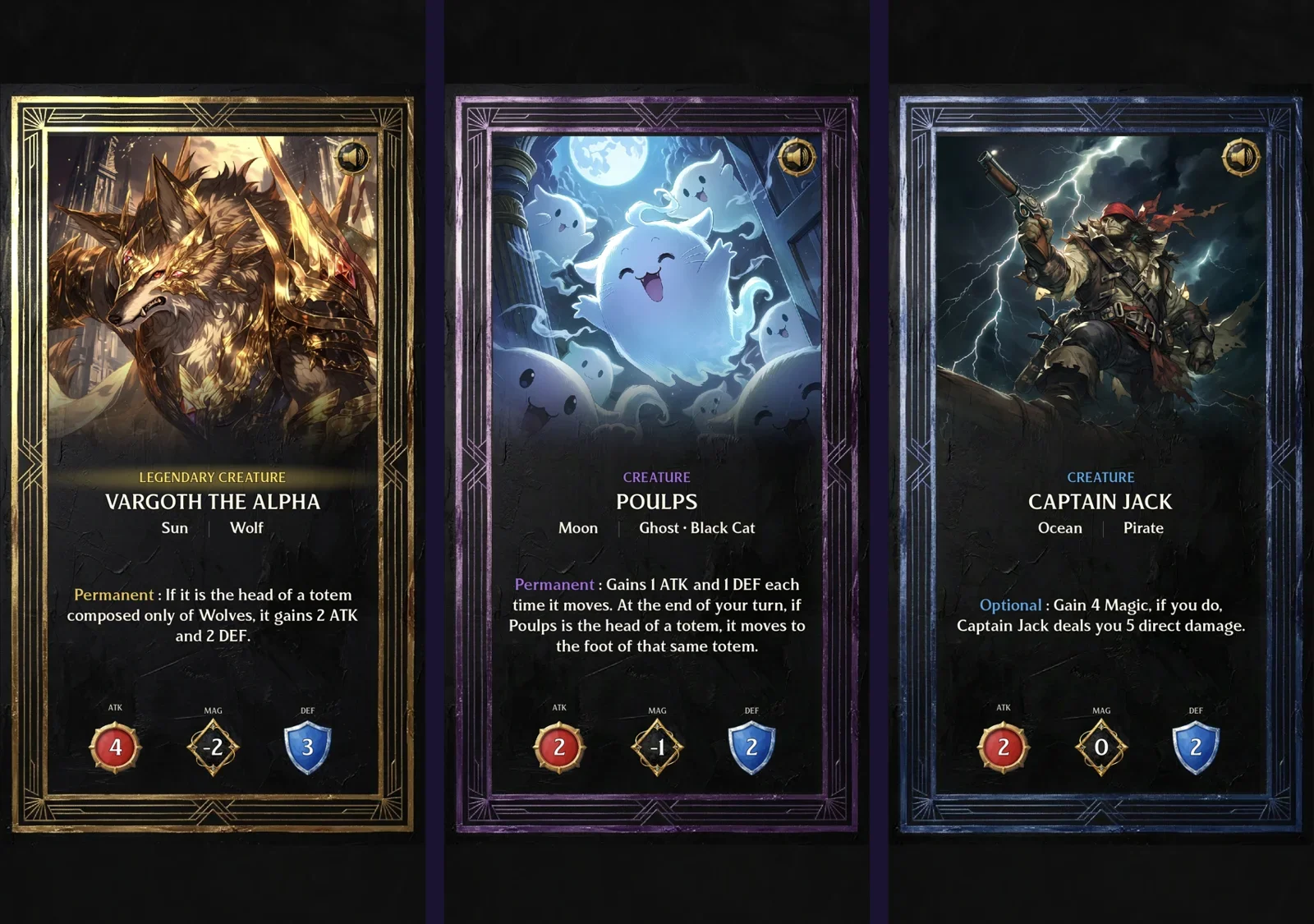
We're excited to announce the launch of Ludo.ai's API and MCP (Model Context Protocol) integration. Generate game assets, animate sprites, create 3D models, and produce audio. All without leaving your favorite development tools.
What's New?
Game developers have always needed to context-switch between tools: design software for assets, audio tools for sound effects, and various AI platforms for generation. With our new API and MCP integration, you can now access Ludo.ai's AI-powered asset creation tools directly from:
- AI assistants like Claude (Desktop, VS Code, Cursor, Claude Code)
- Custom pipelines and build systems
- Your own applications via REST API
What is MCP?
Model Context Protocol (MCP) is an open standard that allows AI assistants to connect with external tools and services. Think of it as giving your AI assistant hands. It can now directly create assets for you instead of just describing how to make them.
When you connect Ludo.ai via MCP, you can simply ask your AI assistant things like:
The AI handles the rest, calling Ludo.ai's tools and returning the generated assets directly in your conversation.
Available Tools
Our API and MCP integration includes 9 powerful tools for game asset creation:
Image Generation
createImage
Generate game-ready images from text descriptions. Create sprites, icons, UI assets, textures, backgrounds, and more. Supports multiple art styles and perspectives.
Cost: 0.5 credits per image
Animation
animateSprite
Transform static images into animated sprite sheets. Describe the motion ("walking", "jumping", "attack slash") and get a complete sprite sheet.
Cost: 5 credits per animation
Video Generation
createVideo
Generate short videos from a source image and motion prompt. Perfect for cinematics, trailers, or dynamic backgrounds.
Cost: 5-15 credits
3D Models
create3DModel
Convert 2D images into textured 3D models. Customize polygon count, texture resolution, and quality settings.
Cost: 3 credits per model
Audio Tools
createSoundEffect
Generate SFX from descriptions.
3 credits
createMusic
Create background music & themes.
3 credits
createVoice
Generate character voices.
3 credits
createSpeech
Clone a voice from a sample.
3 credits
createSpeechPreset
Use pre-made voice presets.
3 credits
Getting Started
For detailed setup instructions, visit our API & MCP Integration page.
Step 1: Subscribe & Get Key
Visit our pricing page to choose a plan with API access. Then, log in to app.ludo.ai and generate your API key.
Step 2: Choose Integration
Option A: MCP (Recommended for AI Assistants)
Connect Ludo.ai to Claude or any MCP-compatible client.
Option B: REST API (For Custom Apps)
Example Workflows
Building a Complete Game Scene
You: I need assets for a forest level. Create some tree sprites, a forest background, and ambient forest sounds.
Claude: [calls createImage multiple times, then createSoundEffect] Here are your assets...
Rapid Prototyping
Generate placeholder assets quickly during game jams or prototyping sessions. Describe what you need in natural language and get usable assets in seconds.
Feedback & Support
We're actively improving the tools and would love your feedback. If you encounter any issues or have feature requests, please reach out through our Discord community or contact us directly.
What's Next?
We're constantly improving and adding more tools to the API and MCP integration. Stay tuned for updates!