New Direction: Turn Any Animation to Face Another Way#
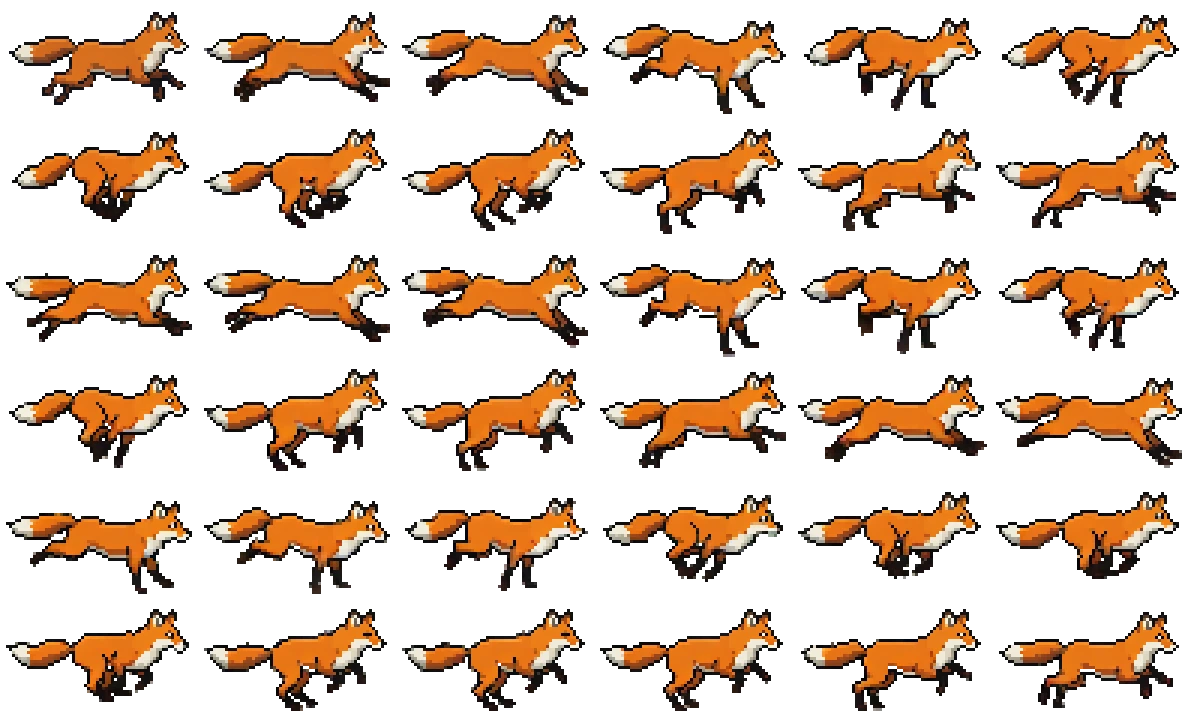
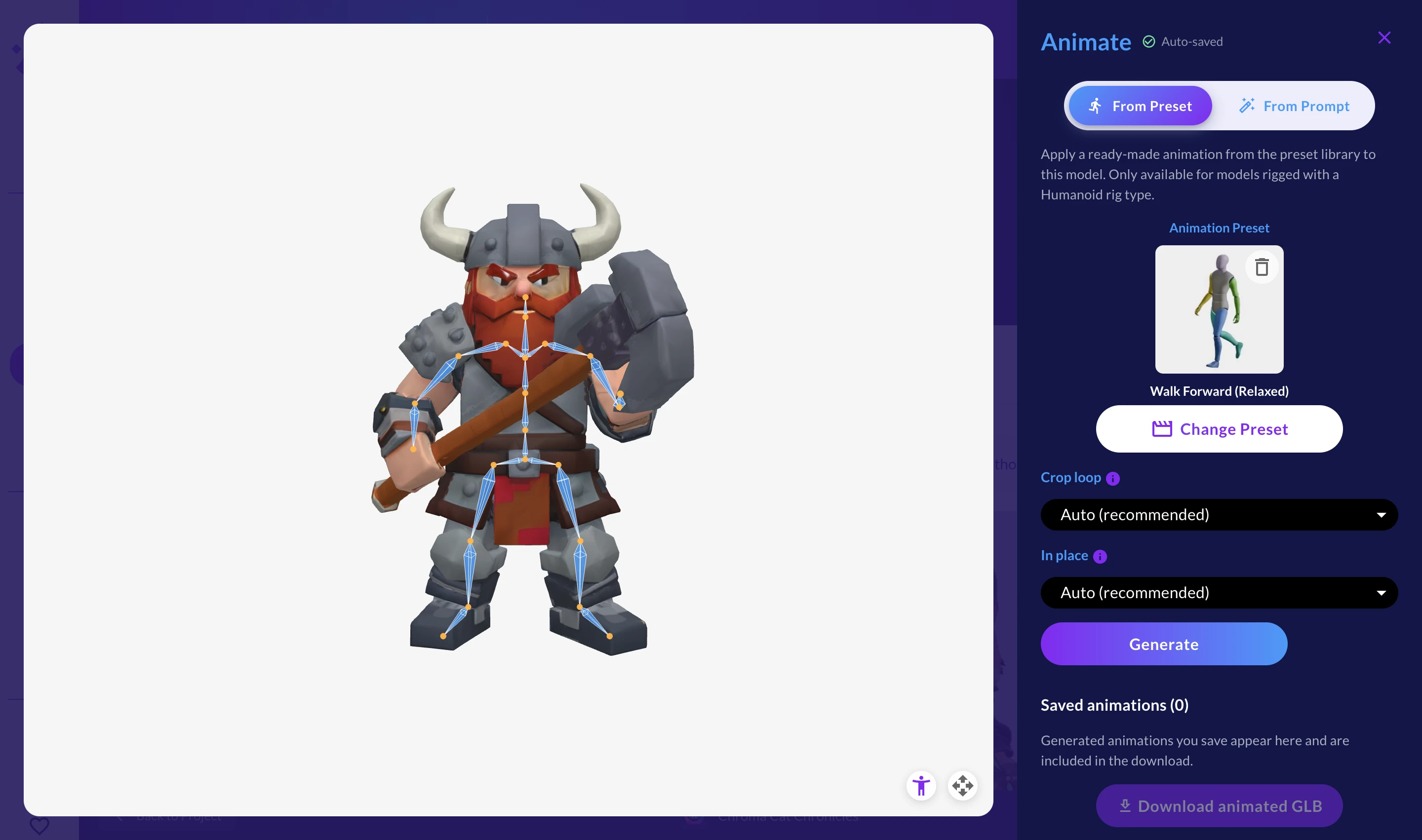
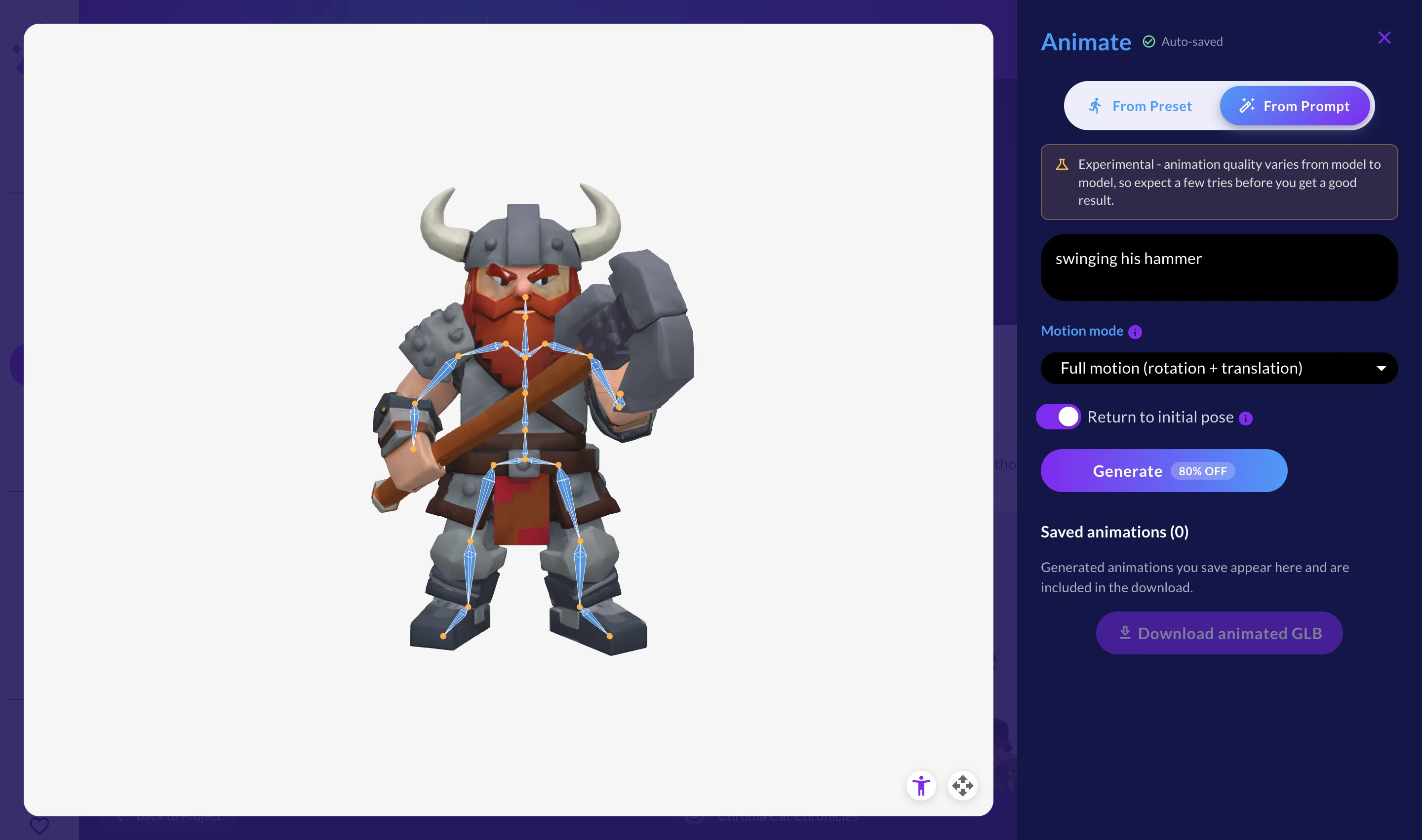
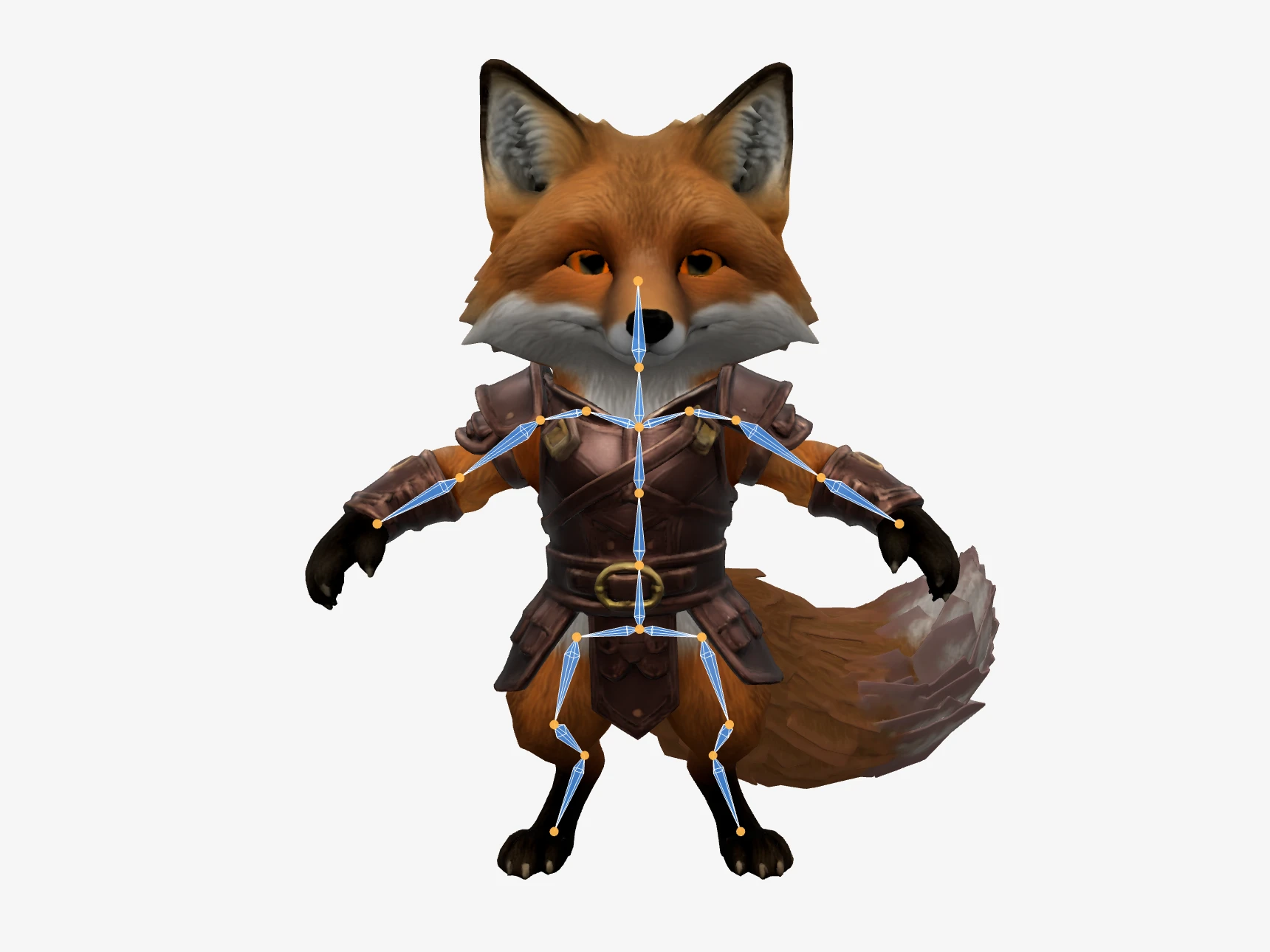
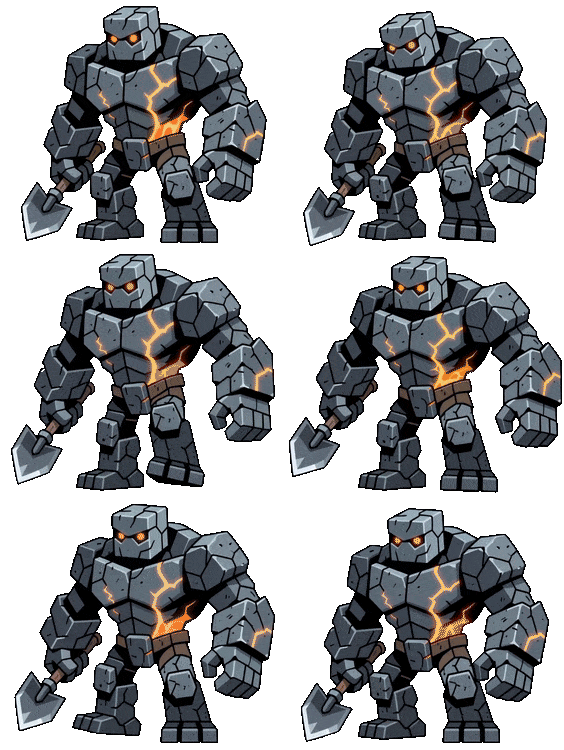
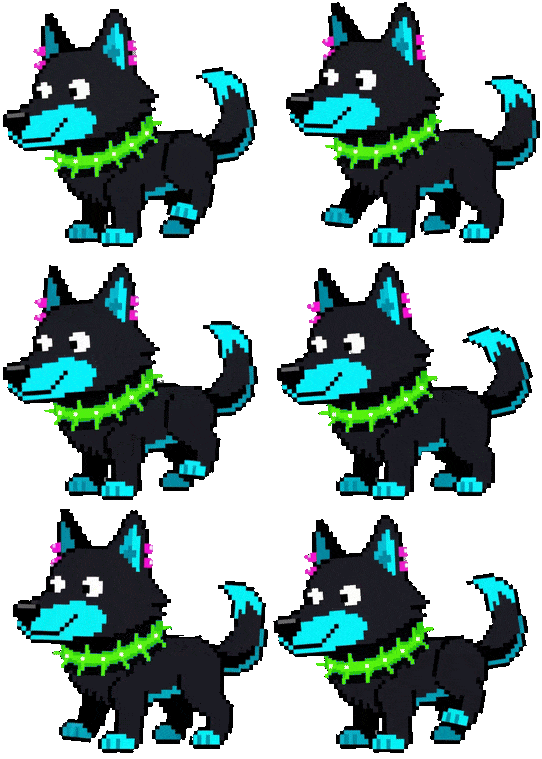
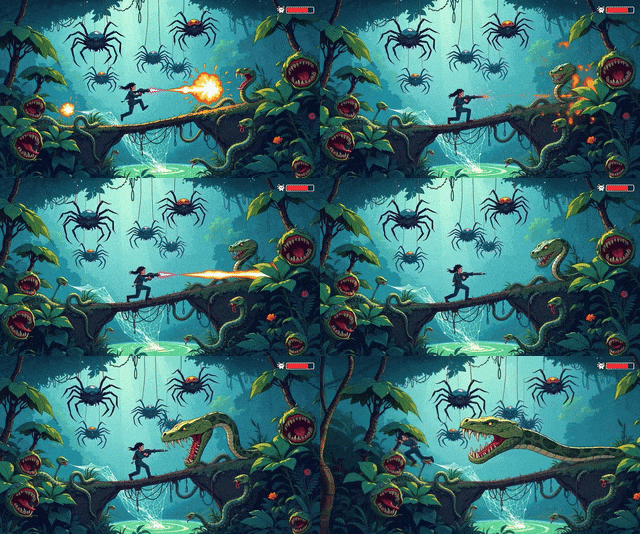
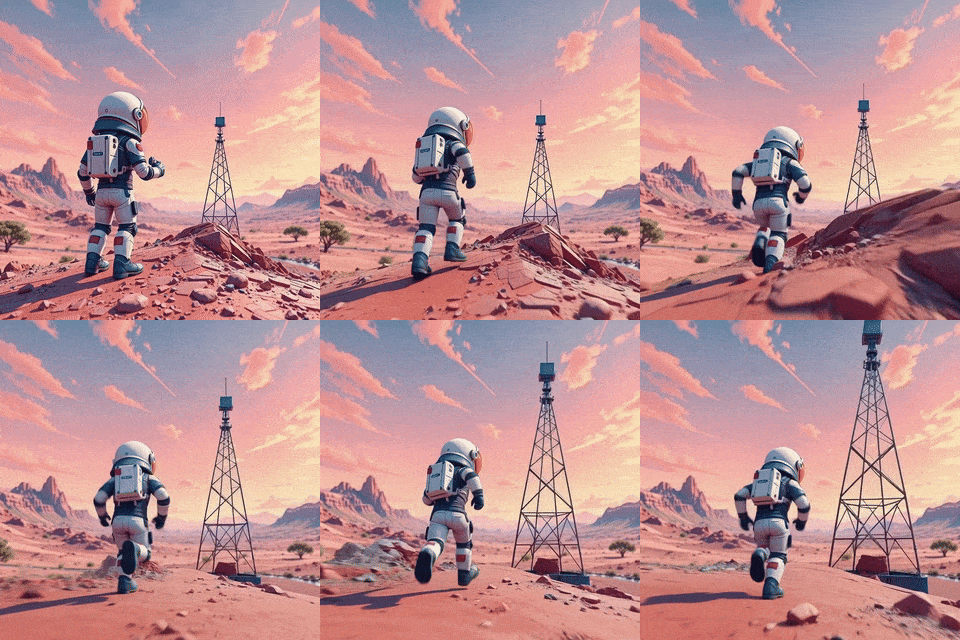
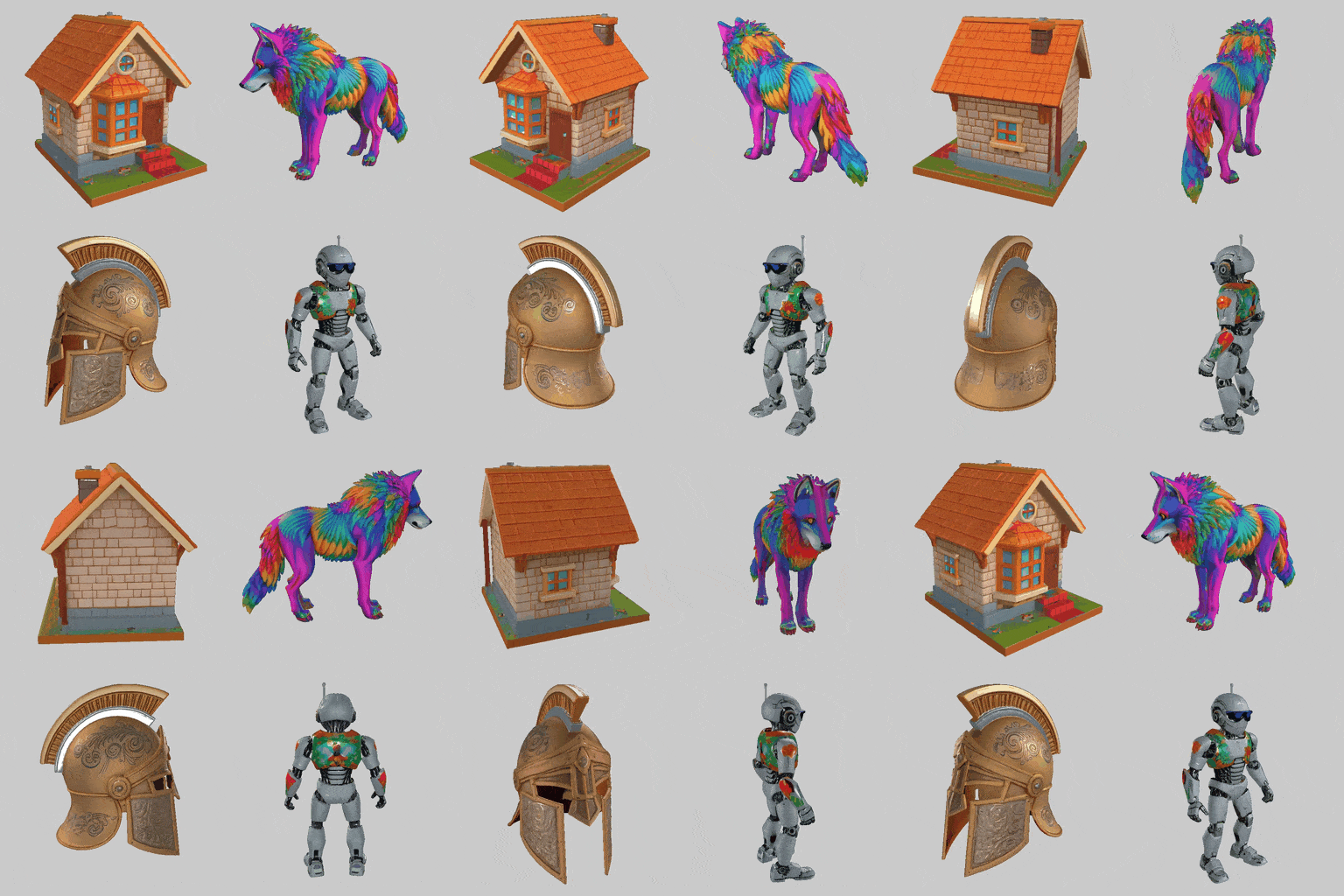
New Direction is a new mode in the Sprite Generator. It takes an animation you already made and renders it again facing another way: the same motion and the same timing, seen from a new angle.
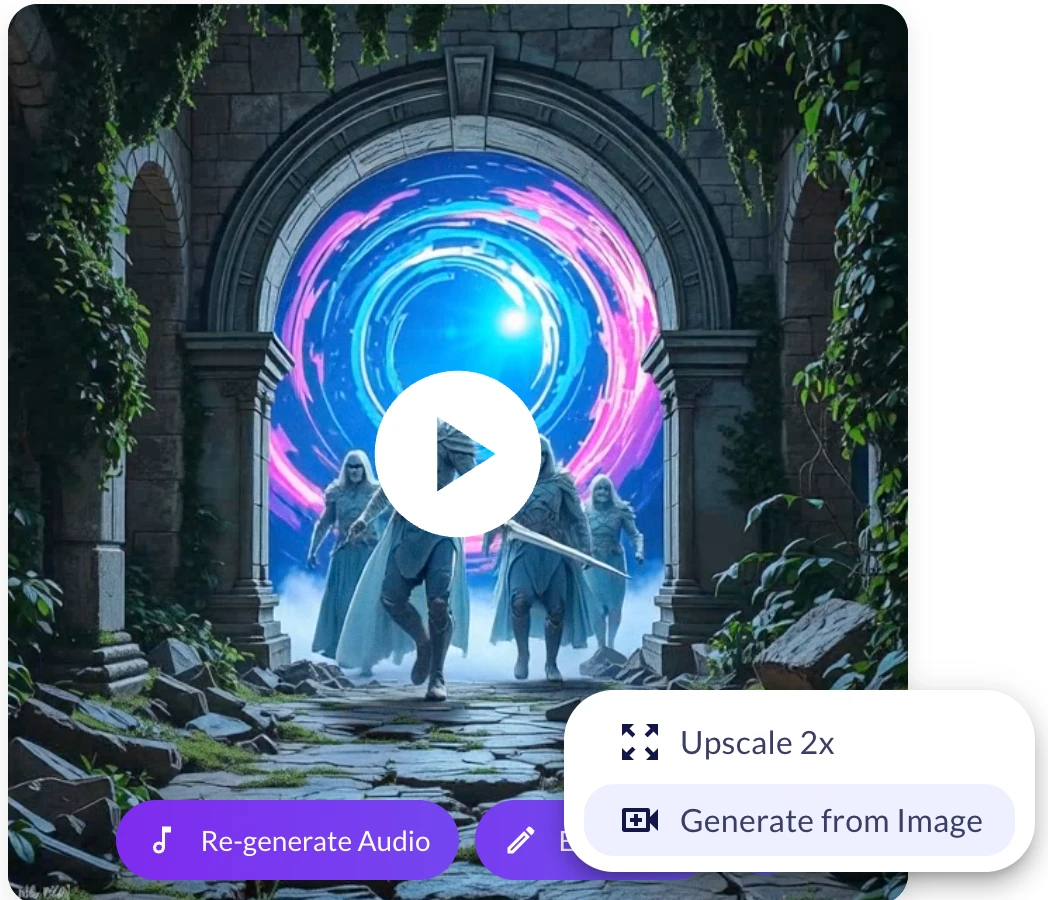
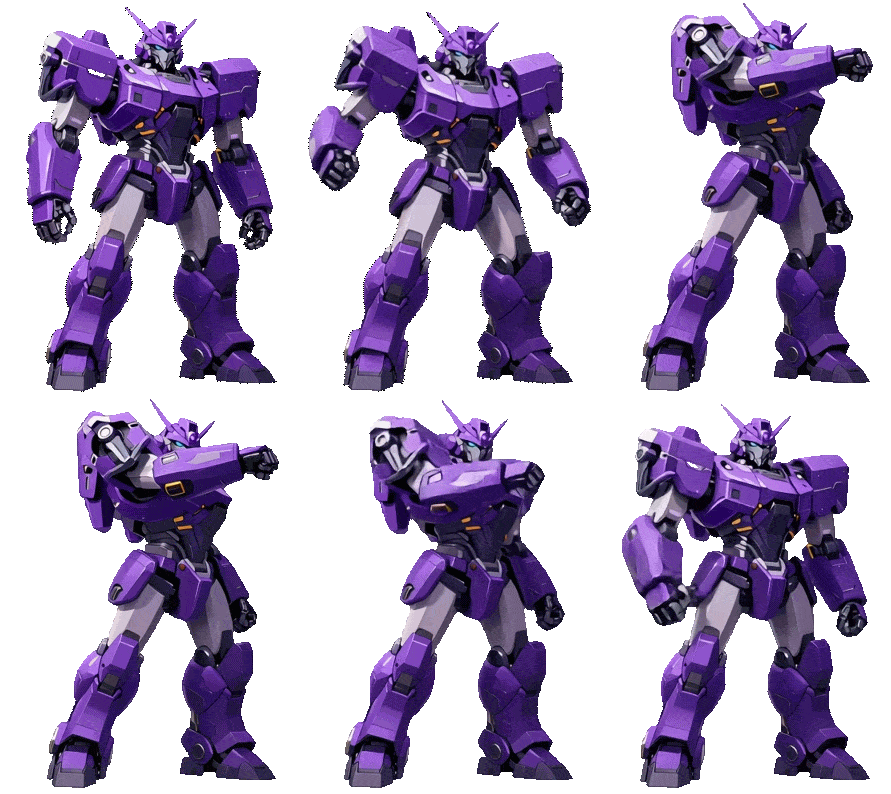
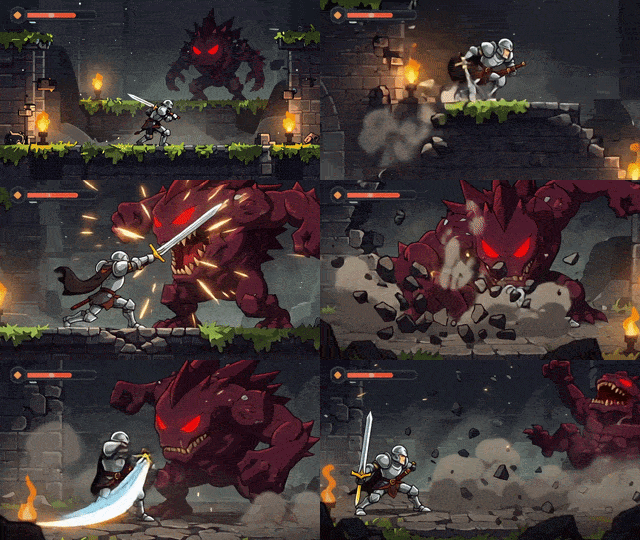
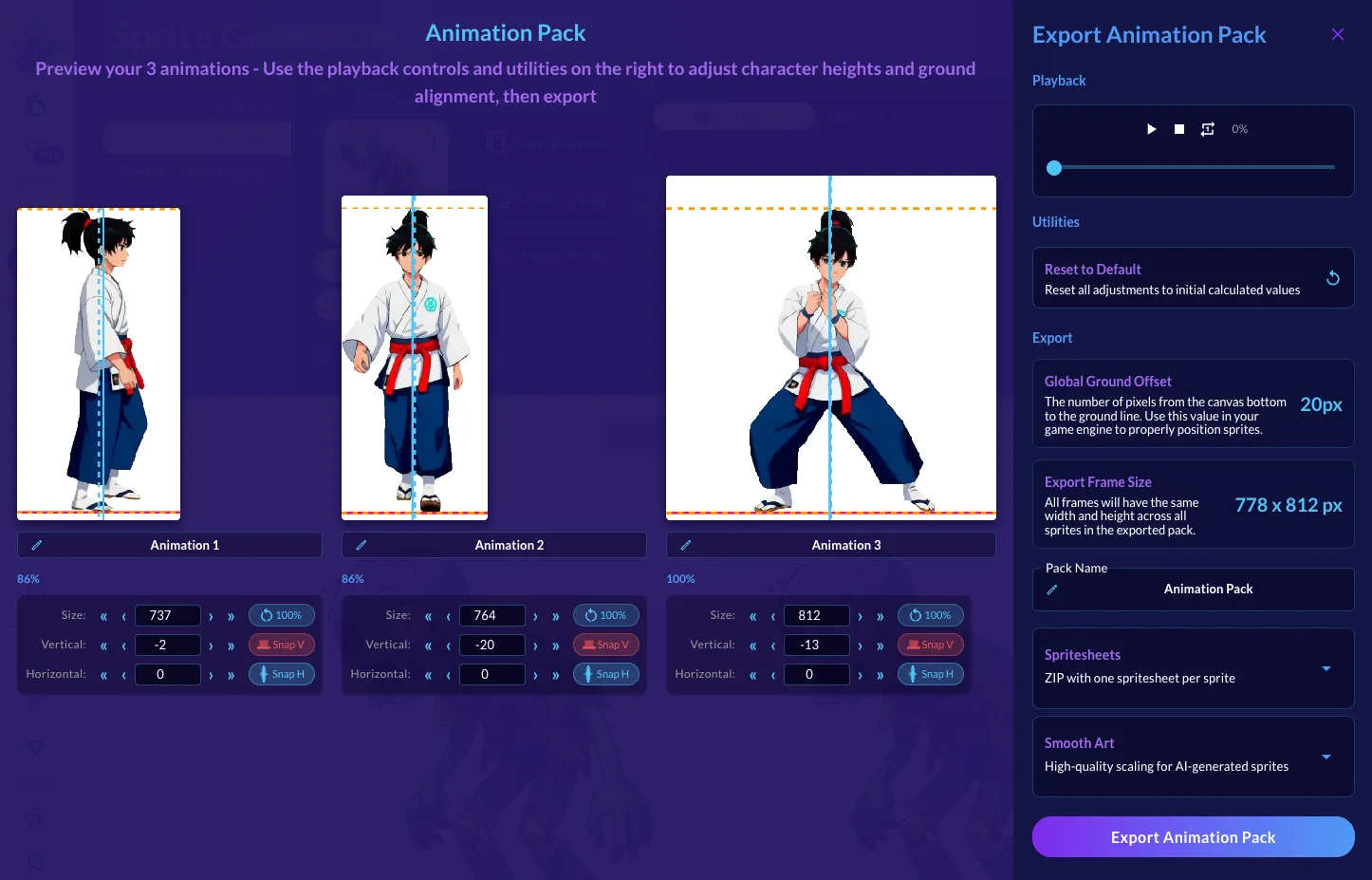
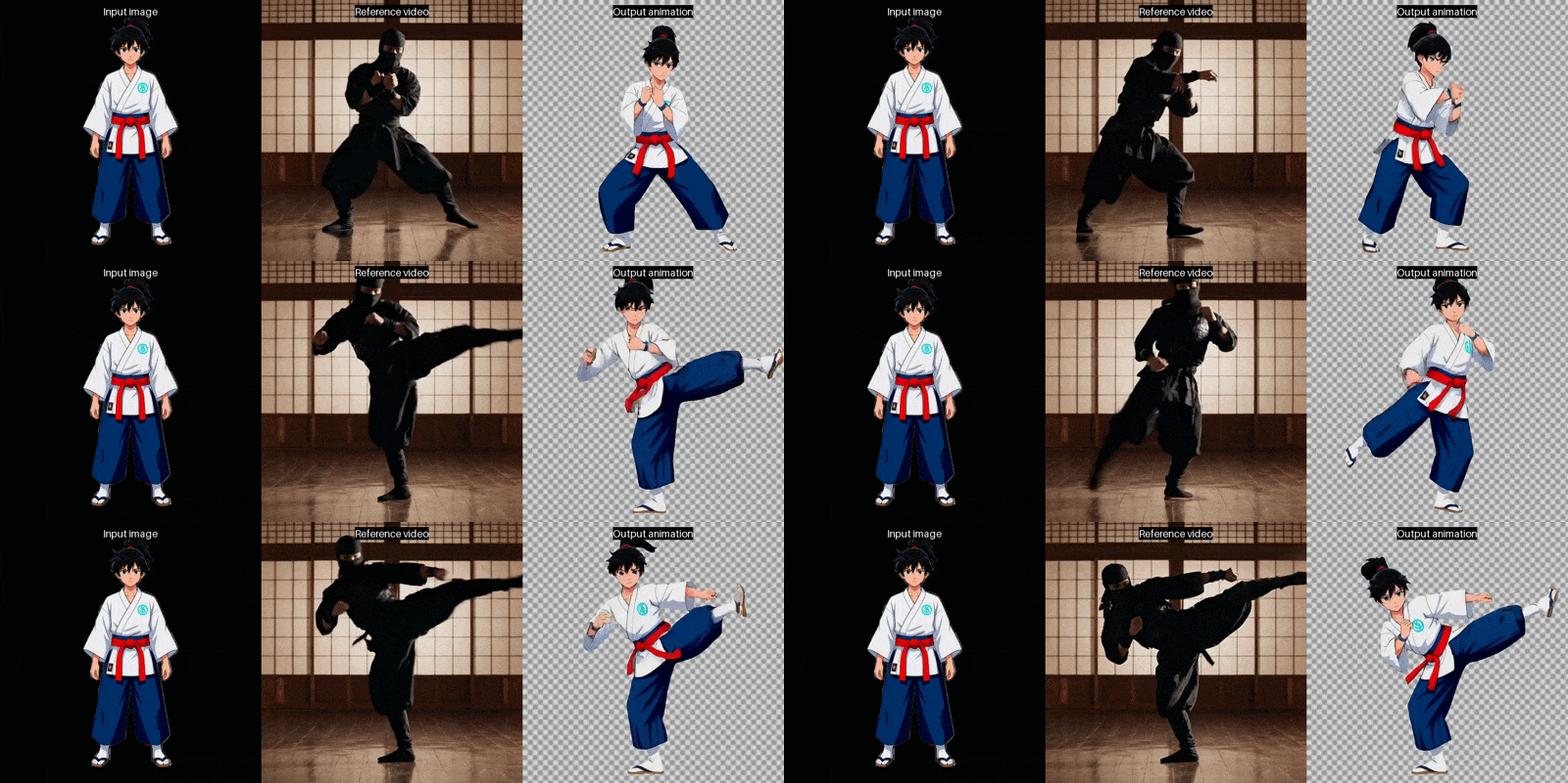
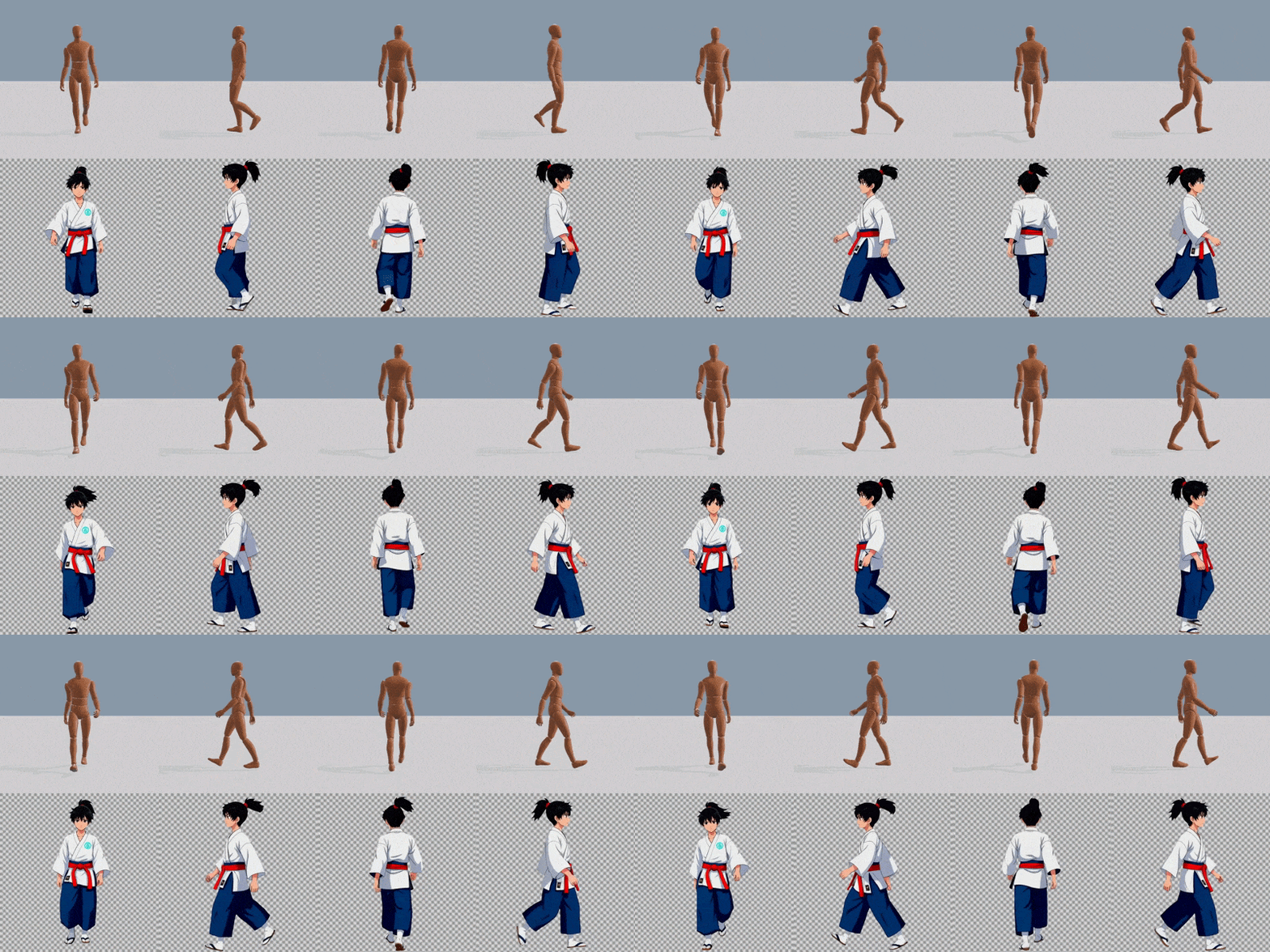
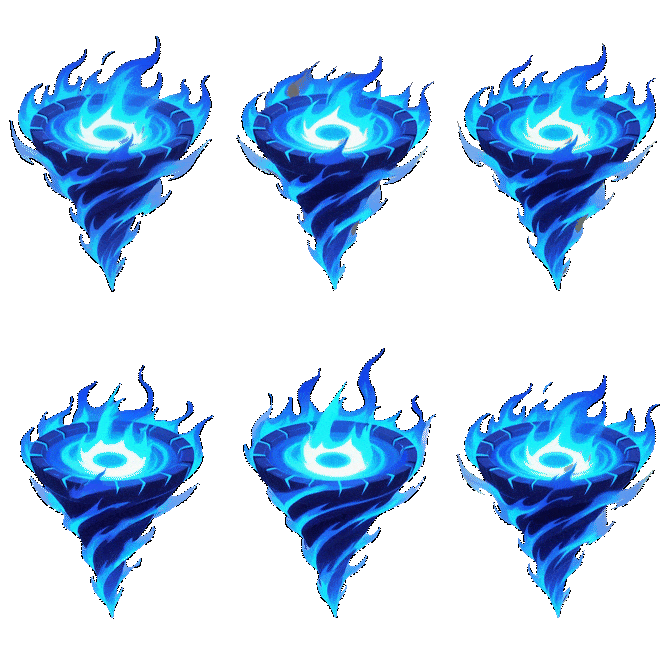
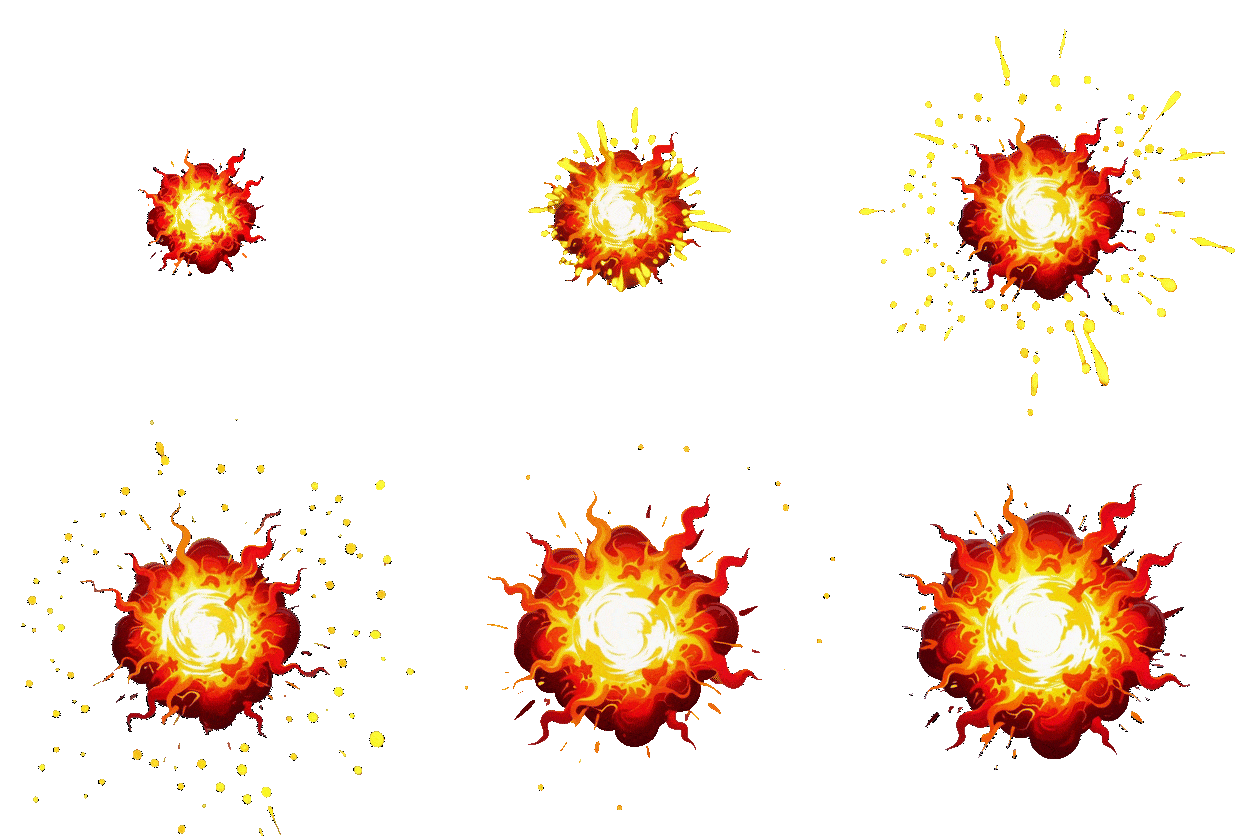
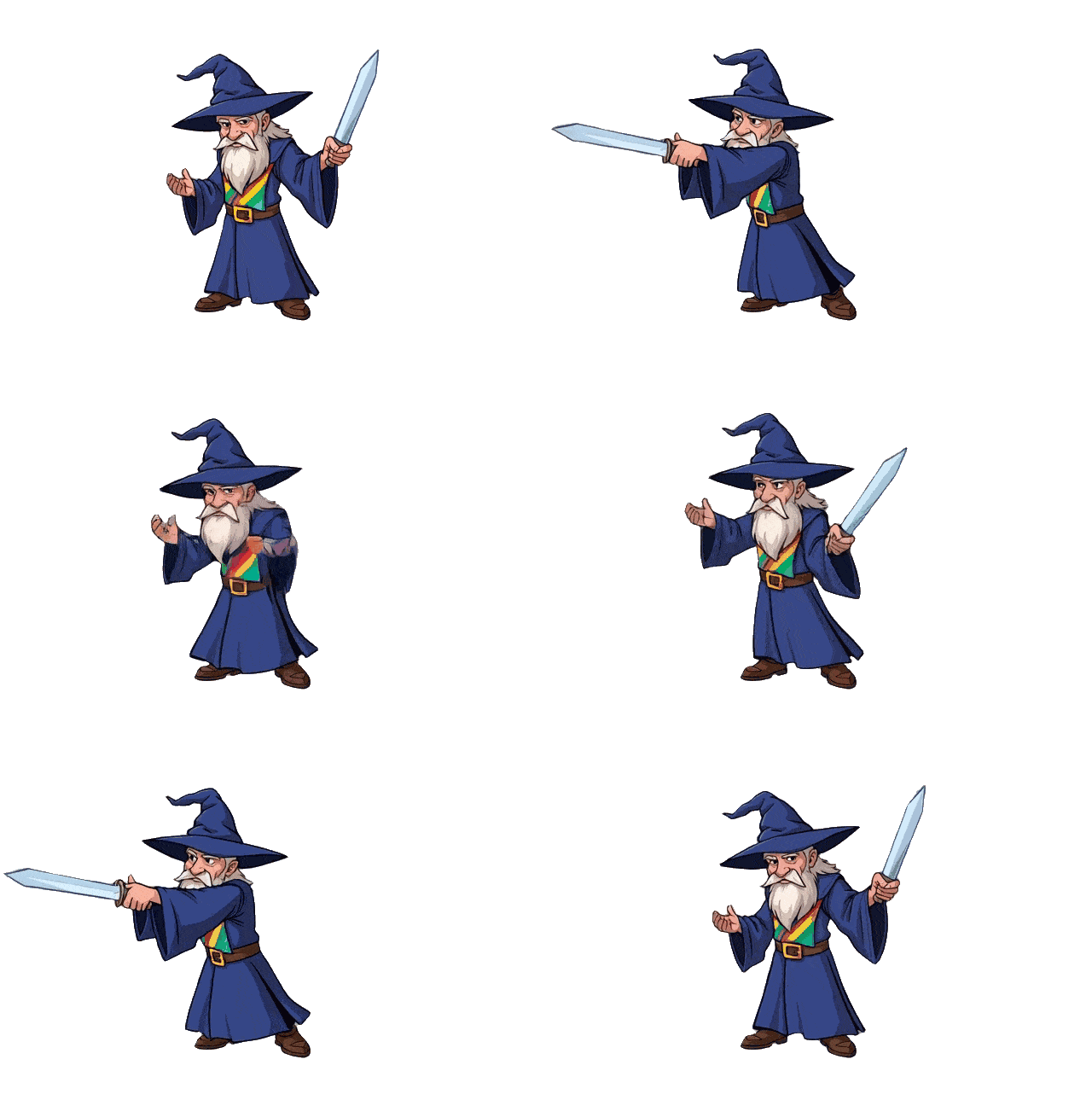
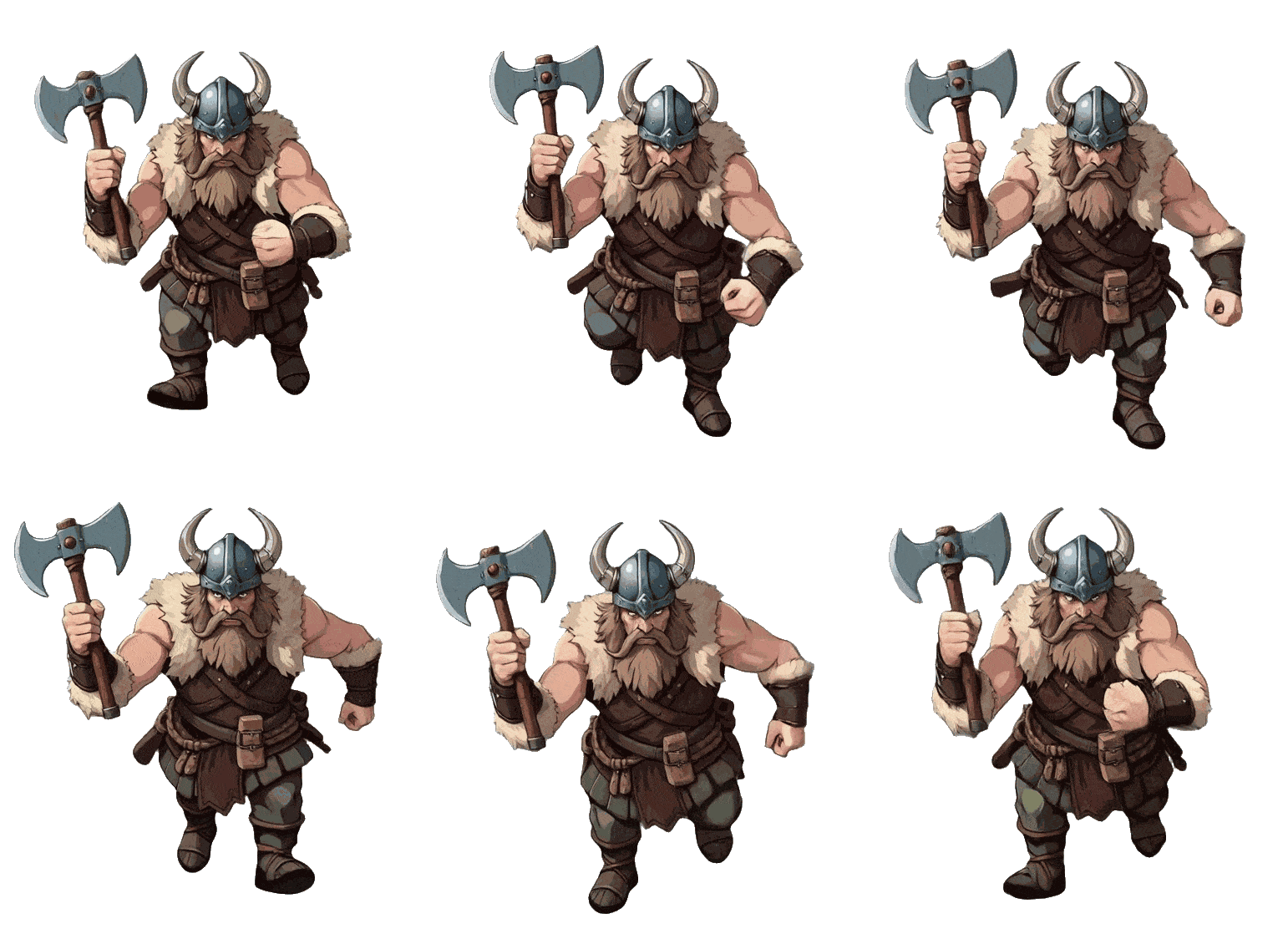
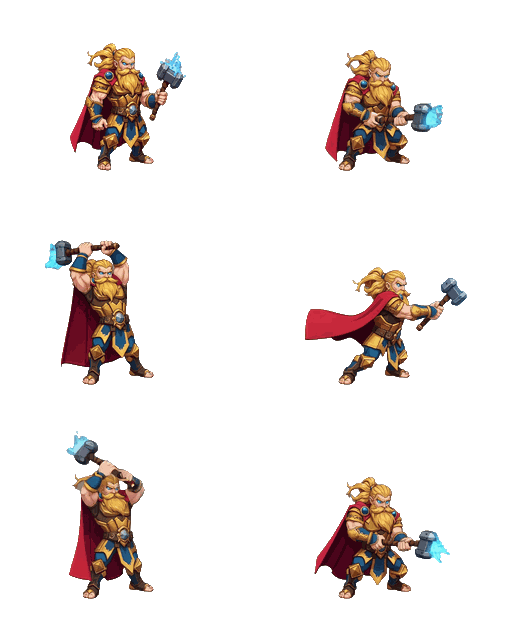
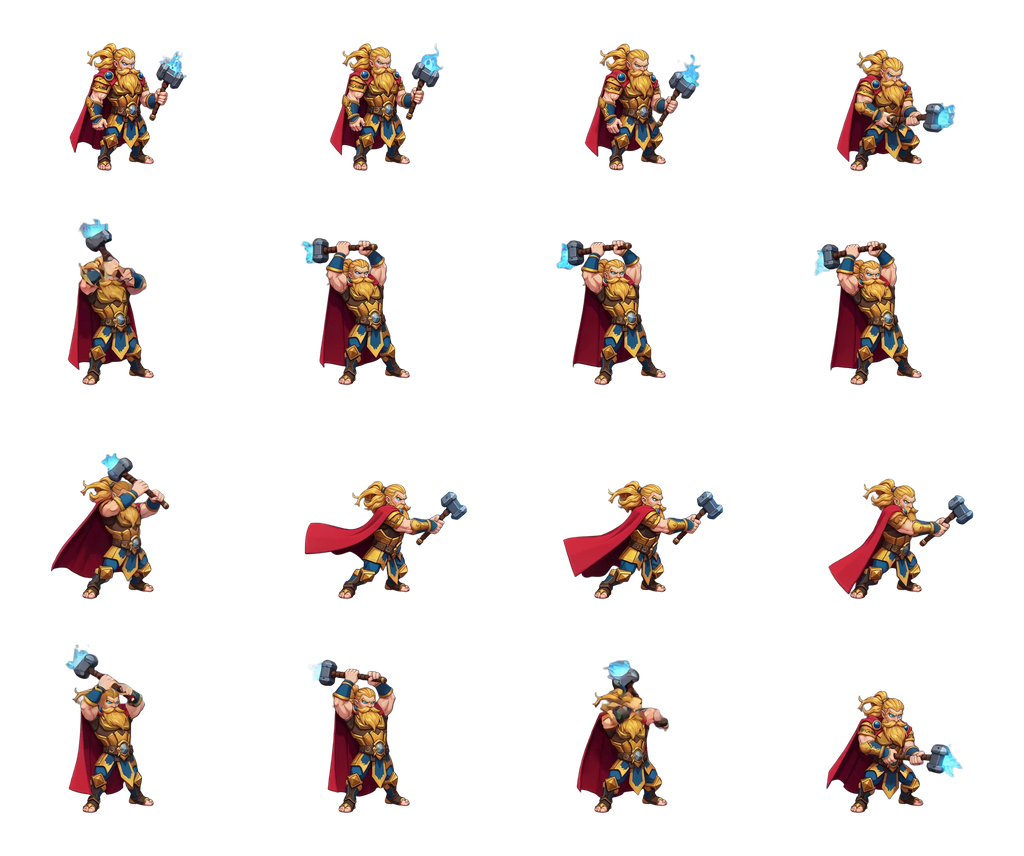
Animate a side-view spell once, and New Direction turns it to the other angles a top-down game needs, without animating each one again from scratch. Here the same cast faces the camera, then turns three-quarters away from it.

Pick the animation
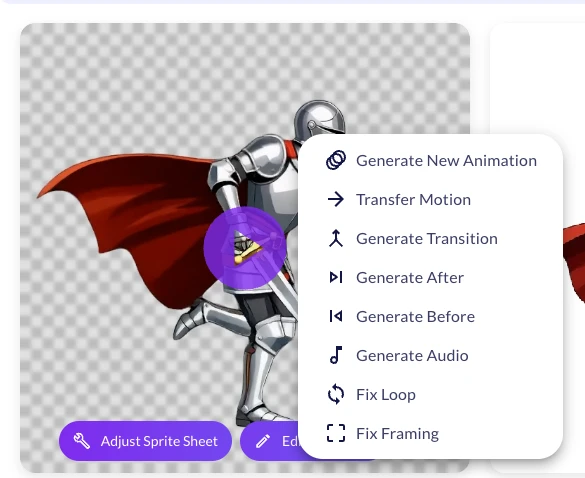
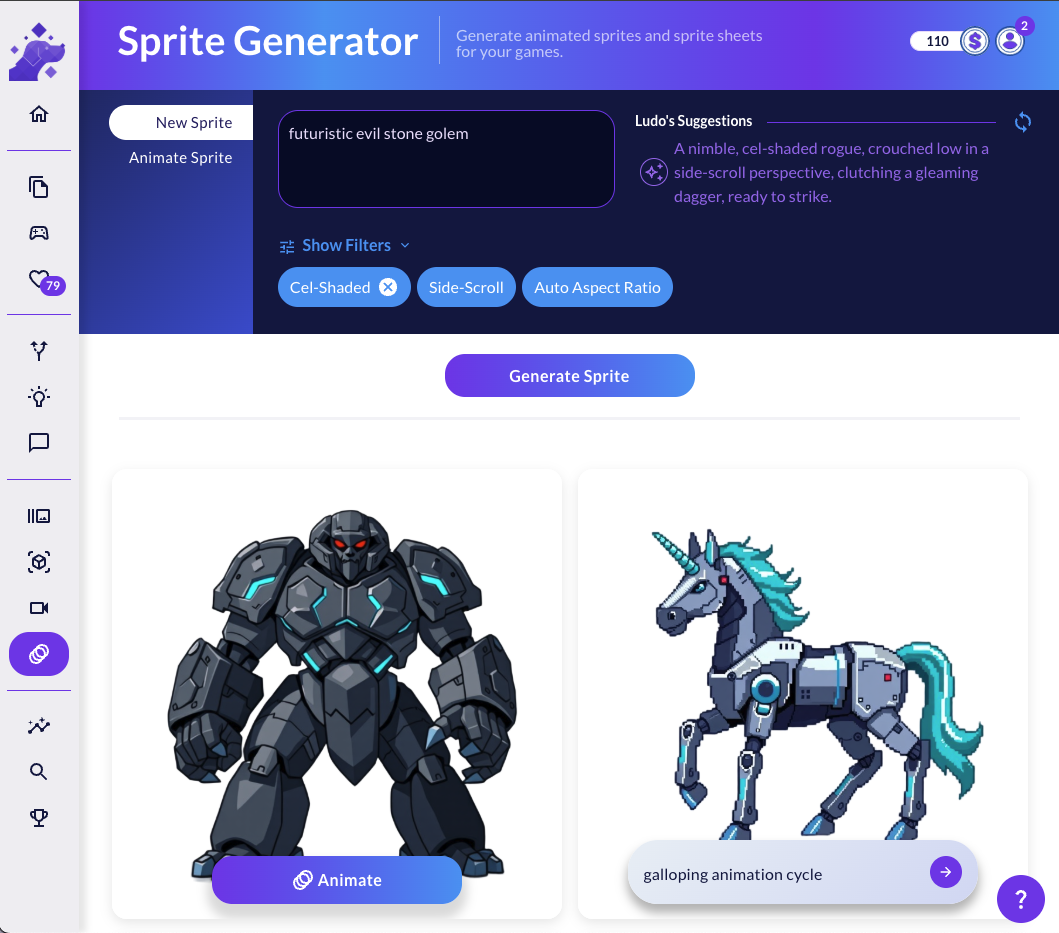
There are two ways in. On any animated sprite, open the card's three-dot menu and choose New Direction: the animation drops straight into the form as the Source Animation.

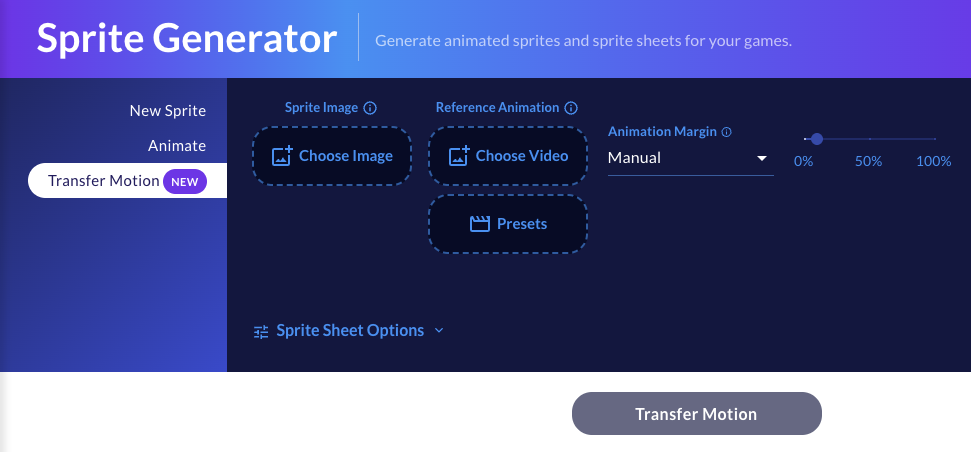
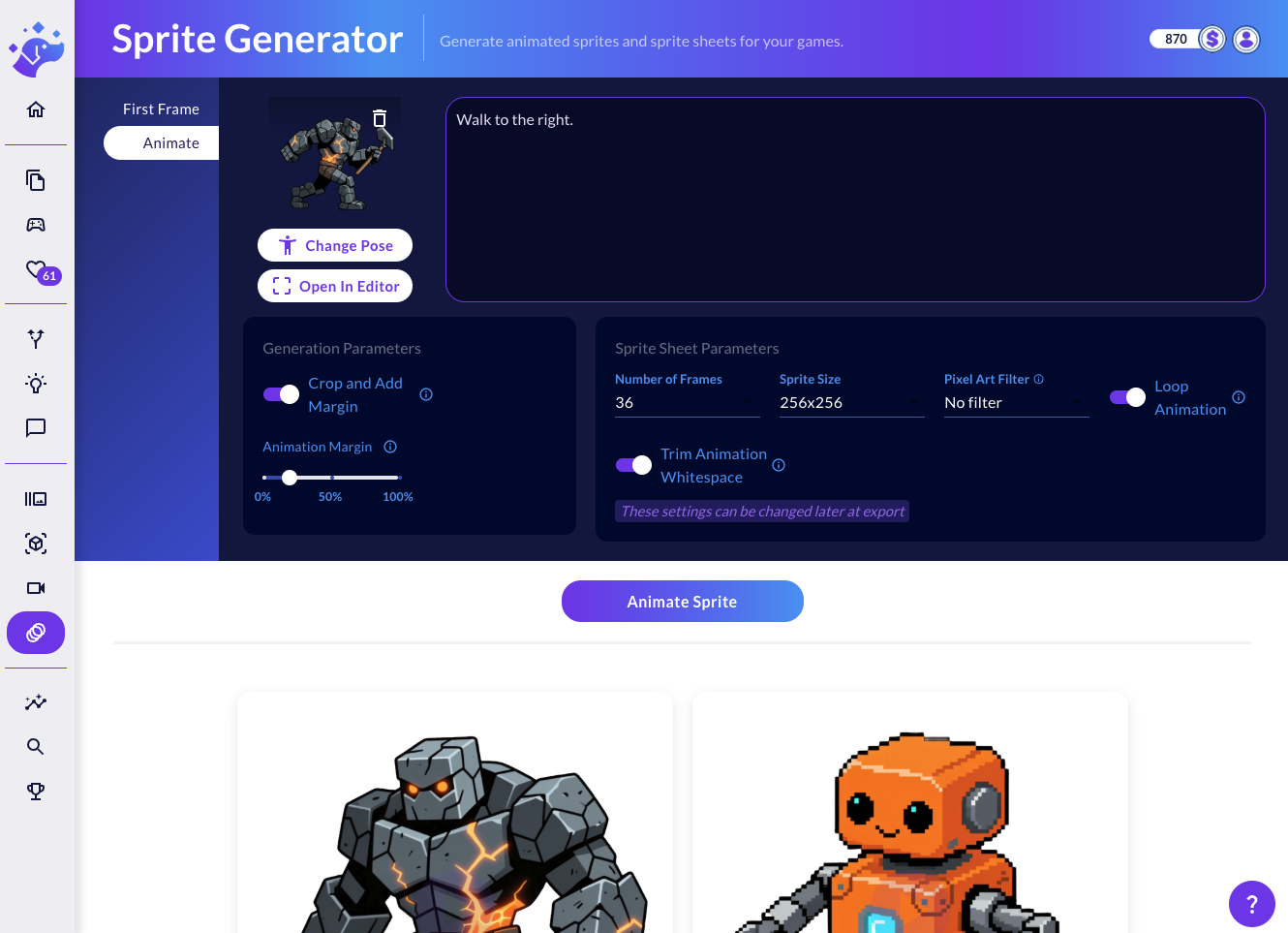
Or open the Generation Mode menu at the top left, pick New Direction, and use Choose Animation to select one of your spritesheets. The frame count and sprite size start from the source's own settings.
Turn the first frame
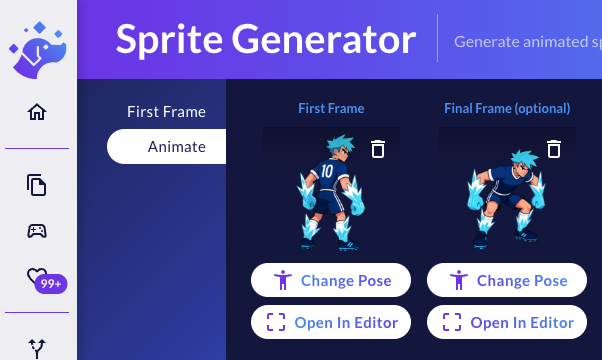
The First Frame is the starting point of the new animation: the same character, exactly as it should look facing the new direction. The quickest way to get it:
- Click Copy Source Frame to bring in the source animation's first frame.
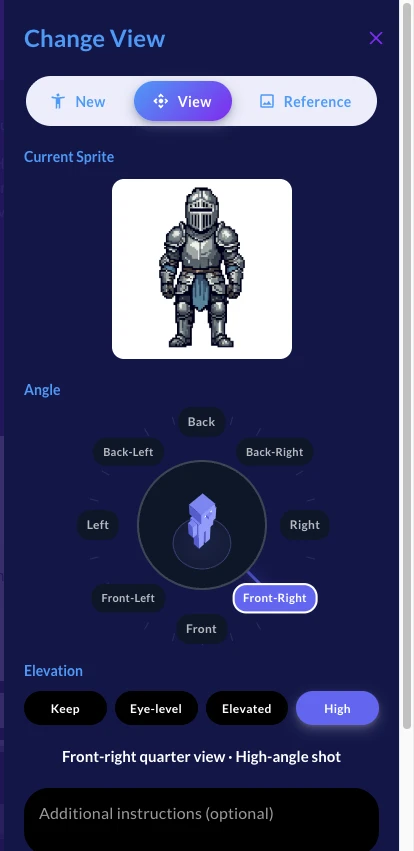
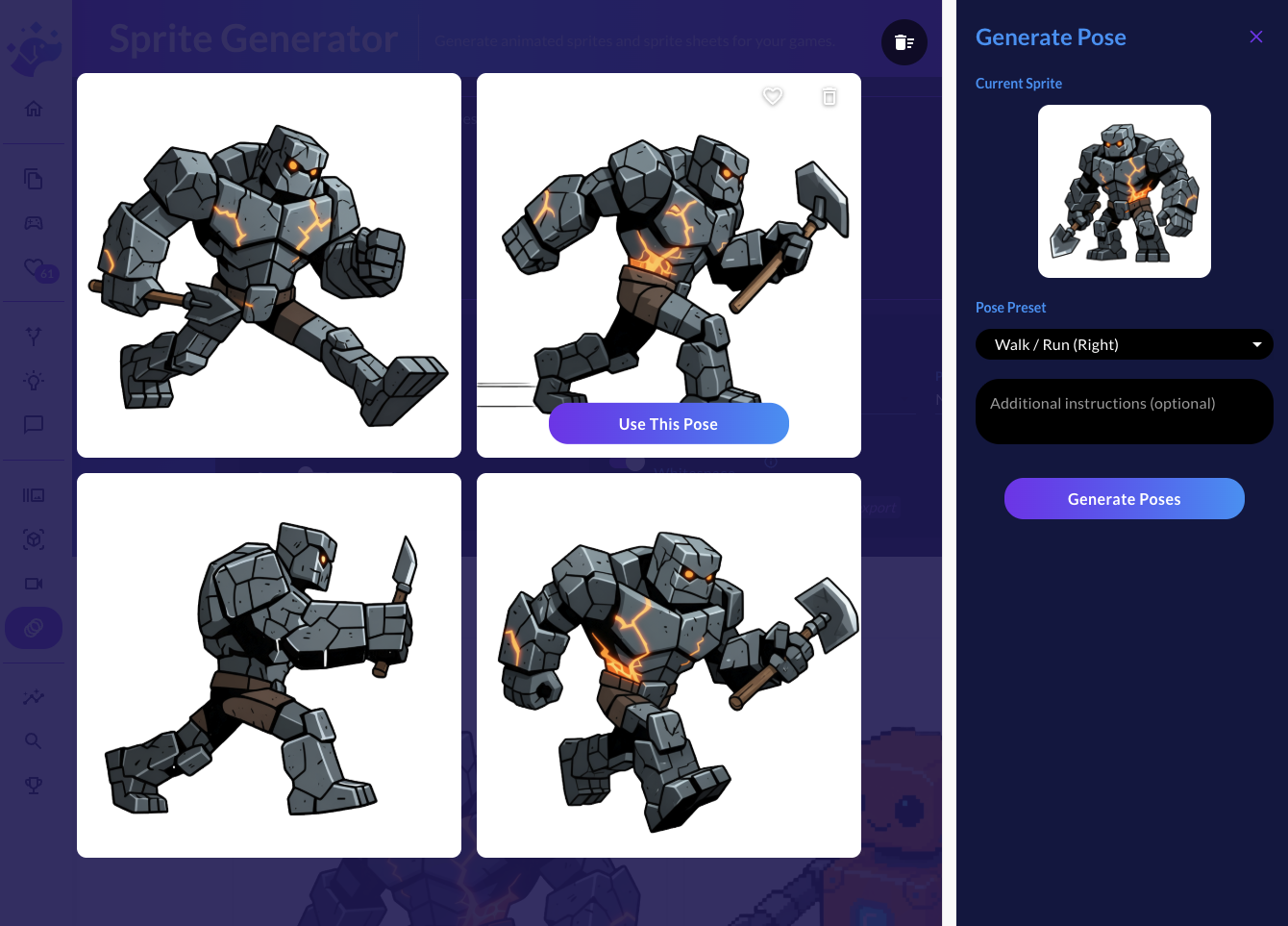
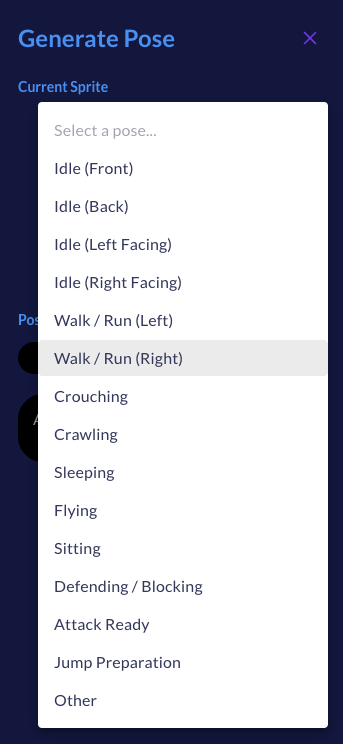
- Click Change Direction. Pick one of eight angles on the compass (Front, Front-Right, Right, Back-Right, Back, Back-Left, Left, Front-Left) and an Elevation (Keep, Eye-level, Elevated or High), then Generate.
- Hover the version you like and click Use in Animation.

You can also skip the copy and use Choose Image to start from your own drawing of the character in the new direction.
Generate New Direction stays off while the First Frame is still the source's own frame, because that would only re-render the animation from the angle it already has. The note under the slot tells you to turn it first.

Two optional extras:
- Final Frame: by default the new animation returns to its first frame, so loops stay loops. Add a final frame only if it should end somewhere else.
- Instructions: a few words to guide the result, like "its back to the camera" or "the kick goes to the left of the frame".
Duration and credits
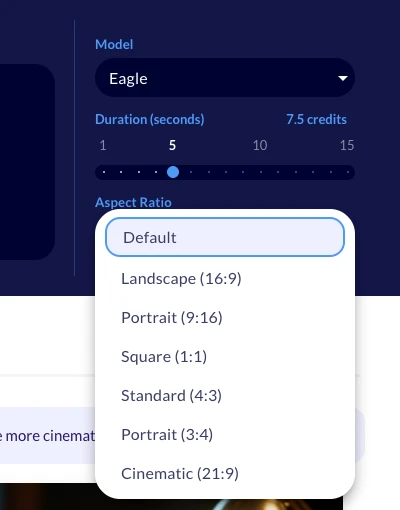
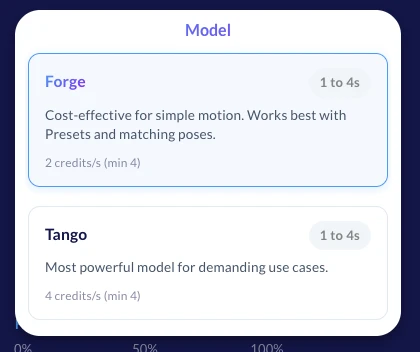
New Direction runs on Hydra. The Duration slider goes from 3 to 5 seconds and starts at the source animation's length, or at 3 seconds if the source is shorter. At 3 credits per second, a new direction costs 9 to 15 credits. Credits are held for the length you pick, and you are charged for what is generated.
Animation Margin works as it does in Animate: Auto, Manual or No margin, for motions that need extra room.
Try it
Open the Sprite Generator, find an animation you like, and choose New Direction from its card menu. Copy the source frame, turn it with Change Direction, and hit Generate New Direction. Then run it again with another angle on the compass, one direction at a time.
Building on the API? New Direction is available as rotateSpritesheet on the API and MCP, and as ludo sprite rotate-sheet in the Ludo CLI.
Show us your full sets of directions on Discord!